Table of Contents
Understand configure play tom Clancy's ghost recon: breakpoint with a clear overview of the main facts, practical guidance, and important points to consider before taking action.
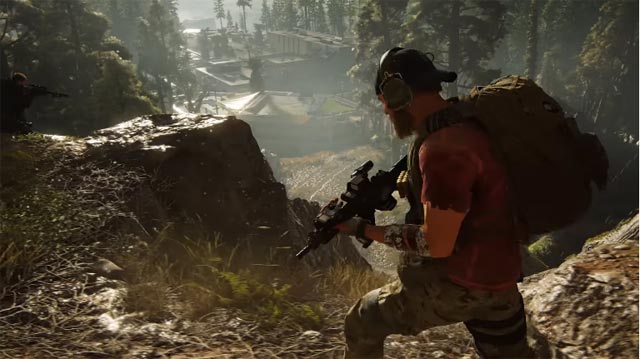
Tom Clancy's Ghost Recon game: Breakpoint recently leaked right before the official announcement worldwide. A photo of the Wolves Collector's Edition version that appeared online revealed the game's content.
And then Ubisoft decided to unveil the veil of secret, launching the first official video trailer of Ghost Recon: Breakpoint with the basic content and gameplay of the game. There is also information confirming that the official launch date will be October 4, 2019. So the story content and how to configure Ghost Recon: Breakpoint, please refer to the content below.
- PUBG Mobile player configuration on latest phones and computers
- How to download the New Grand Master VNG on the computer
- Configuring Seriko Shadows Die Twice on computer, laptop
- Configure PlayerUnknown's Battlegrounds on the computer
Introducing Tom Clancy Ghost Recon: Breakpoint
Ghost Recon Gameplay and Gameplay: Breakpoint
Ghost Recon: Breakpoint is set in a fictional archipelago on the Pacific coast called Auroa and is owned by Jace Skell. CEO of Skell Technology private corporation. This is a corporation specializing in unmanned devices and artificial intelligence.
Ghost Recon: Breakpoint will be a sequel to the Ghost Recon game: Wildlands launched in 2015, allowing up to 4 co-op players together, the gameplay is still a secret action throughout the open world. game
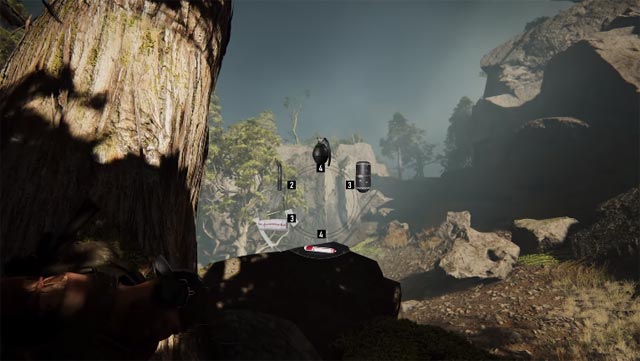
In addition, there will be new features, including survival factors and new dialogue options. Along with a wide range of characters, many more. There is also a Raid system in Ghost Recon: Breakpoint, this is the first time this system has appeared in this brand.
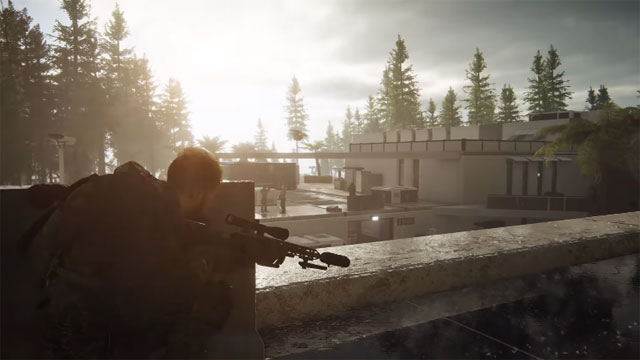
The element of attention in Ghost Recon: Breakpoint is that the game will have many ending. Currently, the creative director of Ghost Recon, Eric Couzian, has not yet confirmed the number of endings in the game, but he only revealed that there is not only one ending in the game.
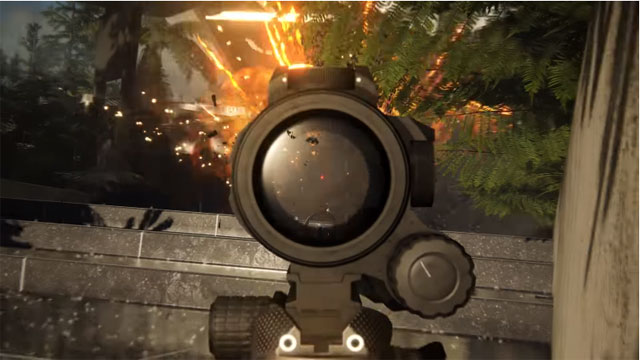
Ubisoft has also released a gameplay video enough for players to have a clearer view of the new features that will be available in the game. The video emphasizes the action elements in the game, when the player is running away from the enemy's sweep, which is when the new features and mechanisms first appear.
Configuration to Play Ghost Recon: Breakpoint
With a level of graphics that is considered to be quite realistic, Ghost Recon: Breakpoint will have an uneasy configuration requirement for PC gamers. Below is the configuration of Ghost Recon: Breakpoint
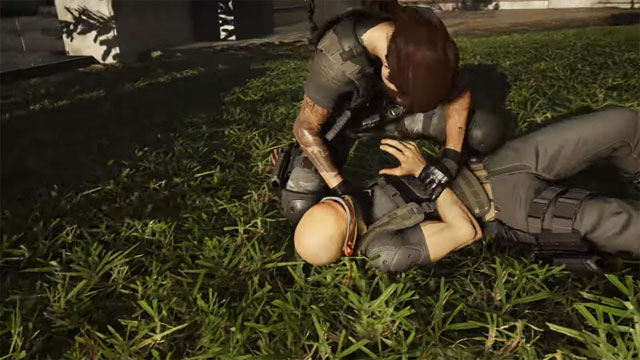
Minimum configuration to play Ghost Recon: Breakpoint on the computer
- Processor: Intel Core i5-4670 or AMD FX-8120
- RAM memory: 6 GB
- Operating system: Windows 7 SP1, Windows 8. 1, Windows 10 (64-bit)
- Graphics card: NVIDIA GeForce GTX 960 or AMD Radeon R7 265 (2GB VRAM with Shader Model 5. 0 or better)
- PIXEL SHADER: 5. 0
- VERTEX SHADER: 5. 0
- Required VRAM: 2048 MB
Configured request Ghost Recon: Breakpoint on the computer
- Processor: Intel Core i7-6770 or AMD Ryzen 7 1700
- RAM memory: 8 GB
- Operating system: Windows 7 SP1, Windows 8. 1, Windows 10 (64-bit)
- Graphics card: NVIDIA GeForce GTX970 / GTX 1060 or AMD R9 290X / R9 390 / RX480 (4GB VRAM with Shader Model 5. 0 or better)
- PIXEL SHADER: 5. 1
- VERTEX SHADER: 5. 1
- VRAM: 4096 MB
Above are some pictures and original information about the storyline, gameplay and configuration playing Ghost Recon: Breakpoint. If you are a fan of the Tom Clancy's brand, then surely you can't ignore it.
FAQ
What is the main point of configure Play Tom Clancy's Ghost Recon: Breakpoint?
Understand configure play tom Clancy's ghost recon: breakpoint with a clear overview of the main facts, practical guidance, and important points to consider before taking action.
Which details should readers focus on?
The most useful sections cover introducing Tom Clancy Ghost Recon: Breakpoint, ghost Recon gameplay and gameplay: Breakpoint, configuration to play Ghost Recon: Breakpoint. Use those points to understand the topic before taking action.
Where can I verify current information?
Check the relevant developer, manufacturer, or service provider's official documentation, release notes, and support pages for current requirements and policies.
Related Articles
 How Ghost Windows 7/8, Windows 10 with Onekey Ghost5 minutes read
 What Is Ghost Win? the Way Ghost Win 10 Is Simple and Fast5 minutes read
 Instructions on How to Ghost Windows 7 Using USB6 minutes read
 Ghost Win from HDD to SSD with Onekey Ghost - How to Do and5 minutes read
 Backup and Ghost Reinstall Win with Norton Ghost from HDD10 minutes read
 Build the Phantom DTCL Team in Season 157 minutes read
Reader Comments 0
Sign in with email or Google to join the discussion.