Table of Contents
This guide provides a clear overview of atomic heart configuration, including Minimum Configuration Atomic Heart on PC, Recommended Configuration Atomic Heart PC. Use it to understand the topic, compare the available options, and make a more informed decision.
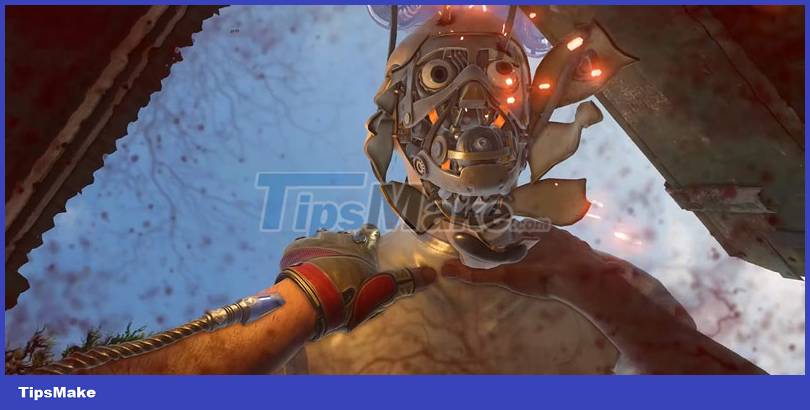
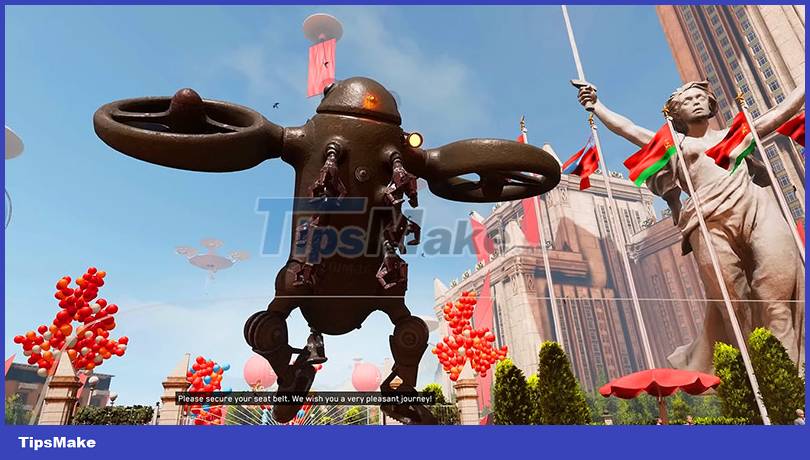
The game is considered to have impressive graphics and is completed in a thorough and meticulous way. Even with hardcore gamers, Atomic Heart still receives support and compliments. And below is the Atomic Heart graphic on PC, which is considered to be in the mid-range of current computer configuration.
Minimum Configuration Atomic Heart on PC
Requires 64-bit processor and operating system
- Operating system: Windows 10 (version 20H1 or later, 64-bit version)
- CPU: AMD Ryzen 3 1200 or Intel Core i5-2500
- RAM memory: 8 GB RAM
- Graphics Card: 4 GB VRAM, AMD Radeon R9 380 or NVIDIA GeForce GTX 960 DirectX: Version 12
- Hard disk space: 90 GB of available space
- Additional Notes: 30 FPS, 1920x1080 on low
Recommended Configuration Atomic Heart PC
- Operating system: Windows 10 (version 20H1 or later, 64-bit version)
- CPU: AMD Ryzen 5 2600X or Intel Core i7-7700K
- RAM memory: 16 GB RAM
- Graphics Card: 8 GB VRAM, AMD RX 6700 XT or NVIDIA GeForce RTX 2070
- DirectX: Version 12
- Hard disk space: 90 GB of available space
- Additional Notes: Recommended SSD, 60 FPS, 1920x1080 in extreme mode
Some Information About Atomic Heart

As mentioned above, you combine your weapons and skills to fight enemies. But to be most effective, you need to combine the right skill with your weapon that is suitable for each opponent.
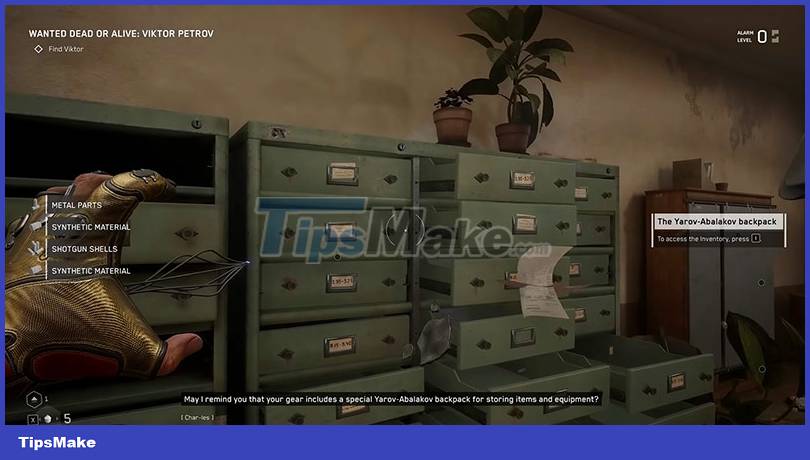
Like BioShock, where you start with a wrench and an electric shock attack called a spark, Atomic Heart more or less does the same but with an ax. The difference is that Atomic Heart's electric shock feels rather light.
The journey will feature pretty standard base weapons (melee weapons, pistols, shotguns, grenade launchers) but will be further nuanced by some great personal twists. For example, the Zappy pistol that you can upgrade to a damage beam and can be cooldown.
You can customize your weapon to a variety of damage types, such as electric damage with robots and bleeding damage against flesh-and-blood enemies. And many other effects like knocking or dealing damage.
Some highlights of Atomic Heart:
- A sci-fi world, both crazy and supernatural.
- Spectacular and uncompromising battle.
- Giant machines and mutants with a variety of skills and advanced weapons that you have to confront.
- Upgrade your diverse arsenal of weapons and equipment.
Conclusion
Understanding Atomic Heart Configuration makes it easier to compare options, avoid common mistakes, and apply the information in this guide more effectively. Review the relevant requirements before making changes or choosing a solution.
FAQ
What is Atomic Heart Configuration?
The game is considered to have impressive graphics and is completed in a thorough and meticulous way.
Why is Atomic Heart Configuration important?
Understanding Atomic Heart Configuration helps you evaluate features, compatibility, performance, and potential limitations before you choose a product or follow a procedure.
What should you consider when using or choosing Atomic Heart Configuration?
Consider your specific goal, compatibility requirements, available features, cost, security, and the practical recommendations described in this guide.
Related Articles
 If the Atomic Bomb Exploded in the Ground, What Horrible Thing3 minutes read
 Smooth Play Configuration Lol, Configure League of Legends Play3 minutes read
 Configure Playing Only Up, Configure Only Up on PC5 minutes read
 Signs of Heart Disease Should Not Be Ignored4 minutes read
 Configure Play Diablo 4 on the Computer3 minutes read
 Close-up of the World's Most Accurate Atomic Clock: What to Know4 minutes read
Reader Comments 0
Sign in with email or Google to join the discussion.