Table of Contents
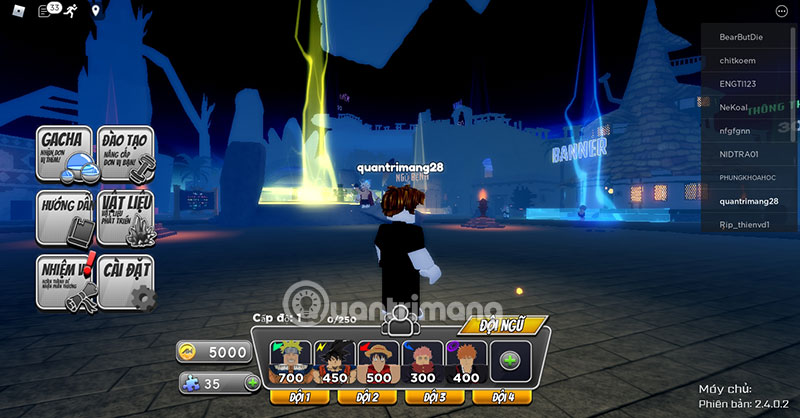
Redeem Anime World Tower Defense codes in the game’s Settings menu on Roblox. For new releases, start with announcements from Lazy Cat Studio. Older code lists often keep event codes long after the event ends, and public trackers currently disagree about which codes still work.
How to redeem a code
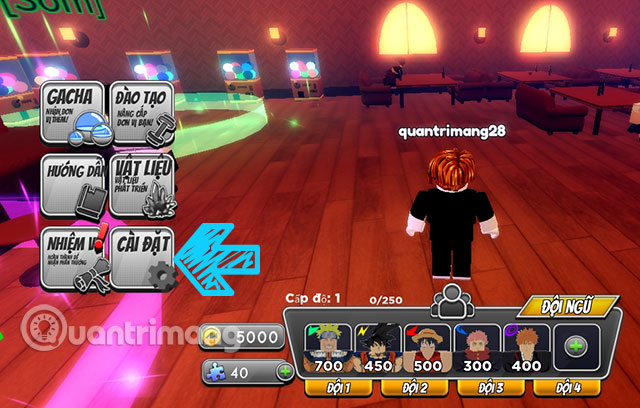
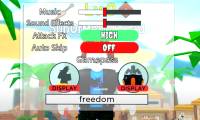
Open the official Anime World Tower Defense experience on Roblox. In the lobby, open the gear icon for Settings.
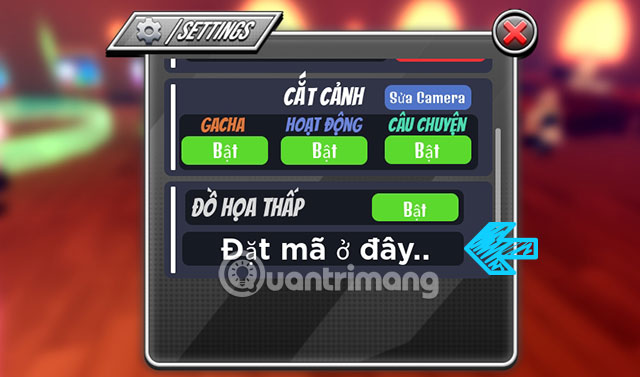
Scroll to the code field and paste one code at a time. Keep the original capitalization and remove any extra spaces.
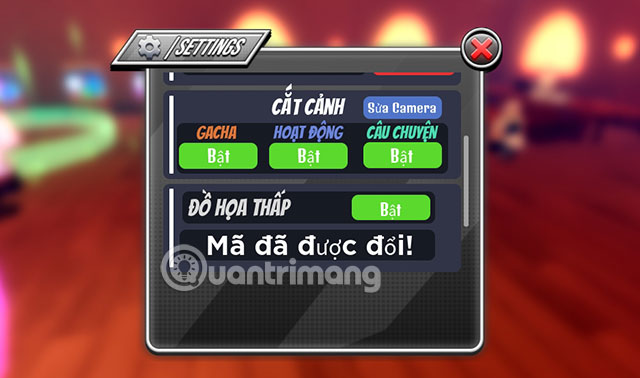
Submit the code and check the on-screen response. A successful redemption should show a confirmation. Rewards depend on the code.
Where to find new codes
Check the developer’s announcements and any community links listed on the official Roblox experience page. Copy a code from the announcement and check for an expiration date or eligibility requirement. If you use a community code tracker, treat its status as a lead and use the in-game response to confirm it.
Older event codes
These examples appeared in earlier event lists. Their current redemption status is unverified.
| Event | Example codes |
|---|---|
| Daily Festival | DailyFestivalFinalDay, DailyFestivalDay14Update, DailyFestivalDay13Update |
| Easter 2025 | Easter2025ExtraUpdatePatch2, Easter2025ExtraUpdatePatch1, Easter2025ExtraUpdate |
| New Year 2025 | NewYear2025PT3Update, NewYear2025PT2Update, NewYear2025Update |
What to check if a code fails
- Invalid: Check the spelling, capitalization, and Roblox experience. Codes for other games, such as All Star Tower Defense, use a separate redemption system.
- Expired: Check the original event announcement for the end date, then look for a newer code.
- Already redeemed: Check the relevant currency balance or inventory before trying again.





Reader Comments 0
Sign in with email or Google to join the discussion.