Table of Contents
Calcurse serves as an open source, Linux-exclusive task scheduling and scheduling program designed specifically for the command line.
Sure, you can save a few clicks by using clever Google Calendar shortcuts or by memorizing specific keystrokes. But the problem with graphical interfaces is that they require you to constantly scroll and interact with them. However, if the majority of your workflow takes place in the terminal, switching to a text-based calendar can be surprisingly efficient.
What is Calcurse?
Traditional productivity, modern efficiency
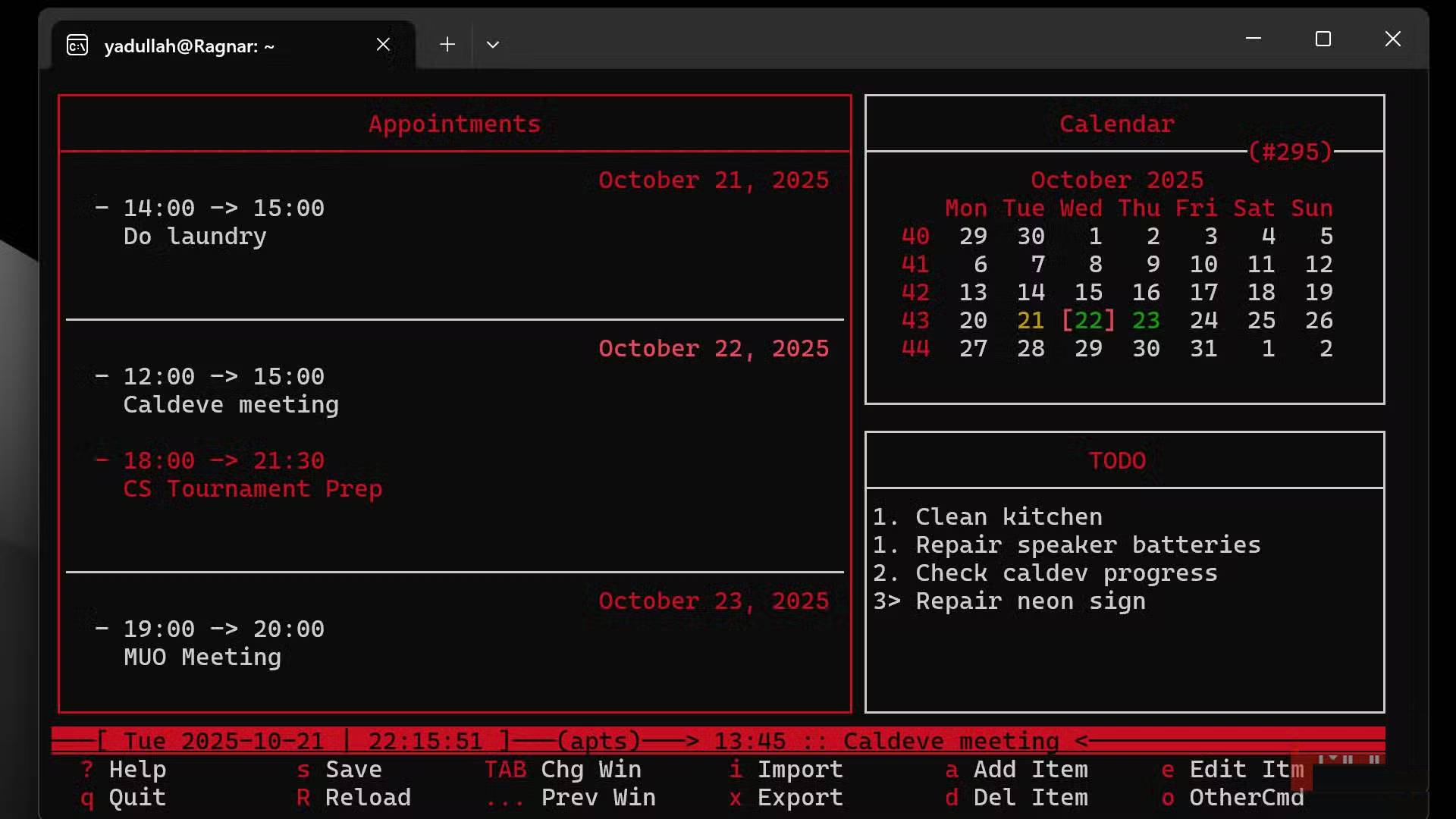
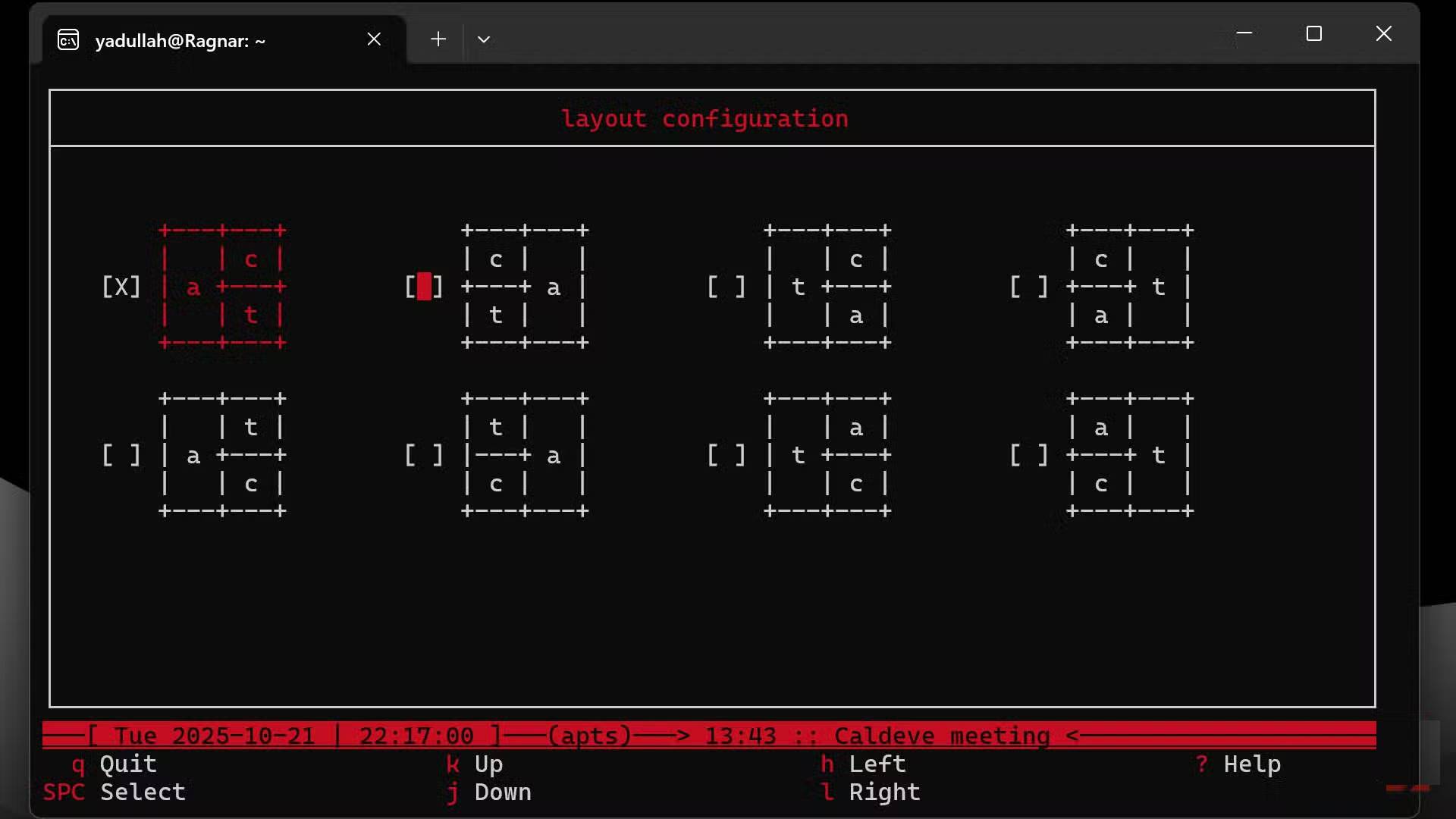
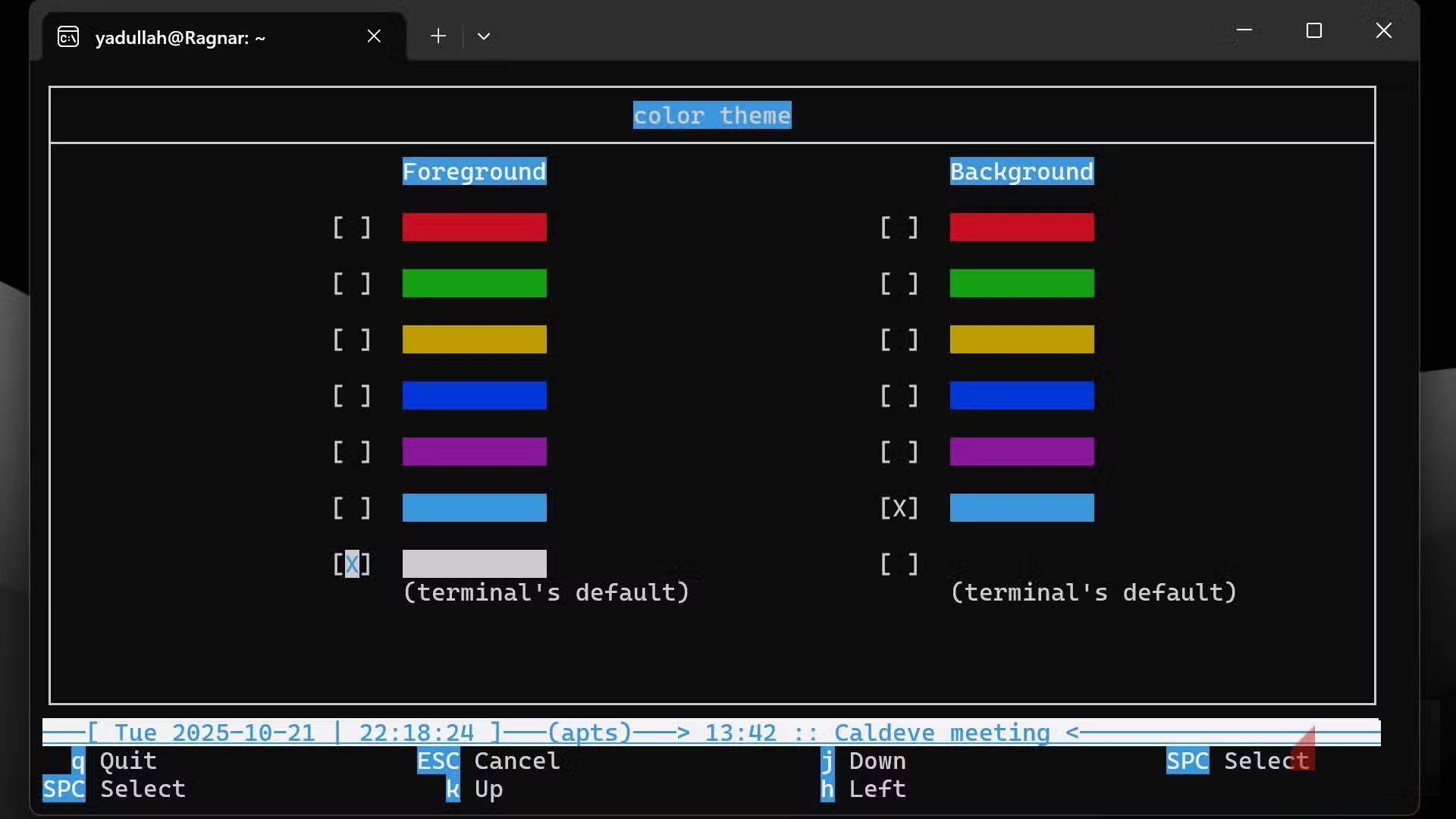
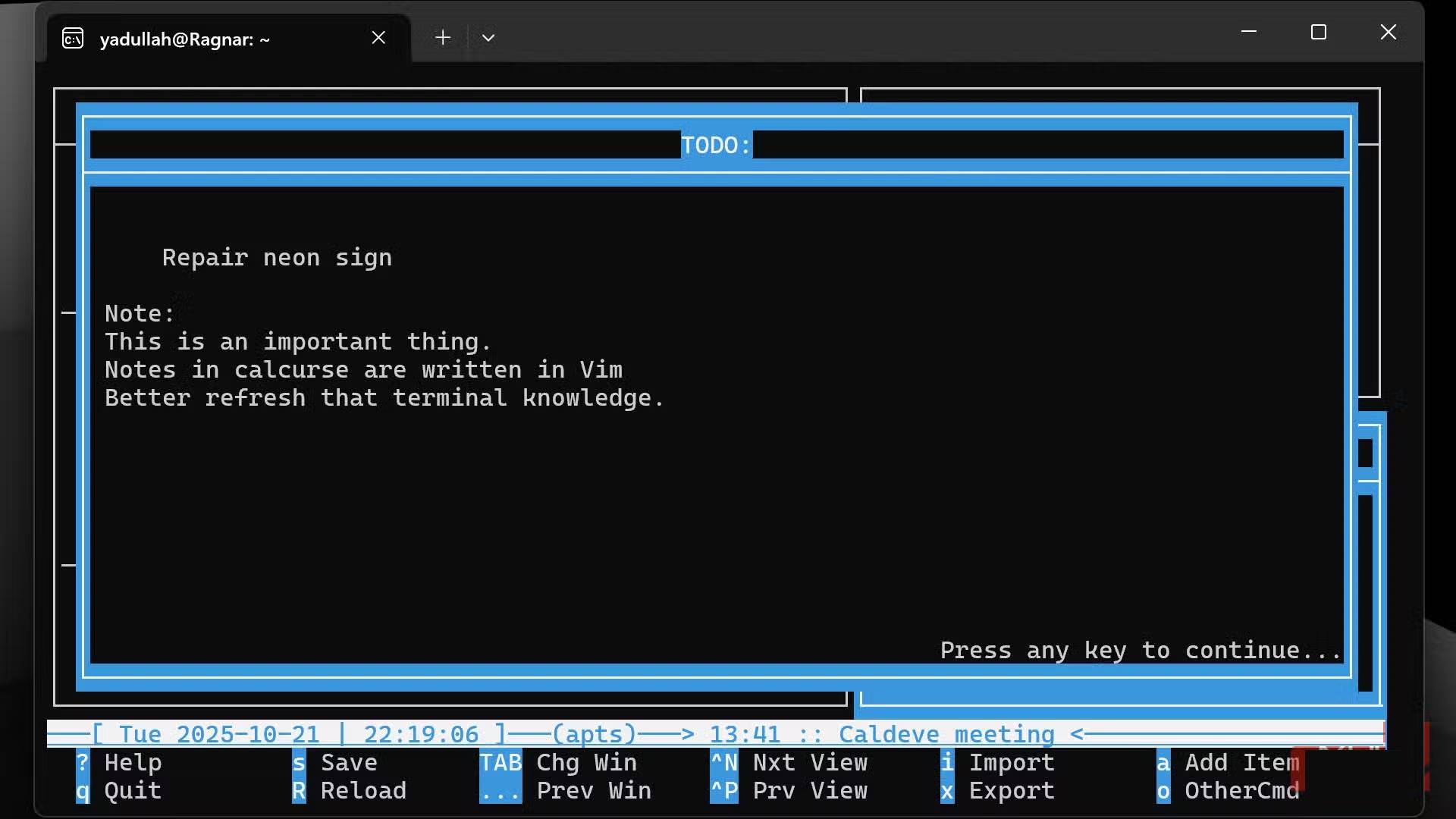
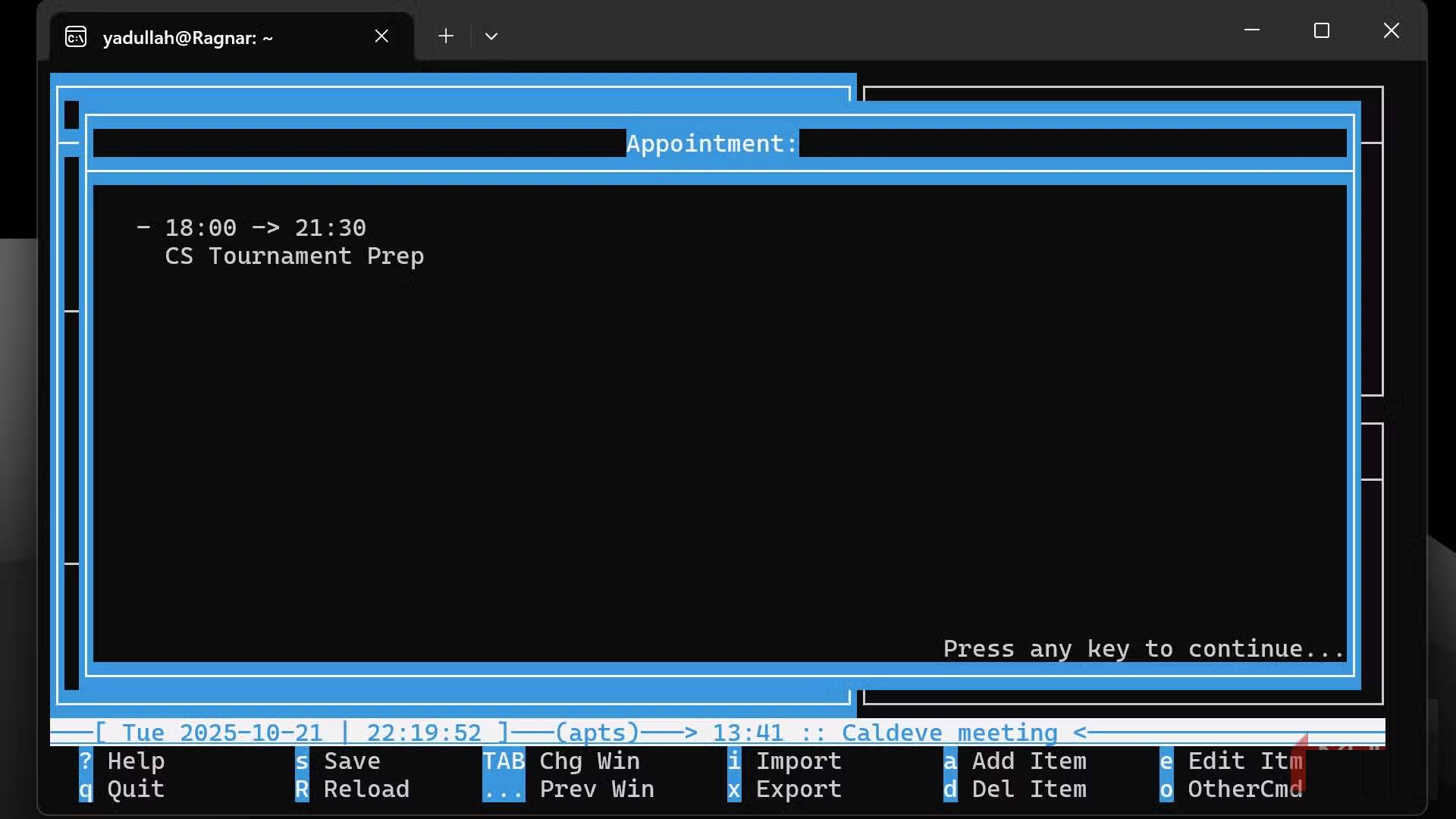
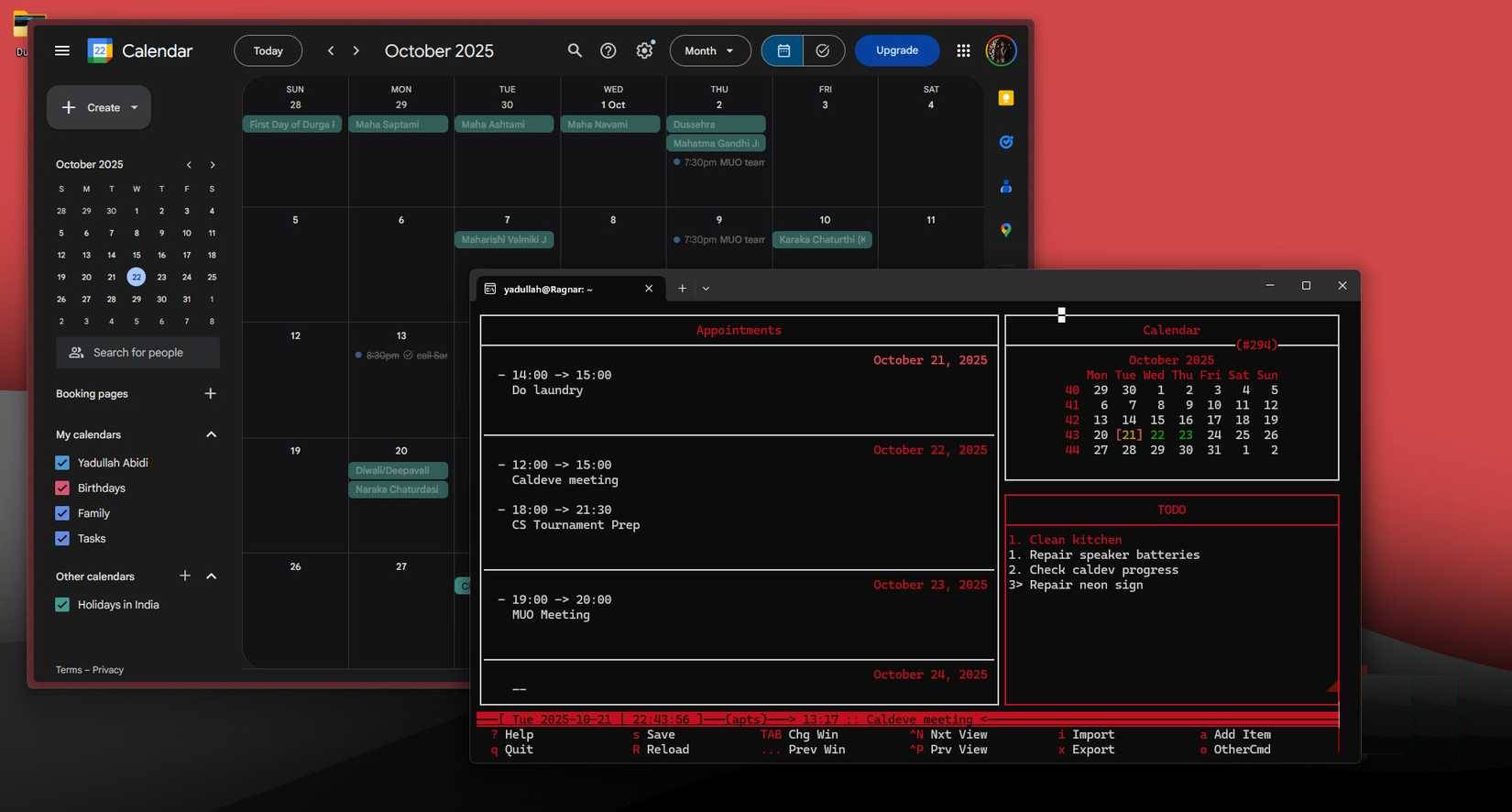
Calcurse is an open-source, Linux-exclusive calendar and scheduling program designed exclusively for the command line. When you launch it, you'll see a clean, simple interface divided into three main sections: your appointments on the left, a monthly calendar view in the upper right, and a to-do list in the lower right. Everything is controlled by the keyboard, and all your data is stored in plain text files on your computer.
At first glance, the whole interface might seem complicated if you're used to colorful, clicky calendar apps. But Calcurse's simplicity is perfect for productivity. It's dedicated to one thing—keeping track of your tasks and appointments. It's just you, your schedule, and a blinking cursor.
Command line doesn't mean lack of features
You don't need fancy buttons to get real work done.
Just because calcurse is a basic, command-line-based calendar doesn't mean it's lacking in features. It handles all the essential calendar features you'd expect, including recurring appointments, all-day events, customizable reminders, and notes for each entry. You can also set up command-triggered notifications or send emails.
There is also a fairly flexible command line query system that you can use to get specific data. For example, if You should see all appointments for the next 7 days, run calcurse -r7 In the terminal and get clear text output. You can also export your schedule to various formats using the Calcurse -x Command.
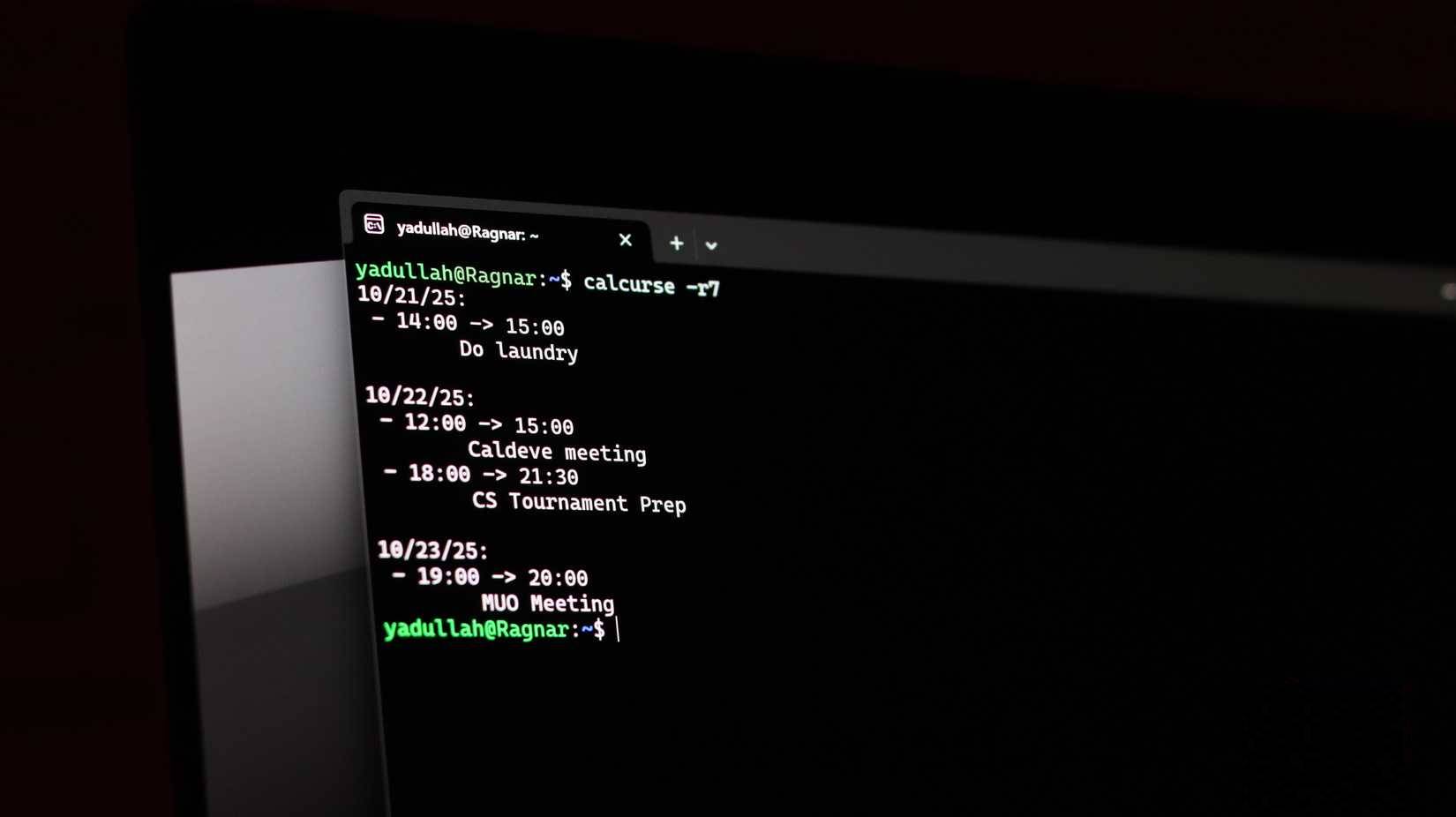
This makes calcurse extremely easy to code. You can easily write scripts to integrate it with other tools, automate workflows, or even keep your calendar in version control with Git - a pretty useful way to use Git without being a programmer.
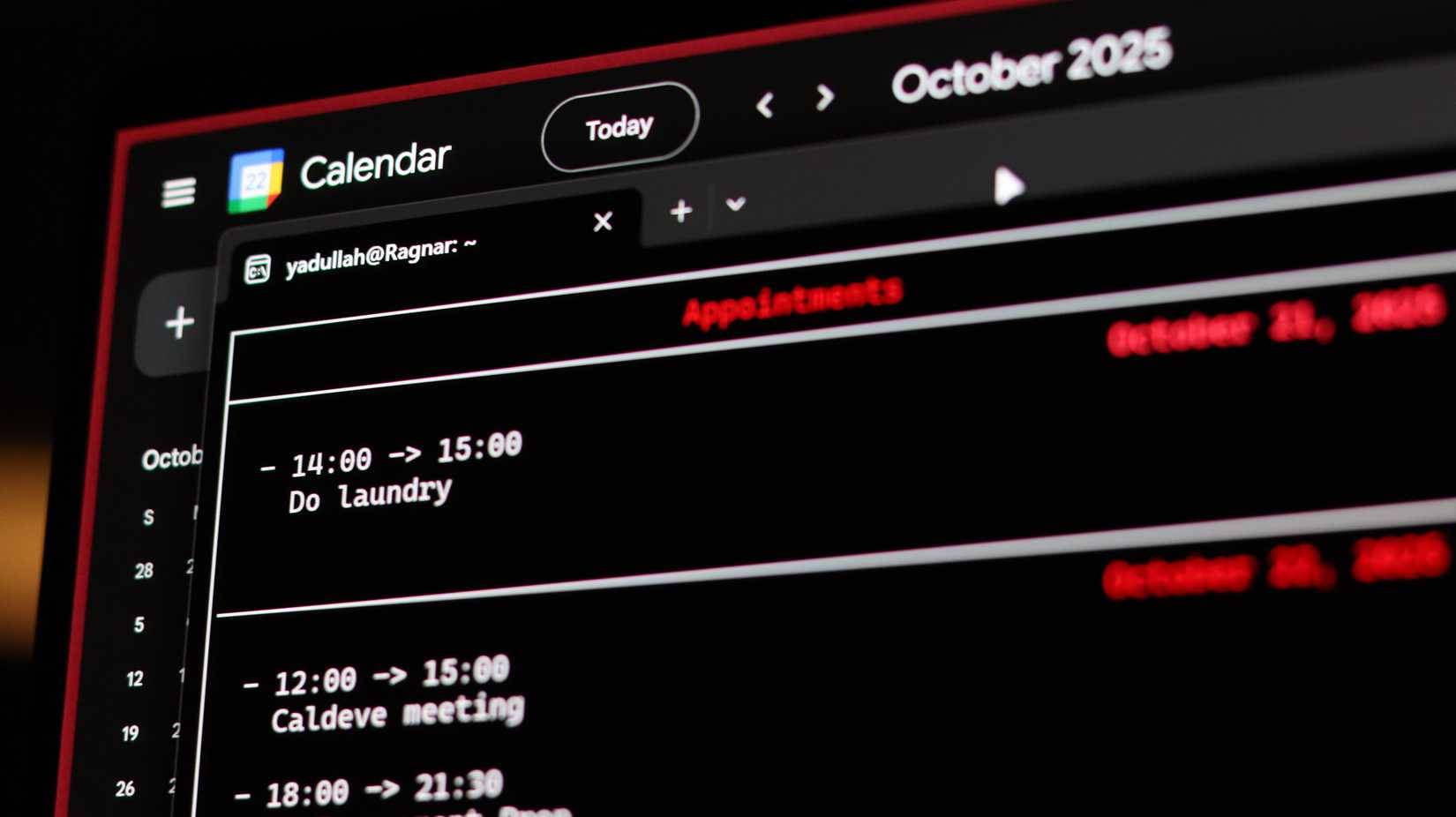
Finally, installing calcurse is pretty easy. You can use your specific Linux distribution's package manager to install it with a single terminal command. If you're on Windows, using WSL with Ubuntu (or any other Linux distribution) should work seamlessly. You can check out the official GitHub repository for a full list of compatible Linux distributions.
The GUI calendar has some good points
A beautiful interface is not completely useless
While calcurse is effective, it's not perfect. Graphical calendars have many good points, starting with their convenience. Yes, they have more distracting and unnecessary features, but they're also incredibly easy to use and you don't have to spend days learning keyboard shortcuts.
They also sync seamlessly and provide almost every feature any professional, student, or casual user needs to stay on top of their schedule. Additionally, calcurse doesn't have drag and drop functionality, doesn't integrate with Gmail or Google Meet links, and if your workflow relies heavily on group scheduling, calcurse is almost unsuitable.
Another advantage of Calcurse is the automatic time zone adjustment feature. If you work with people around the world, then the automatic time zone adjustment of the calendar is a very important feature that cannot be overlooked.
Victory Terminal
Speed, focus and no distractions
Despite its limitations, many people stick with Calcurse for one reason: it forces them to be more proactive with their time. When adding each event requires typing rather than clicking a few buttons, you have to think harder about whether it's really worth having in your schedule. The whole process brings a surprising amount of focus that you might not expect.
If you're deep into the tech world and want to try something completely different, give Calcurse a try. It might feel a little strange at first, but managing your life from a terminal window is refreshing, especially if you have it open most of the time.
FAQ
What should you know about calcurse?
In practical terms, calcurse is an open source, Linux-exclusive task scheduling and scheduling program designed specifically for the command line.
Why does calcurse matter?
The article highlights that just because calcurse is a basic, command-line-based calendar doesn't mean it's lacking in features.
What is the main takeaway?
The main takeaway is that for example, if you need to see all appointments for the next 7 days, run calcurse -r7 in the terminal and get clear text output.
Related Articles
 How to Play Pokémon GO on a Computer6 minutes read
 How to Play Pokémon GO on a Smartphone6 minutes read
 26 Types of Poké Balls Explained: Part 25 minutes read
 How to Earn and Use Stardust in Pokémon GO5 minutes read
 Pokémon GO Eggs: Incubation and Hatching Guide4 minutes read
 26 Types of Poké Balls Explained: Part 18 minutes read
Reader Comments 0
Sign in with email or Google to join the discussion.