Table of Contents
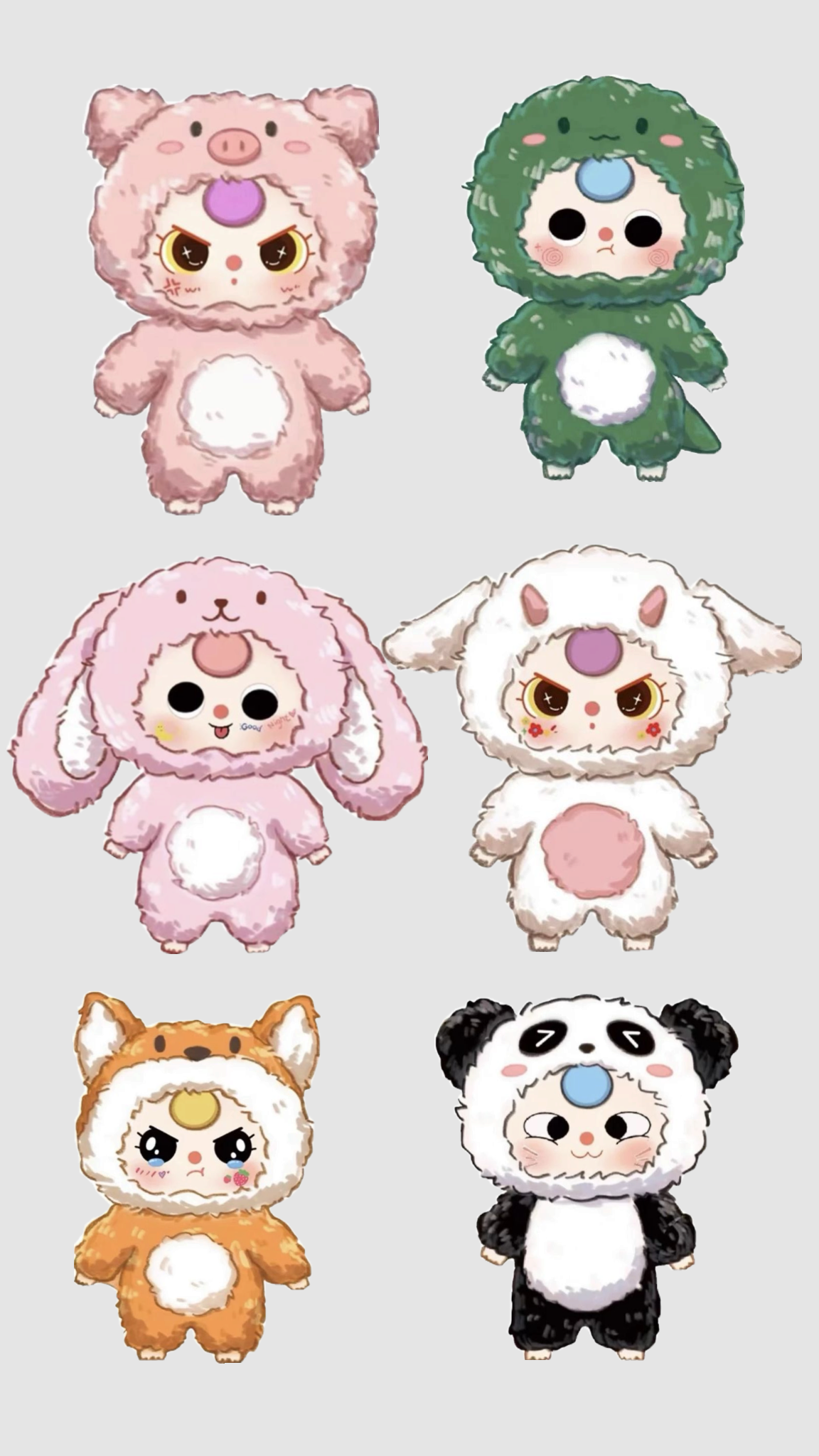
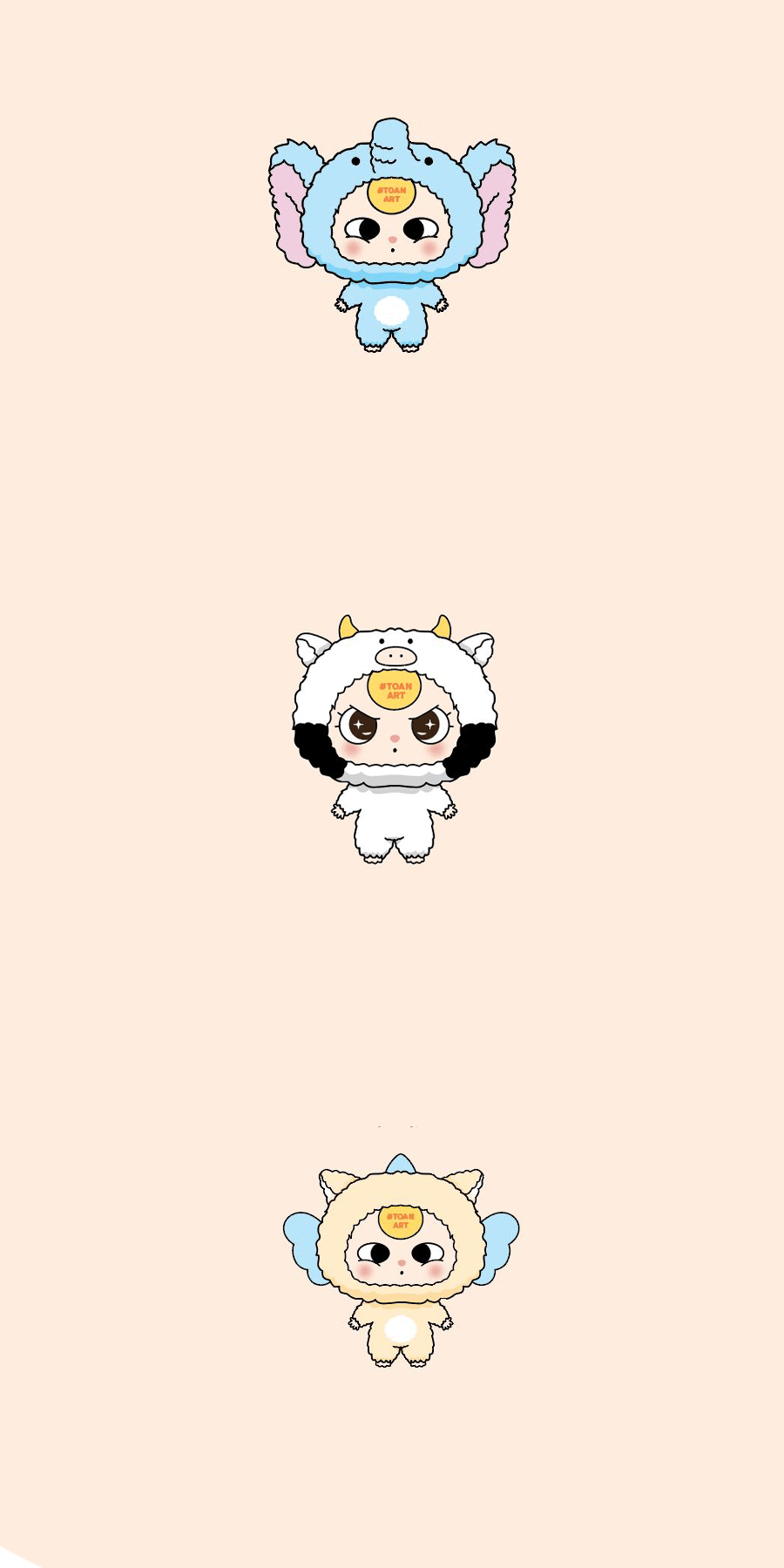
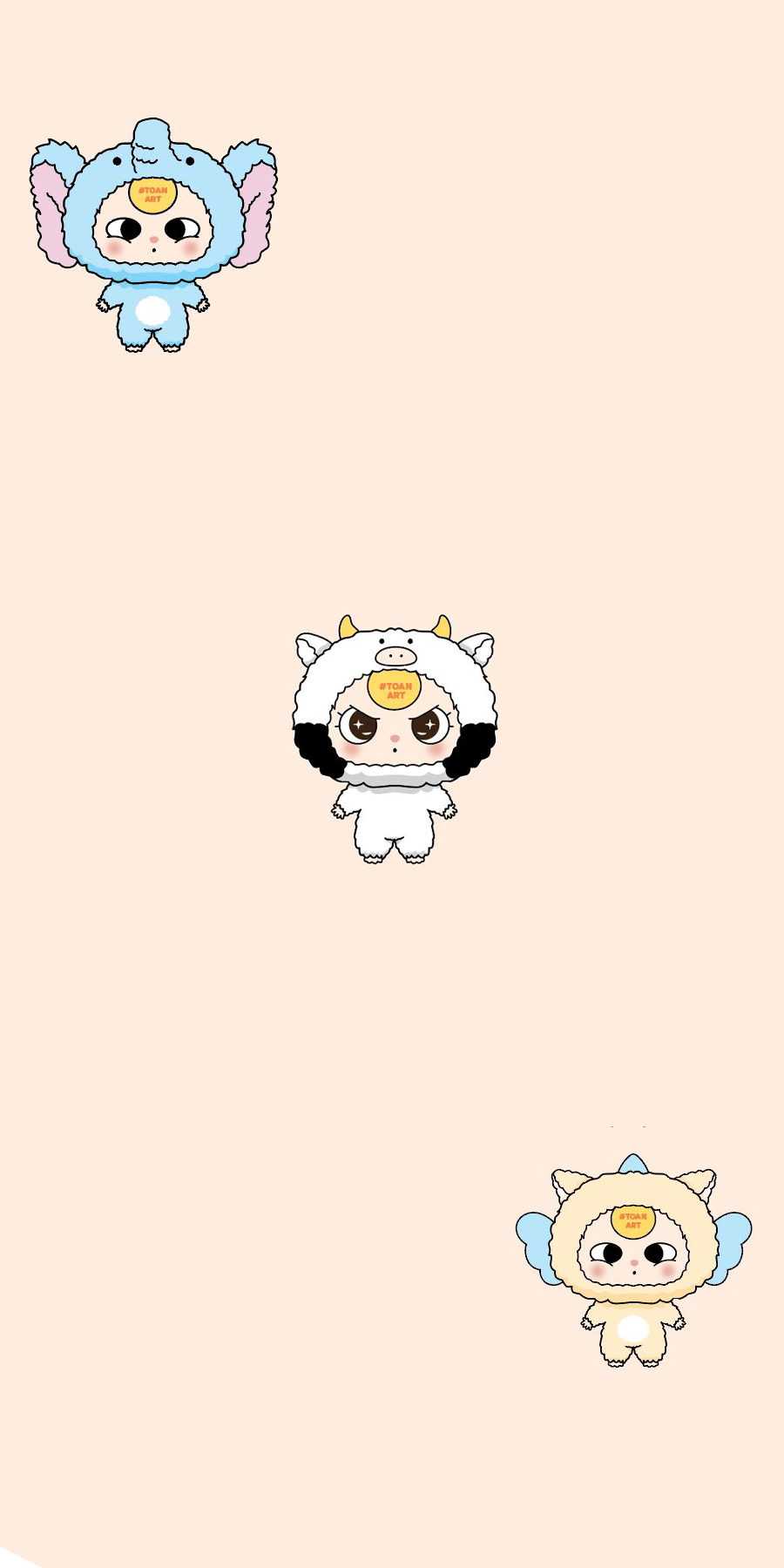
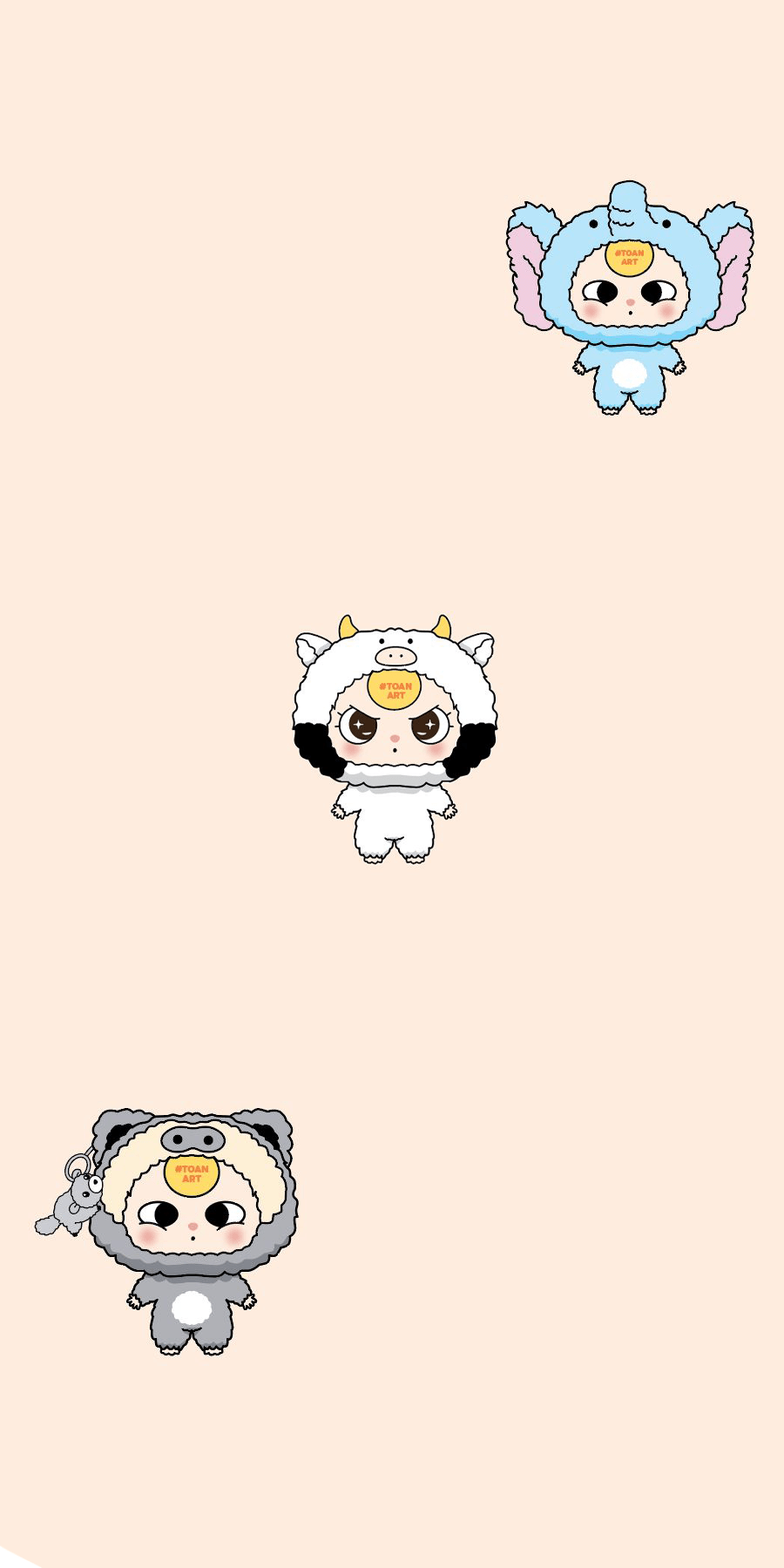
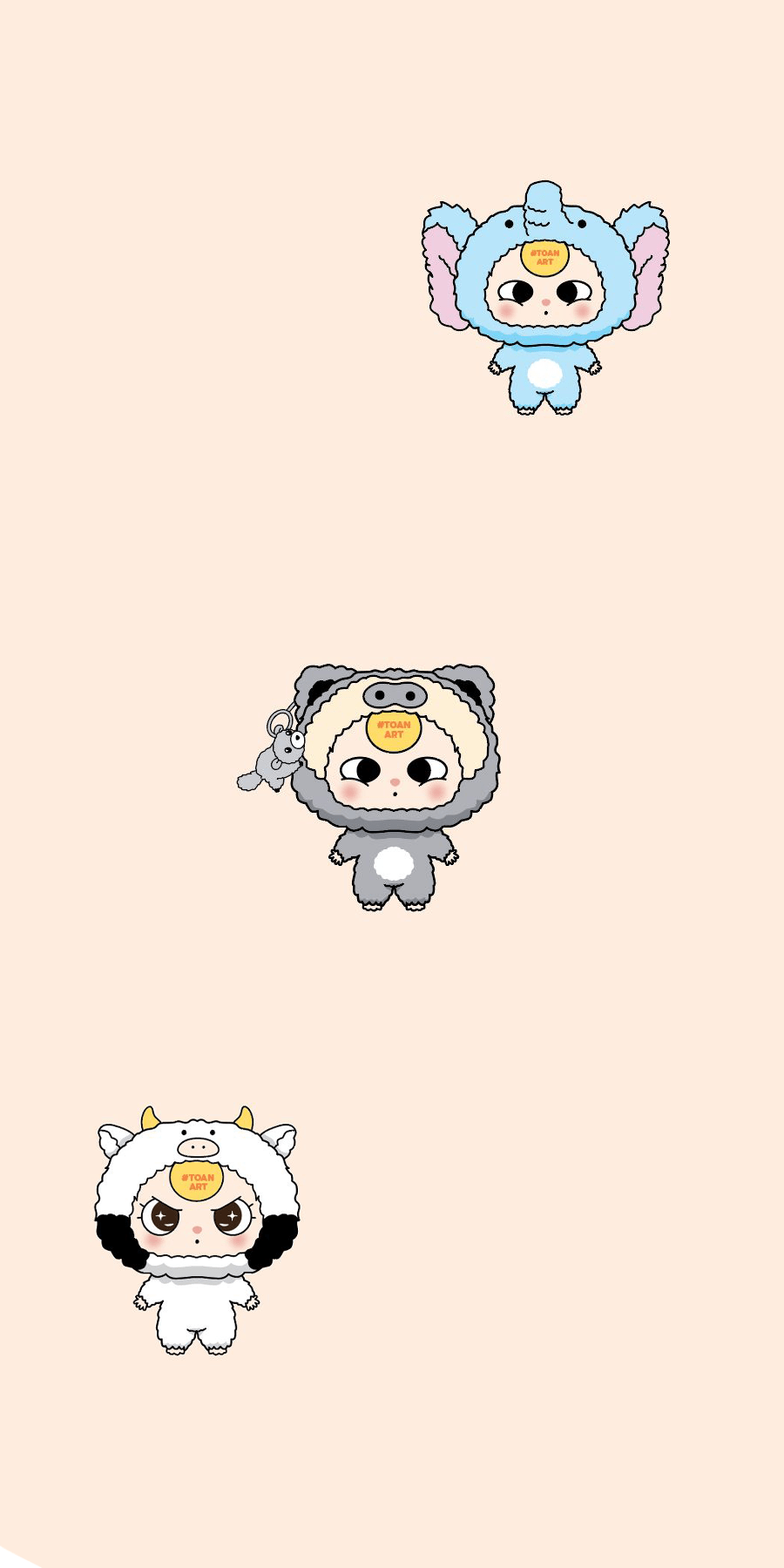
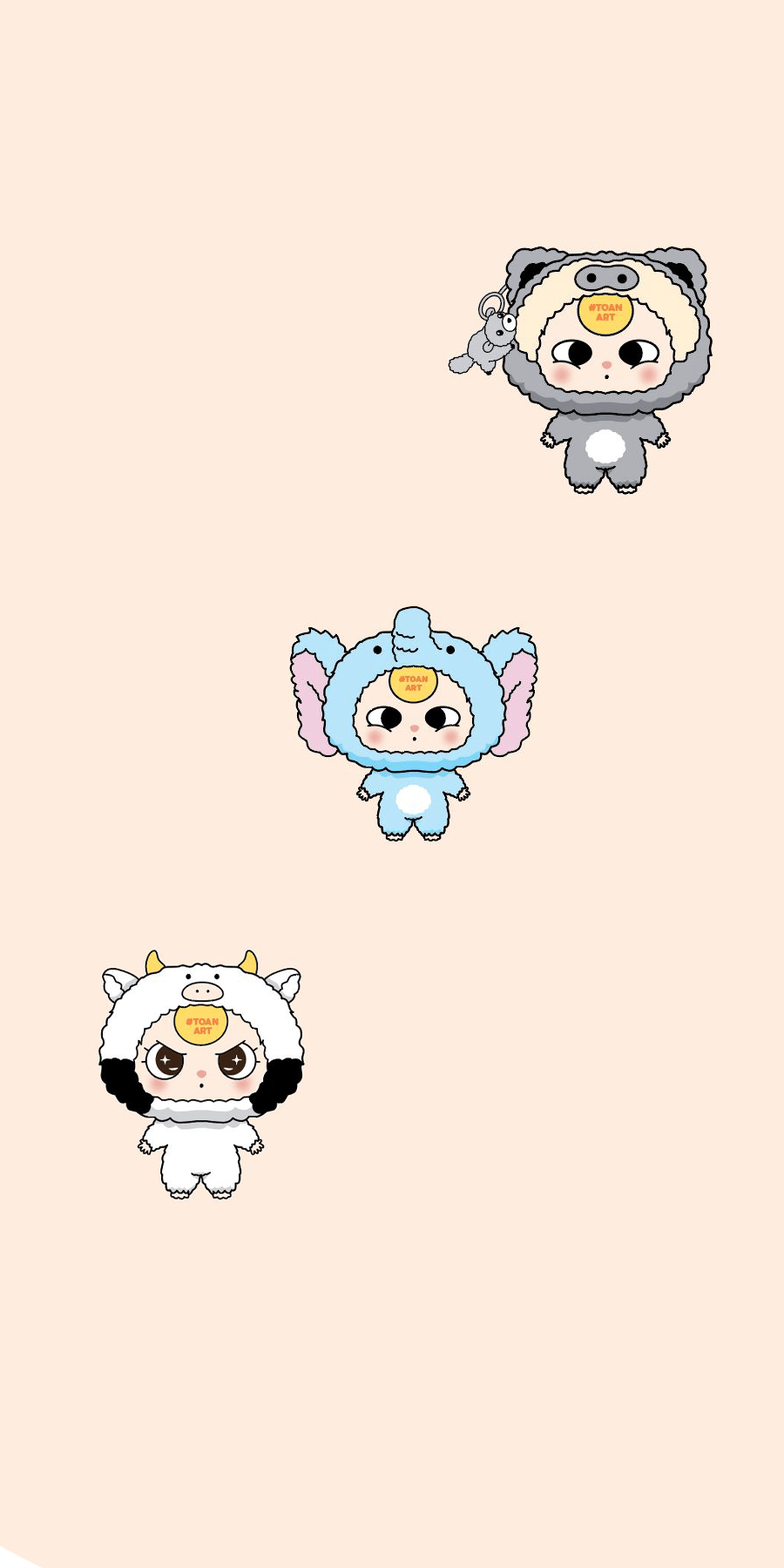
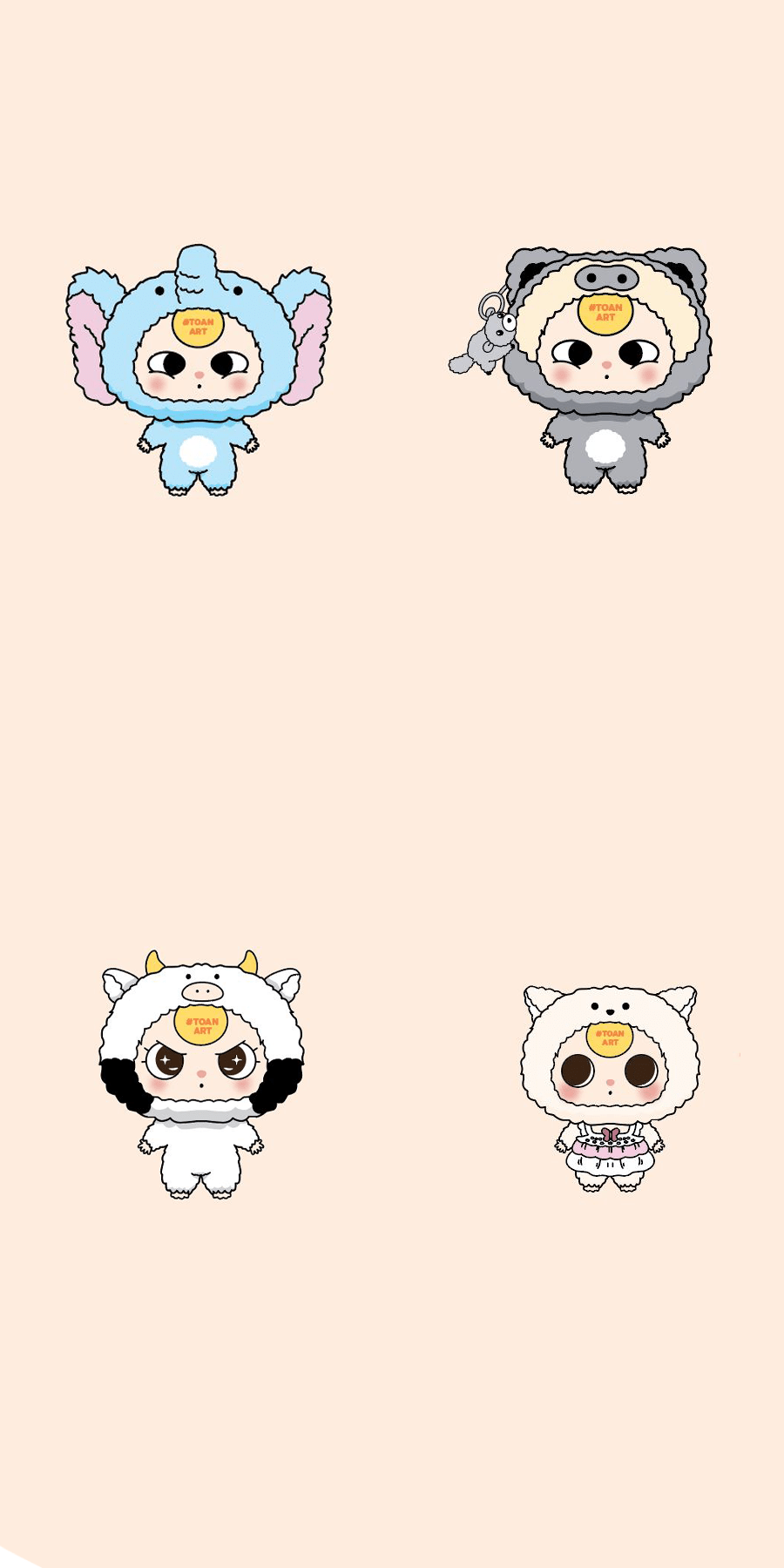
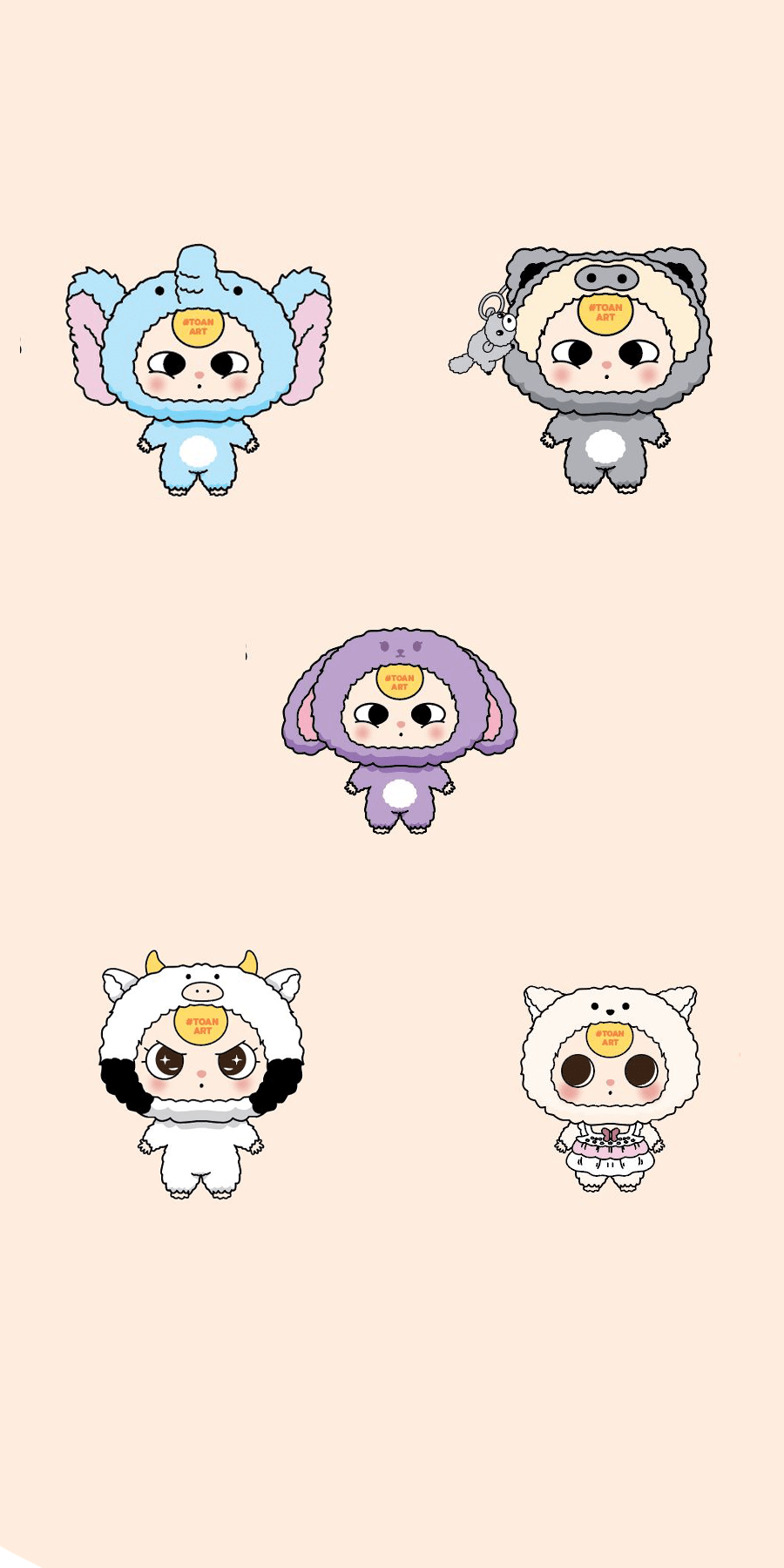
Browse the Baby Three doll wallpapers below and save the image you want to use as a background. A tall image usually fits a phone screen with less cropping. For a laptop or monitor, look for a wider image or place the character in the center with space on either side.
Baby Three wallpaper gallery
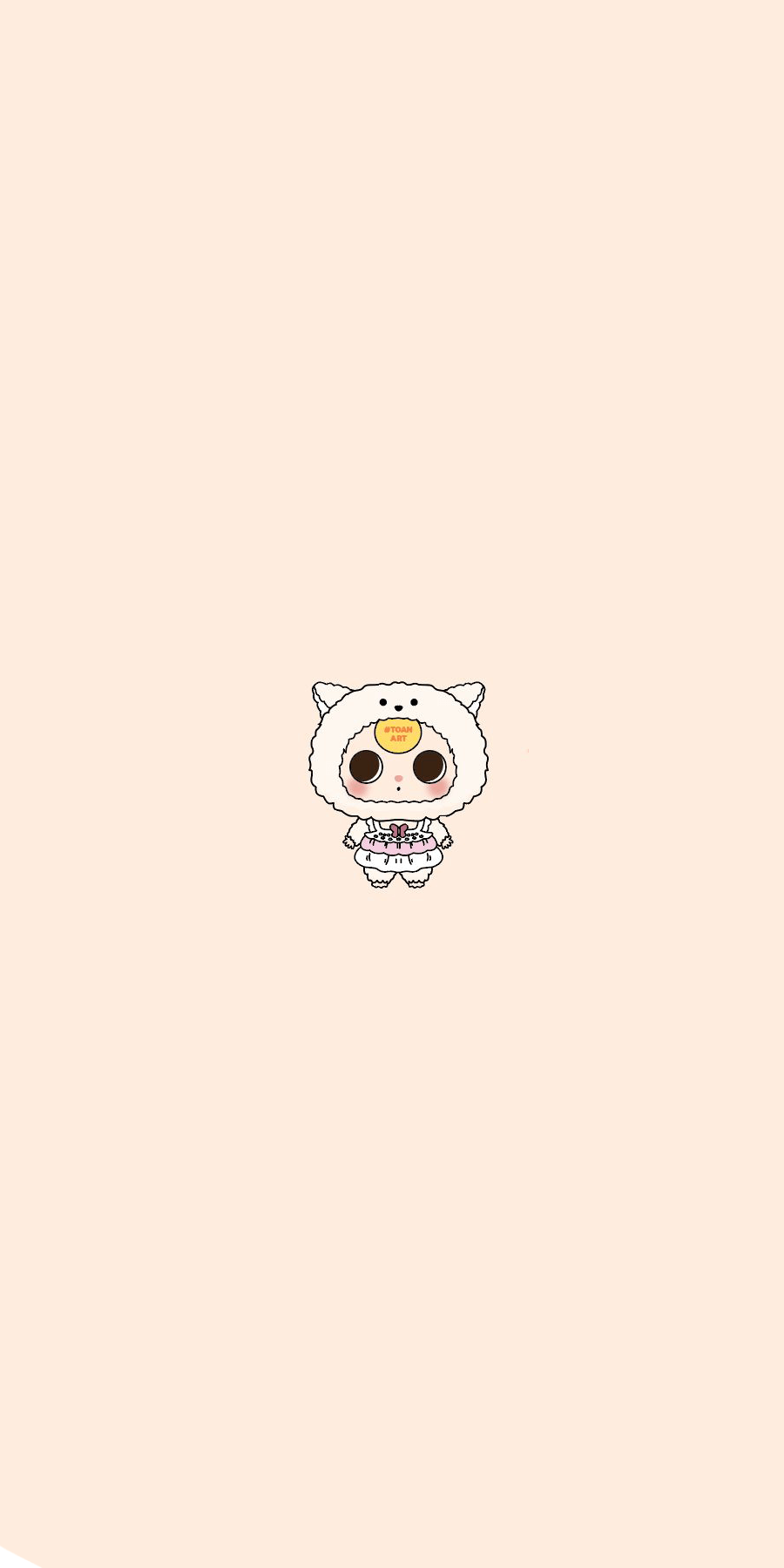
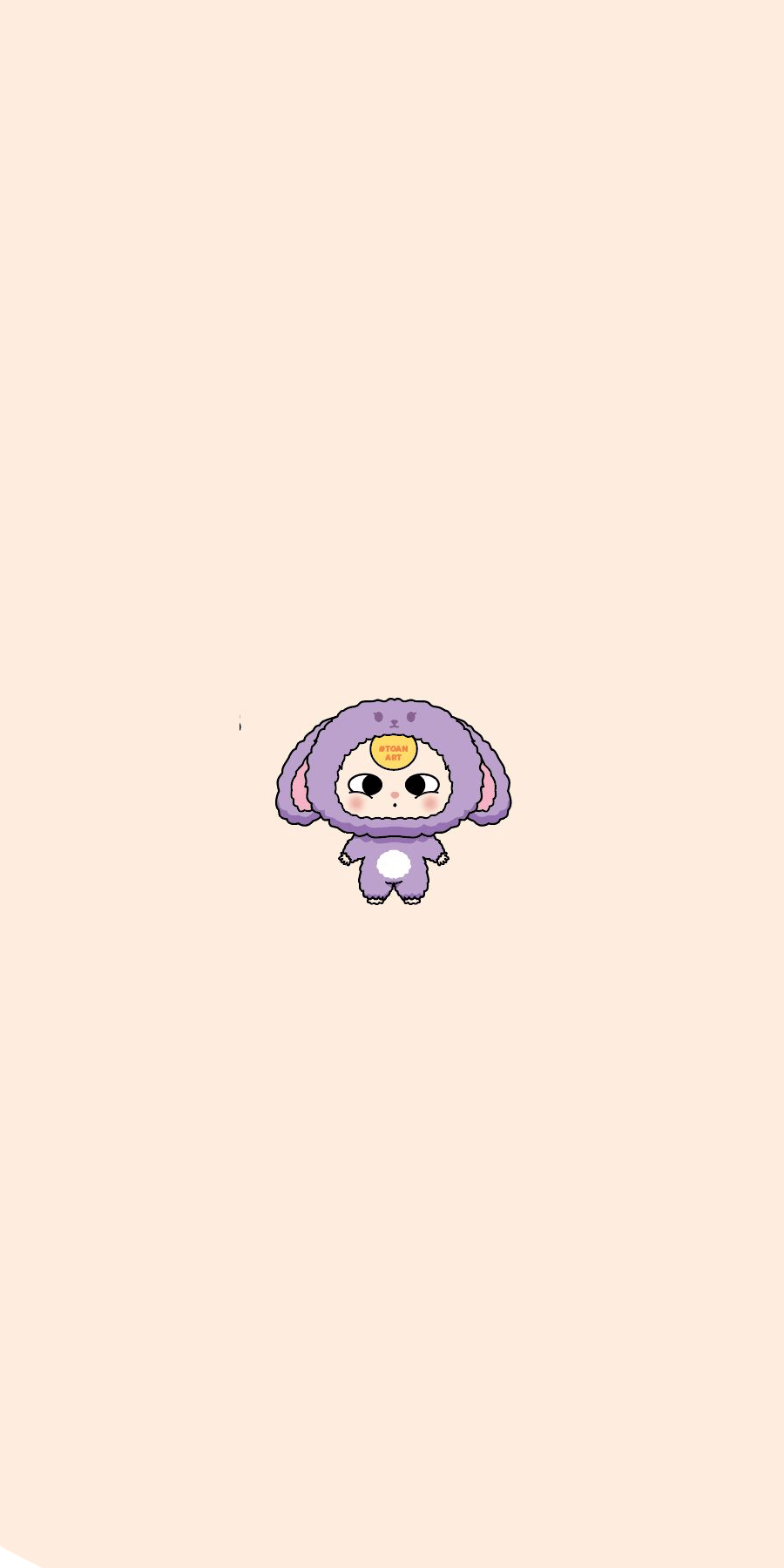
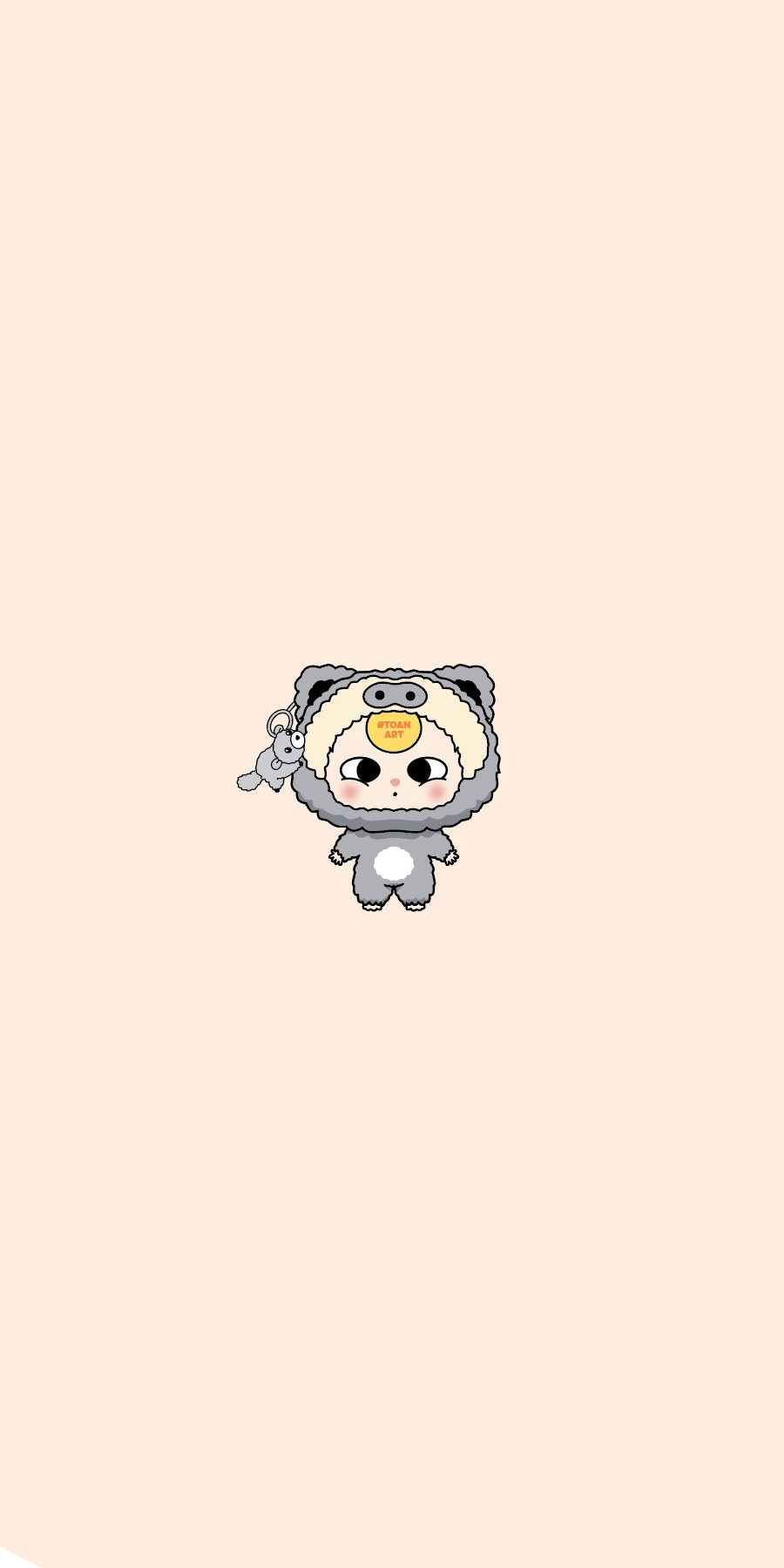
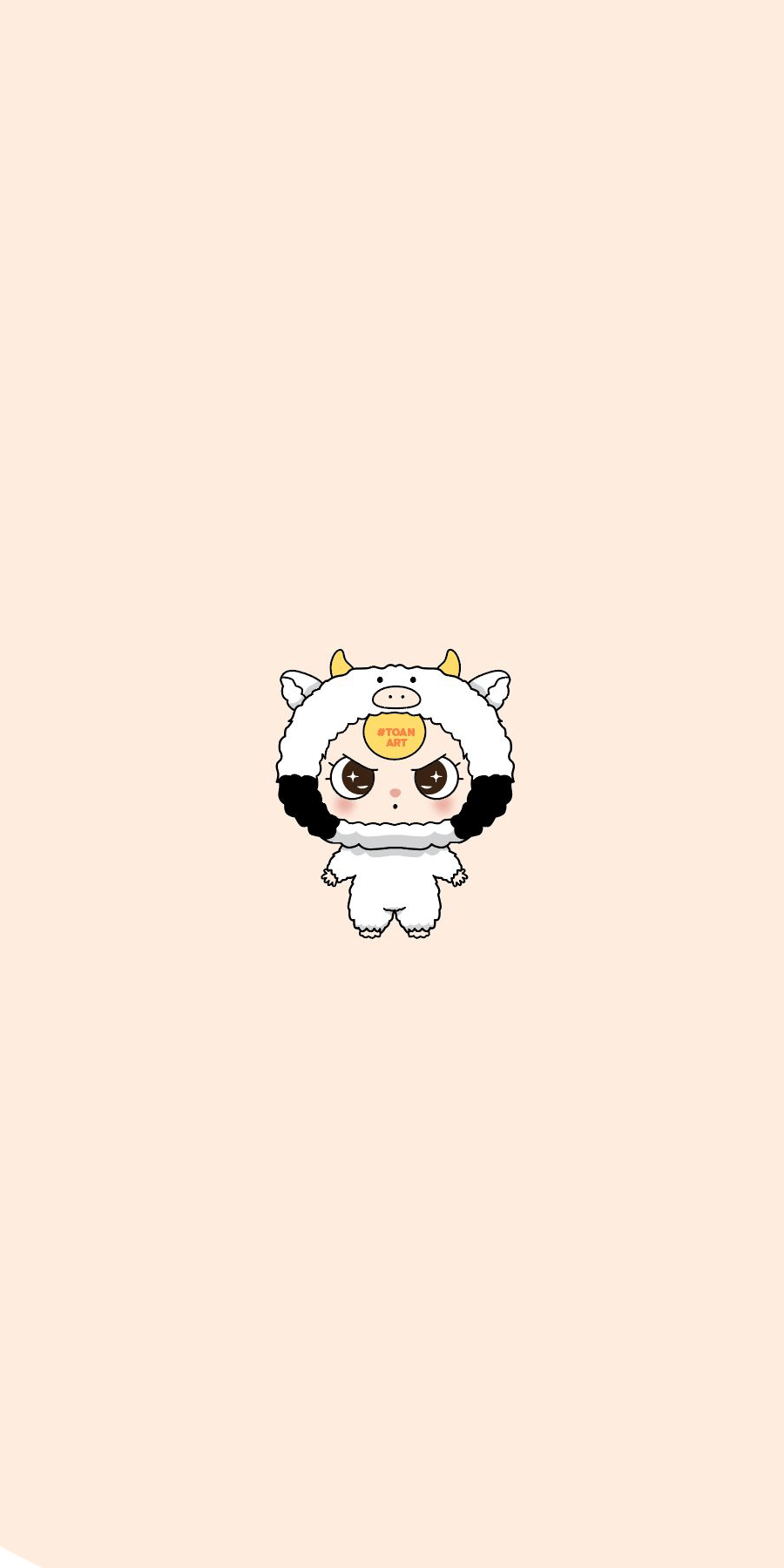
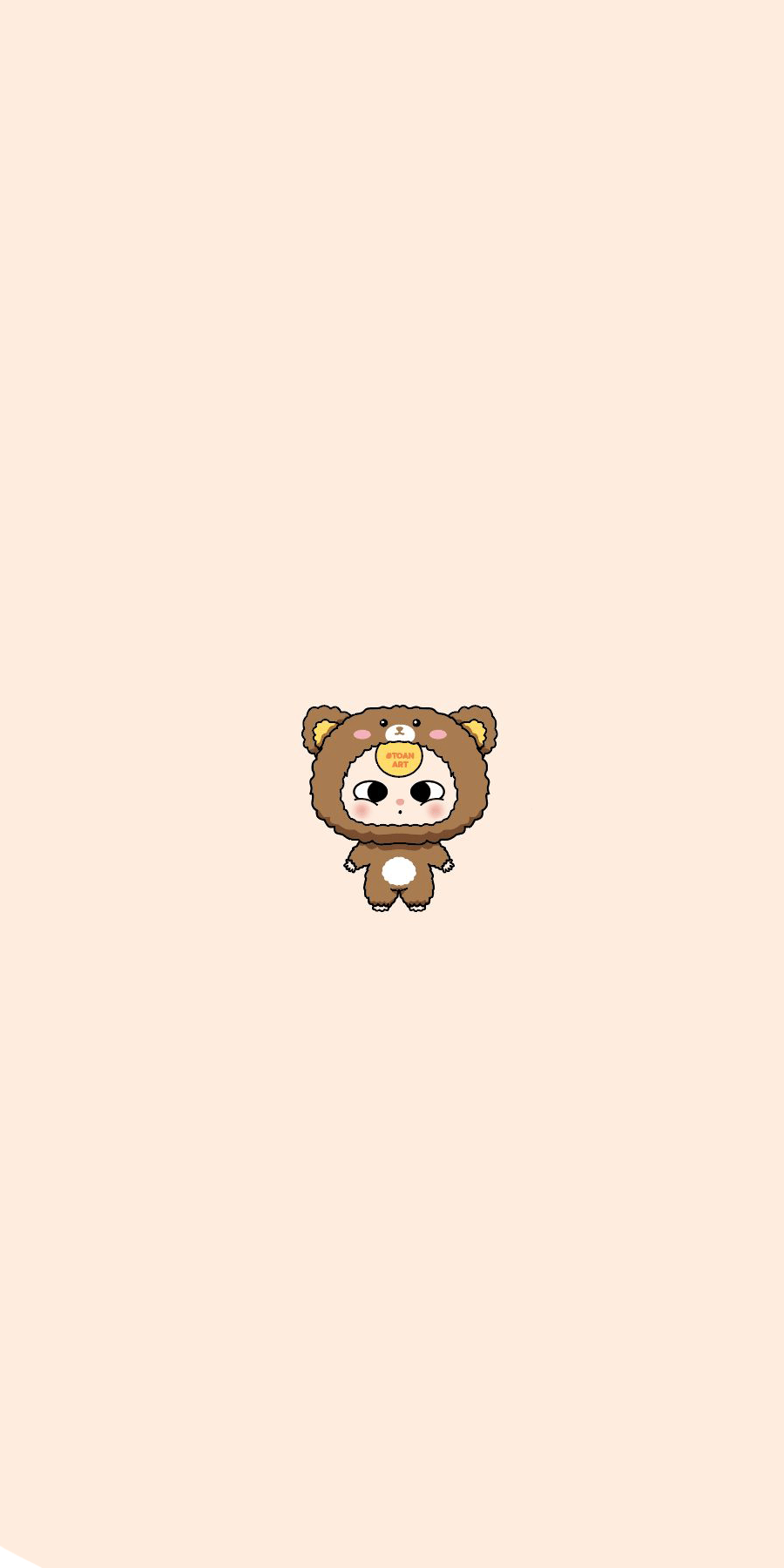
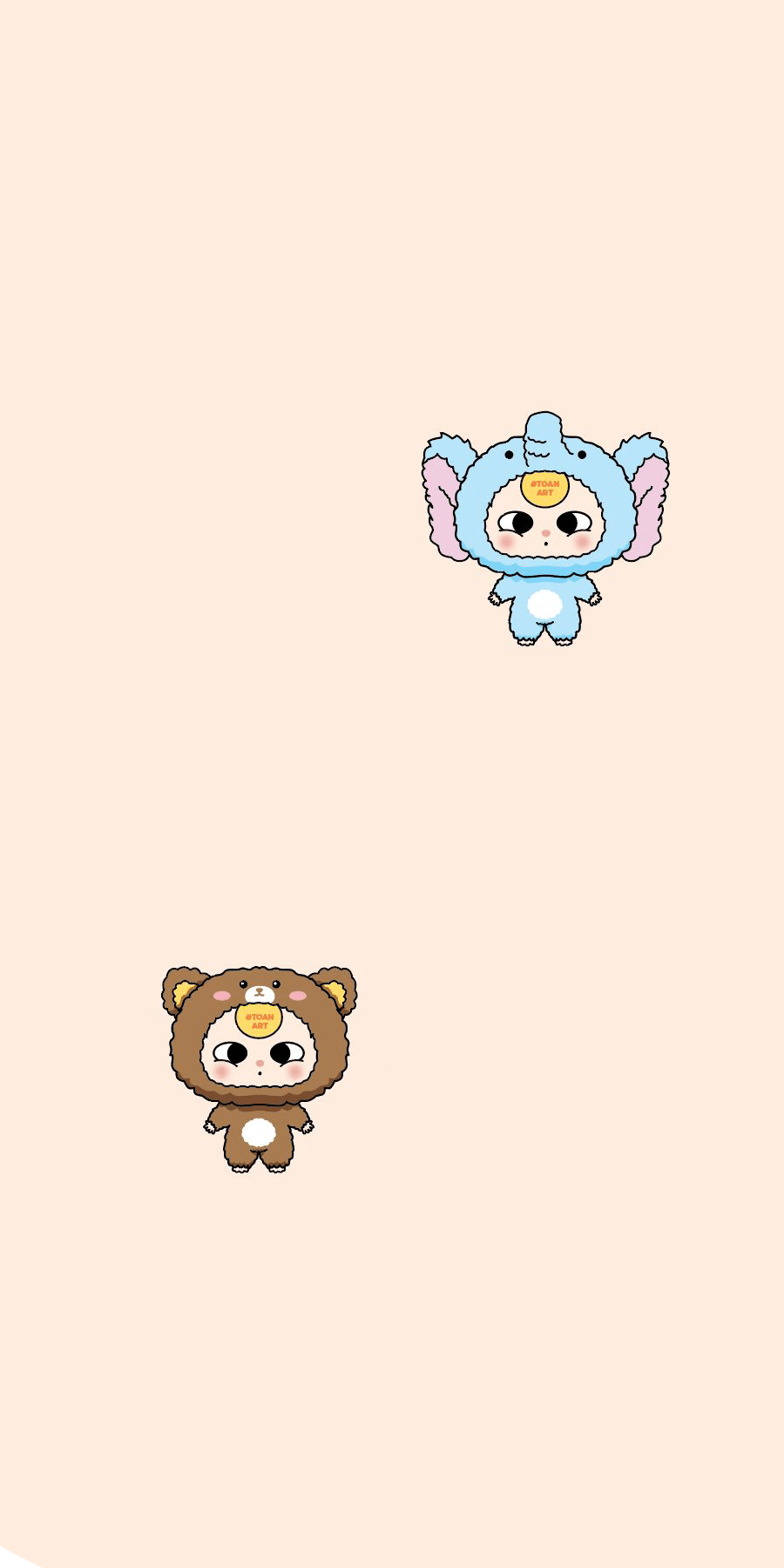
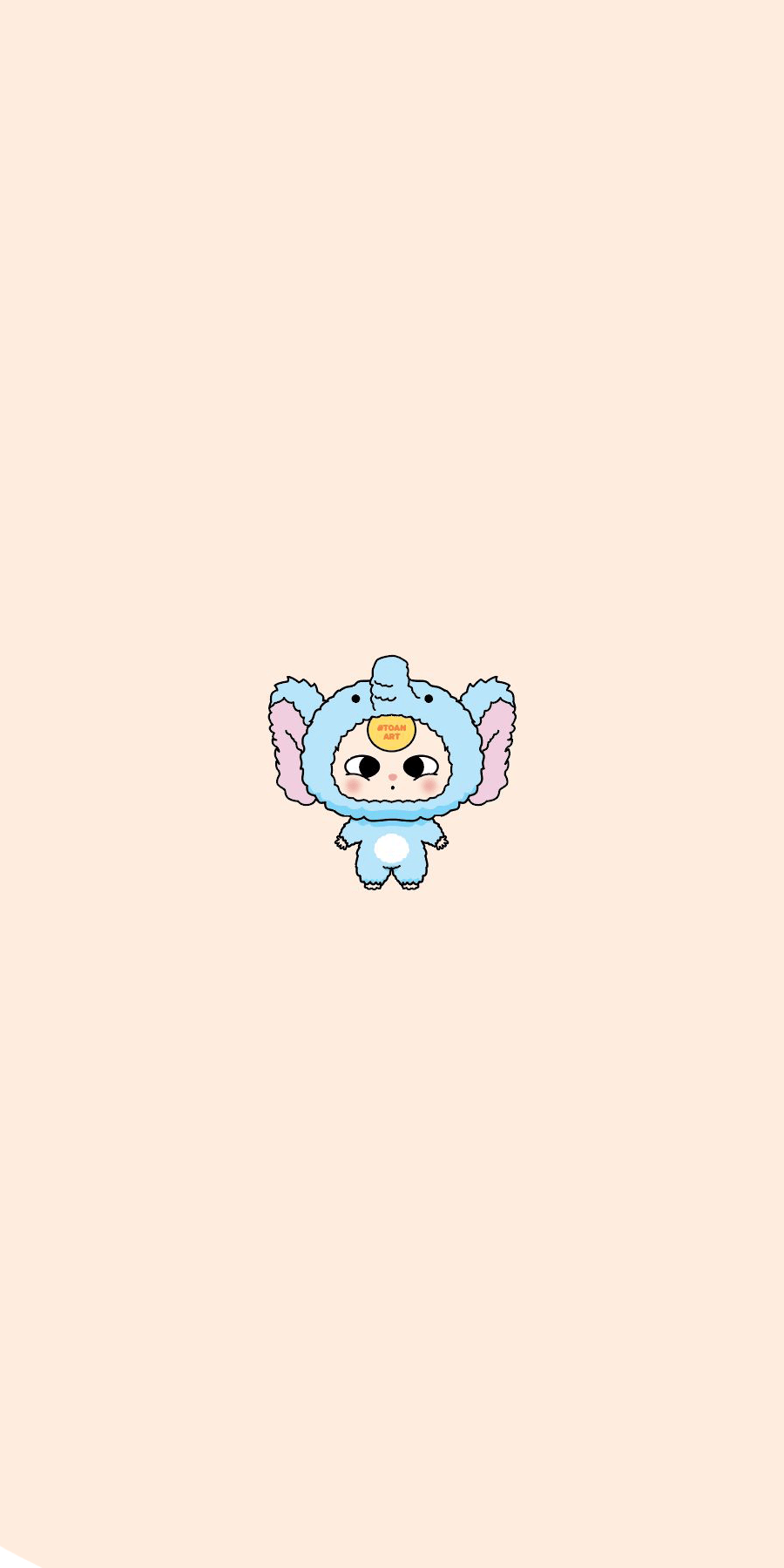
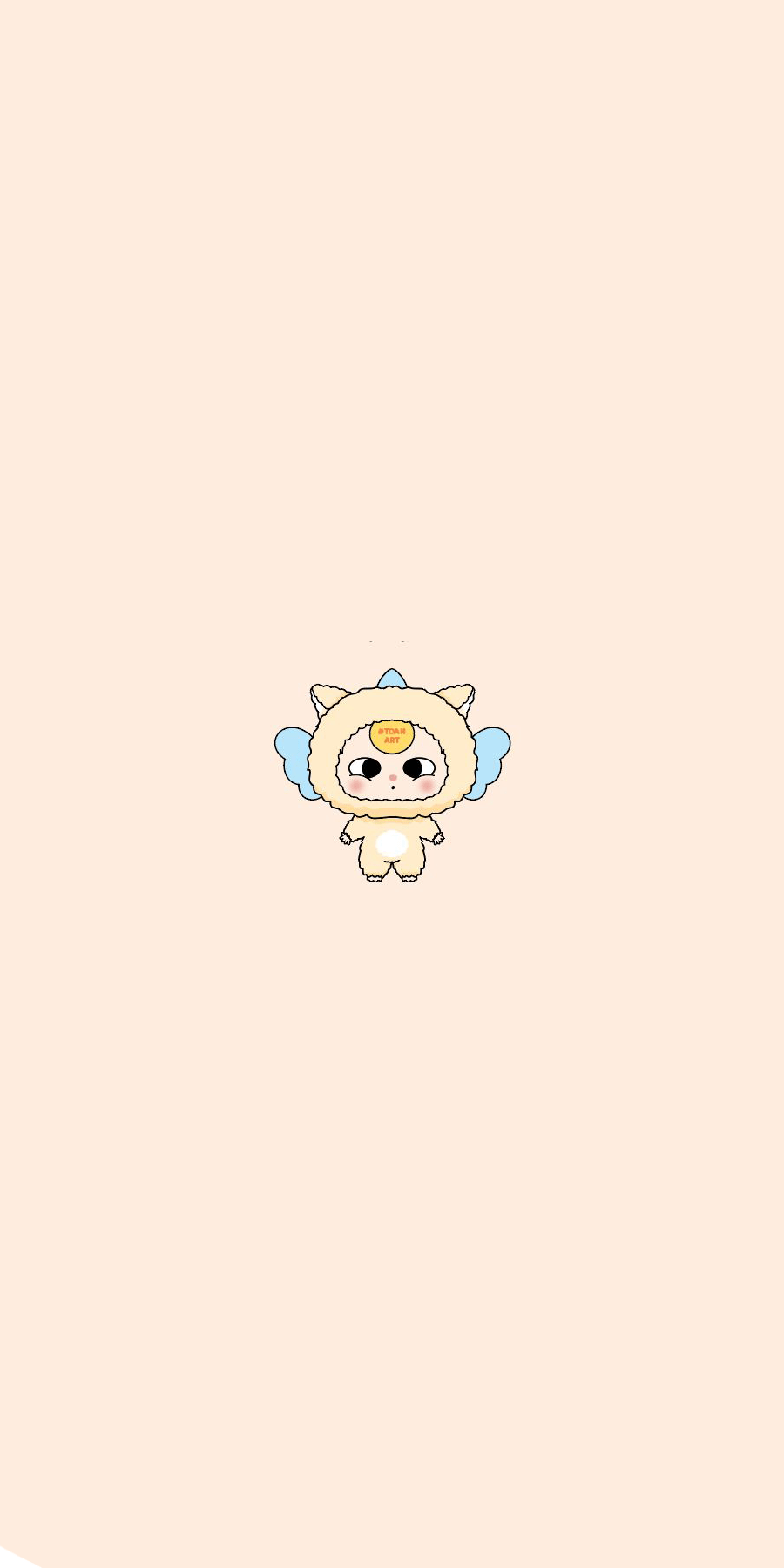
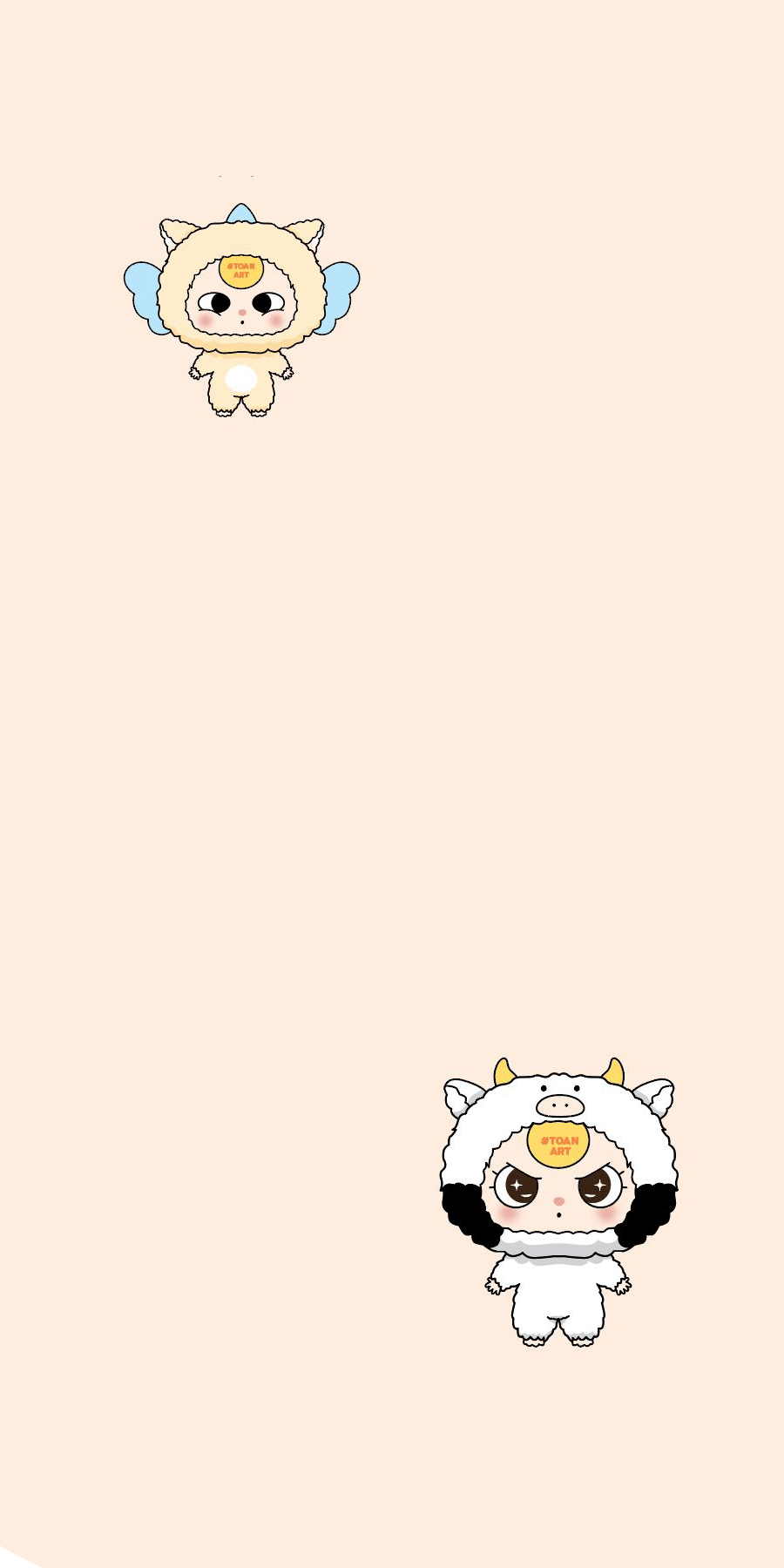
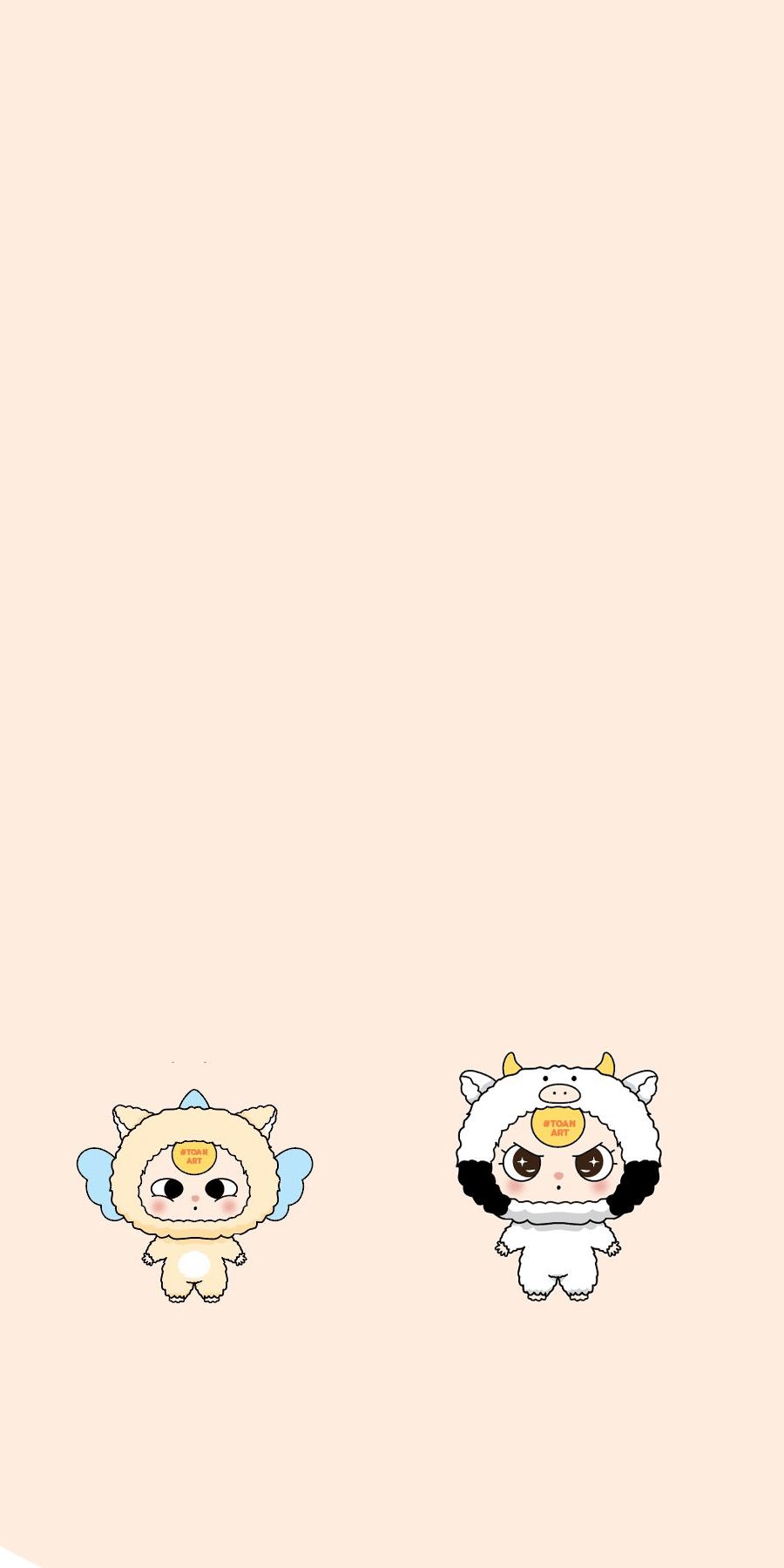
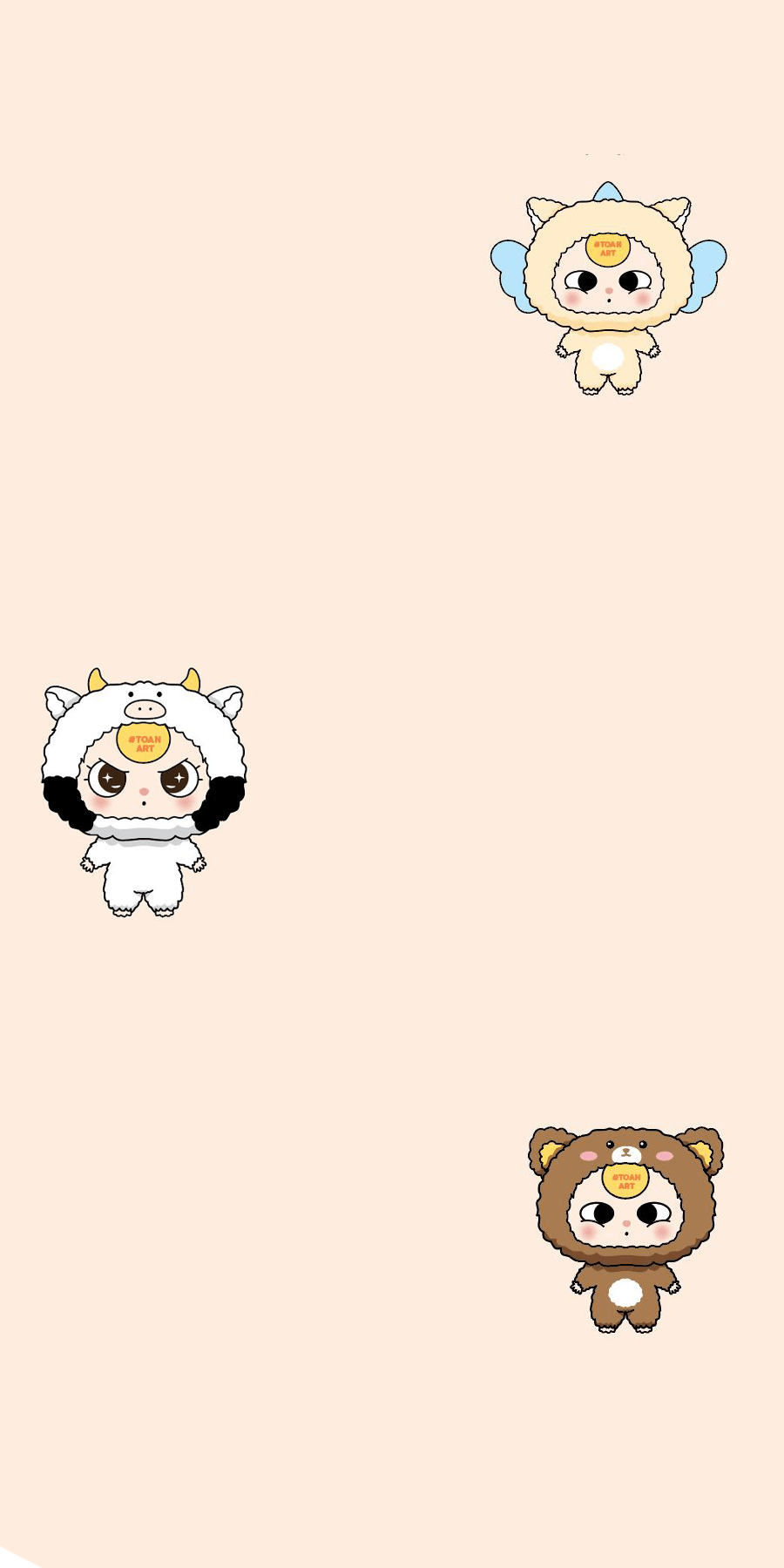
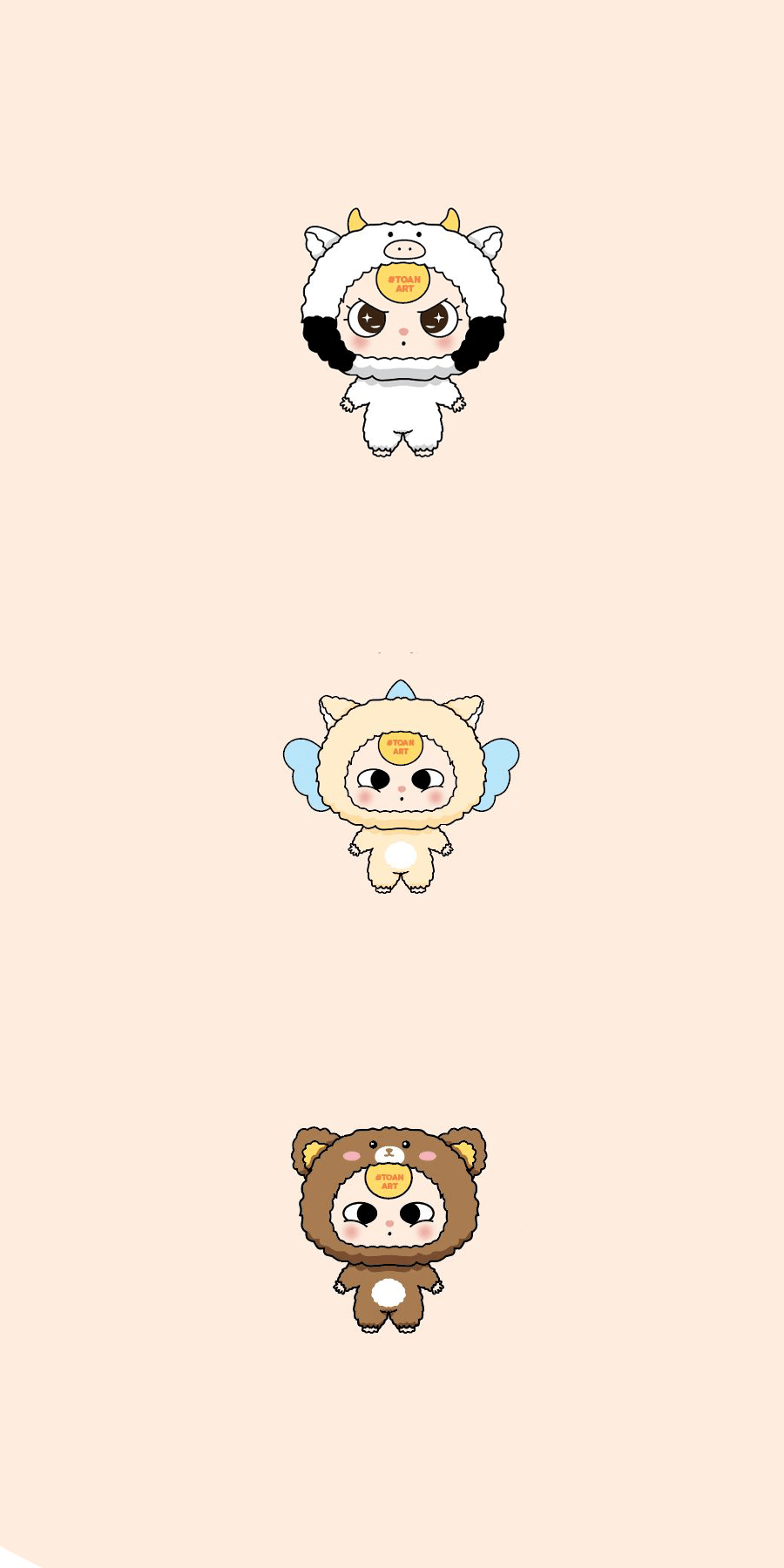
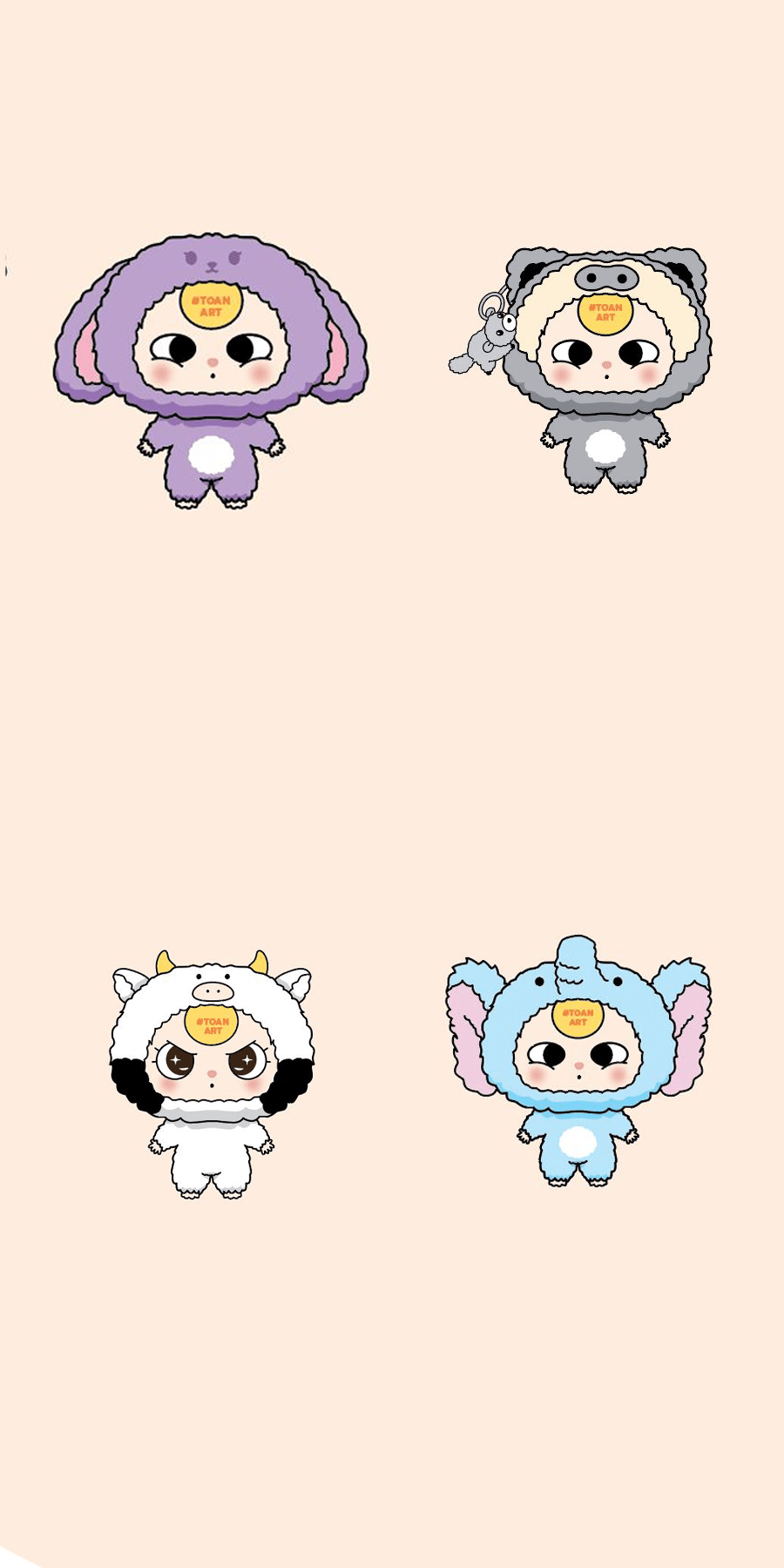
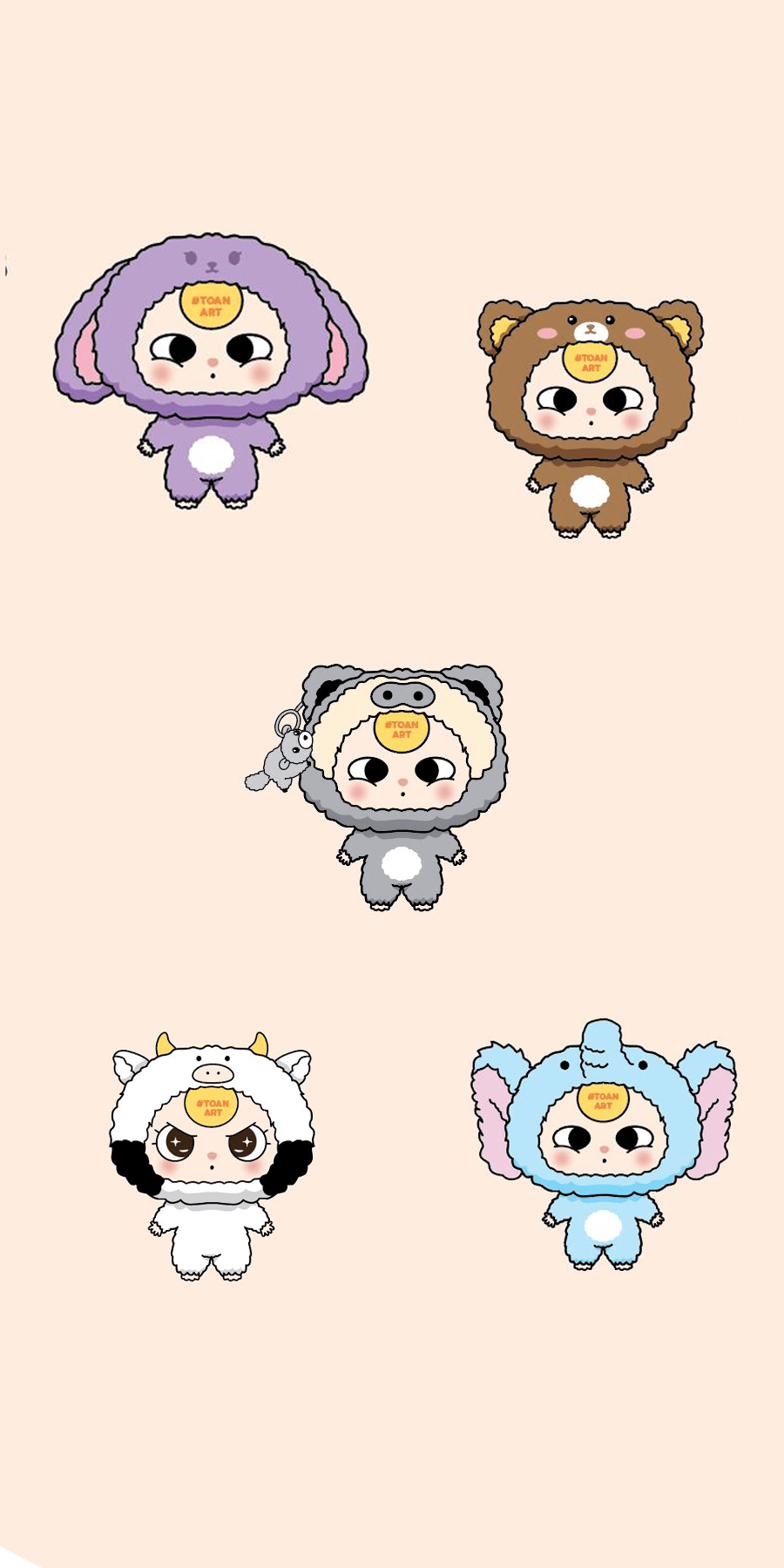
Save and set a wallpaper
- Save the image. Open the image at full size if your browser offers that option. On a phone, touch and hold it, then choose the option to save or download. On a computer, right-click it and choose Save image as.
- Set the background. On iPhone, open Settings > Wallpaper and choose an image from Photos. On Android, look for Wallpaper & style or Wallpaper in Settings. On a computer, choose the downloaded image in your desktop background settings.
- Check the crop. Preview the Lock Screen and Home Screen separately. Move the image so the character’s face stays clear of the clock and app icons. If the image looks blurry when zoomed, use a different picture or choose a fit that shows more of the original.
What is Baby Three?
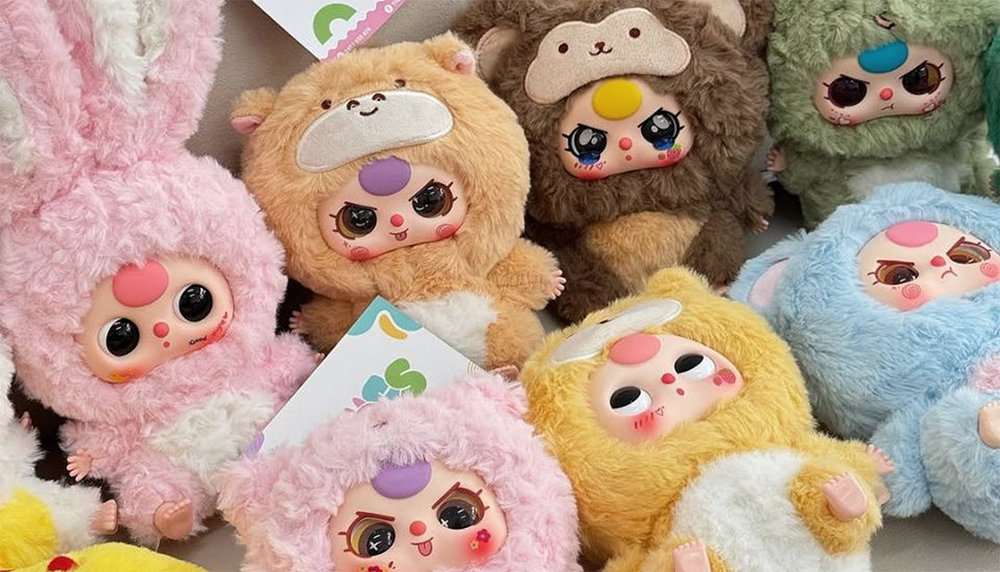
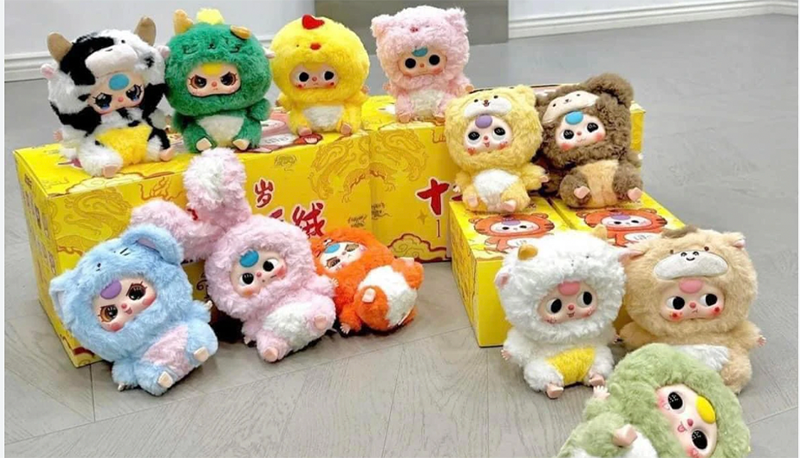
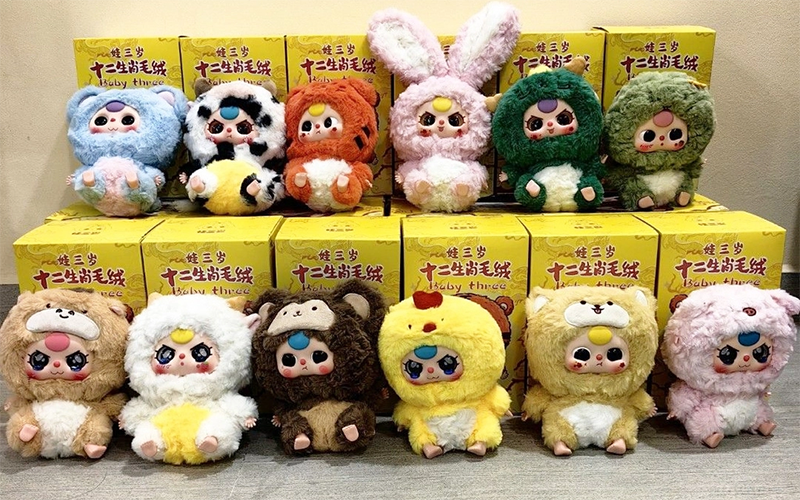
Baby Three is a line of collectible plush characters, often sold in blind boxes. Designs include animal costumes and themed series such as Town Rabbits, the zodiac collection, and Ocean Romance. The images below show examples of the toys behind the wallpapers.




Reader Comments 0
Sign in with email or Google to join the discussion.