Table of Contents
Google Maps is a good starting point if you plan trips on a computer, switch between Android and iPhone, or rely on Street View to inspect an unfamiliar place. Apple Maps also offers browser access, saved places and street-level imagery in supported areas. For day-to-day navigation, compare the features and route quality where you live or travel.
Plan on a computer and open directions on a phone
Google Maps works in a browser and has apps for Android and iPhone. On a laptop, you can compare routes and copy a link for someone using another device. Apple also provides Maps on the web for supported browsers. Try opening the same shared destination on the devices in your group before a trip.
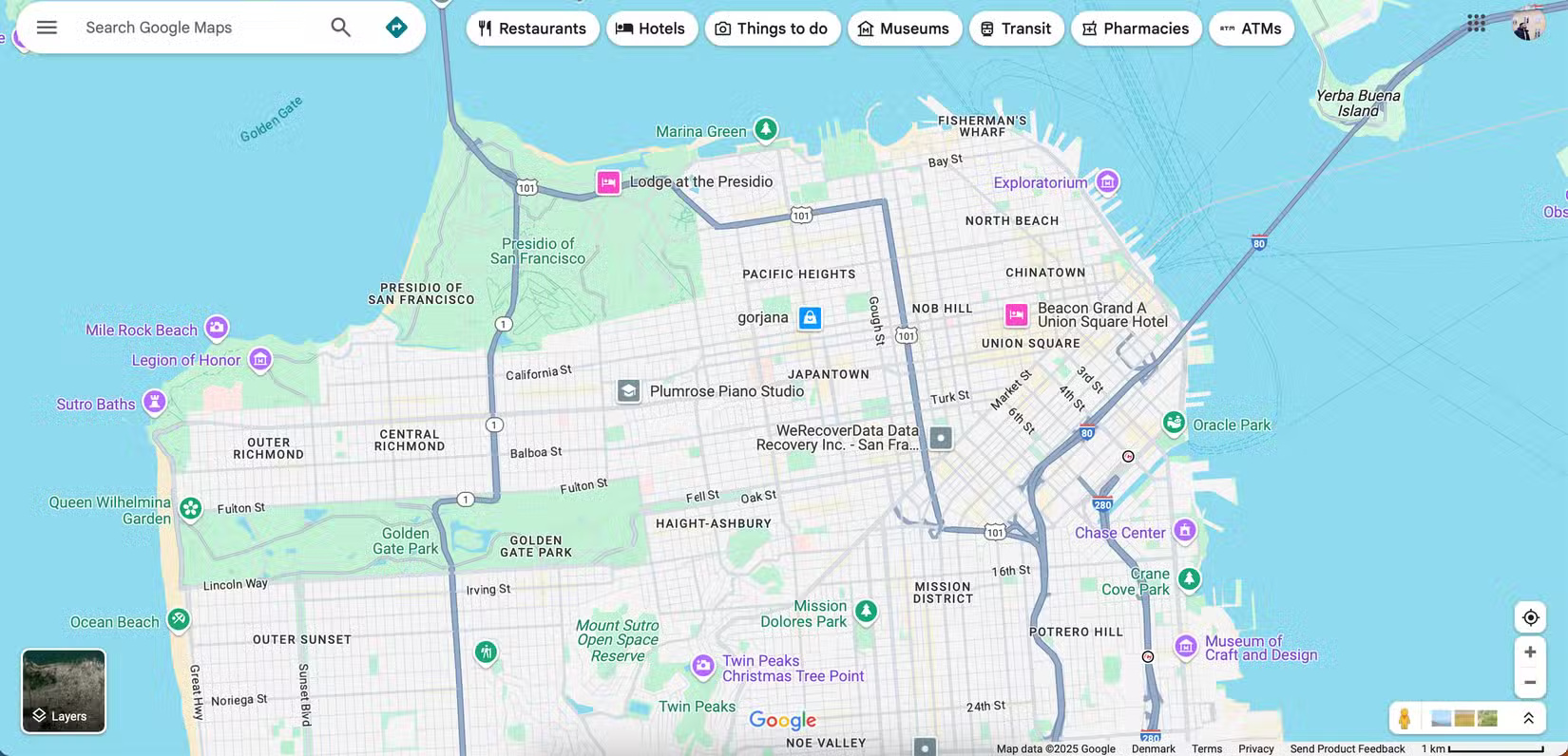
Inspect entrances and streets before you leave
Google Street View can show what a building entrance, turn or landmark looks like from the road. Choose See more dates where historical imagery is available. Apple’s comparable street-level feature is Look Around. Flyover serves a different purpose, providing an aerial view in supported areas.
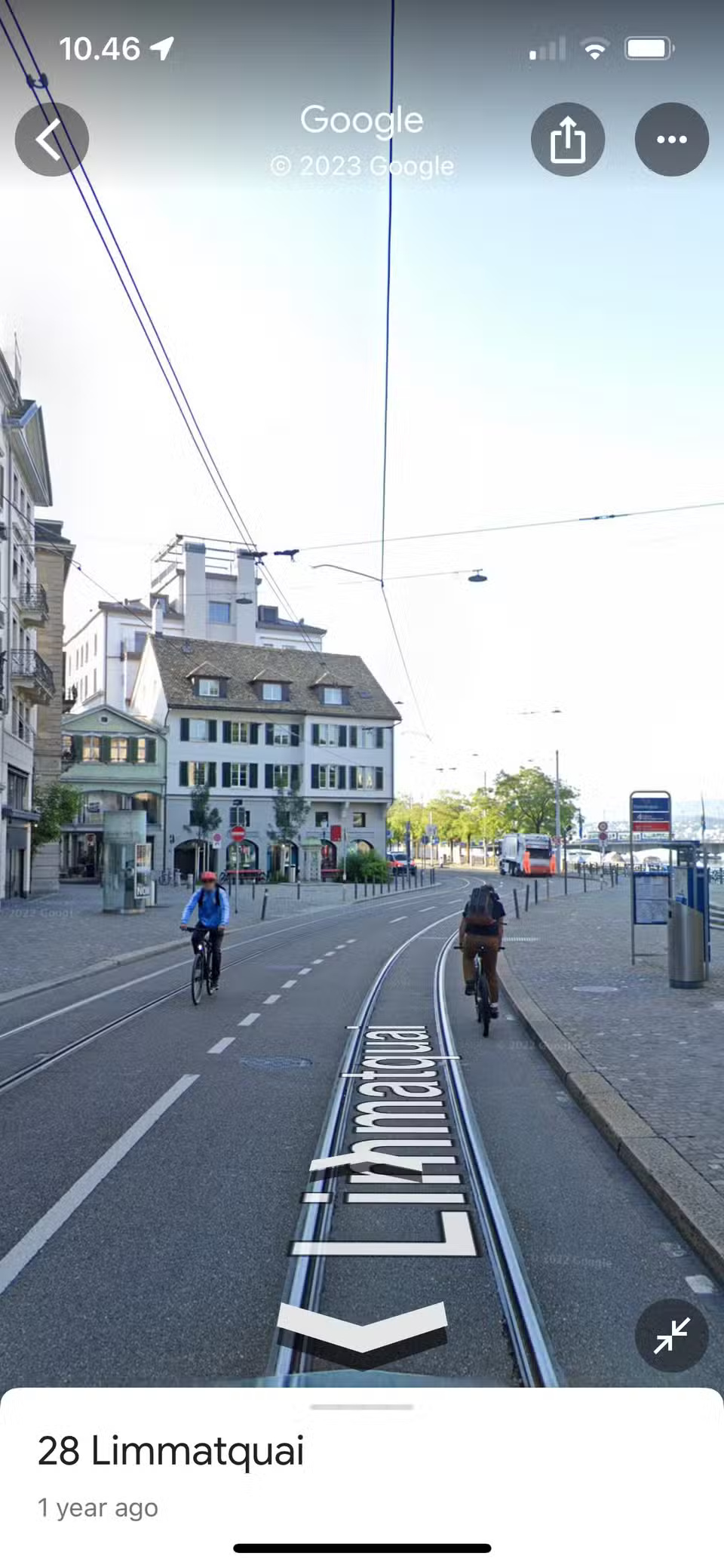
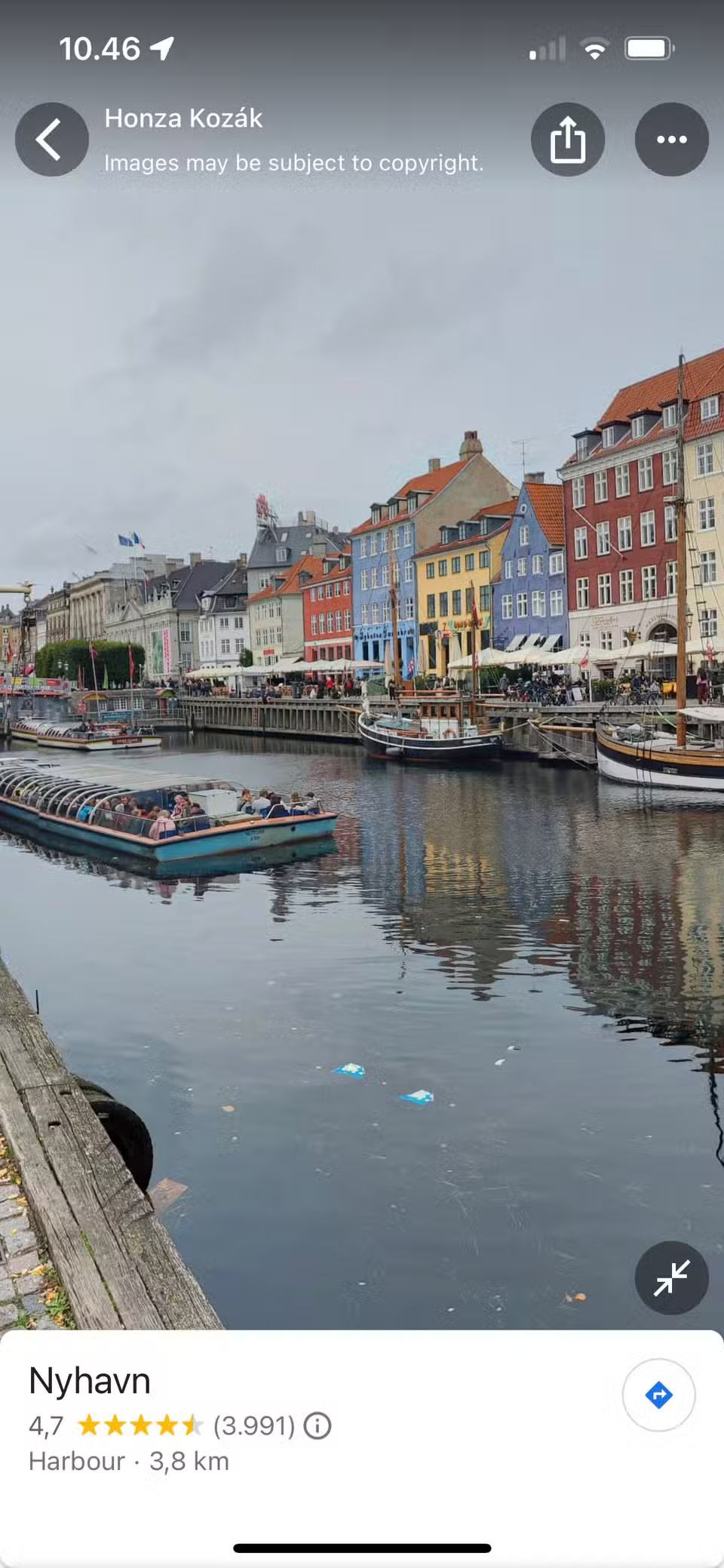
Test real routes in both apps
Use the same starting point, destination and travel mode. Compare two routes you know and one you don’t. For cycling, check road crossings, surfaces and elevation where available. For transit, verify the walking connection and next departure with the local operator. Coverage changes by location. If you’ll be outside mobile coverage, check how Google Maps works offline before relying on it.
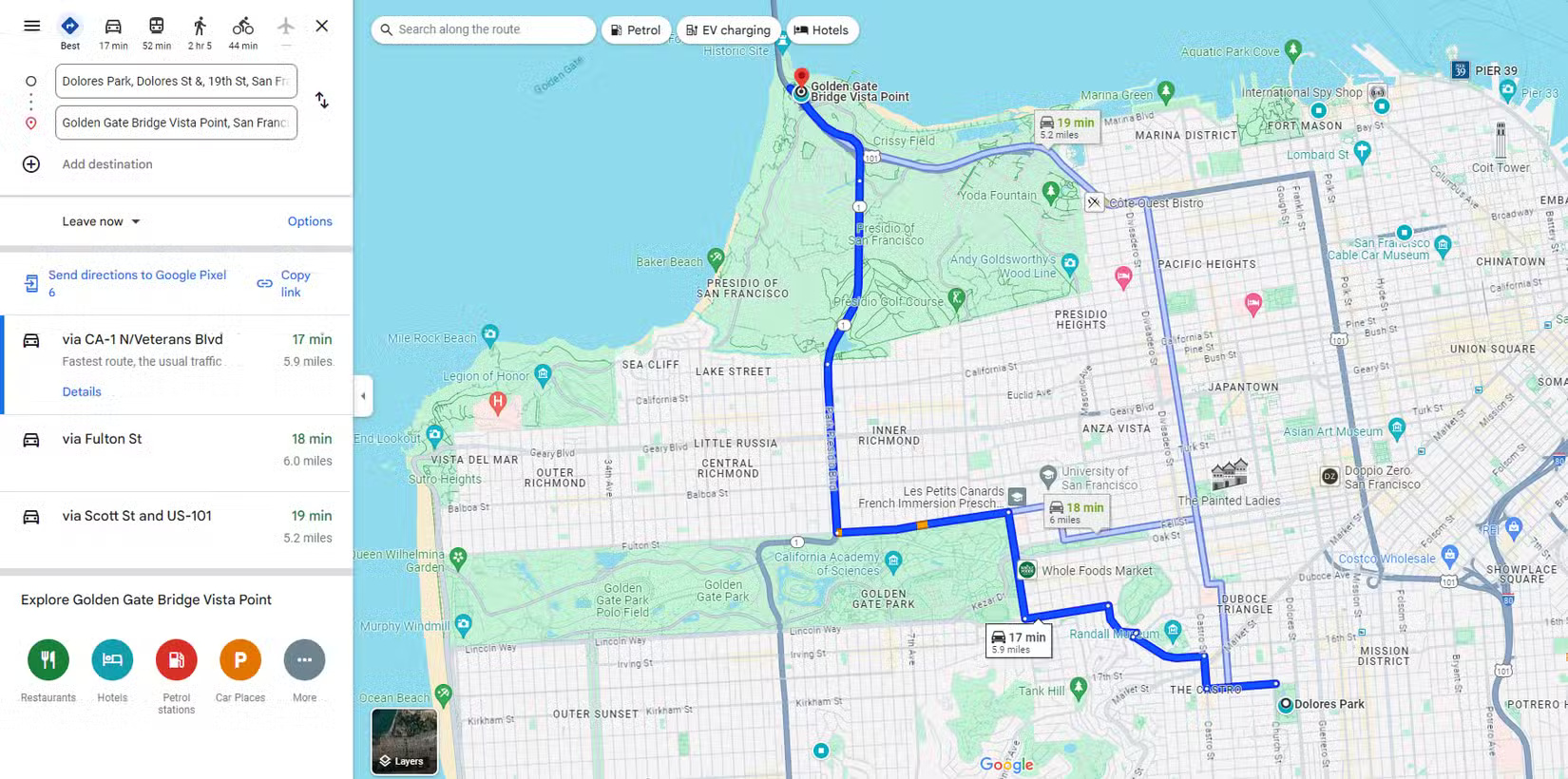
Save places and compare listings
Save hotels, restaurants or attractions to a named list. Keep the address or a shared link handy for each. A saved trip is a separate feature that helps quickly reopen directions in supported versions of the app. The Google Maps tips for Android cover other planning controls.
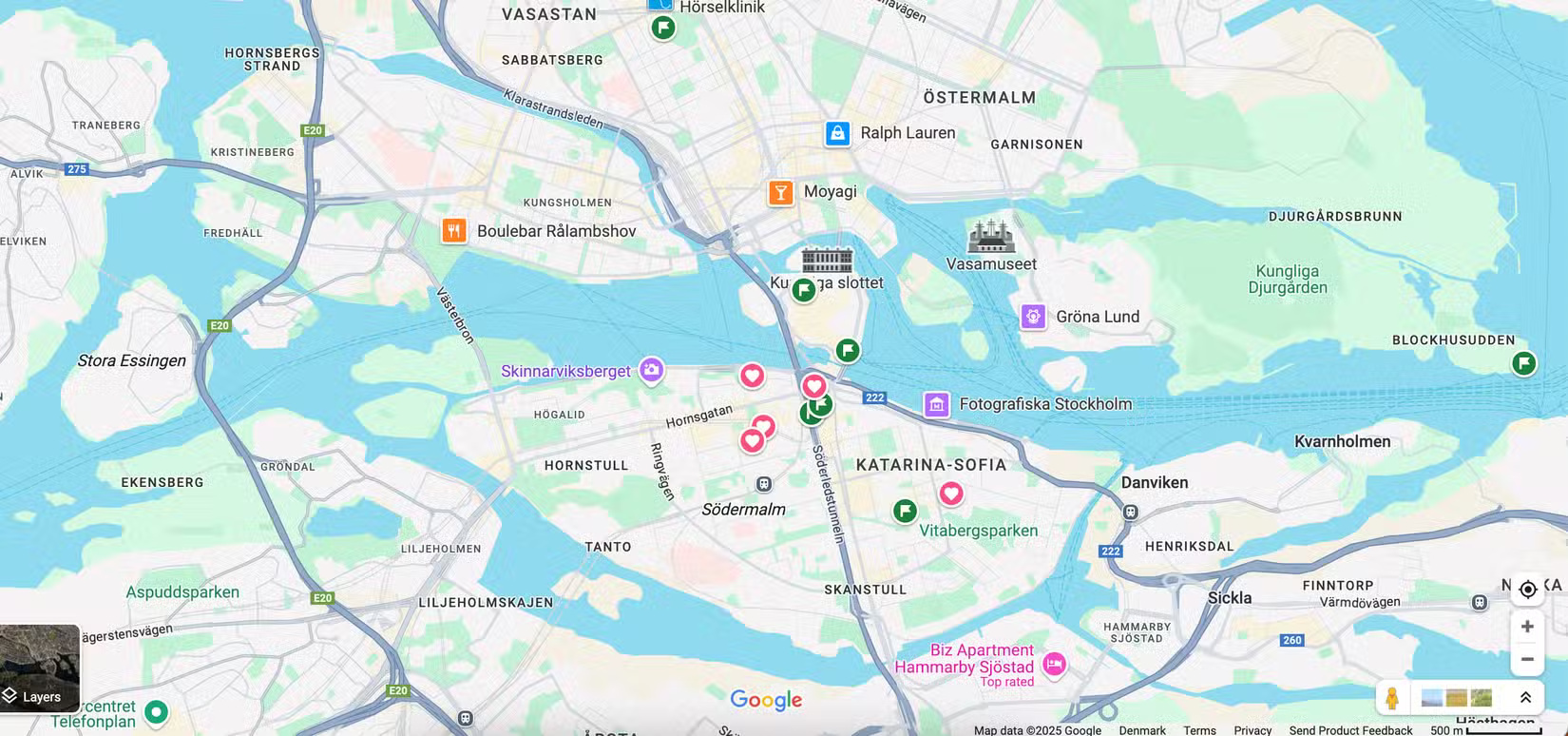
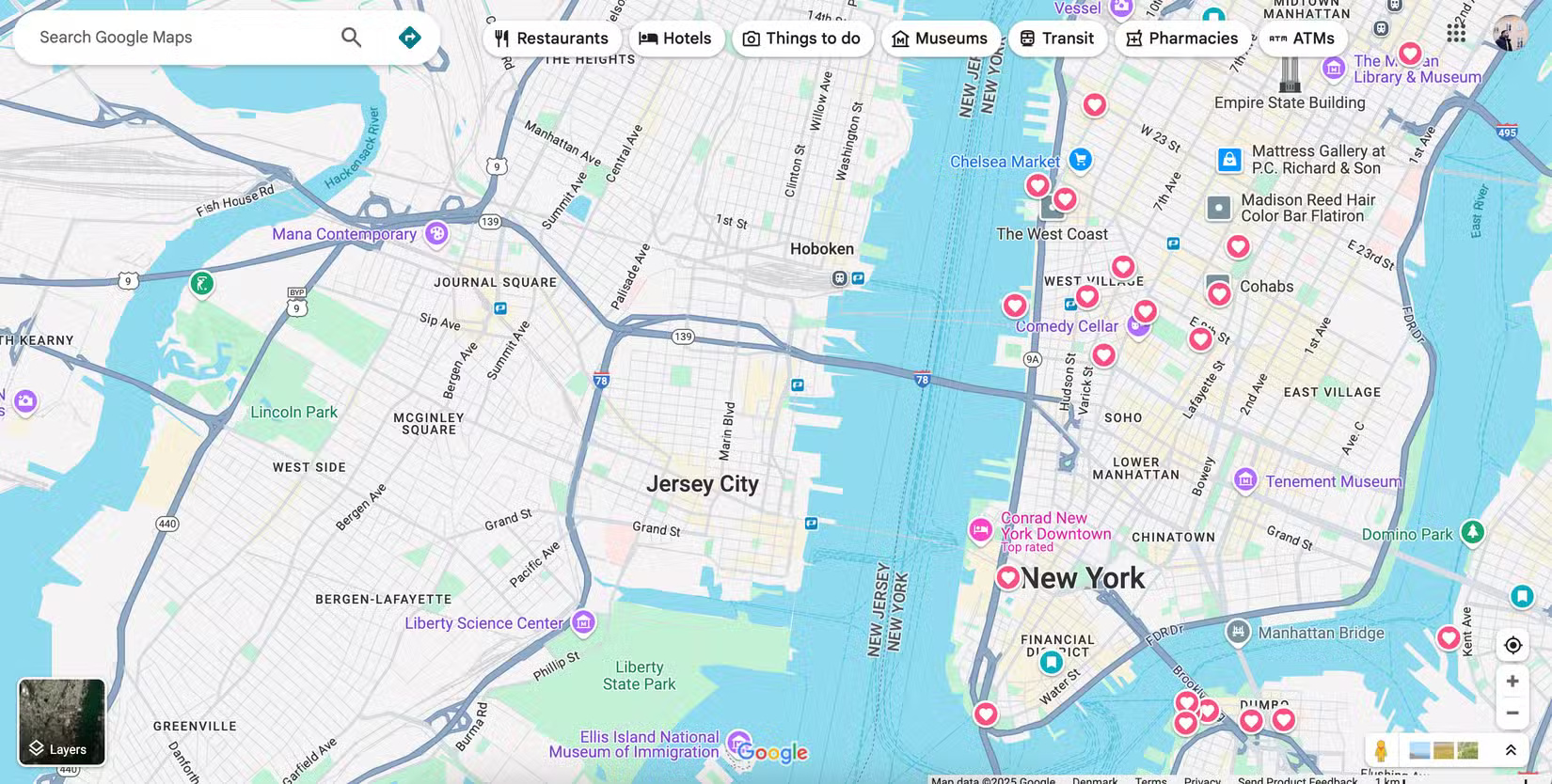
Compare listings for categories such as pharmacies and ATMs near a real address. Check the date of reviews and photos. If opening hours matter, verify them with the business directly, especially on holidays.
Use the map for the ground portion of a flight
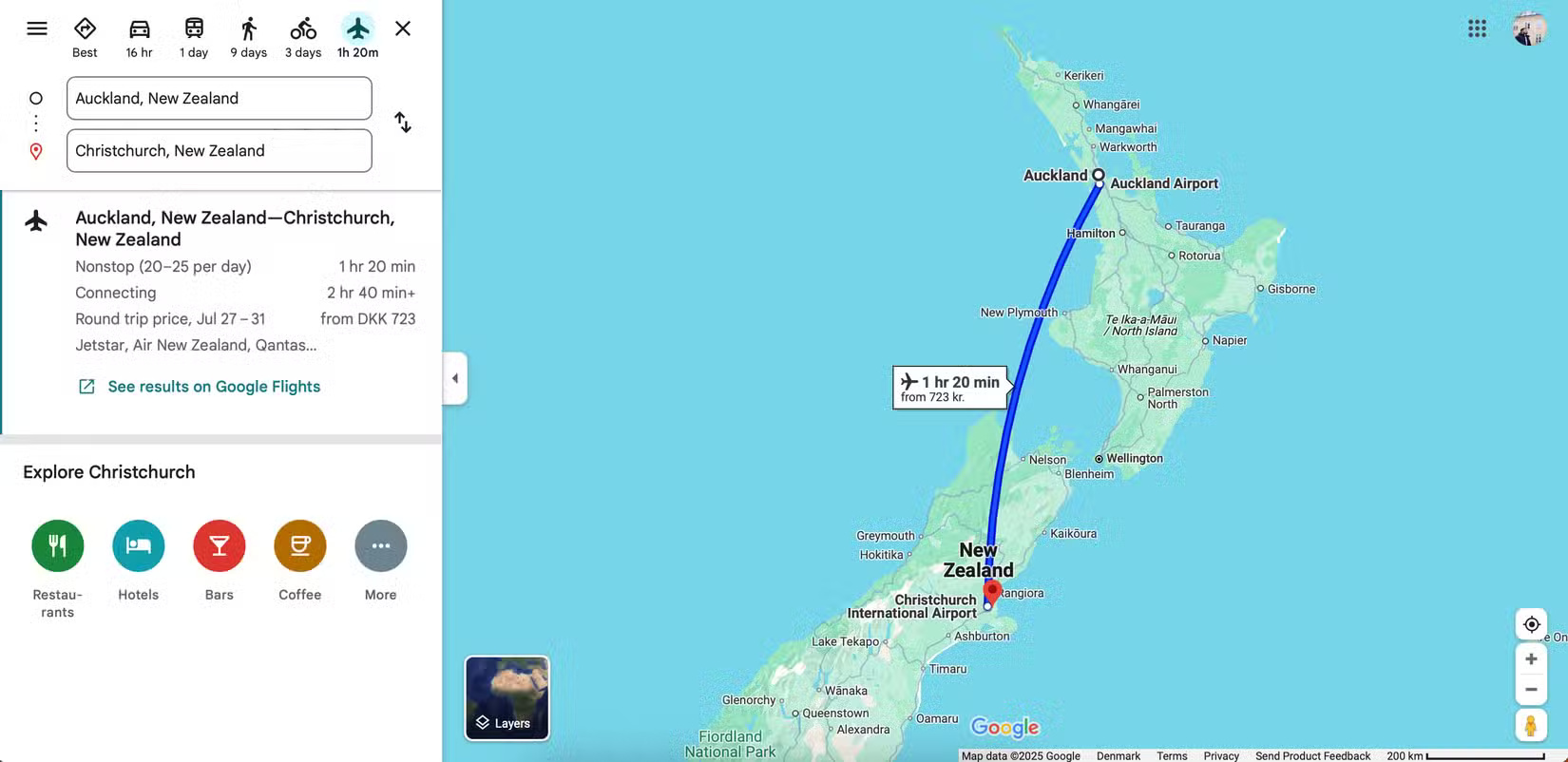
Google Maps is useful for checking the route to an airport and nearby hotels. Use Google Flights or the airline for fares, booking terms and flight changes. The screenshot below illustrates an older flight-related view. Confirm airport and terminal details independently before leaving.
Related Articles
 Apple added many new features to Apple Maps in iOS 13, resolving its market share from Google Maps
 Does Apple Maps' new feature put it on par with Google Maps?
 8 reasons Google Maps is the best navigation app
 Compare Apple Maps and Google Maps
 How to turn on Google Maps for CarPlay on iPhone
 How to find the way to Google Maps for motorcycles
Reader Comments 0
Sign in with email or Google to join the discussion.