Table of Contents
Before replacing your phone, make a list of features you use that might be missing from the new one. A phone can have a better camera and still be less convenient if it drops your microSD slot or is too wide to hold comfortably. Check these trade-offs for the exact model and region you plan to buy.
1. eSIM-only models
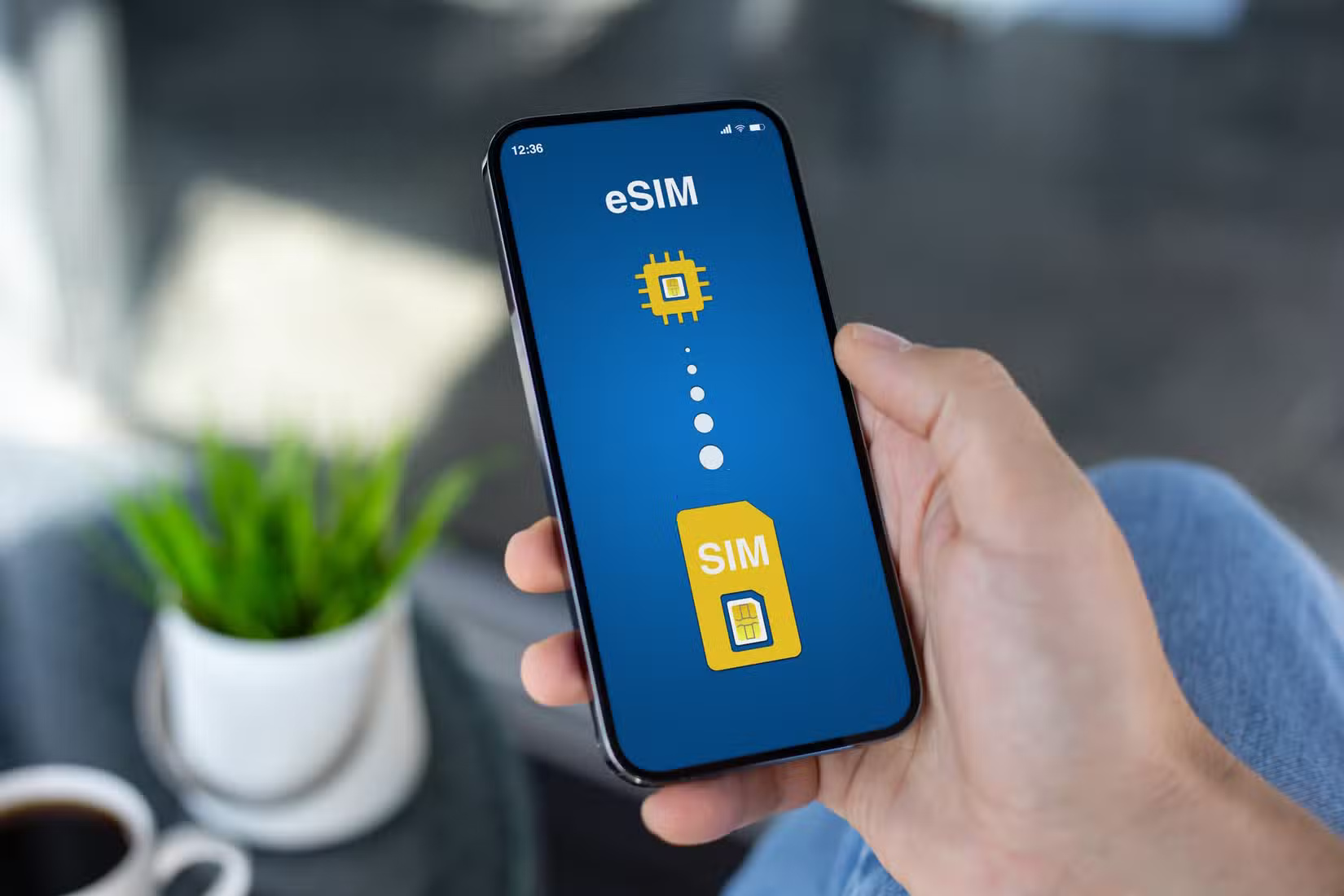
Ask your carrier how to transfer or reissue an eSIM if your old phone will not turn on. Some carriers support direct transfer, while others require a new QR code, an app or assistance. If you often swap phones or use a physical travel SIM, check whether your regional model has a SIM tray. See more practical limitations of eSIM.
2. No room for a microSD card
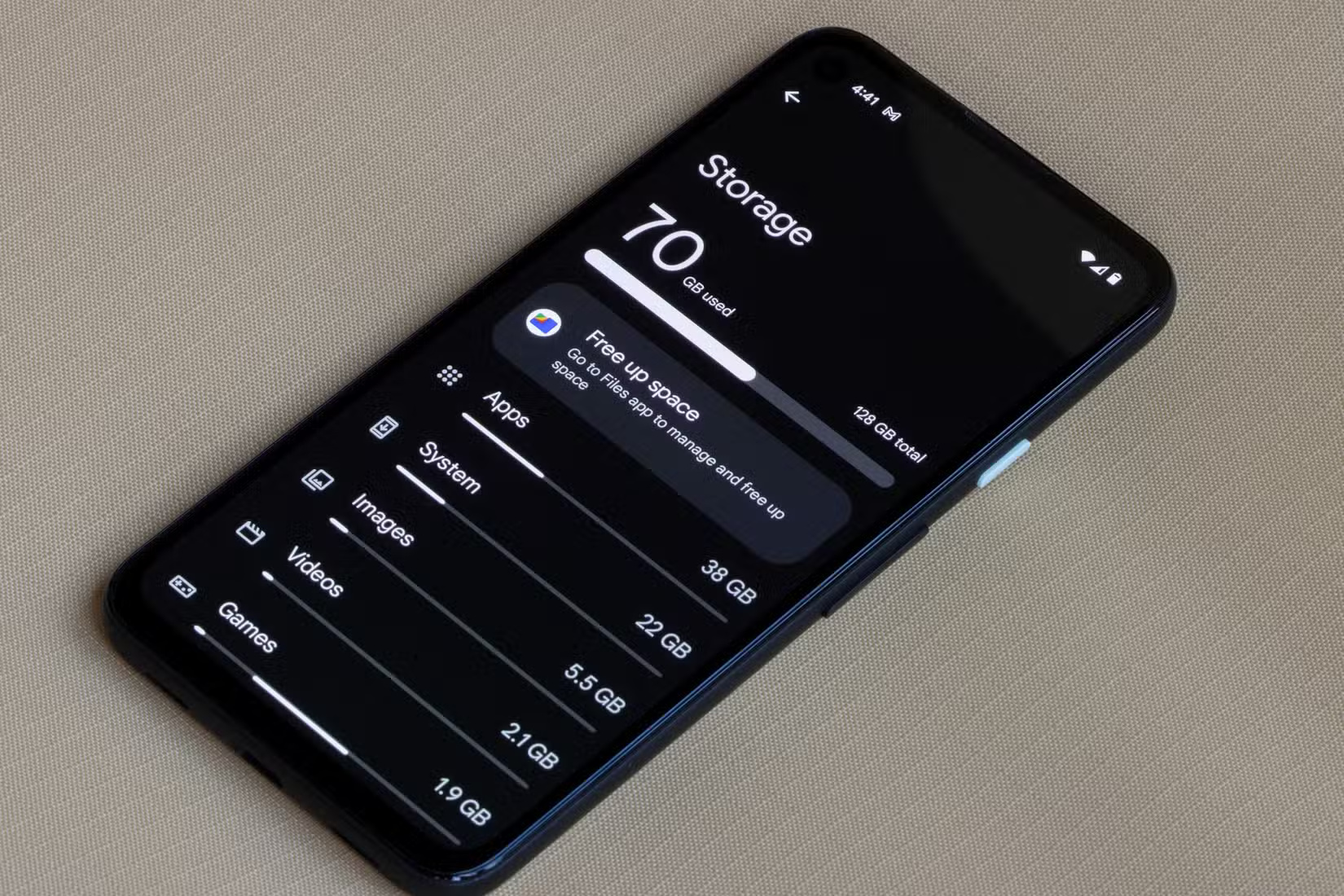
Check how much internal storage you use today and how much space your card adds. If the replacement has no slot, account for downloaded maps, offline videos and the largest files you keep. Cloud storage and external USB drives can help archive files, but apps still need internal space.
3. Charging adapter sold separately
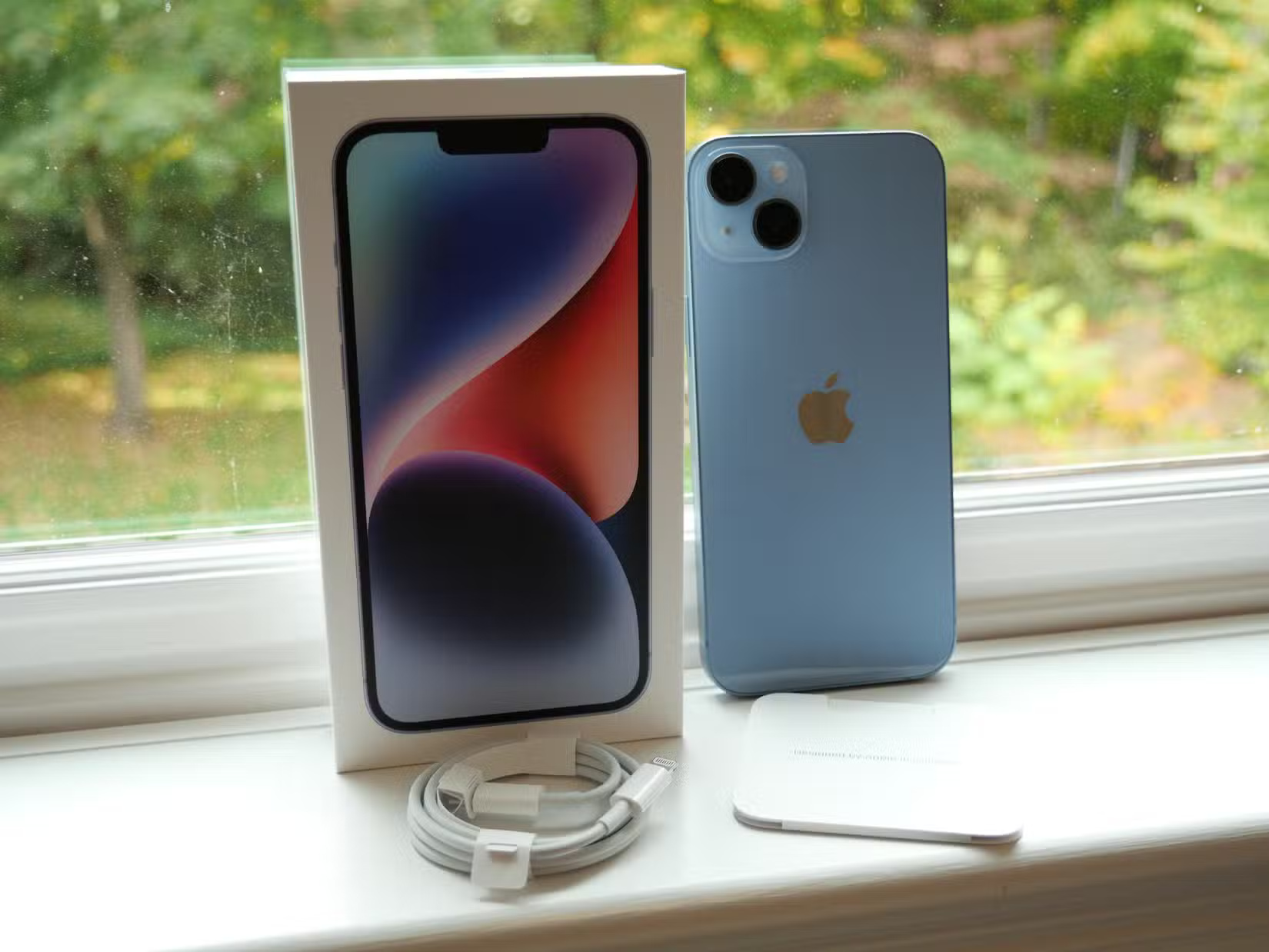
Read the box contents and check which charging standard your phone needs for its highest speed. A compatible charger you already own may be adequate. If speed matters, compare the manufacturer’s requirements for both the charger and cable.
4. A larger body
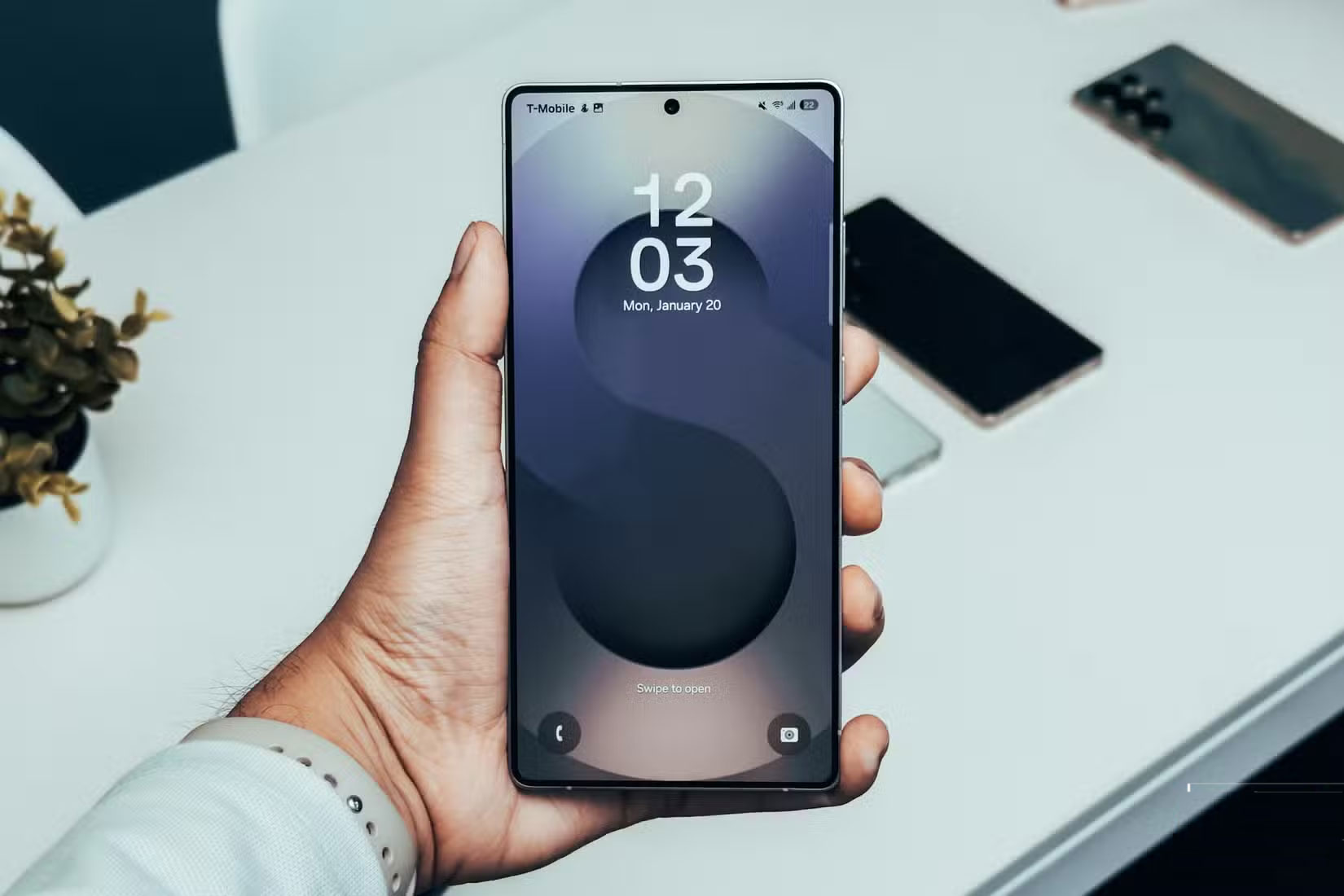
Compare width and weight with your current phone, including a case. If you can try the new model, reach the top corners, type one-handed and check whether it fits your pocket. Screen diagonal alone misses those differences.
5. Repair cost and availability
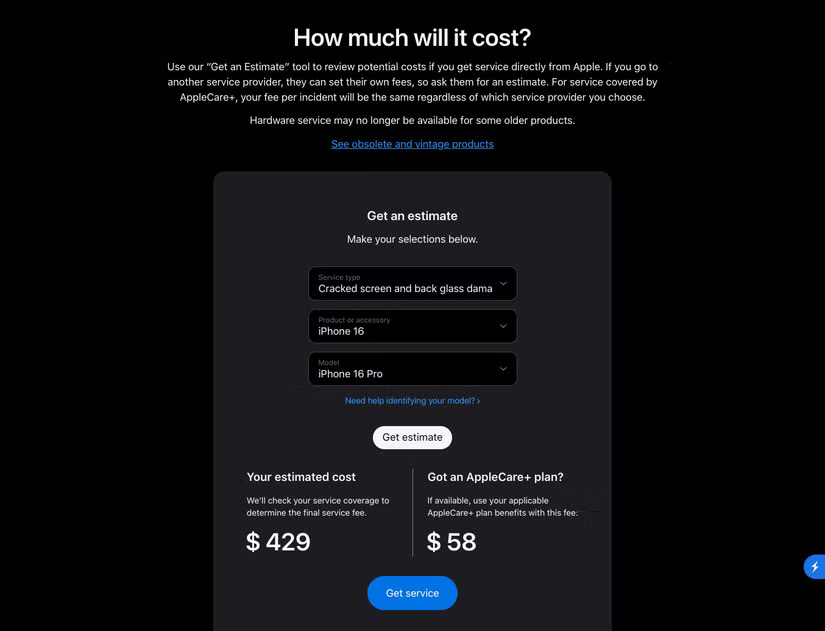
Get current screen and battery replacement estimates for the exact model in your country. Check local service availability, warranty terms and whether replacement parts are sold. Prices from one provider or region may not reflect your options.
6. Preinstalled apps
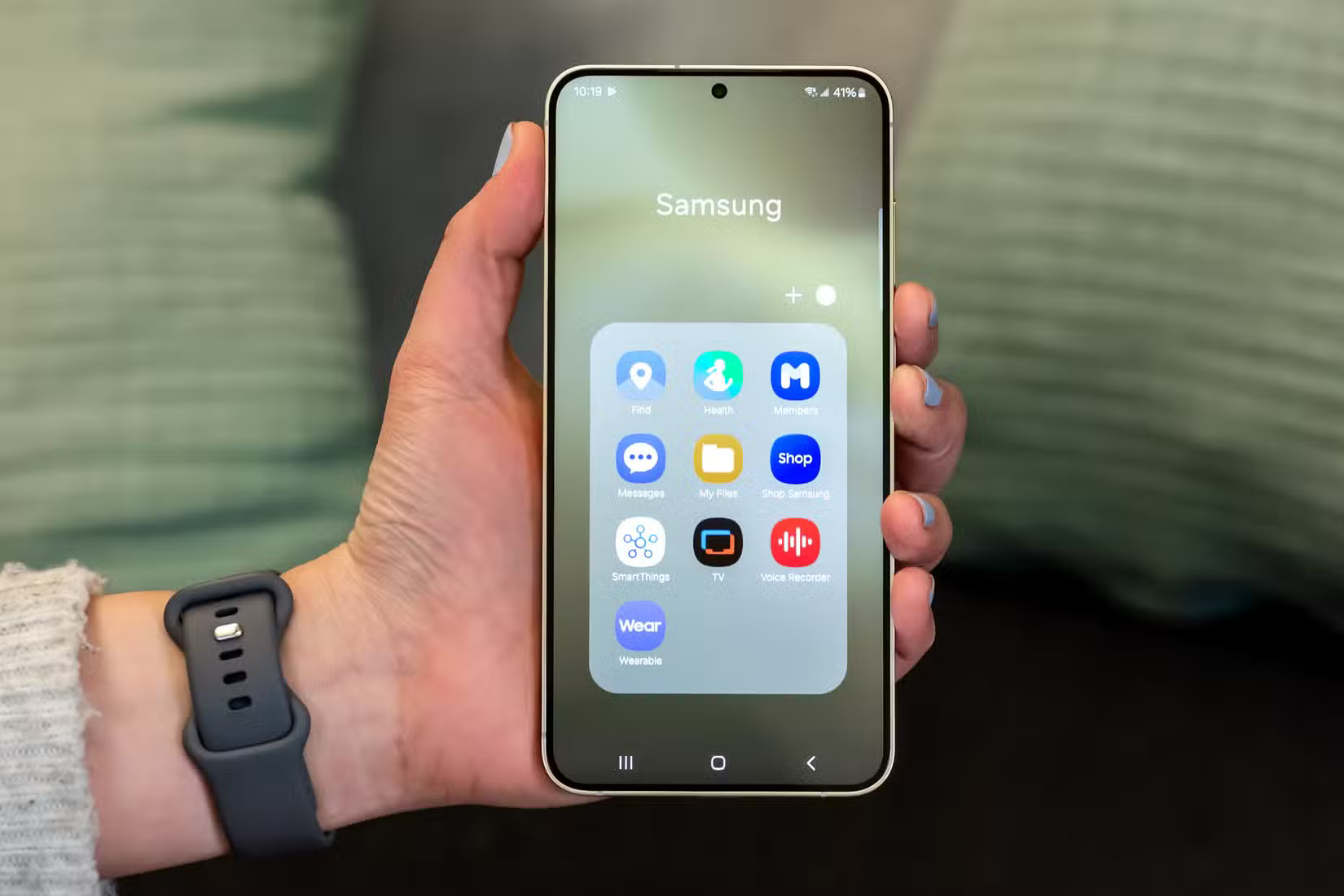
Check whether the unlocked and carrier versions come with different software. If an app can be uninstalled, use Android’s normal app settings. If it can only be disabled, check what it does before changing it, especially if it handles system or account functions.
7. No headphone jack
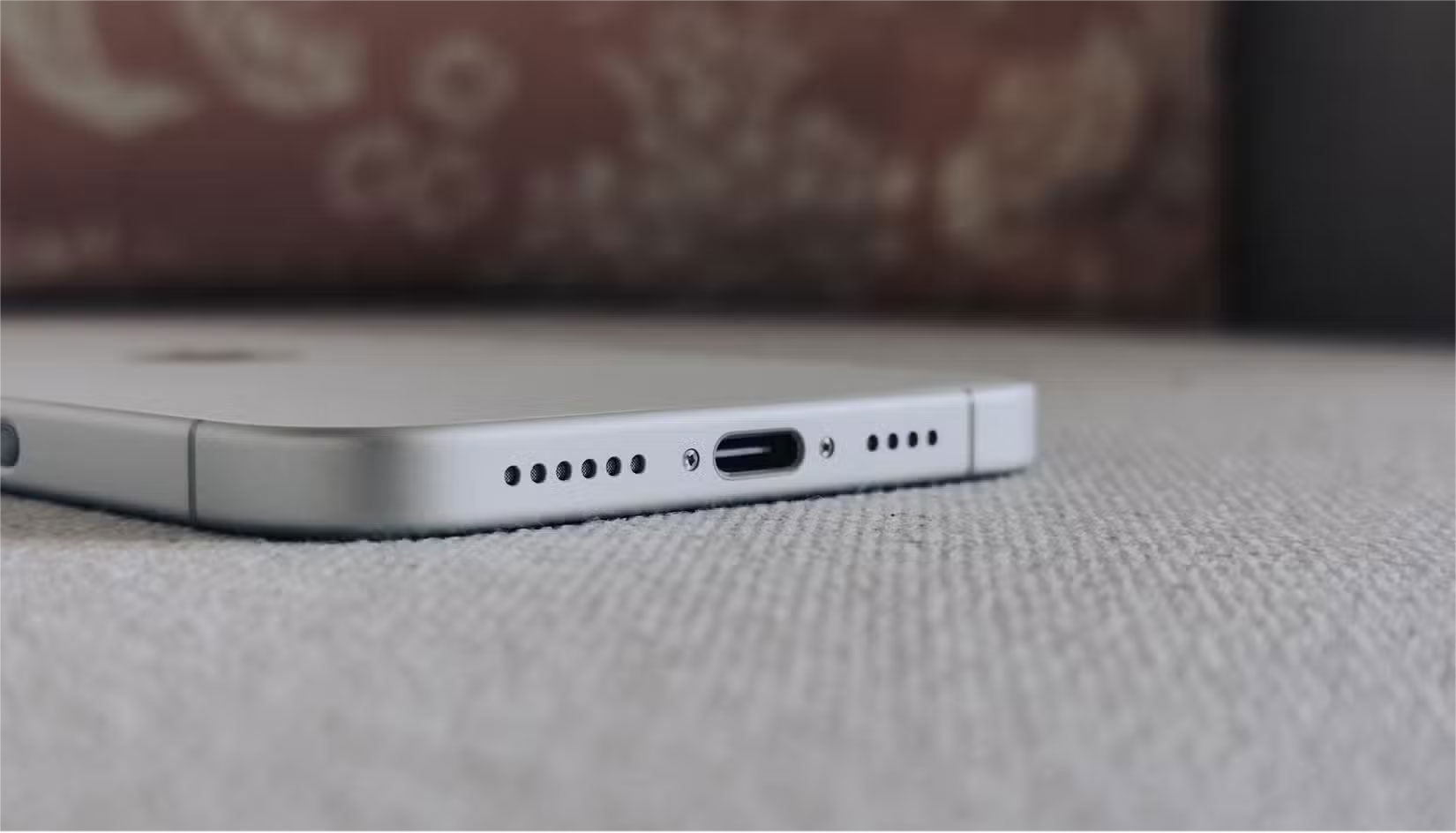
For wired headphones or a car stereo with an aux input, confirm that a USB-C audio adapter works with the phone. Check microphone support if you use a wired headset for calls. If you need to charge while listening, test both functions together. See what else a phone’s USB-C port can do.
Related Articles
 Google is about to launch Android 9 Pie (Go Edition) for low-end smartphones
 8 Ways to Make Your YouTube Experience Worse
 Ways to share files between two nearby smartphones
 Android is about to support a new anti-theft protection feature, what's interesting?
 Battlefield 2042 has so many bugs that even hackers have to stop playing
 10 great ways to help you scratch scratches on your phone screen
Reader Comments 0
Sign in with email or Google to join the discussion.