Table of Contents
PPSSPP is available for iPhone and iPad without jailbreaking. The emulator does not include commercial PSP games: you must supply compatible ISO, CSO, or CHD files that you are legally permitted to use.
Install PPSSPP on iOS
- Open the App Store, search for PPSSPP, verify the developer and app listing, and install it normally.
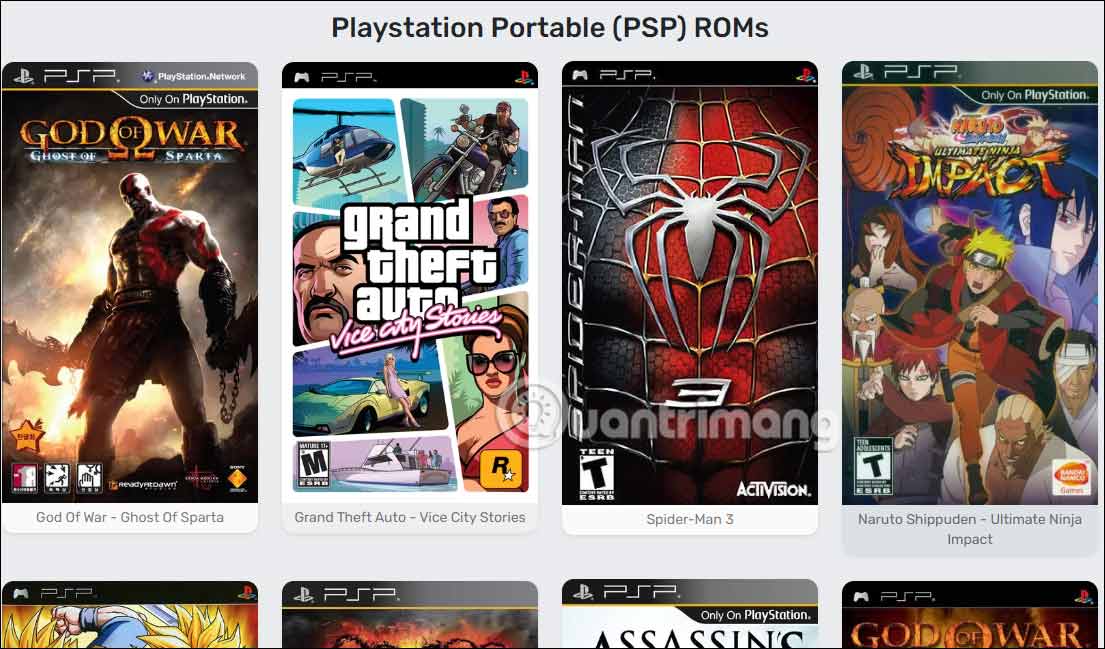
Do not download game files from unauthorized ROM sites. PPSSPP's documentation explains how to dump games you own and transfer the resulting files.
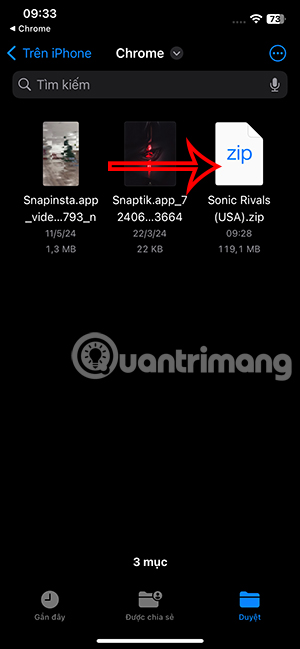
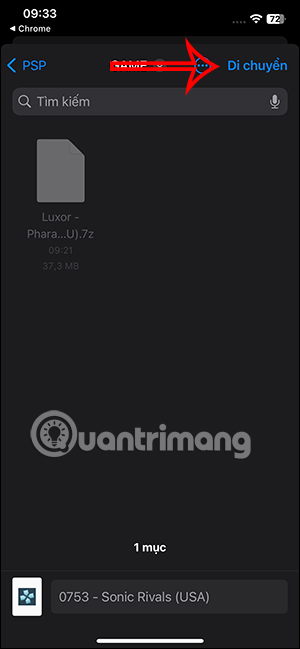
Transfer a game file with the Files app
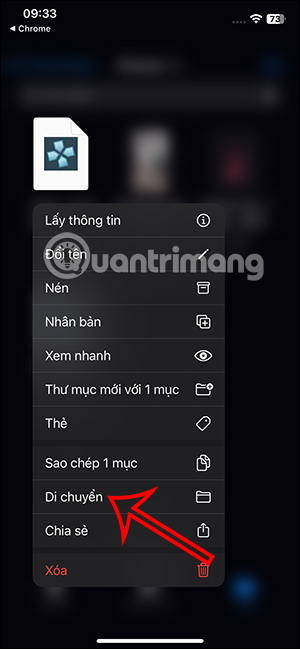
If a game file is already stored in Files, open the Downloads folder or its saved location. Extract the outer ZIP archive only when necessary; do not extract the contents of an ISO file.
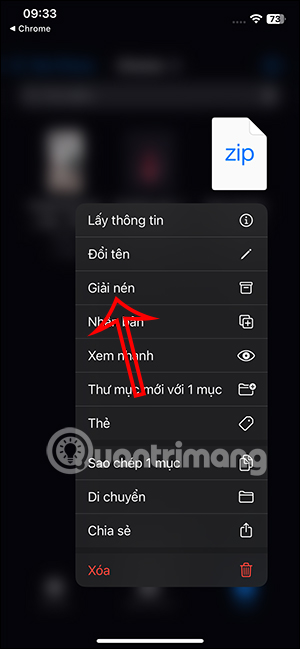
- Press and hold the resulting
.iso,.cso, or.chdfile and select Move.
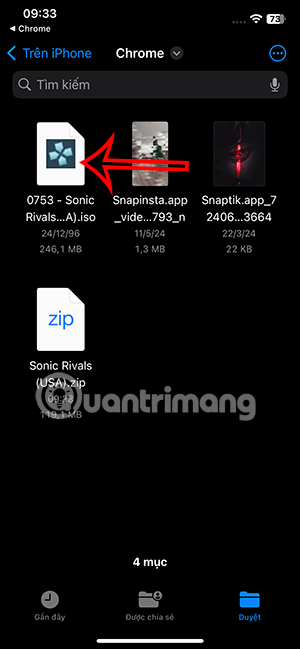
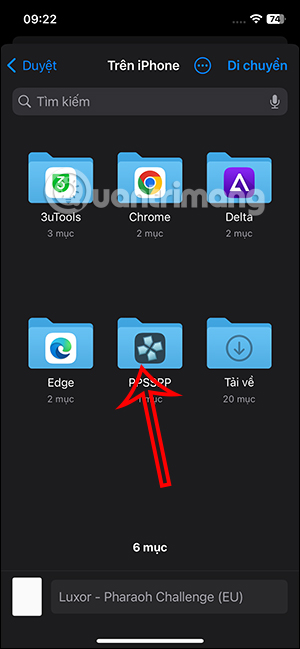
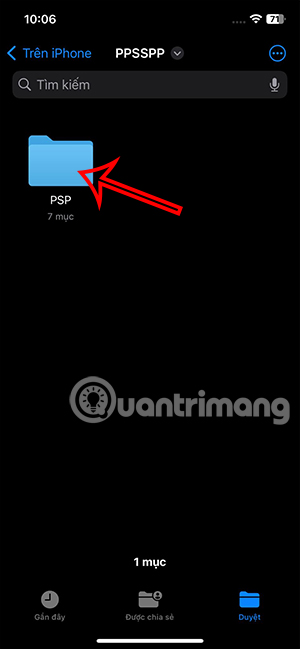
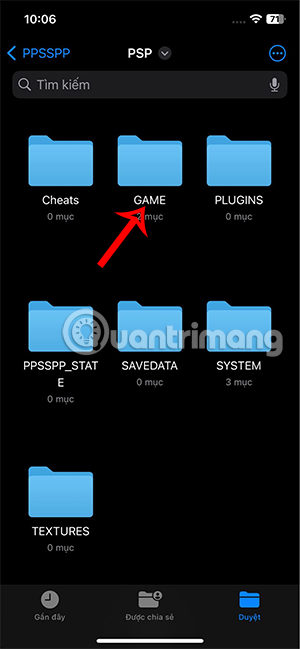
- Choose a location available to PPSSPP. ISO and CSO game images can be kept in a clearly named games folder; the
PSP/GAMEfolder is primarily used by PSP homebrew.
Transfer games from a computer
On a Mac, connect the iPhone or iPad by USB, open the device in Finder, select the Files tab, and drag game images into the PPSSPP app. On Windows, Apple's current device-management app can provide equivalent file sharing. Newer PPSSPP versions may also offer a local Wi-Fi upload option from the Games tab.
See the official PPSSPP iOS support guide for current transfer methods.
Open a game in PPSSPP
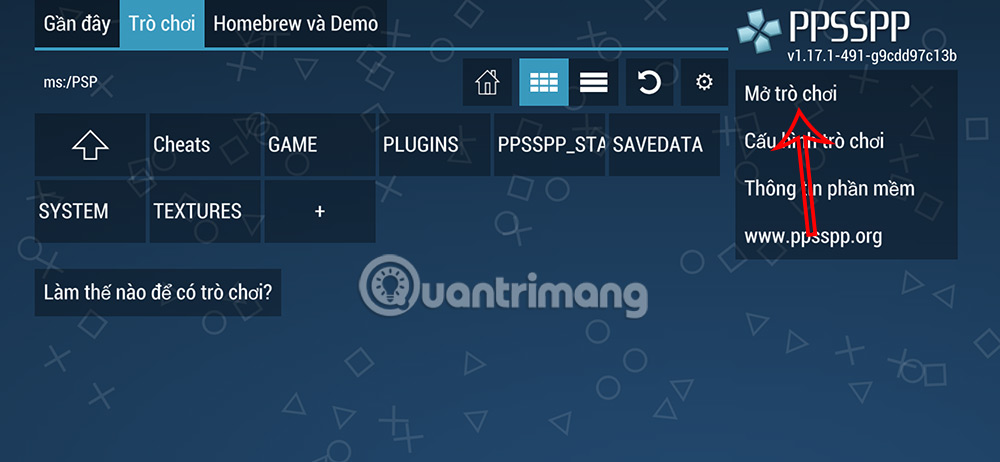
- Launch PPSSPP and select Open game or browse from the Games tab.
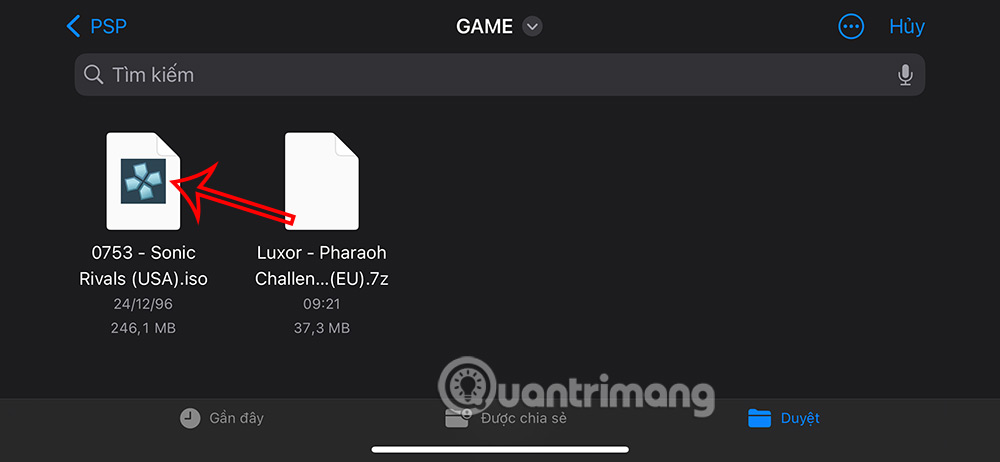
- Navigate to the game image and select it. Run the ISO or CSO directly; extracting its internal files can prevent it from loading.
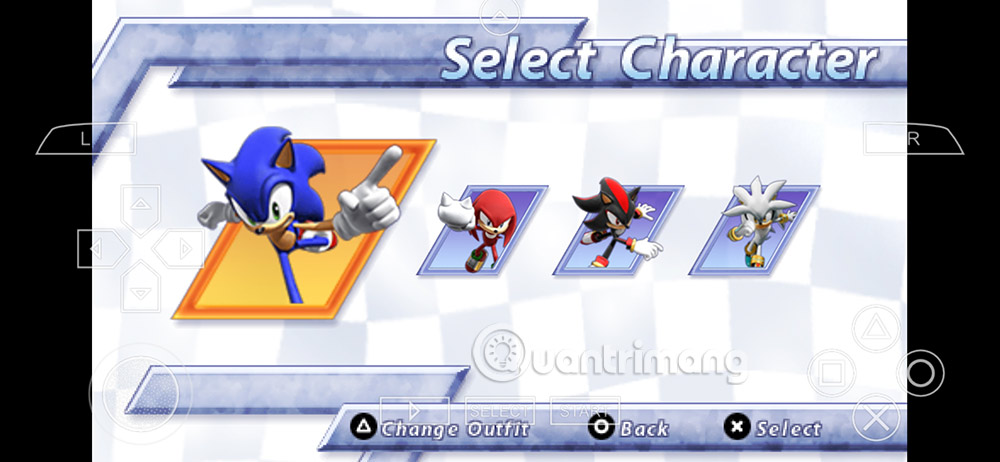
When the game starts, PPSSPP displays on-screen PSP controls. Performance depends on the game and device.
Save progress and adjust a game
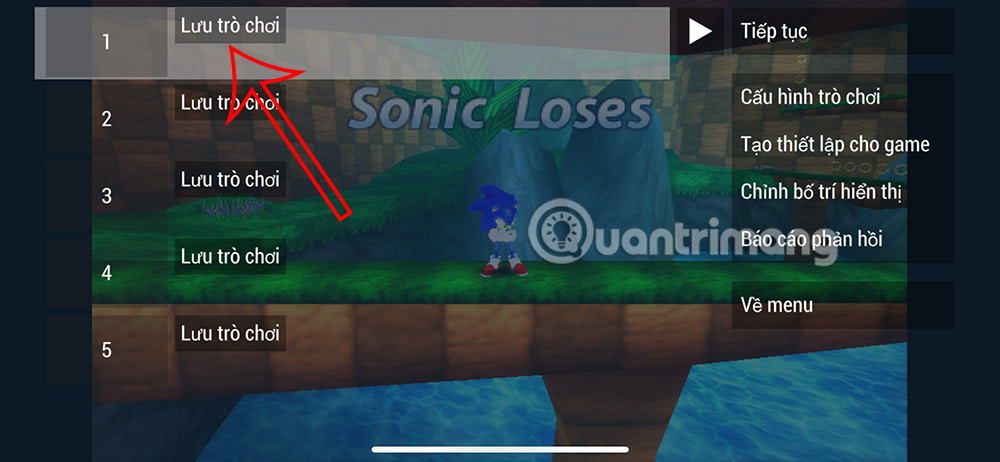
Use the in-game save system whenever possible because it is portable and behaves like a real PSP save. PPSSPP also provides save states for quick snapshots, but save states can be version-sensitive and should not be your only backup.
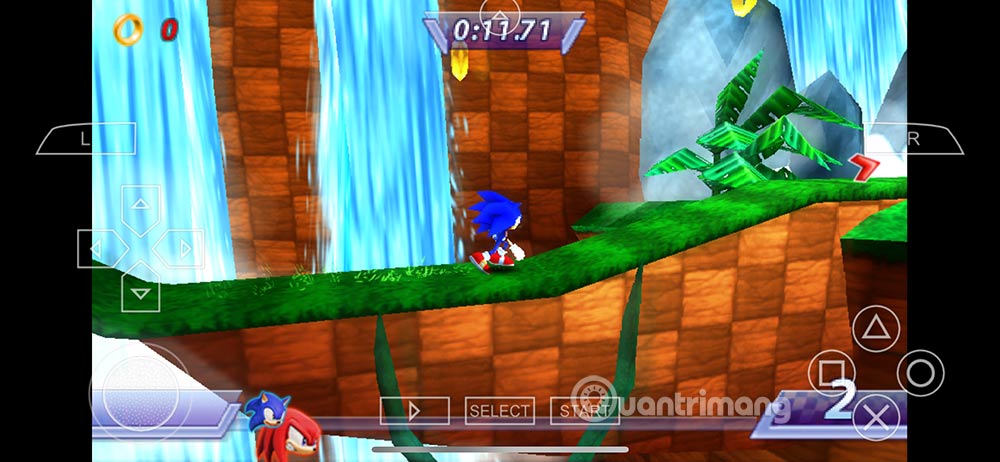
Open the pause or configuration menu to adjust controls, display scaling, rendering, audio, and other settings.
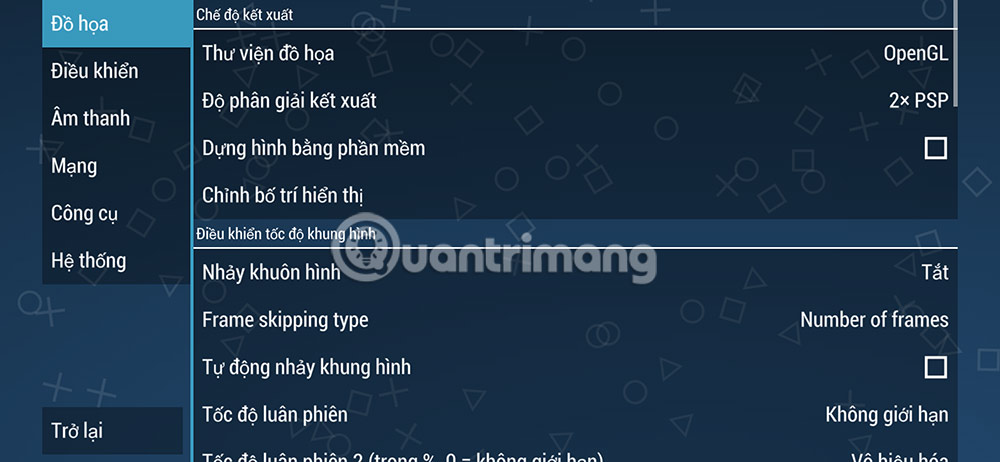
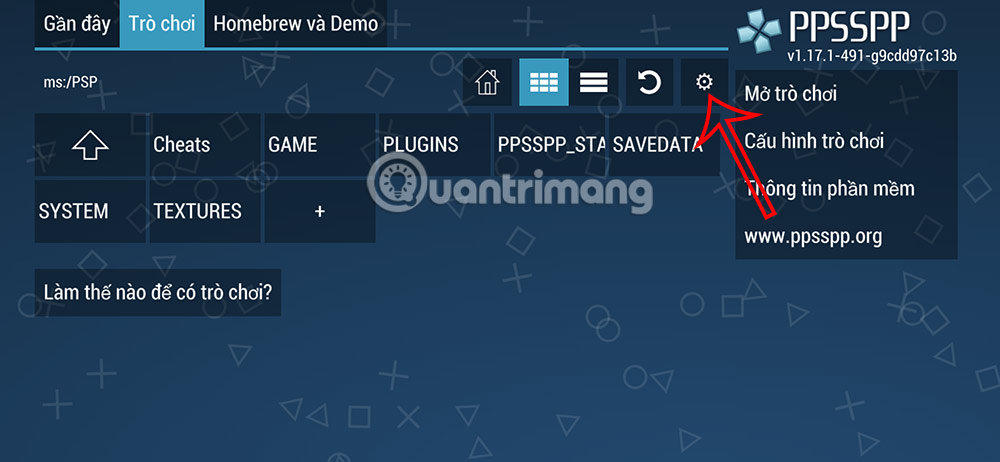
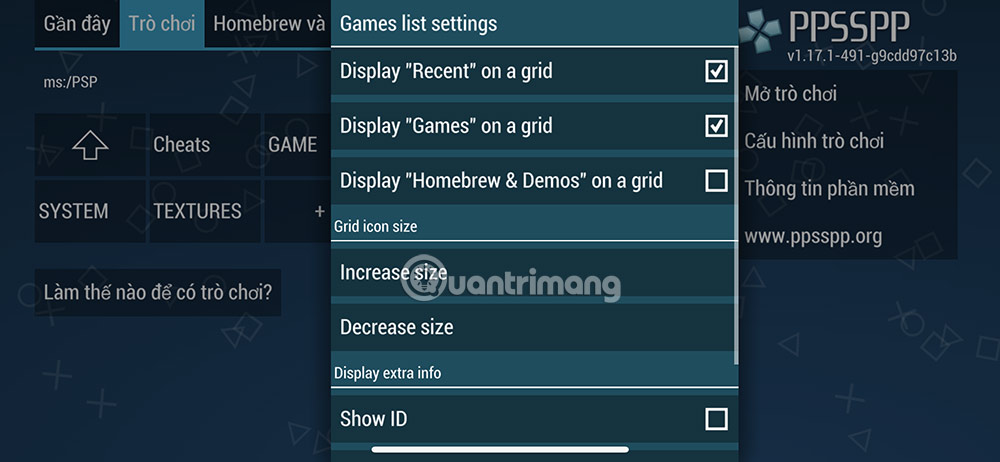
From the Games tab, use the settings icon for global options that apply across titles.
If a PSP game does not load
- Confirm that the file is a complete ISO, CSO, or CHD created from a legitimate source.
- Do not unpack the ISO into individual folders.
- Return experimental speed settings to their defaults.
- Try another game to determine whether the problem is file-specific.
- Update PPSSPP and keep a backup of the
PSP/SAVEDATAfolder before major changes.
iOS App Store restrictions prevent the same just-in-time compilation options available on some other platforms, so demanding games may run differently even on recent hardware.
Related Articles
 A Simple and Easy Guide to Downloading and Installing AutoCAD 20203 minutes read
 How to Stop Edge Downloading Local AI Models8 minutes read
 How to Download Windows 10 ISO Files Quickly and Easily9 minutes read
 How to Simulating Gameboy GBA on iOS 10. 3 Without Jailbreak6 minutes read
 Play Free Fire for Free Without Downloading6 minutes read
 How to Fix the Error of Not Downloading Apps on Microsoft5 minutes read
Reader Comments 0
Sign in with email or Google to join the discussion.