Table of Contents
You can use each of these features to cleverly repurpose your old phone as a smart home device or travel gadget.
Most people replace their phones every 2-3 years. While some people choose to trade in their old phones to get a discount on a new phone, others prefer to keep their old phones as a backup. This cycle repeats itself, and before you know it, you have dozens of phones collecting dust in your drawer.
So what do you do with them? Your old phone is more than just a phone. It has a great camera, lots of sensors, a powerful processor, a high refresh rate screen, and a high-speed modem. You can use each of these features to cleverly repurpose your old phone as a smart home device or a travel gadget.
Turn your old Samsung phone into a smart home sensor
Integrated sensors rival dedicated smart home devices

Samsung has an official reuse program for Galaxy smartphones. For example, using the Samsung Upcycling program, you can turn your Galaxy smartphone into a useful smart home sensor. This app lets you turn your old phone into a sound or light sensor that connects directly to the SmartThings ecosystem.
The initial setup may seem complicated, requiring two devices, but it's entirely doable. To get started, you'll need to install SmartThings on both your old phone and your current device, then use the Galaxy Upcycle feature to turn your old phone into a sensor. All detection happens locally on the device, so you're completely secure.
Use as a high quality webcam
Video quality is better than most dedicated webcams
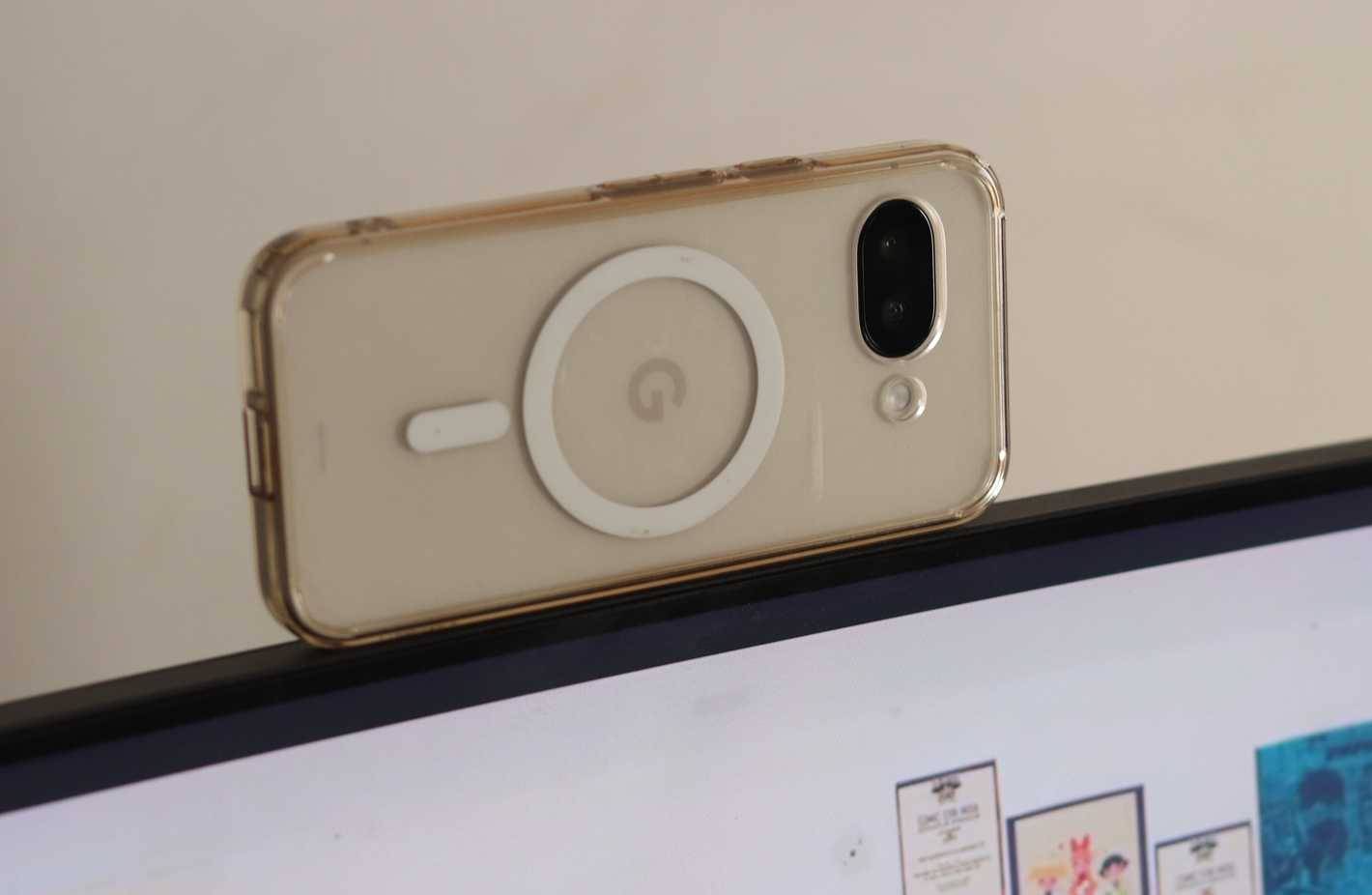
Even in 2025, laptop manufacturers still treat webcams as an afterthought. If your laptop webcam makes you look a little grainy on a video call, the camera on your old phone is probably better than any webcam you can buy for under $150.
Apps like Camo Studio, DroidCam, and Phone Link 's connected camera feature can turn your Android into a professional webcam. Camo Studio stands out because it recognizes all of your phone's lenses and lets you switch between them during a call. You can connect wirelessly over your local network or use a USB cable to reduce latency.
Turn your phone into a security camera
Free monitoring without monthly subscription
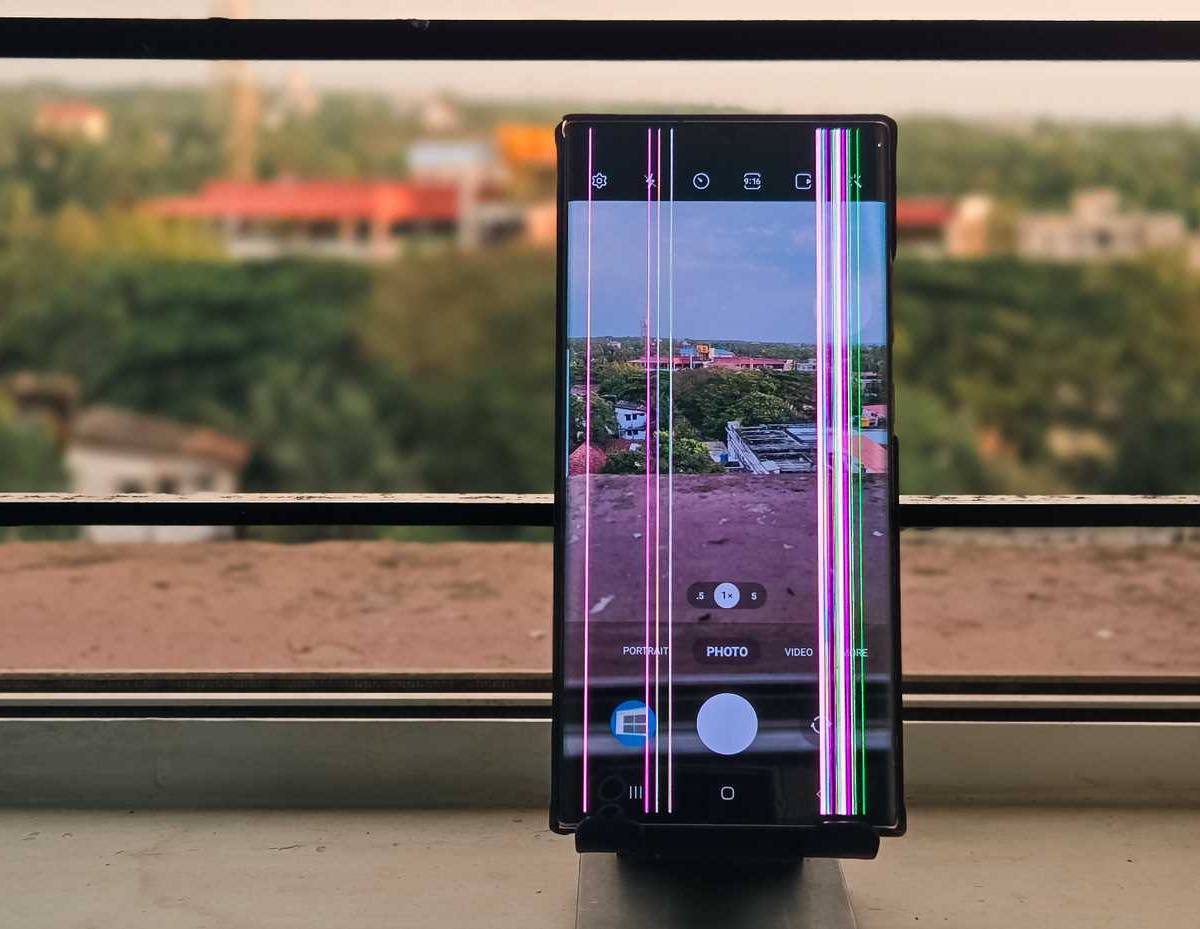
Dedicated security cameras can cost hundreds of dollars, and many require a monthly subscription for cloud storage. Your old phone, with its built-in camera and Wi-Fi connection, can be a surprisingly effective security camera for free.
Apps like AlfredCamera allow you to repurpose your phone as a camera and use another device for surveillance. To do this, start by installing the AlfredCamera app, then switch to Camera mode, grant the necessary permissions, and place your phone in the location you want to monitor.
Use as a GPS tracking device
Track your car wherever it's parked
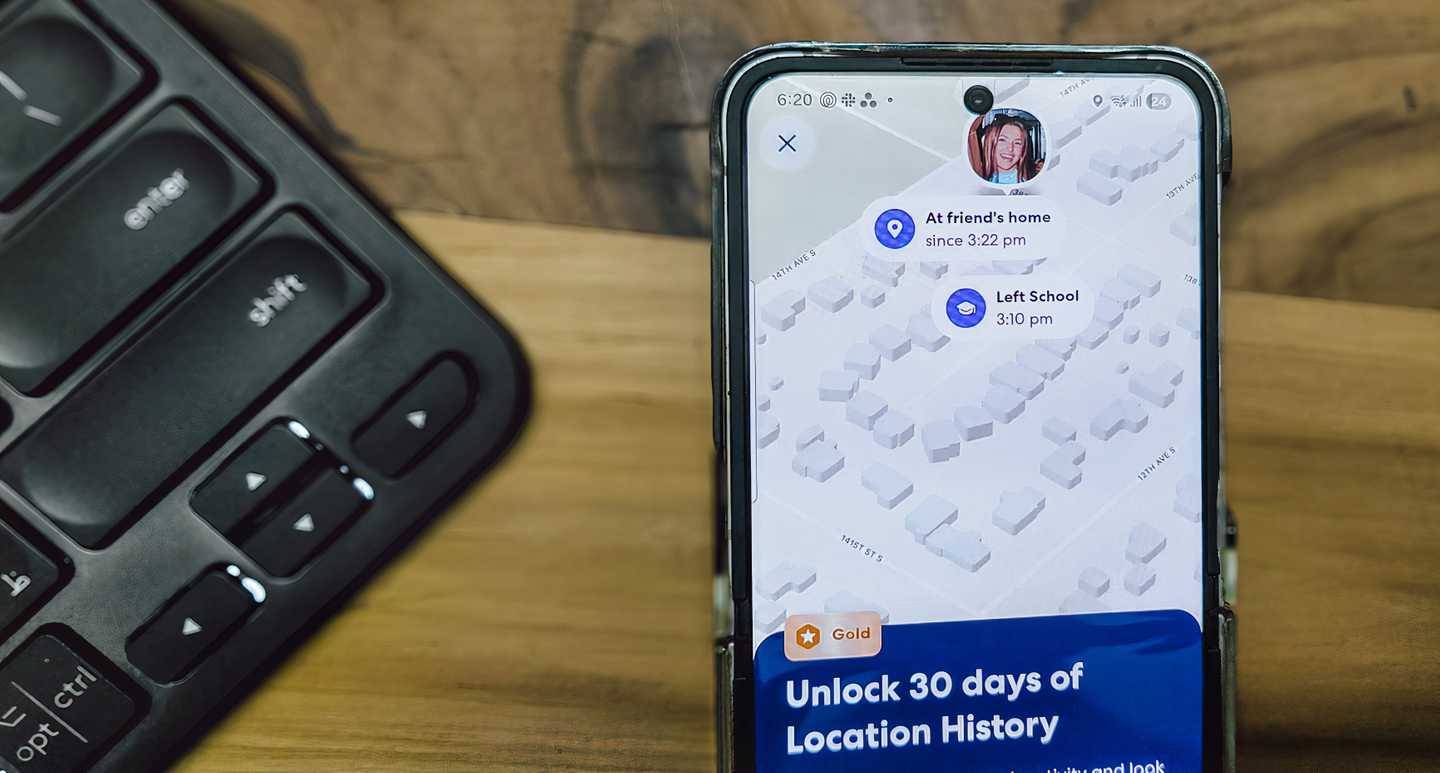
Dedicated GPS trackers work well, but they cost money upfront and often require a subscription. Your old Android phone already has GPS built in, plus it can connect to the internet for real-time tracking from anywhere. So why not turn your phone into a GPS tracker?
Android's built-in Find My Device feature works for basic tracking purposes. Just enable it in your phone's settings, make sure location services are turned on, and you can track your phone's location through Google 's dashboard. When it comes to car tracking, apps like Life360 offer more features. Although Life360 is designed for family tracking, it works perfectly well for tracking where your car is parked.
Your baby's first device
Set up parental controls before giving it to your child!
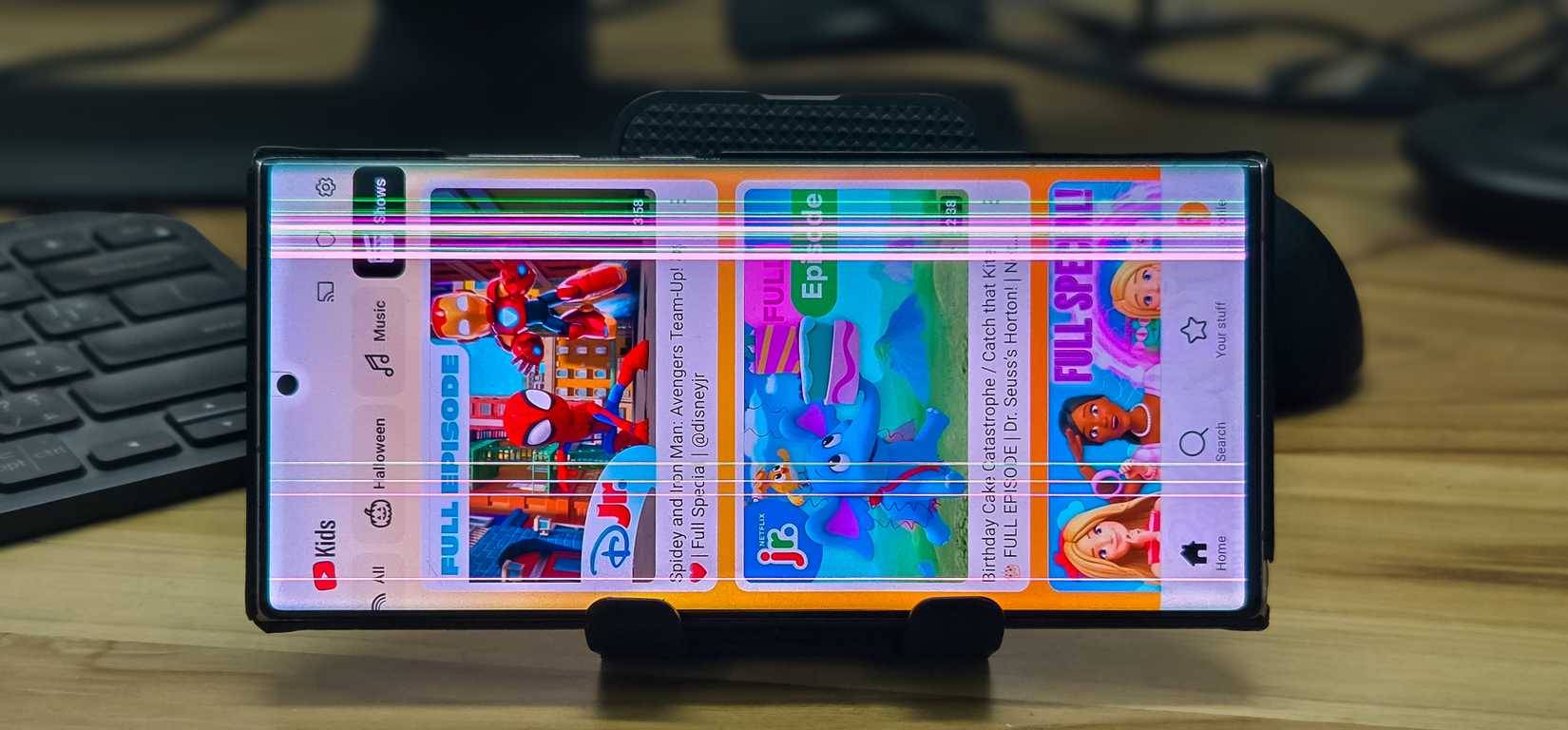
Instead of buying an expensive tablet for your child, your old Android phone is the perfect first device. It's free (because you already own it) and with the right parental controls, it's safer than a full-featured phone with a mobile plan.
Start by setting up a screen lock that works for your child – a PIN or pattern that they can remember, but can't easily be guessed by others. Turn on Find My Device so you can locate the device if it's lost. Then, enable parental controls in the Google Play Store with a PIN to restrict app downloads based on age.
Handheld gaming device
Gamepad + Emulator = Mobile Gaming
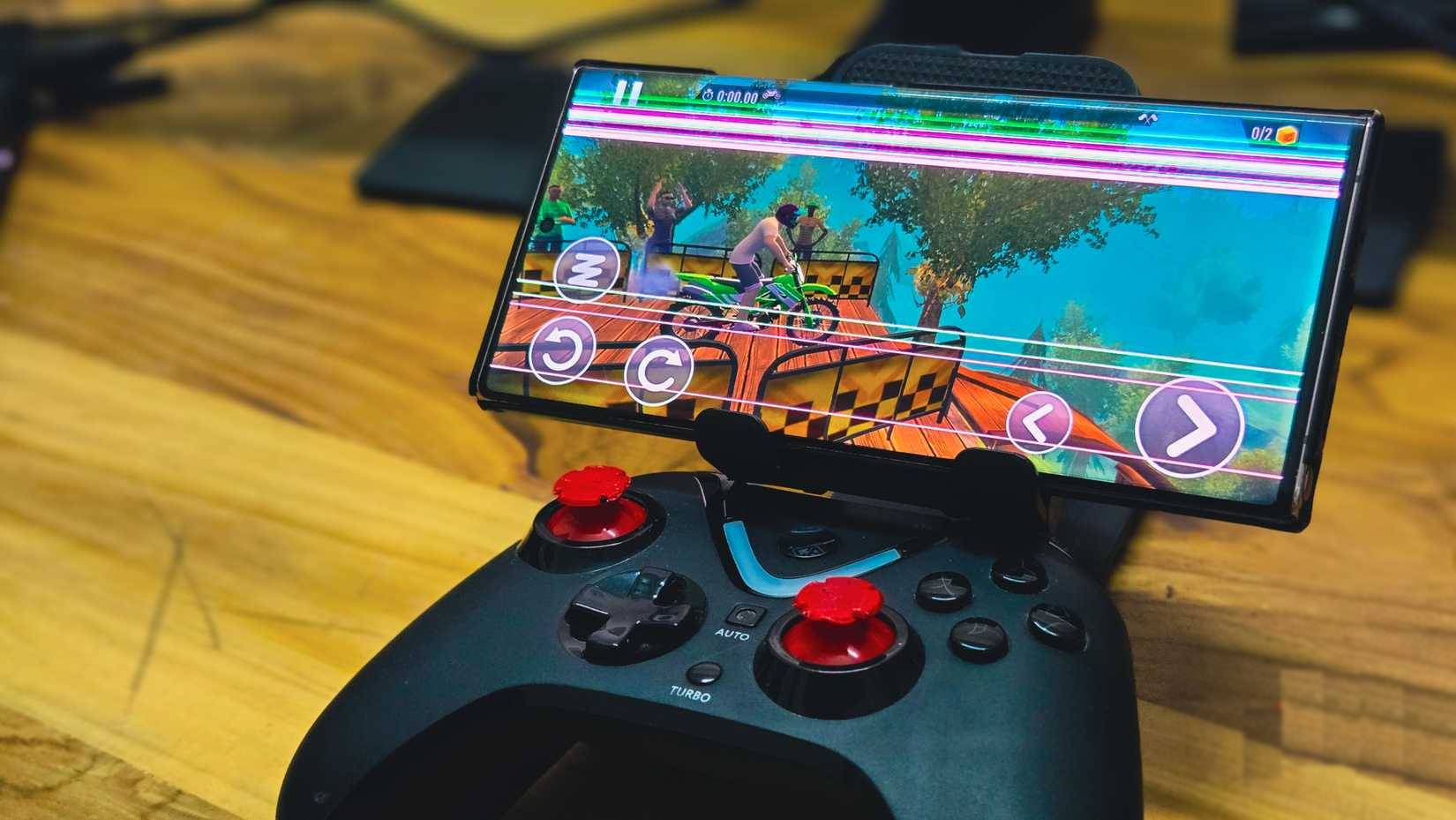
Modern flagship phones have hardware that rivals dedicated consoles like the Steam Deck or Nintendo Switch. Even phones from a few years ago have enough power to run demanding games and emulators smoothly.
Pairing your phone with the right controller is key. For larger phones or foldable phones, controllers like the Razer Kishi Ultra or GameSir G8 Galileo offer console-like ergonomics. For regular-sized phones, compact options like the GameSir X2s keep things portable while still providing physical buttons and analog sticks.
You're not limited to mobile gaming either. Emulators like Delta (available on both iPhone and Android) let you play retro games from consoles like the Game Boy, Nintendo DS, and PlayStation. There are also cloud gaming services like Xbox Cloud Gaming, Nvidia GeForce Now, and Amazon Luna, which give you access to PC and console games without the need for powerful hardware.
FAQ
What should you know about the options in this guide?
In practical terms, you can use each of these features to cleverly repurpose your old phone as a smart home device or travel gadget.
Which option is the best choice?
The best choice depends on your priorities, compatibility, budget, and the specific features discussed in the comparison.
What should you compare before deciding?
Compare core features, limitations, ease of use, compatibility, and long-term value before making a decision.
Related Articles
 Ways to Connect Android Phones to Samsung Tvs6 minutes read
 How to Enable/Disable Smart Lock on Android6 minutes read
 How to Use Smart View on Android: Step-by-Step Guide6 minutes read
 Why Is Android TV the Best Smart TV Platform on the Market?5 minutes read
 Guide to Unlock Smart Screen Like iPhone for Android Device7 minutes read
 Check Android Phone Configuration6 minutes read
Reader Comments 0
Sign in with email or Google to join the discussion.