1. Change the privacy settings on the phone
This guide provides a practical overview of 6 Simple Tips but Make Your Phone More Secure, including its main features, benefits, limitations, and important considerations.
To change the default privacy on iOS devices, go to Settings (settings) - Privacy (privacy). Here, users can limit or reject personalized ads, turn off analytics and send data to the manufacturer's server.

Similarly, for Android devices, users can find privacy-related options in the Settings section.
2. Check the application's permissions again
Most of the applications that you use every day require access (using camera, microphone, contacts, location, photo library.), but we can. grant or revoke permissions at any time.
When the installation of the application is completed, give the application permission to its proper function. For example, a computer application does not need access to the microphone (if it does not have voice control).
For messaging apps, you'll obviously need to allow the app to access your contacts and SMS messages.
3. Use VPN
A VPN (Virtual Private Network), also known as a virtual private network, lets you access sites that are geographically restricted, and also encrypts all data between the device and the server.
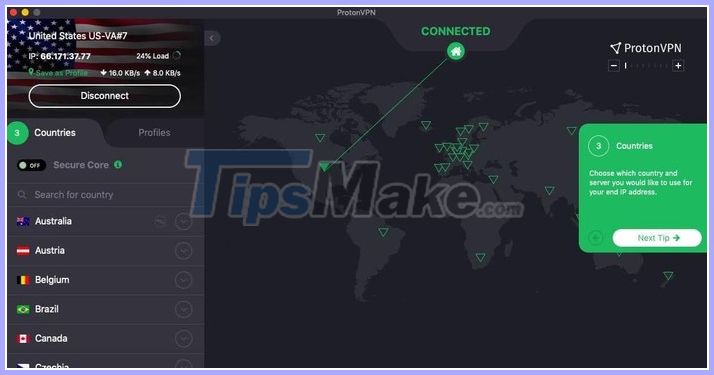
VPNs also protect your privacy by providing false location data to most advertisers on the web. Currently there are many VPN services to choose from, such as ProtonVPN, Private Internet Access, TunnelBear, NordVPN, Mullvad, SurfShark and IPVanish.
VPN configuration is relatively simple, users only need to follow the instructions that the developer requires.
4. Install message encryption application
Most messaging applications on the market use end-to-end encryption, however, data encryption only occurs when the message is transmitted via servers. Messages on the device will not be encrypted, so hackers and companies can access the content using a method of collecting data in the background.
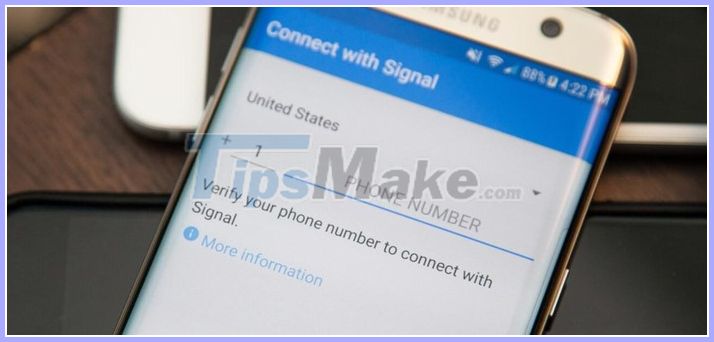
There are plenty of messaging apps that offer End-to-End (E2E) encryption by default, such as Signal, ThreeMa, WhatsApp, Wire, Telegram and Viber.
5. Consider using a secure browser
Google Chrome is one of the most used browsers today because of its fast speed, simplicity, and a wealth of extensions. However, there are many other browsers that provide better privacy, such as Firefox.
Tracking prevention feature in Firefox will automatically block ads and trackers, collecting personal information when you browse the web. Besides, some other browsers also have the same function as Microsoft Edge, Brave and Safari (starting from macOS Big Sur version).
You may have heard of the Tor Browser, so use this browser if you want to make your browsing activities safer. However, this browser is quite slow because it has to route through many different servers around the world.
6. Store passwords with dedicated management software
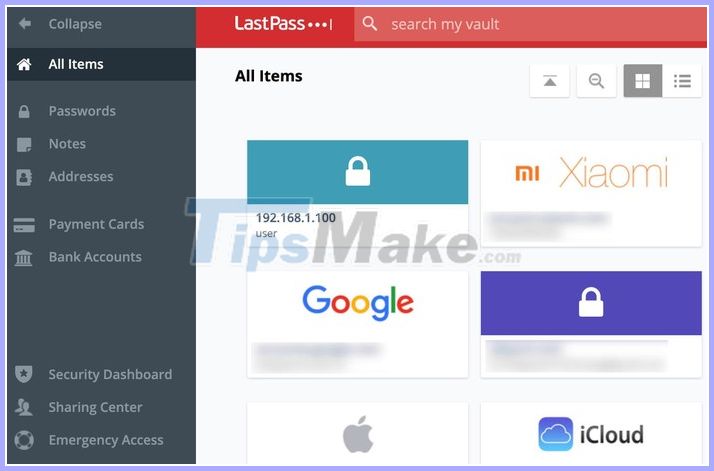
In this day and age, you should use password management software to store all login information on the web. Users will not need to remember the username or password, all will be automatically filled with just one click.
Some of the best password management software available today are: LastPass, Dashlane and Bitwarden.





Reader Comments 0
Sign in with email or Google to join the discussion.