Table of Contents
Comet is Perplexity's browser with an AI assistant that can answer questions about pages and carry out supported browser tasks. It can help with research and repetitive work, but its usefulness depends on the website, permissions and task. It cannot reliably automate every activity on the web.
Availability has changed since early access
The original Max-only and Pro-waitlist description is outdated. Perplexity's general-availability announcement made the browser free to download. Paid features, usage limits and platform support should be checked on the official download page before choosing a plan.
Use the assistant for a clearly defined task
Begin with a request you can verify, such as “Compare the return policies on these two open product pages and show the source for each.” Identify which tabs or accounts it may use and what result you want.
Read-only research is easier to review than a broad instruction to manage an account. For email or calendar work, specify a time range and ask for a draft or proposed event before anything is sent or changed. Access to signed-in services can expose personal information, so connect only what the task requires.
Voice input and browser controls
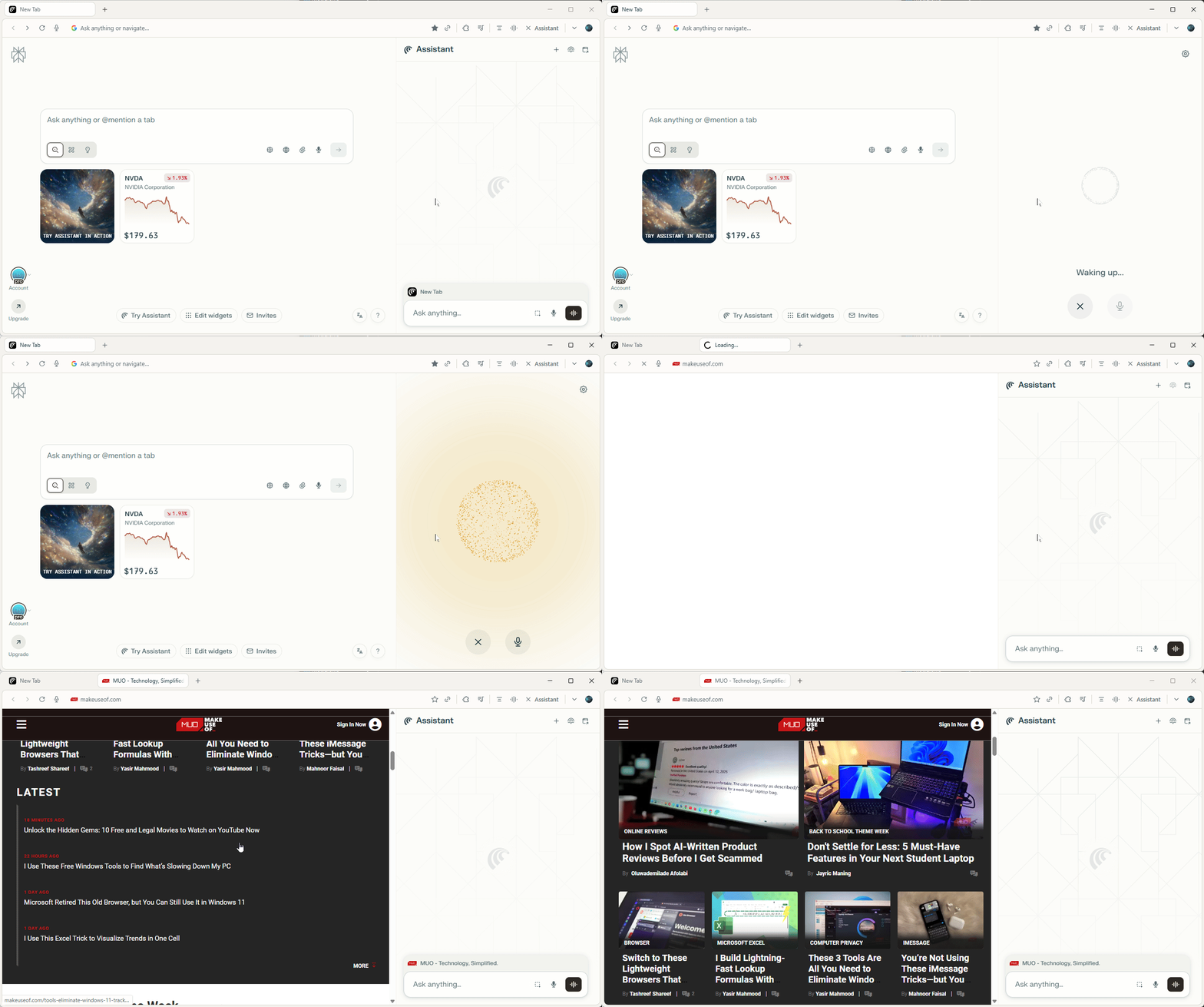
Voice controls can reduce typing when searching or asking the assistant a question. Dictating text and authorizing the assistant to interact with a site are different actions. Check the microphone control and shortcut hints in your installed version; shortcuts can vary by platform and release.
Shopping assistance needs review
You can ask for comparisons or help preparing a cart on supported sites. Verify the exact product, seller, shipping, taxes and subscription terms yourself. Coupon checks or order cancellation are not guaranteed to work on every retailer.

Perplexity describes permission checks for sensitive actions in its assistant-control guidance. Watch the task, use its stop control when needed, and confirm the website's own result before assuming an action completed.
Summaries, quotes and research
Page and video summaries are useful starting points. Ask the assistant which page, passage or timestamp supports a claim. Check exact quotations and important facts against the original: an AI summary is not an independent fact-check, and access to captions or protected content may be limited.

For selected text, request an explanation or proofreading suggestions rather than accepting a rewrite without review. Check calculations with a calculator when accuracy matters.

Organize tabs without losing work
Give bounded instructions, such as grouping a named set of research tabs. Before closing pages, save unfinished forms and bookmark information you need. Session restoration should not be treated as a backup of unsaved website state.

Review privacy and permissions
Read the current privacy notice and assistant settings before using work accounts or sensitive pages. Browser data stored locally and information processed for an AI request are not necessarily handled in the same way. Avoid assuming that every browsing activity stays on the device.
Start with public pages and a task whose answer you already know. Expand to account-based workflows only when you understand the permissions and can verify the outcome. Comet's value is reducing repeated browser steps while leaving you responsible for consequential decisions and final checks.
Related Articles
 Perplexity Comet browser: features, uses, and privacy considerations
 6 Comet Browser Keyboard Shortcuts for Mac
 Why is Perplexity Comet a worthy AI browser replacement for Safari?
 Why Are People Returning to Brave After Trying Perplexity's AI Browser Comet?
 Hubble Space Telescope has just captured the 'crumbling moment of Comet Atlas'
 Strawberry Browser Review: What Its AI Agents Can Do
Reader Comments 0
Sign in with email or Google to join the discussion.