Table of Contents
An Android tablet can be a better fit if you share it with family, want more control over apps and the home screen, or find a model with lower ownership costs. Compare an exact tablet with the iPad you own. Android features vary by manufacturer, and current iPadOS also offers movable windows.
More control over apps and the home screen
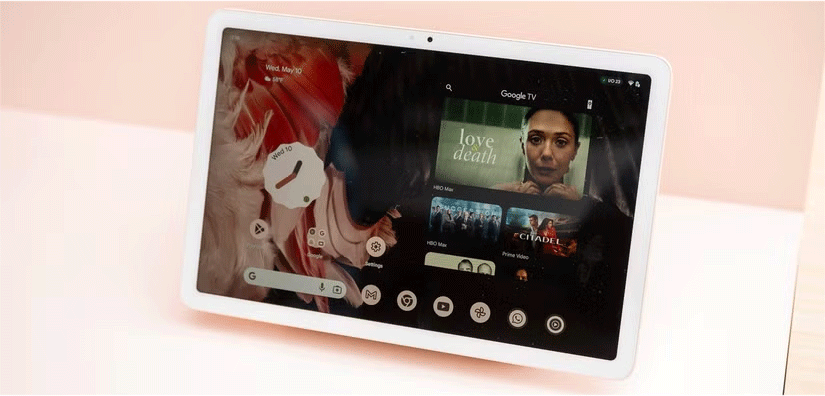
Check whether the tablet lets you use your preferred launcher, file manager, or apps from a trusted source outside its default store. Test any important USB storage workflow as well. File transfers depend on the tablet, cable, and storage format.
Multitasking that fits your apps

Some Android tablets, including the Xiaomi Pad 7 shown here, let you open supported apps in floating windows. Try the apps you use side by side, such as notes and a browser. Apple also supports movable, resizable windows on current iPadOS, so compare both layouts before switching for multitasking alone.
Separate profiles on supported models
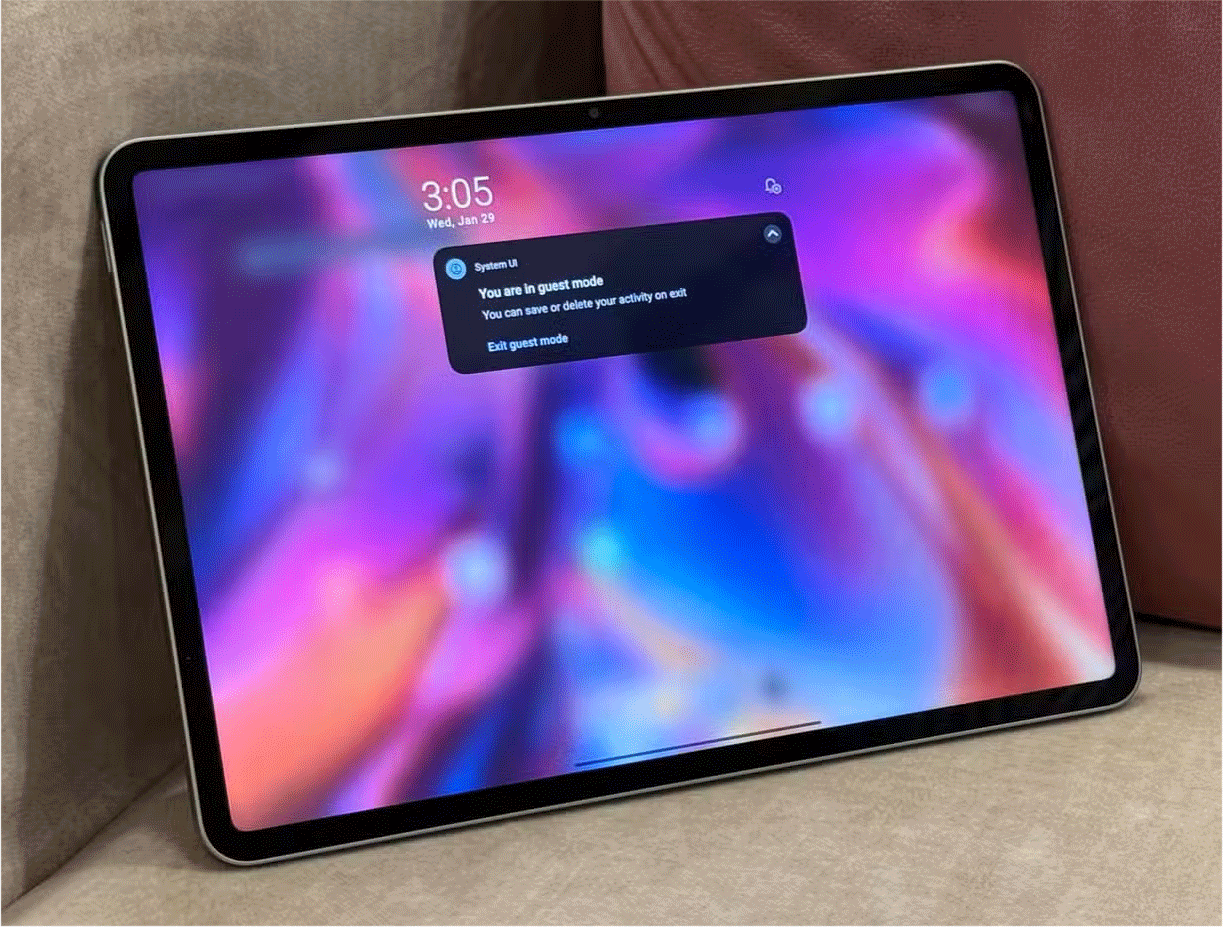
Multiple user profiles can keep family members’ apps, files, and preferences separate. Check the exact Android model for user profiles or a children’s mode. Managed school or business iPads can offer Shared iPad, but that setup differs from switching profiles on a household tablet.
A better fit for the devices you already own
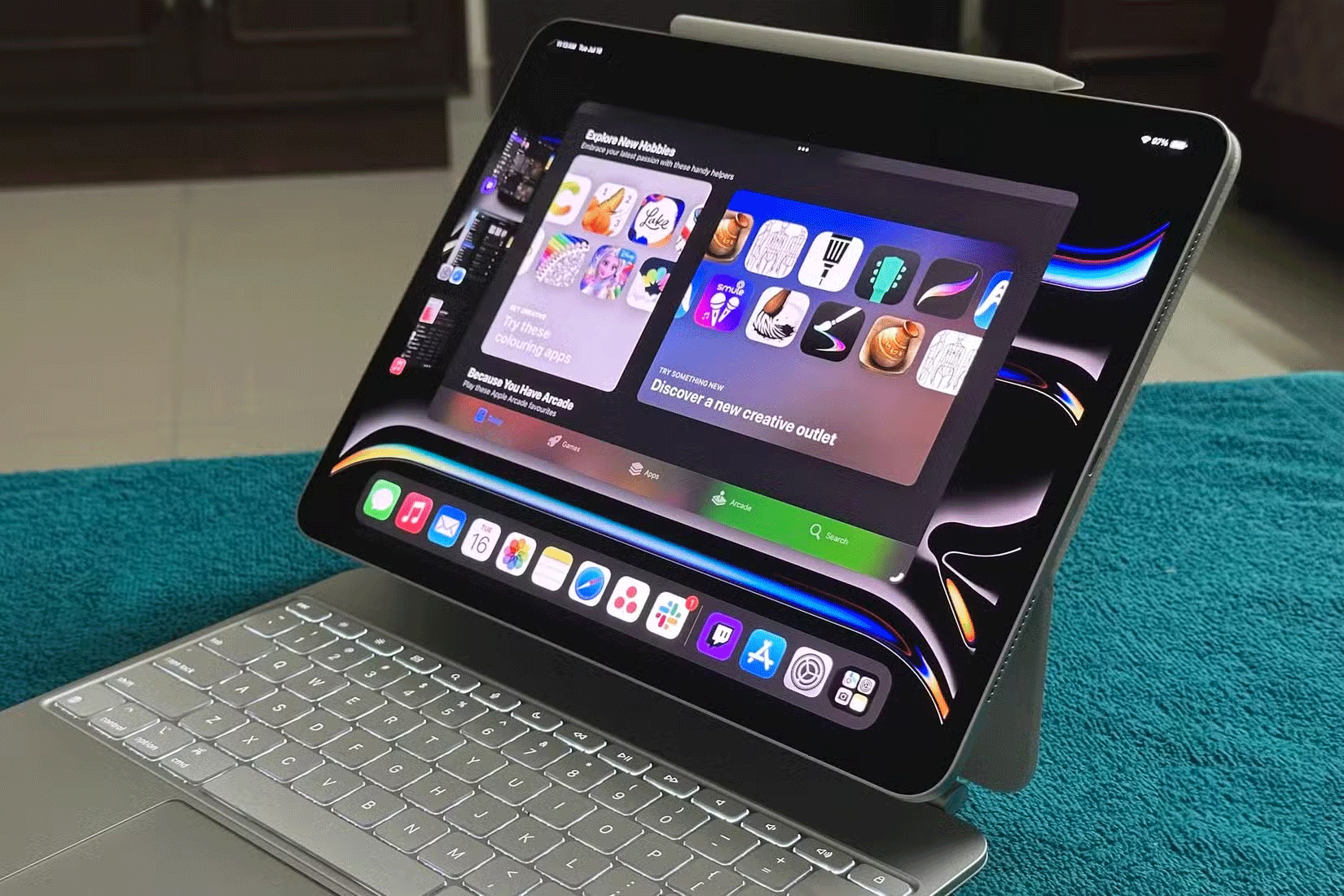
Check whether your keyboard, stylus, headphones, cloud storage, and phone can share files or connect the way you expect. If you use a Mac and rely on Sidecar or AirDrop, try the replacement workflow before giving up your iPad.
A lower total cost on some models
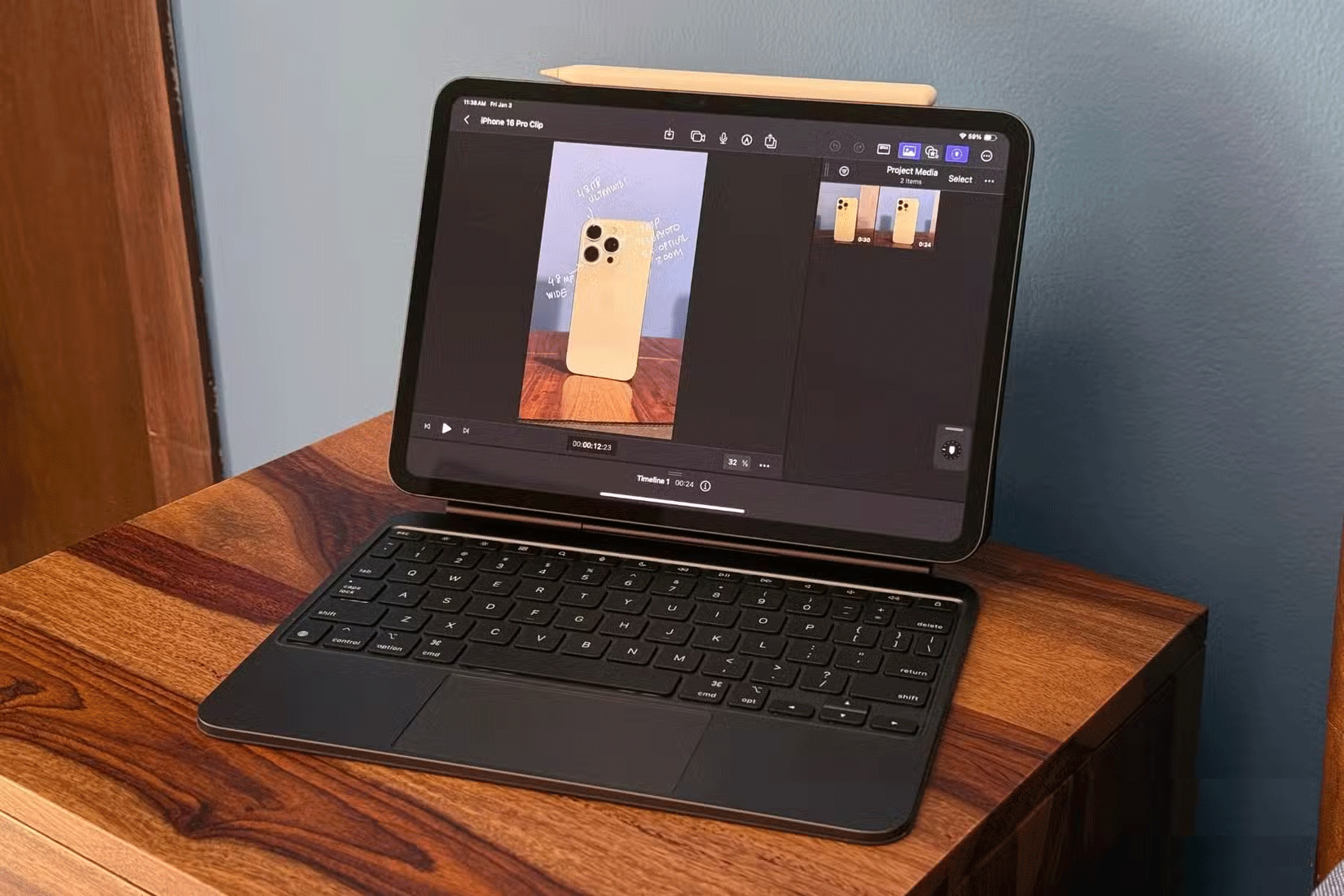
Add the cost of a case, keyboard, or stylus to the price of each tablet. Compare repair quotes and the promised security update period for the exact model. A cheaper tablet is easier to justify when it runs the apps you need and will receive updates for as long as you expect to keep it.
Related Articles
 Why do so many people switch to iPads after years of using Android tablets?
 Official: Nintendo Switch can run Android
 The Switch to Android app now supports iPhone users to transfer data to Android 12 and above devices very quickly
 10 effective ways to use your old iPad and Android tablets should not be missed
 7 reasons Microsoft urges users to abandon Windows 10 to switch to Windows 11
 5 Reasons Not to Switch to Waze
Reader Comments 0
Sign in with email or Google to join the discussion.