Table of Contents
These benefits aren't enough to make them abandon Google Maps, and it's not just a resistance to change. The platform offers a feature set they can't live without, and the overall user experience is far superior.
Many people are not ashamed to admit they would get lost without a mapping app. Asking for directions is often pointless, signs can be confusing, and construction frequently blocks and redirects roads. Android users are faced with two popular options: Google Maps or Waze.
When it comes to choosing a navigation app, almost everyone has an opinion. Many people use Waze, which is understandable, thanks to its real-time traffic alerts, community-generated reports, and smart routing tips that save time on every trip.
That said, these benefits are not enough to make them abandon Google Maps, and it is not simply a resistance to change. The platform offers a feature set that they cannot live without, and the overall user experience is far superior.
5. Cleaner, more intuitive interface
Design makes navigation easier for everyday use
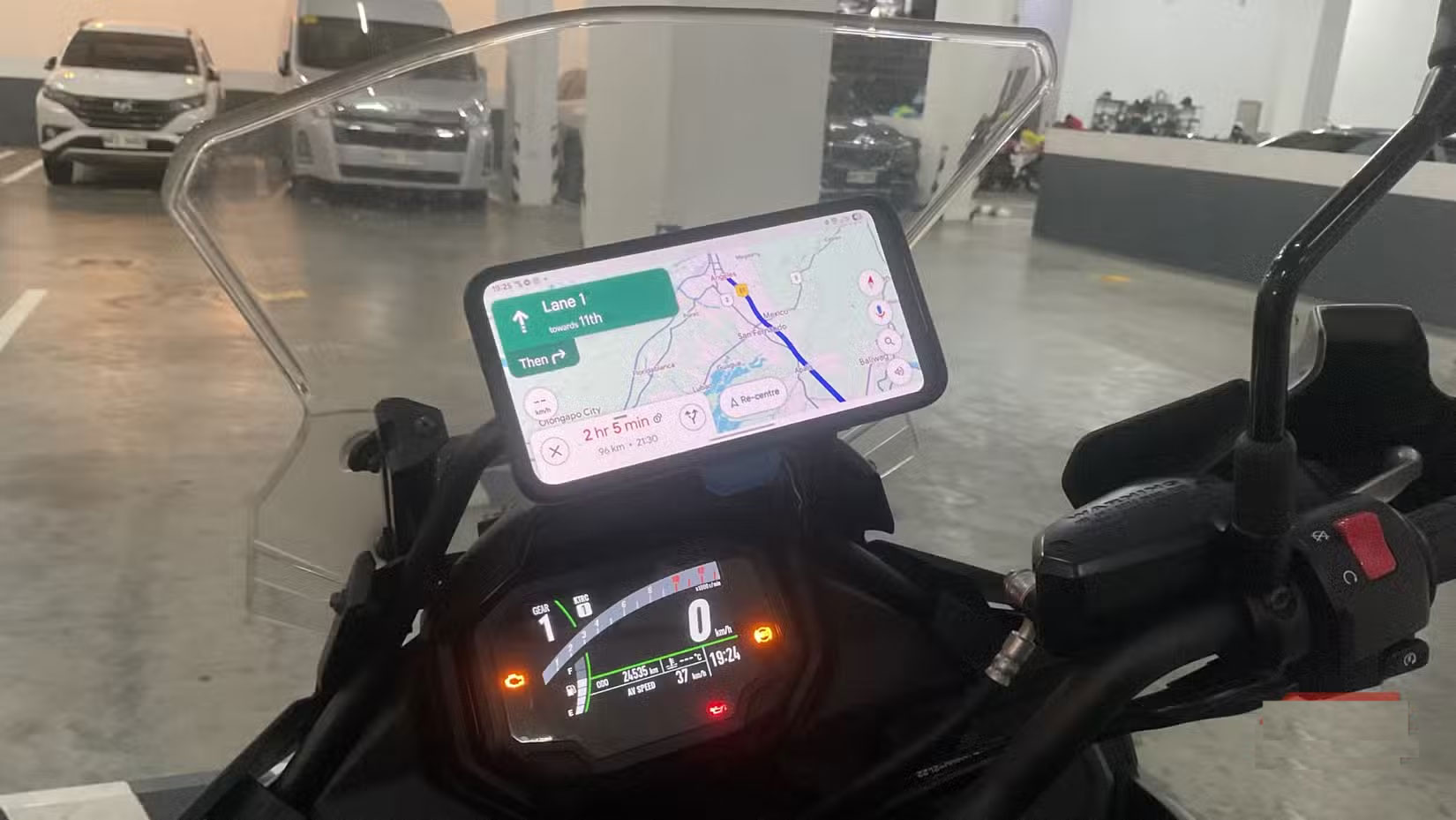
The feel of an app is one of the most important factors, and Google Maps has the clear advantage. Many people love Waze's fun design and community-driven interface, but it's cluttered, cartoonish, and a little flashy. Add in user-submitted alerts and frequent pop-ups, and Waze becomes incredibly distracting, which can be dangerous when you're trying to focus on the road.
4. Reviews, photos and details about the location
Richer content helps make informed decisions
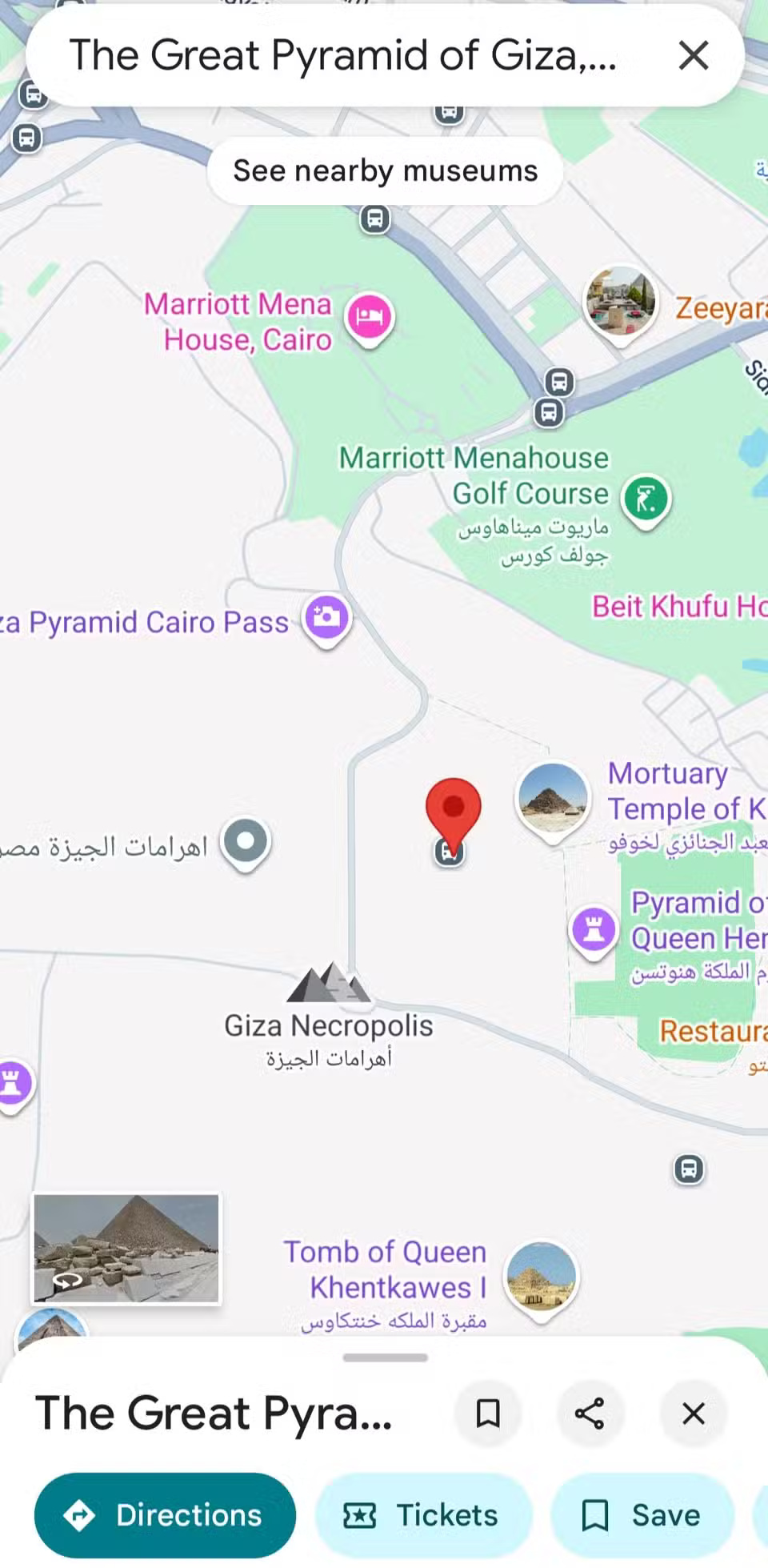
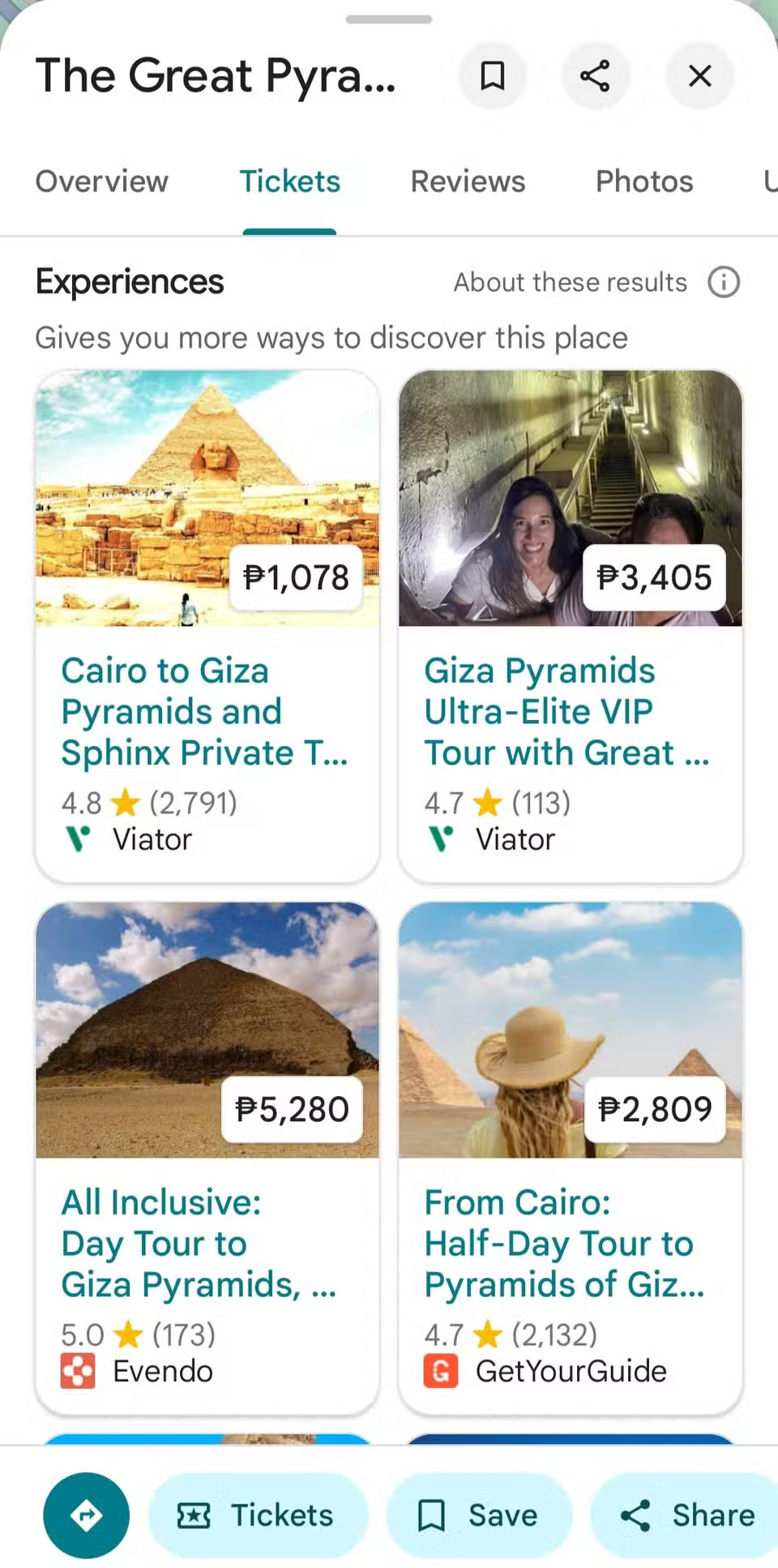
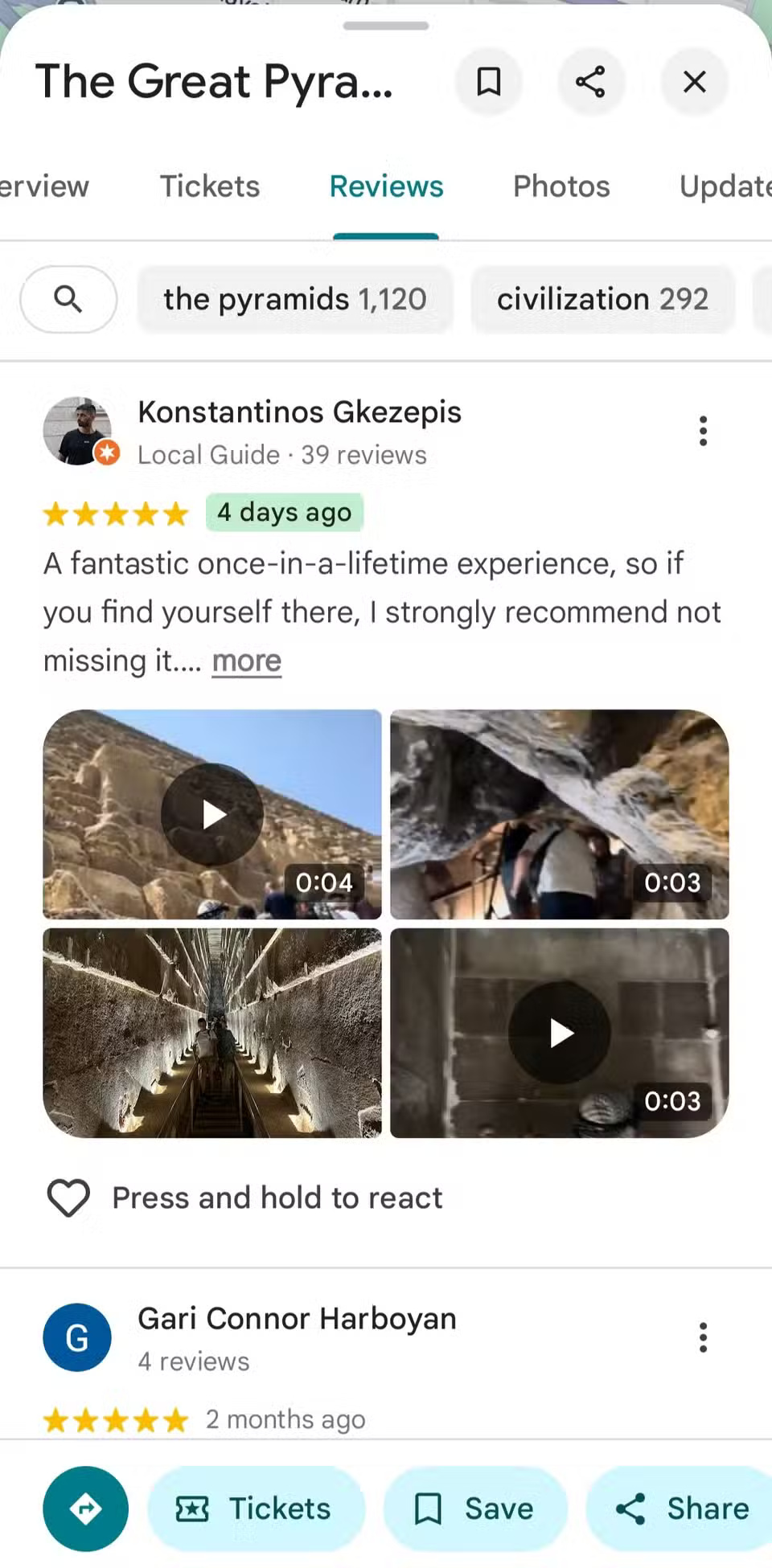

If you're a frequent long-distance traveler, navigating isn't just about getting from point A to point B. In these cases, you want to know what's at your destination and whether it's worth the trip; this is where Google Maps shines. Every restaurant, store, park, or landmark has essential information, including reviews and ratings from other users, photos and panoramas, opening hours, and even menus, so you know what to expect at your dining location.
3. The power of the timeline feature
Tracking your journey is more than just giving directions.
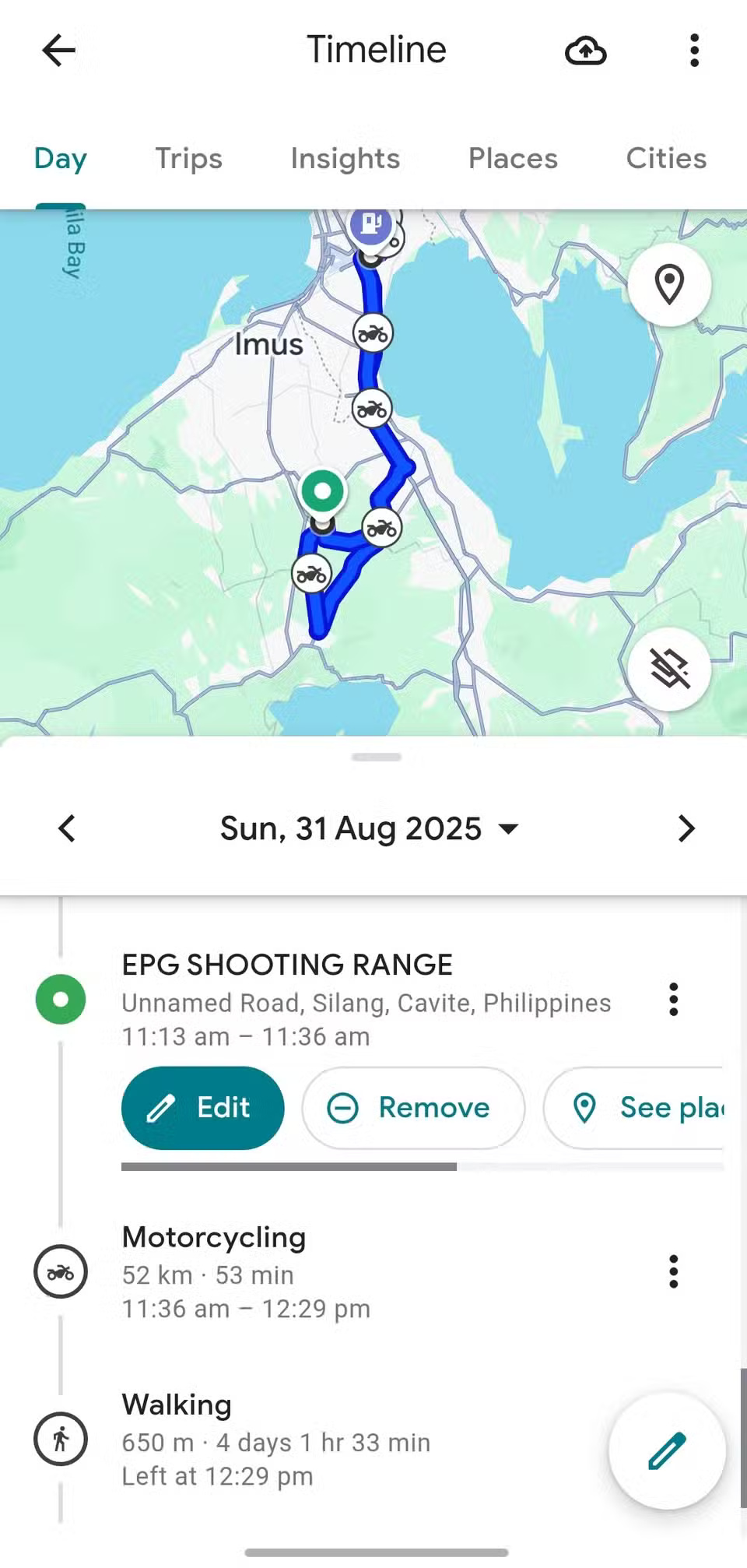
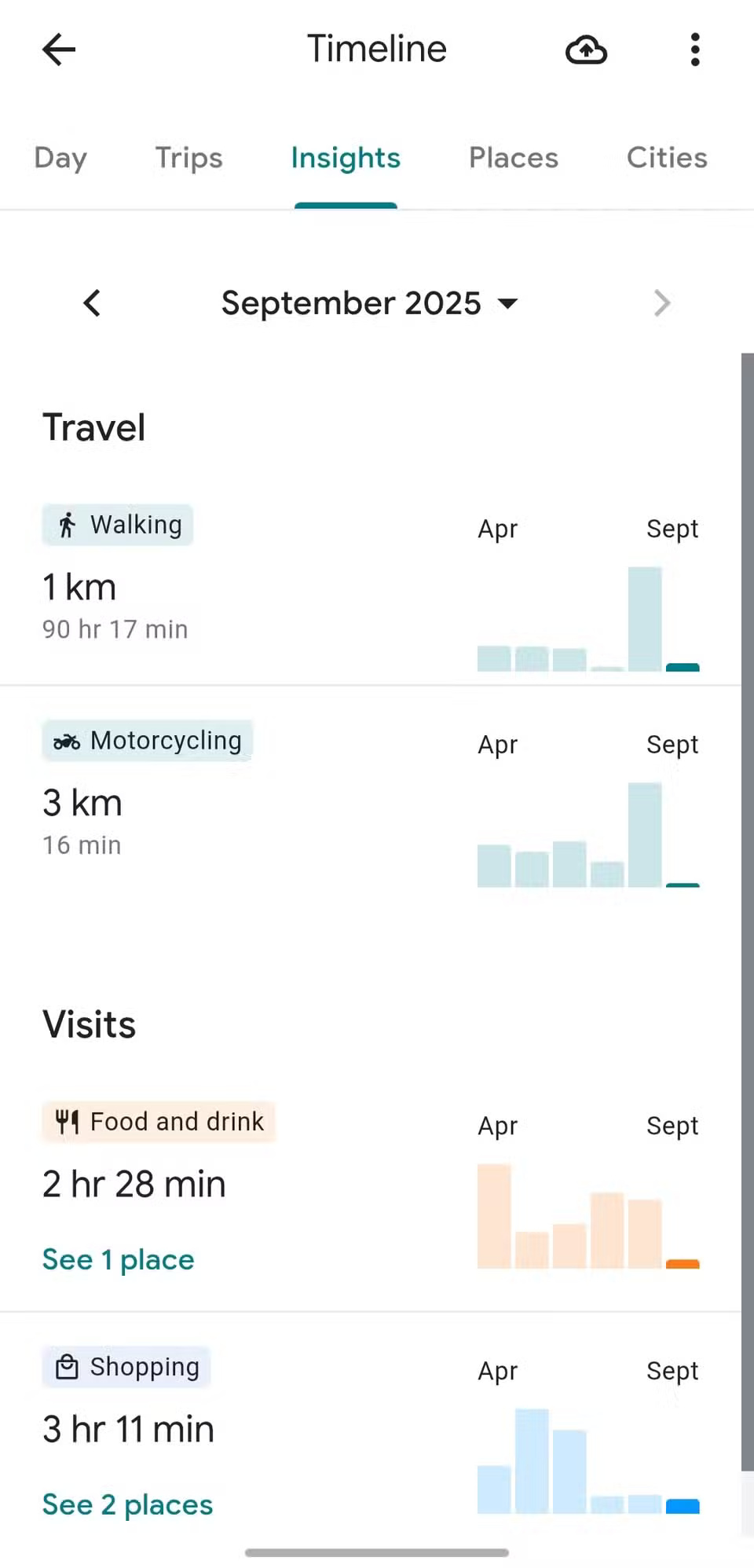
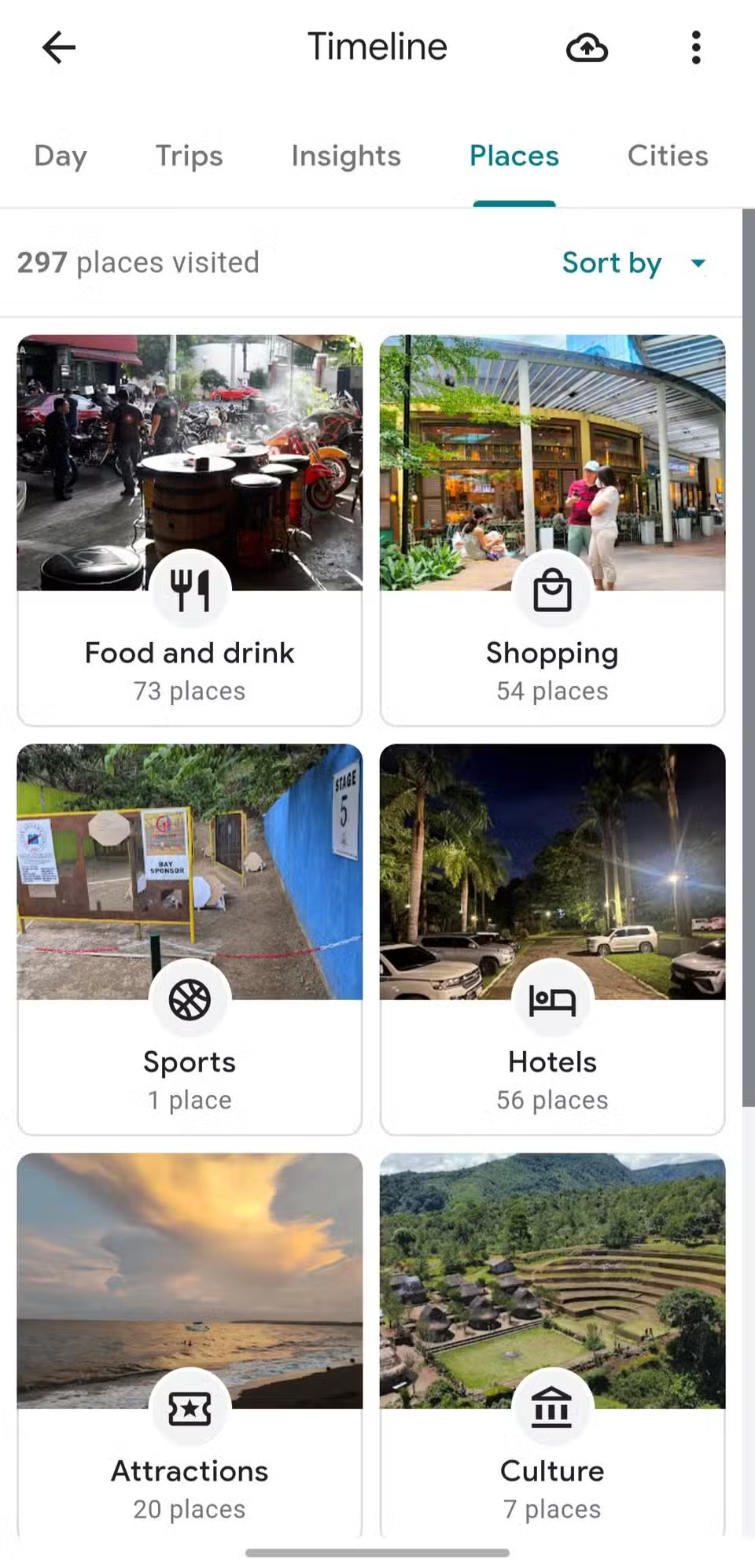
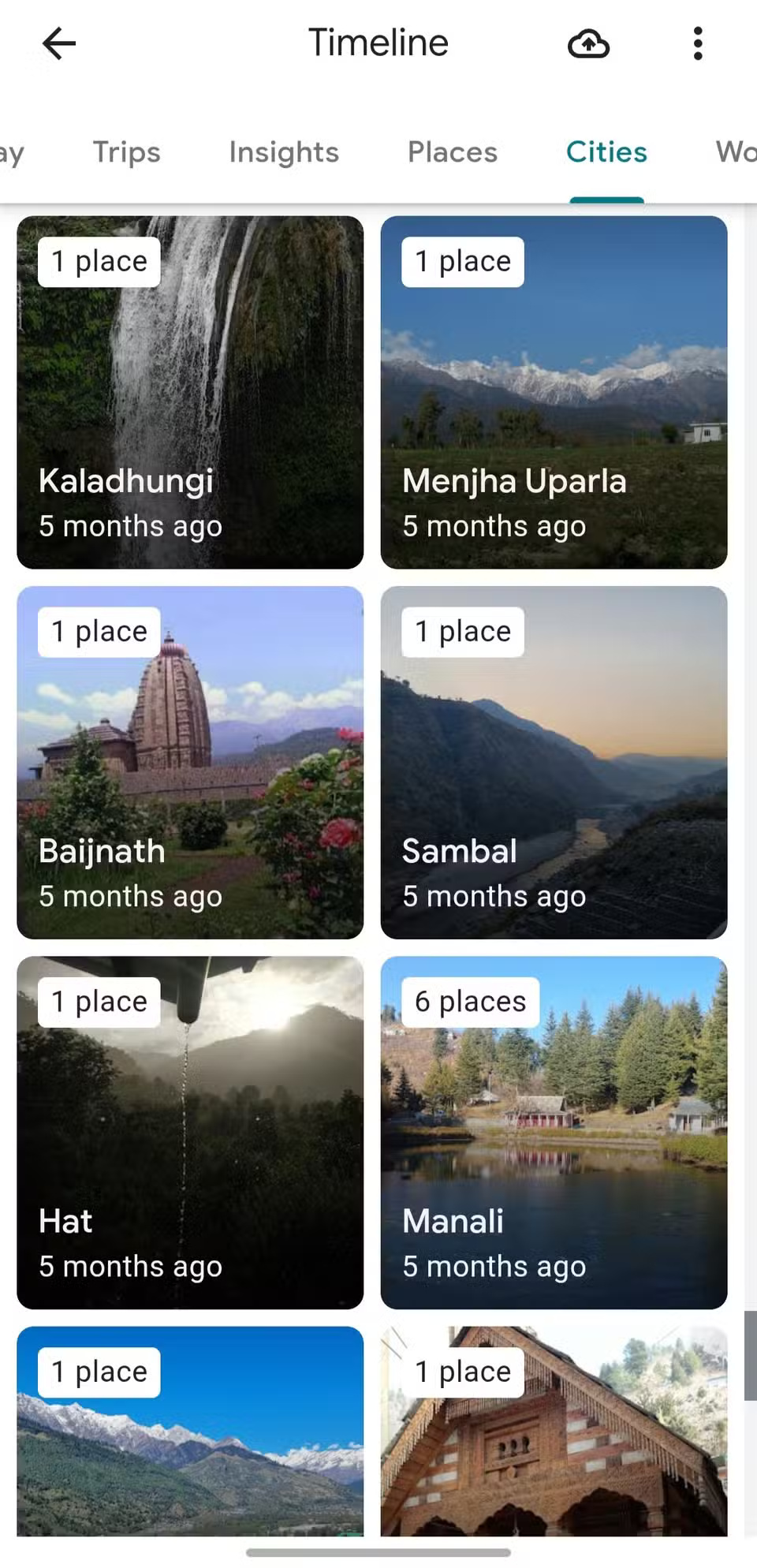
One of my favorite features on Google Maps is the Timeline. It silently tracks where you've been, providing a personal history of your trips, which is incredibly useful. Need to remember the name of a restaurant you visited months ago, or retrace your steps on a chaotic road trip? Want to see how long it took you to get to your destination on any given day of the week? Timeline is a treasure trove of details that, once you start using it, will become an integral part of your life.
2. Integration with Google ecosystem
Seamlessly connect with the apps you already use
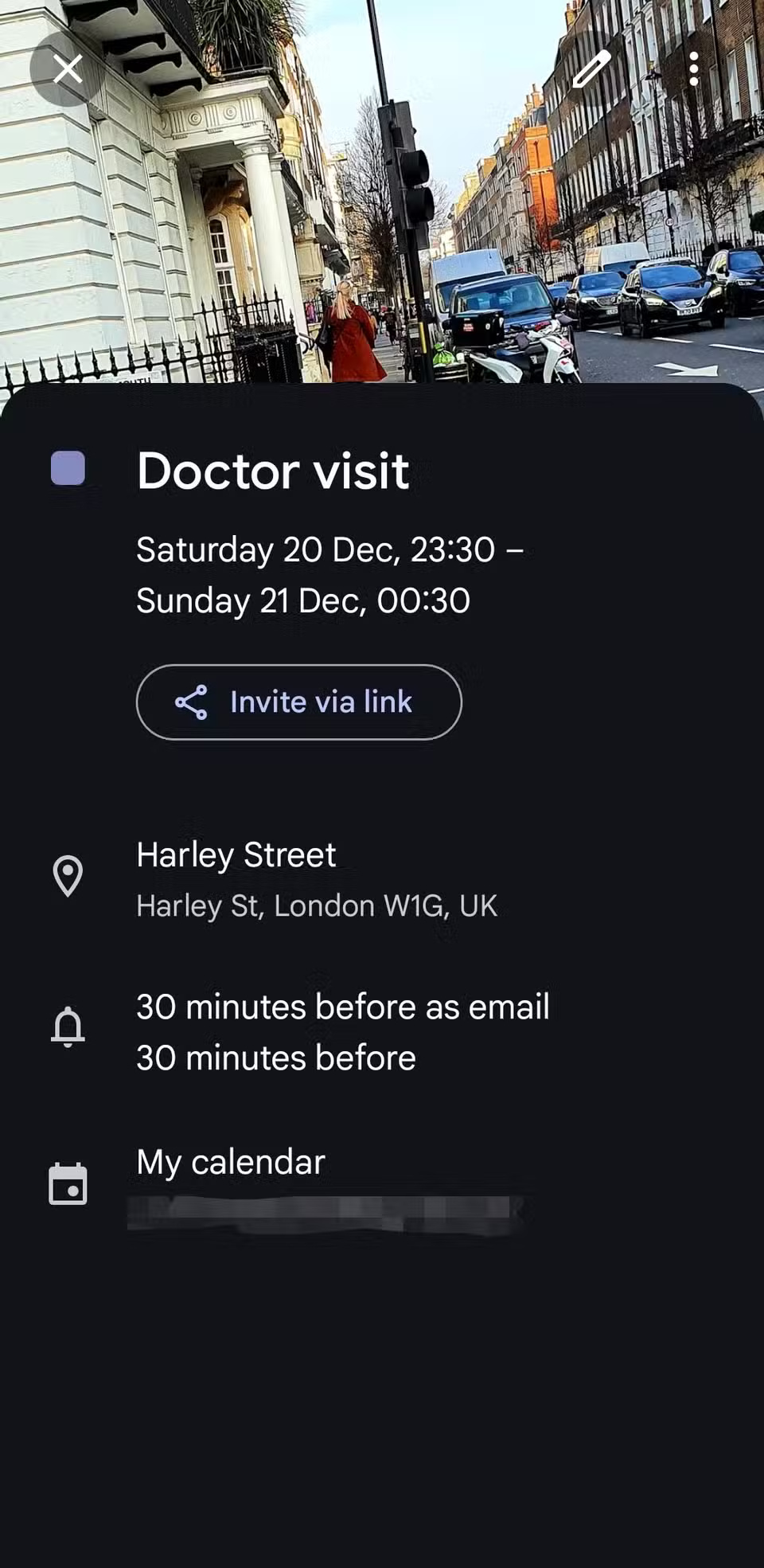
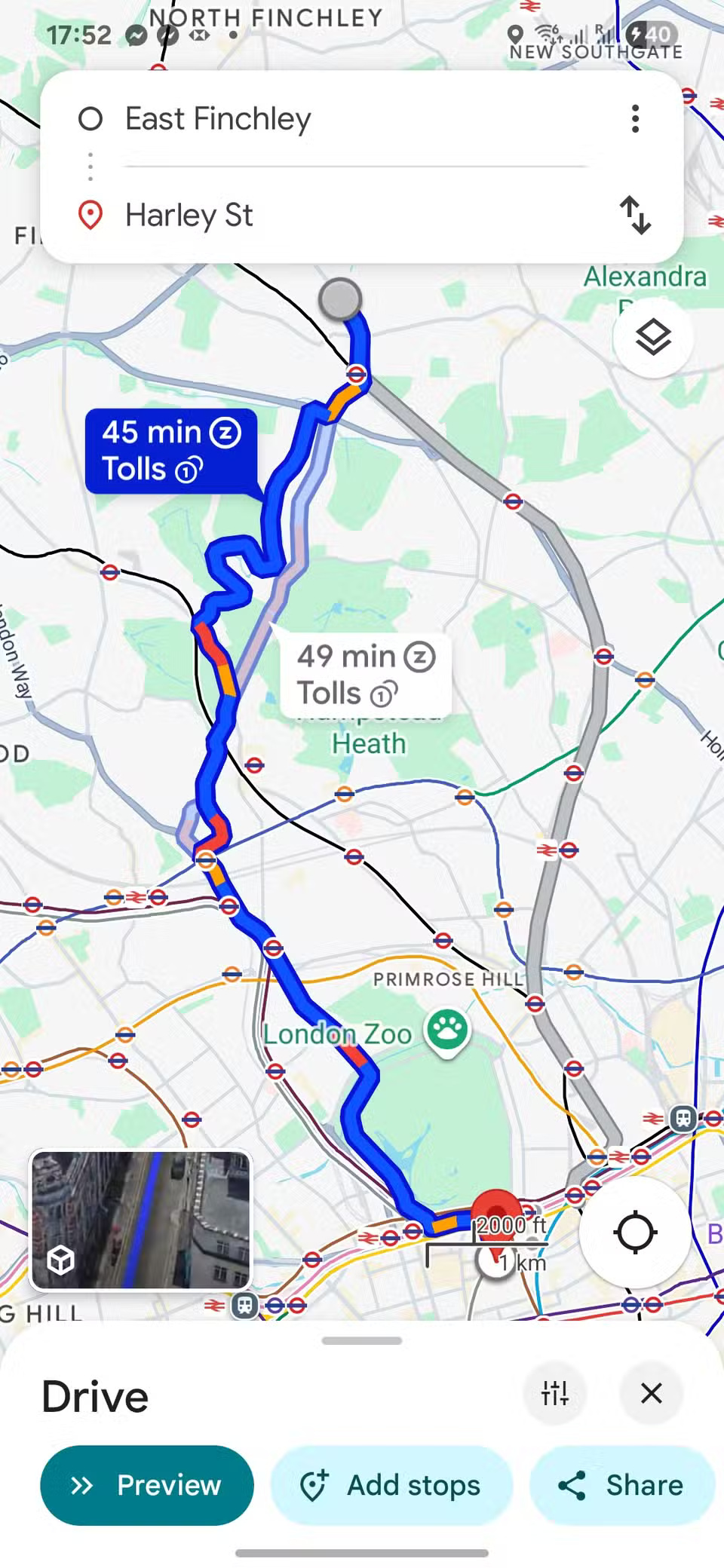

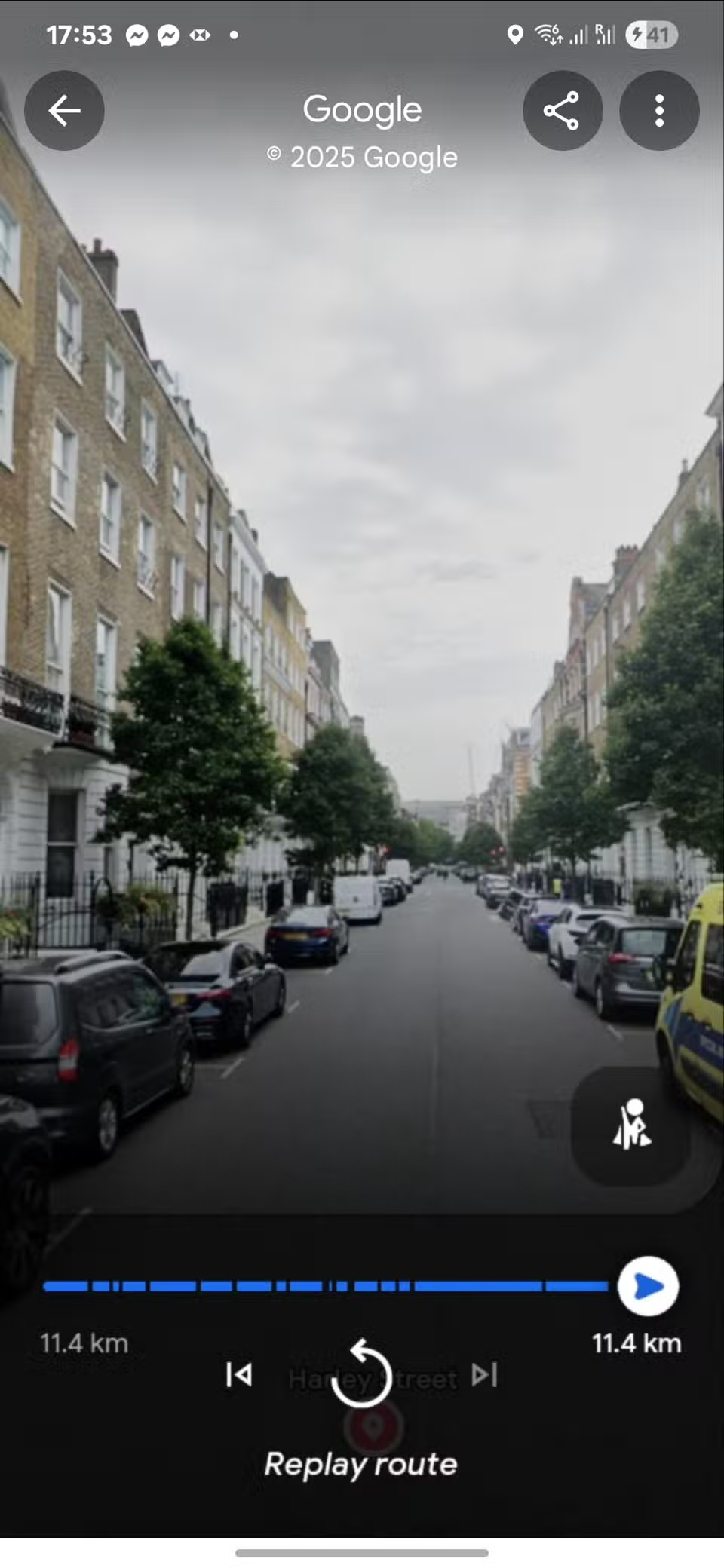
Another reason to stick with Google Maps is that it integrates with other Google services. Many people already use Gmail, Google Calendar, and Google Photos, so Maps fits seamlessly into their digital lives. Appointments saved in your calendar will automatically appear in Maps, along with directions and estimated travel times. If someone sends you an address in Gmail, you can open it right away in Maps. Photos are often synced with location tags, meaning you can see memories and maps in one place.
1. Reliability and global coverage
Consistent performance wherever you go

Waze may excel at providing real-time alerts about traffic jams, speed traps, and road hazards, but when it comes to basic reliability, Google Maps is the safer bet. Its global coverage is unmatched, whether you're driving through your neighborhood or heading to far-flung destinations.
Waze is heavily focused on cars and is less reliable outside of major metropolitan areas, where users frequently report problems. For people who not only drive but also walk, bike, or use public transportation, Google Maps offers flexibility and reliability that Waze can't match.
FAQ
What should you know about the options in this guide?
In practical terms, these benefits aren't enough to make them abandon Google Maps, and it's not just a resistance to change. The platform offers a feature set they can't live without, and the overall user experience is far superior.
Which option is the best choice?
The best choice depends on your priorities, compatibility, budget, and the specific features discussed in the comparison.
What should you compare before deciding?
Compare core features, limitations, ease of use, compatibility, and long-term value before making a decision.
Related Articles
 7 Reasons Microsoft Urges Users to Abandon Windows 10 to Switch to Windows 116 minutes read
 Why Use Waze Instead of Google Maps?5 minutes read
 4 Reasons to Switch to Intel Arc GPU7 minutes read
 10 Reasons to Switch from Console Gaming to PC: Top Picks and Buying Guide11 minutes read
 6 Reasons Why Many People Regret Buying Nintendo Switch5 minutes read
 Reasons to Switch to Linux: Features, Uses, and Practical Tips6 minutes read
Reader Comments 0
Sign in with email or Google to join the discussion.