Table of Contents
Install LM Studio and download a compatible DeepSeek model to run it locally. On a typical laptop, start with a small distilled, quantized model. It will have different capabilities from the larger model you may have used on DeepSeek’s website.
Install LM Studio
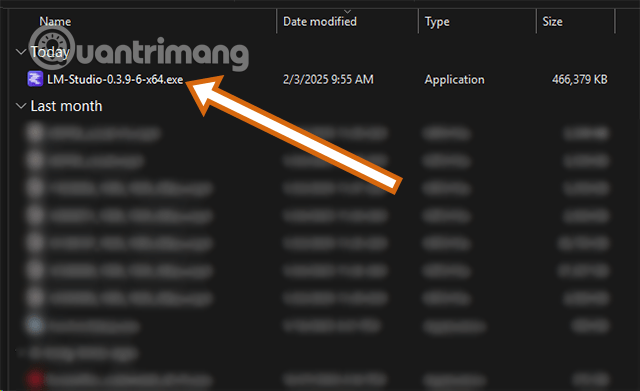
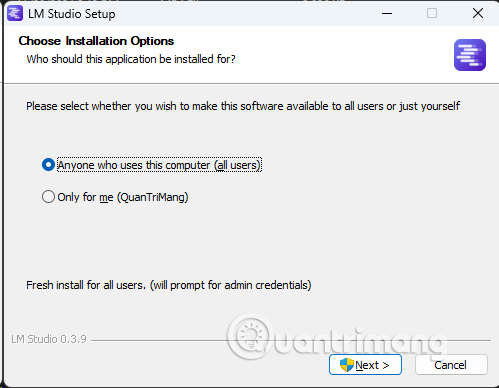
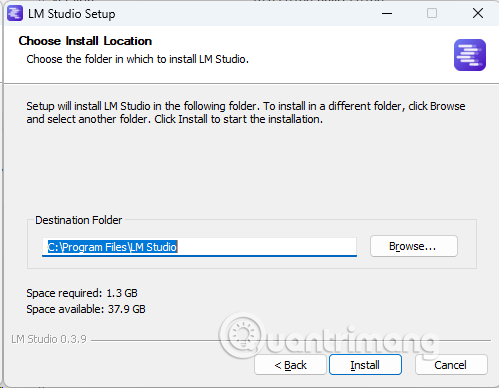
Check the LM Studio system requirements, then download the installer for your operating system from LM Studio. The screenshots show the Windows setup. The size of the model and its working memory matter more than the size of the installer.
Download and load a DeepSeek model
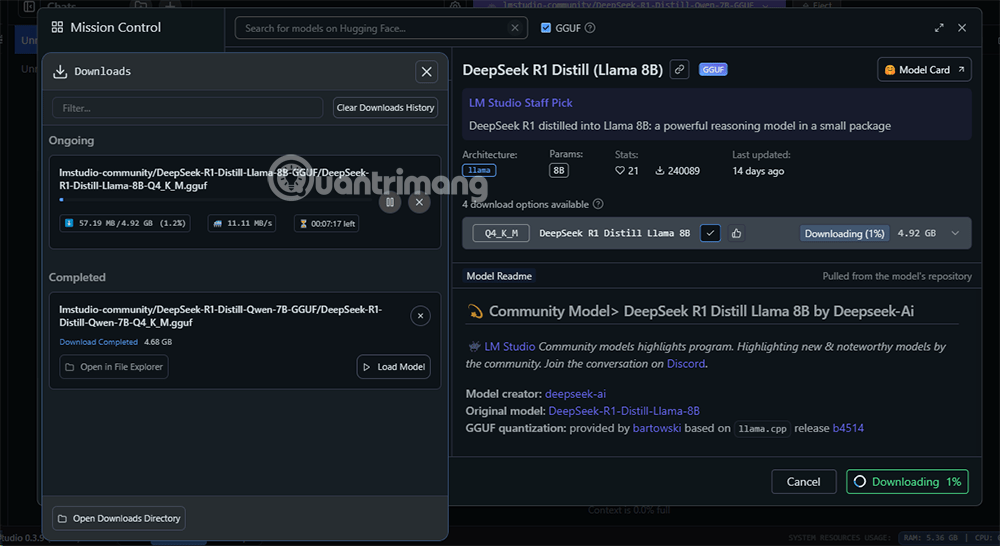
- Open the model downloader during setup or go to Discover and search for DeepSeek R1 Distill.
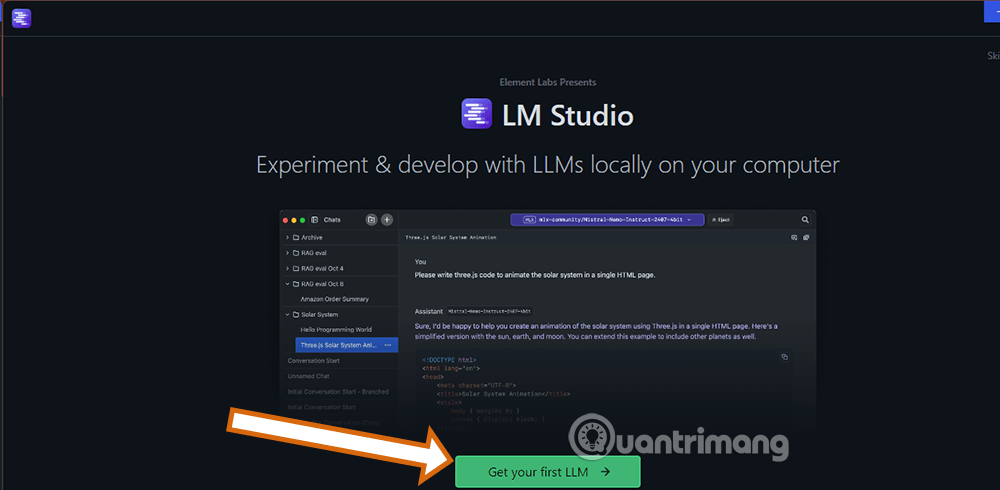

- Choose a compatible build. A smaller parameter count and stronger quantization usually reduce memory use, but can affect answer quality. Leave free disk space for the model and memory for the operating system.
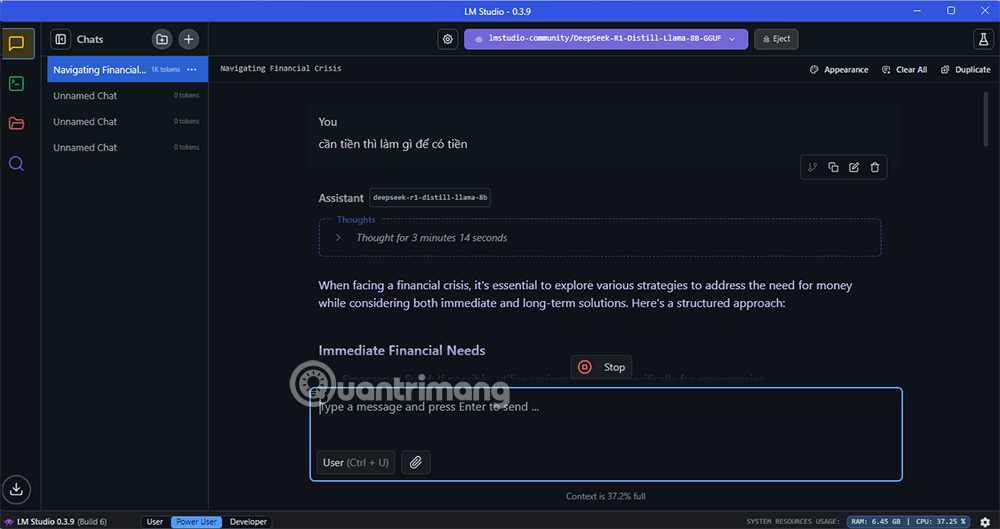
- After downloading, open a new chat and load the model. The controls may say Use in New Chat or appear in the model picker.
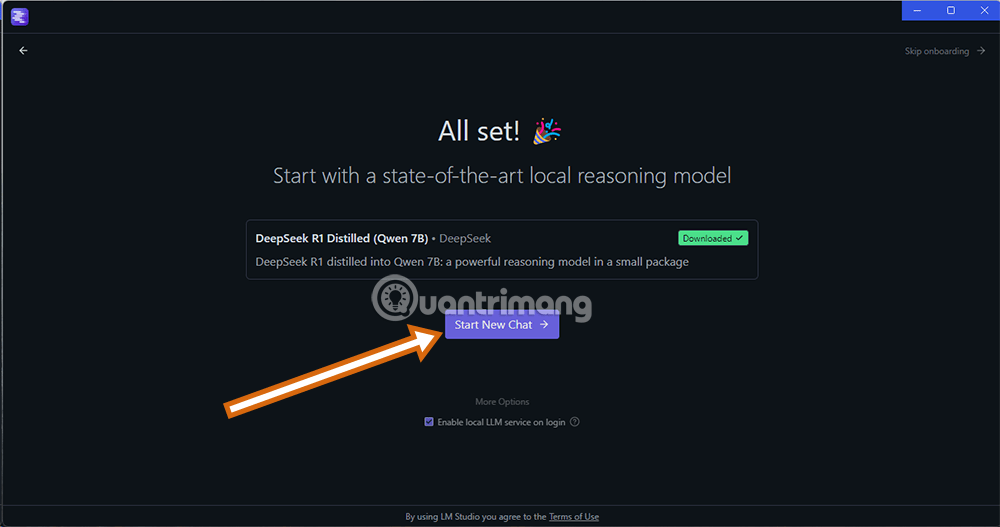
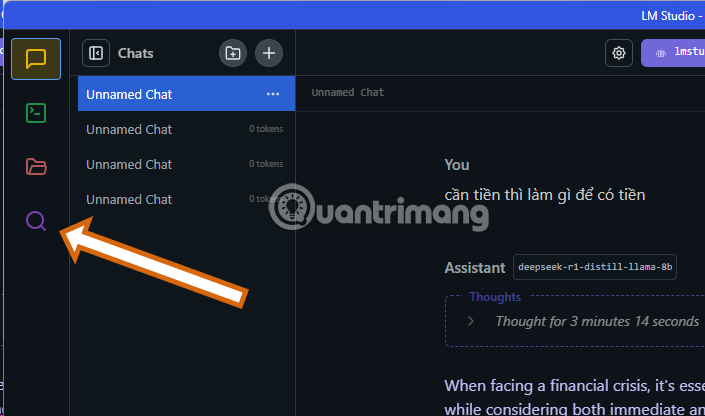
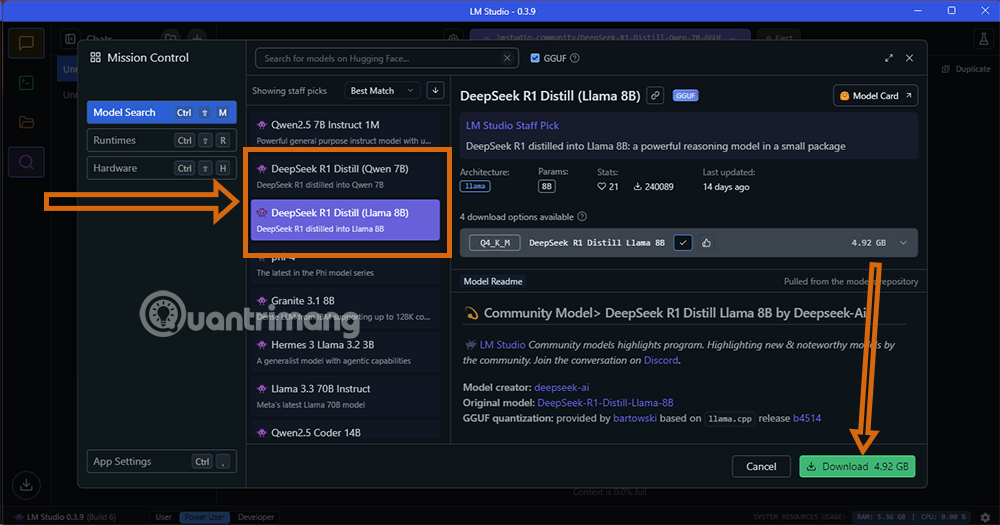
- Send a short prompt. Try an example in the language you expect to use and check whether the response meets your needs.
Local DeepSeek vs. the web app
| Need | DeepSeek on the web | Local model in LM Studio |
|---|---|---|
| Quick setup | Open the hosted service in a browser. | Install the app and download weights. |
| Offline use | Requires a connection. | Loaded local models can run offline after setup. |
| Speed and capabilities | Depends on the hosted model and service load. | Depends on the chosen model, memory, and hardware. |
| Data handling | Prompts go to the hosted service. | Local chats can stay on the device. Check connected tools before using sensitive inputs. |
If loading fails or replies are slow
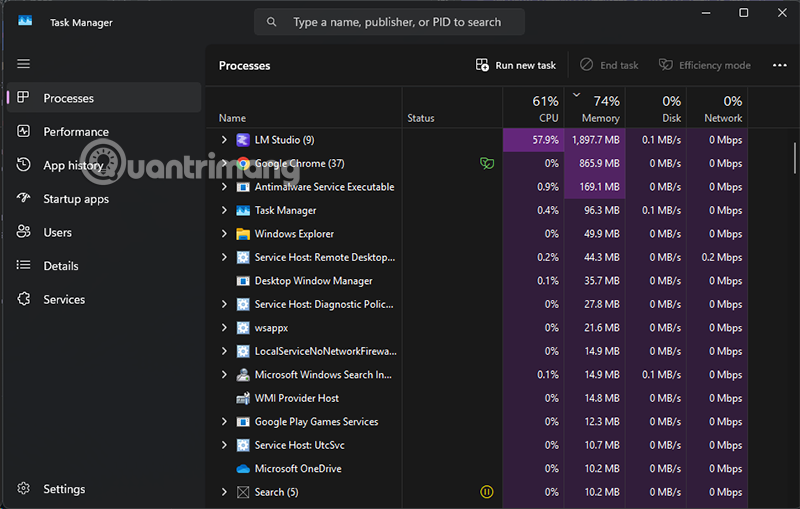
Check memory during a test. Close other large apps, shorten the configured context window, or choose a smaller model if the computer struggles. Download the model first, then test a short chat with your connection off if offline operation matters.






Reader Comments 0
Sign in with email or Google to join the discussion.