Table of Contents
Explore 4 YouTube add-ons that make watching long videos more enjoyable.
The good news is you're not stuck with YouTube in its chaotic, default form. With a carefully selected set of browser extensions, you can eliminate the distractions and restore YouTube to its true nature: a focused space for entertainment and learning.
prescriptionBlock
Save time optimally
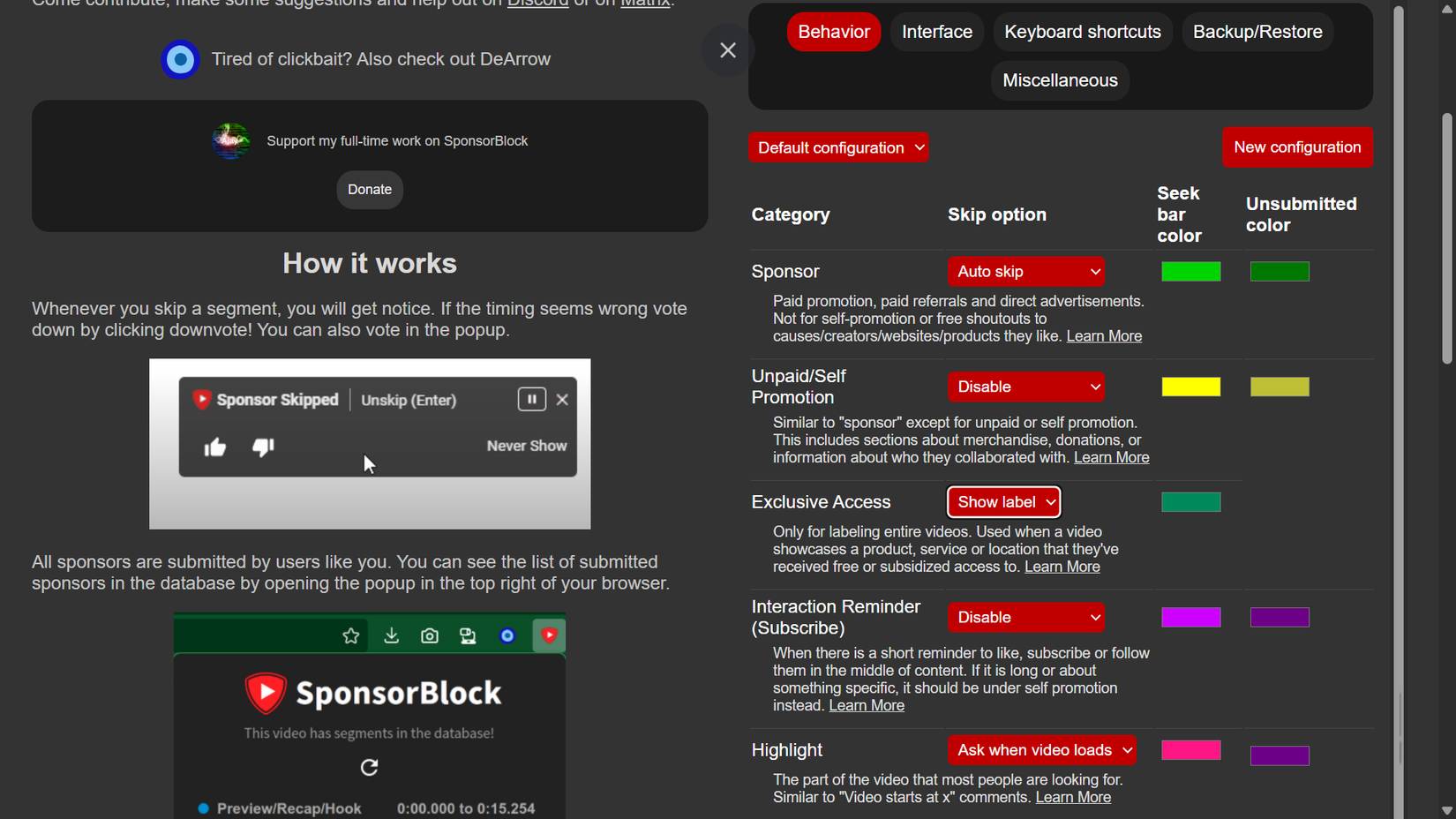
If you watch YouTube regularly, you've probably developed a sixth sense for recognizing when a creator is about to switch to reading an advertisement. The tone changes, the background music changes, and before long, you'll hear information about VPNs, product offers, etc. Creators absolutely deserve to be paid – but these interruptions in the middle of a video can ruin the rhythm of a great documentary or video essay.
That's where SponsorBlock, an effective community-based solution that addresses the problem right at its source of frustration, comes in.
SponsorBlock doesn't bother with typical pre-roll ads (most ad blockers handle those anyway). Instead, it targets sponsored ads built into videos. This extension is supported by its community, who submit accurate timestamps for sponsored segments. When a segment is flagged, the extension automatically skips that segment for everyone else. And it goes far beyond sponsorships. You can configure it to skip the intro, outro, "don't forget to like and subscribe" message, and even the backing track without music in music videos.
Eightify: An AI-powered YouTube video summarization tool
Quick summary of the content
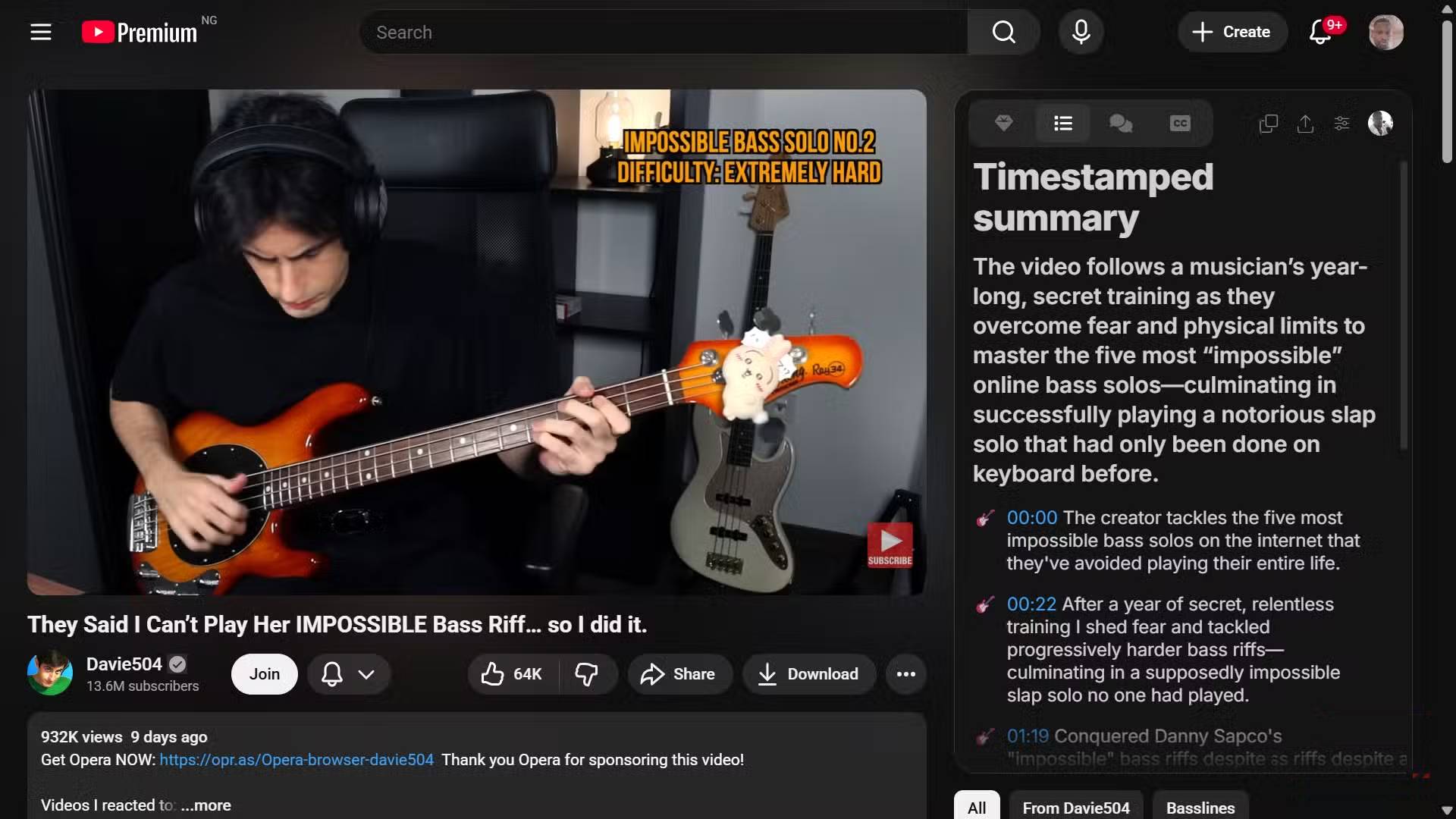
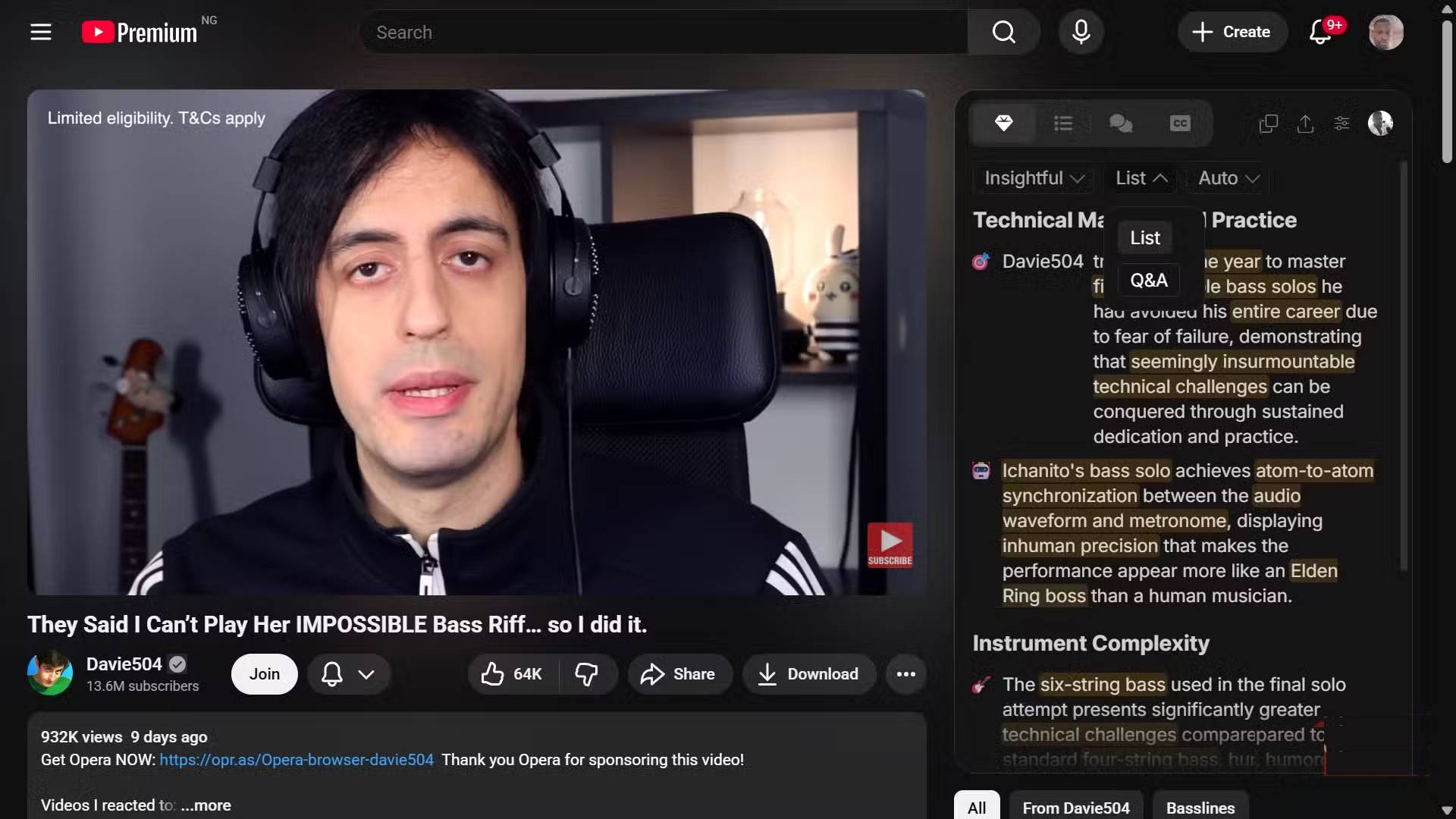
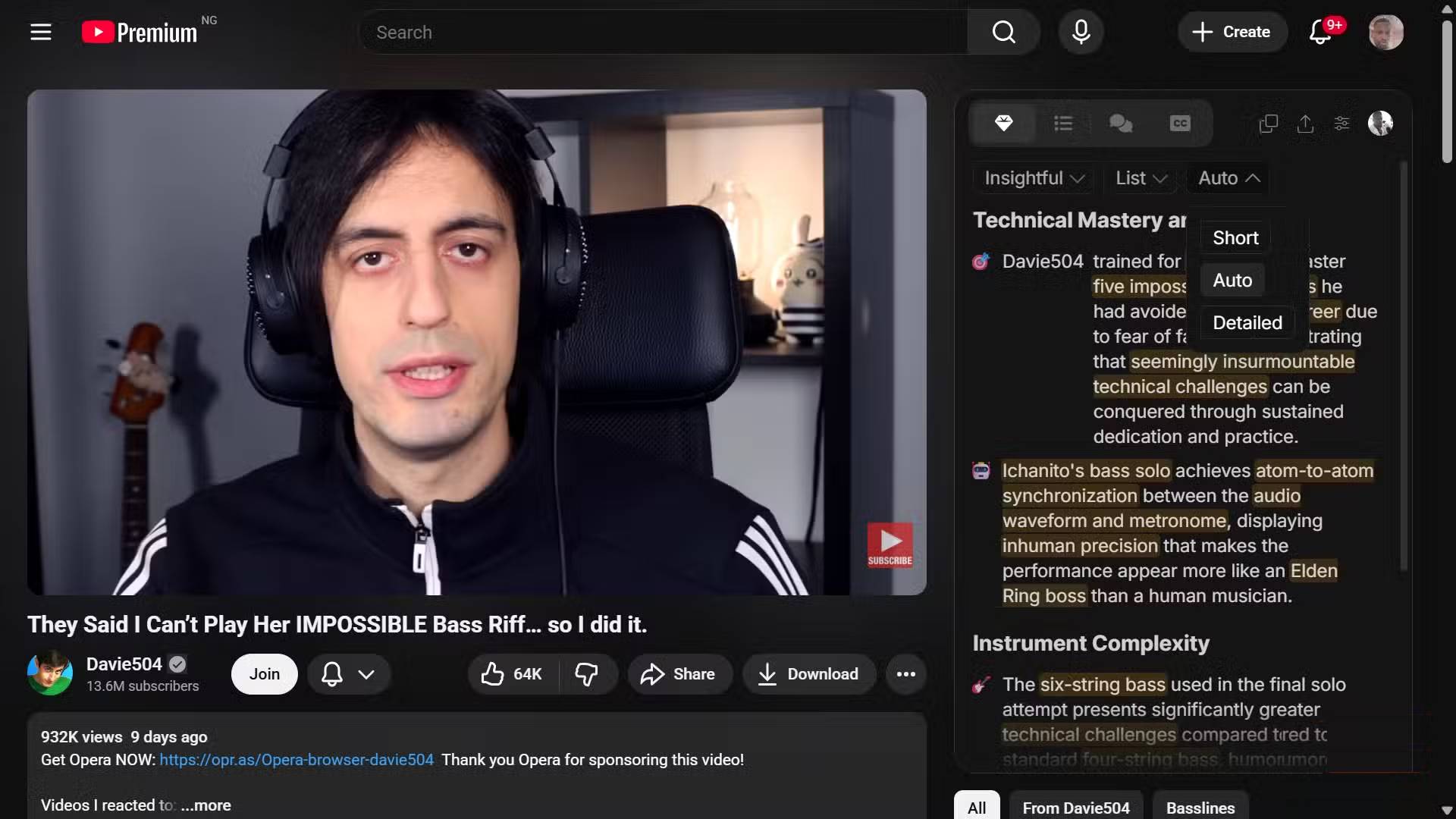
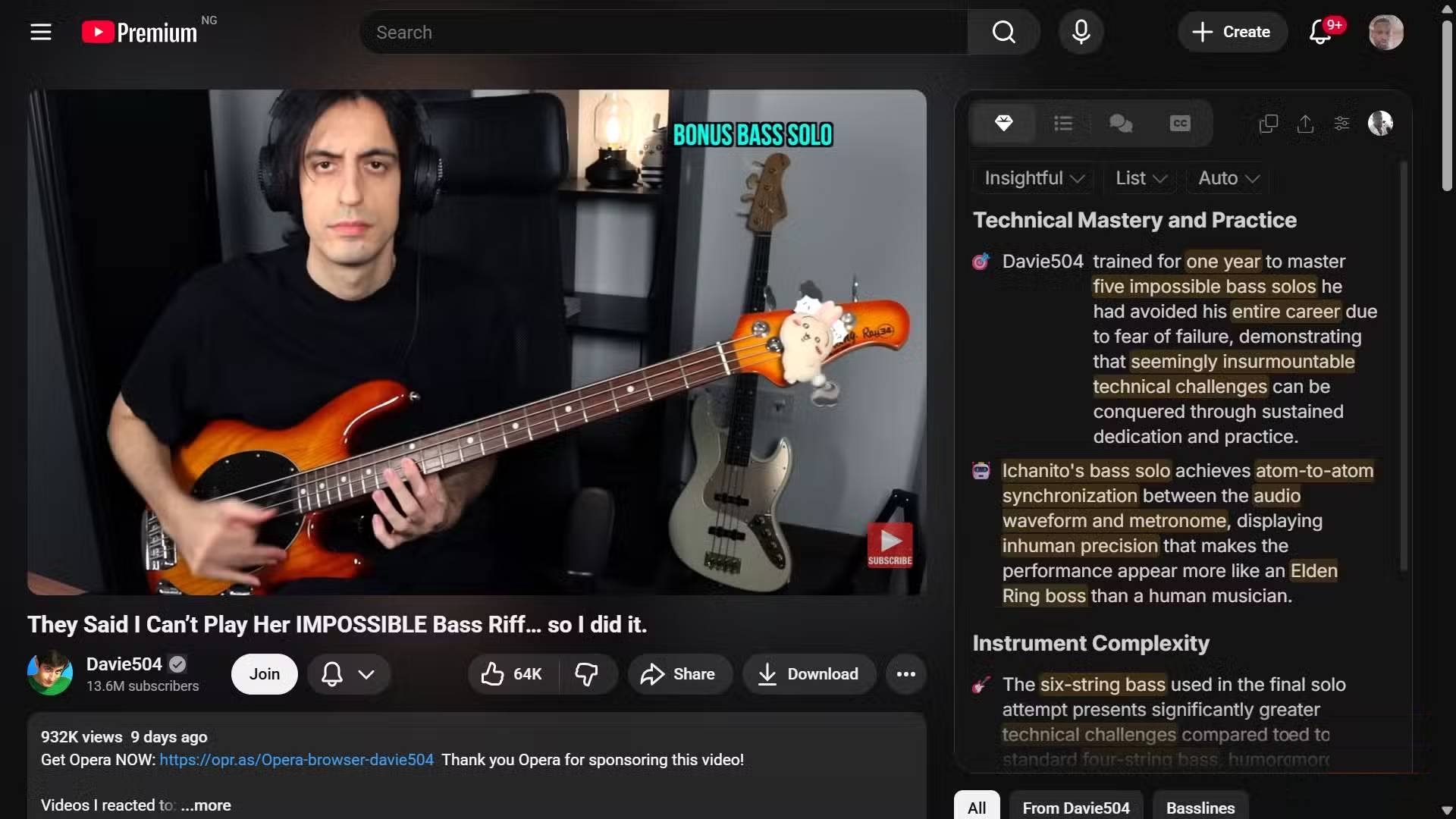
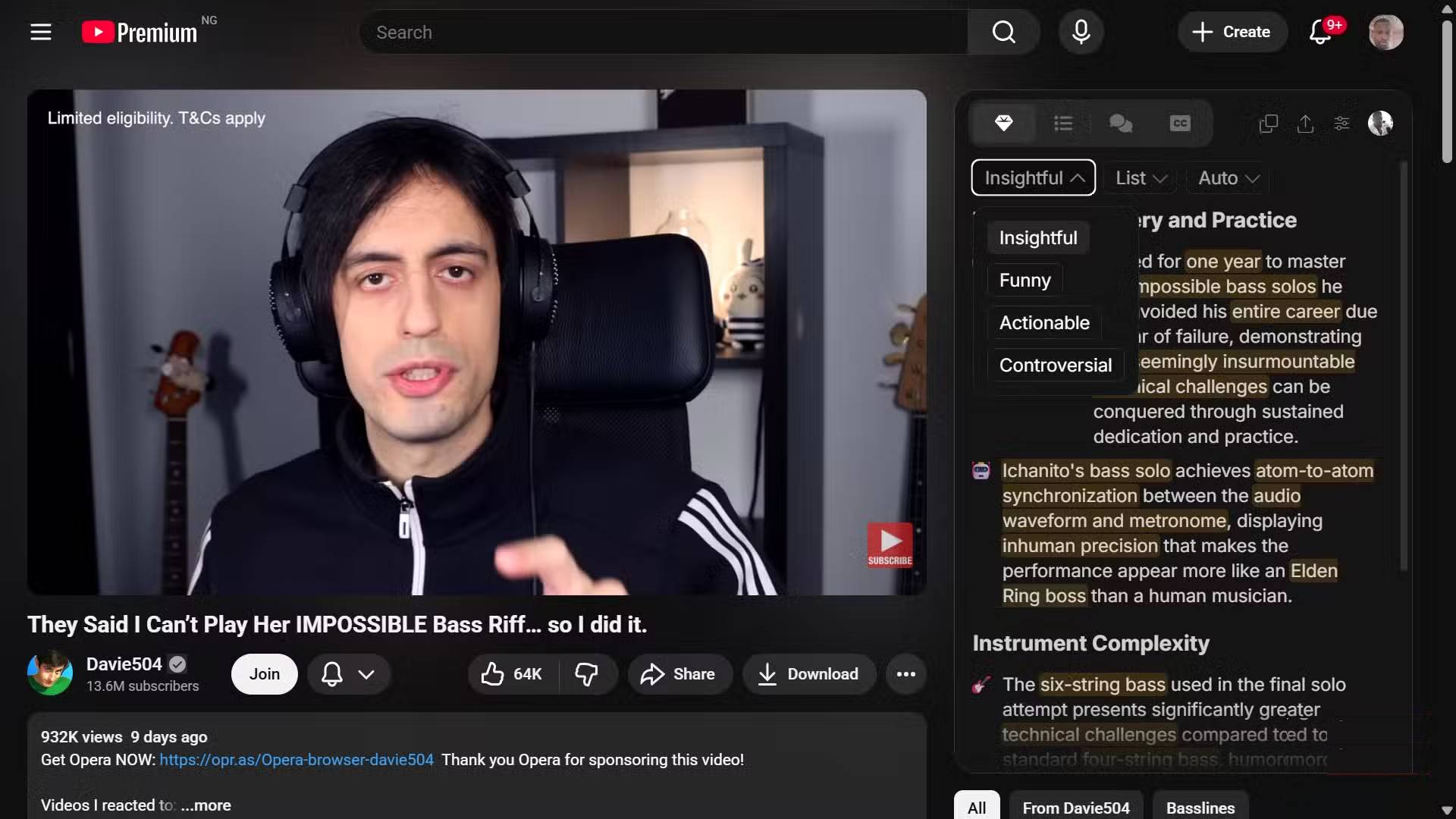
Sometimes YouTube's problem isn't the ads, but the video length. You've probably clicked on a 20-minute YouTube video only to realize five minutes later that the entire video was worth only two sentences. That's where Eightify comes in. It seems built for those "too long; don't watch" scenarios. As one of the top AI-powered Chrome extensions for summarizing YouTube videos, Eightify appears in the sidebar and uses models like Claude and ChatGPT to condense lengthy passages into concise, succinct information.
You can select the exact amount of information you want, switching between Short , Auto , and Detailed views to tailor the summary to your desired level of depth. You can also shape the tone of the summary. If you prefer something insightful, actionable, or even something with a touch of humor, Eightify will adjust its tone accordingly. The interface divides the output into clear, well-defined sections and highlights key phrases, ensuring the main points stand out at first glance.
Unhook
Enhance your focus
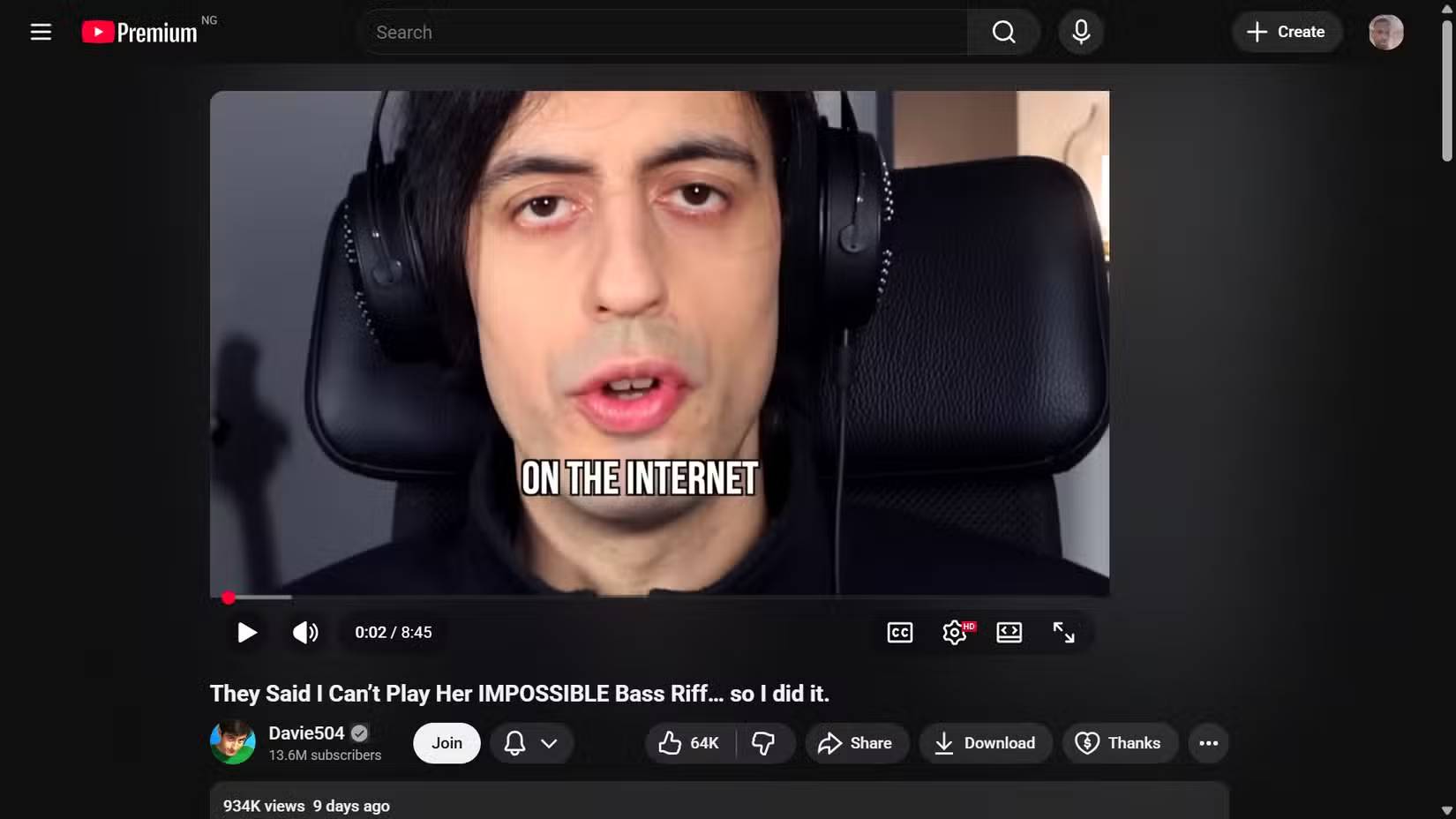
The YouTube interface is designed to "trap" users. The "Suggestions" sidebar, the homepage feed, and the endless scroll of "Short Videos" are all designed to trigger dopamine, making you constantly click. Unhook is the antidote to this addiction. This distraction-free mode makes YouTube less distracting, allowing you to hide almost every element of the site except for videos.
With Unhook, you can turn off suggested feeds, hide comments, delete trending tabs, and even completely clear the homepage. When you open YouTube with Unhook active, you'll be greeted by a clean, empty search bar. You're no longer reacting to what the algorithm wants you to see; you're actively searching for what you want to see.
This psychological effect is profound. Without the appealing sidebar of subsequent videos, you're less likely to fall into the "rabbit hole." You watch the video you want to watch, then leave.
Return YouTube Dislike
Restoring quality control
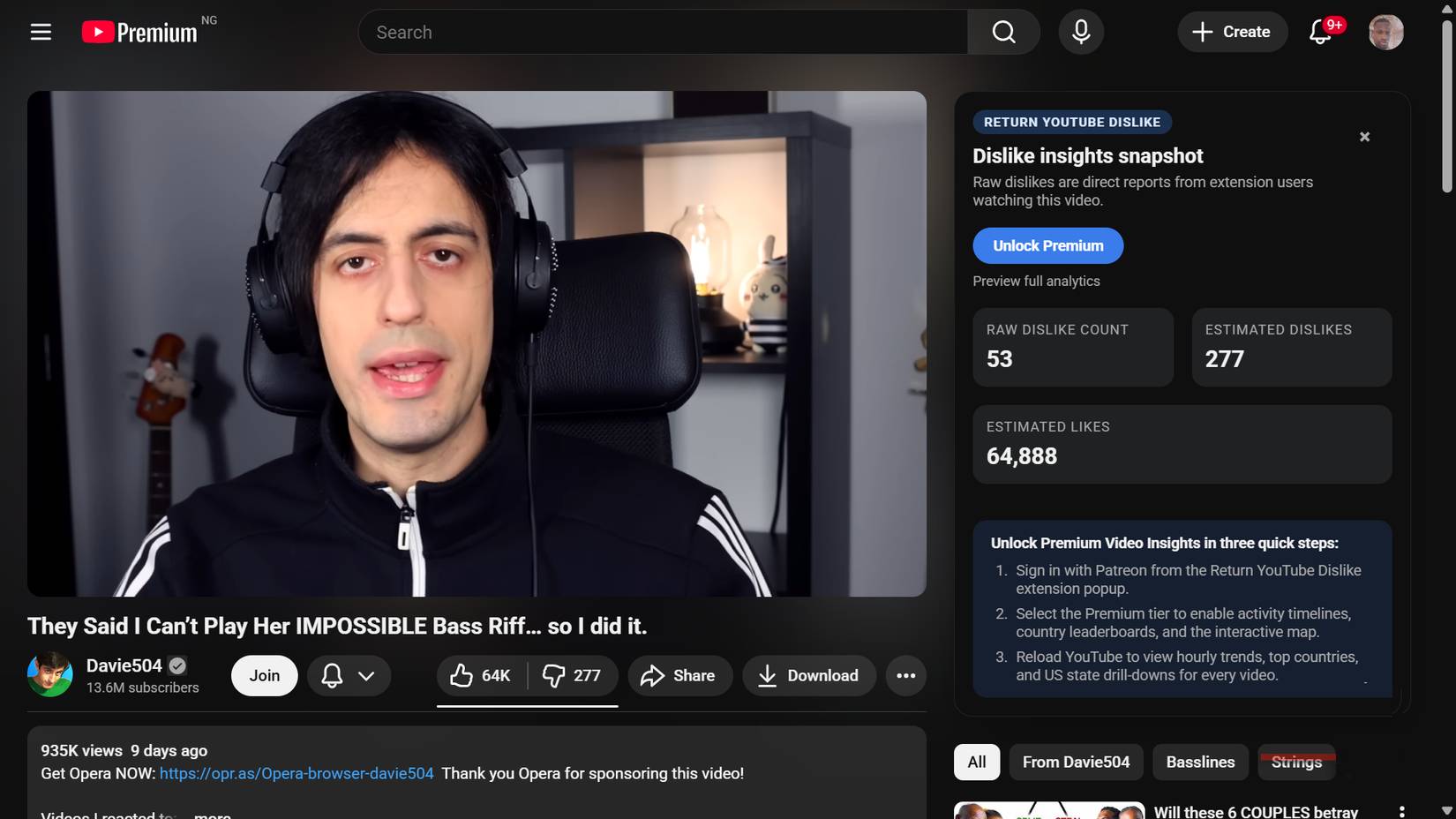
In 2021, YouTube removed the public dislike counter, citing this decision as a way to protect creators from organized harassment. However, a new problem has made us miss this button more than ever: the rise of AI-generated videos that look credible but provide little to no useful information.
Return YouTube Dislike restores this lost signal by placing the dislike bar back where viewers expect it to be. This extension combines previously stored data before deletion with new, community-contributed data from the user base, then uses that input to estimate the current number of dislikes. When clicking on a supposedly helpful fix, guide, or explanation and seeing a completely negative rating, you'll avoid wasting time on content that could be misleading or even create more problems.
FAQ
What is 4 youtube add-ons that make watching long videos more enjoyable?
Explore 4 YouTube add-ons that make watching long videos more enjoyable.
What key points does this article cover?
The article focuses on prescriptionBlock, Save time optimally, Eightify: An AI-powered YouTube video summarization tool, with practical explanations and examples.
How can you use this information in practice?
Use the explanations to compare options, verify important details, and make a more informed decision. Apply the recommendations that best match your goals and situation.
Related Articles
 6 Little YouTube Fixes That Will Make People Love Watching: Key Takeaways6 minutes read
 How to Turn on the Feature That Prompts You to Watch Videos Too Long3 minutes read
 How to Fix the No Sound Issue When Watching YouTube Videos6 minutes read
 YouTube Will Soon Bring Picture-in-Picture Feature to the Desktop4 minutes read
 Eliminate the Discomfort When Watching YouTube Videos: Comments4 minutes read
 How to Download Videos from YouTube to Your Phone Quickly4 minutes read
Reader Comments 0
Sign in with email or Google to join the discussion.