Table of Contents
A Google Pixel can be a good fit for someone who likes Google’s software and camera processing. It may be less suitable if your priorities are local repair access, a particular performance target, or features already available on a cheaper phone. Compare specific models and current prices rather than treating the whole range as either the best or worst choice.
1. Repair support matters where you live
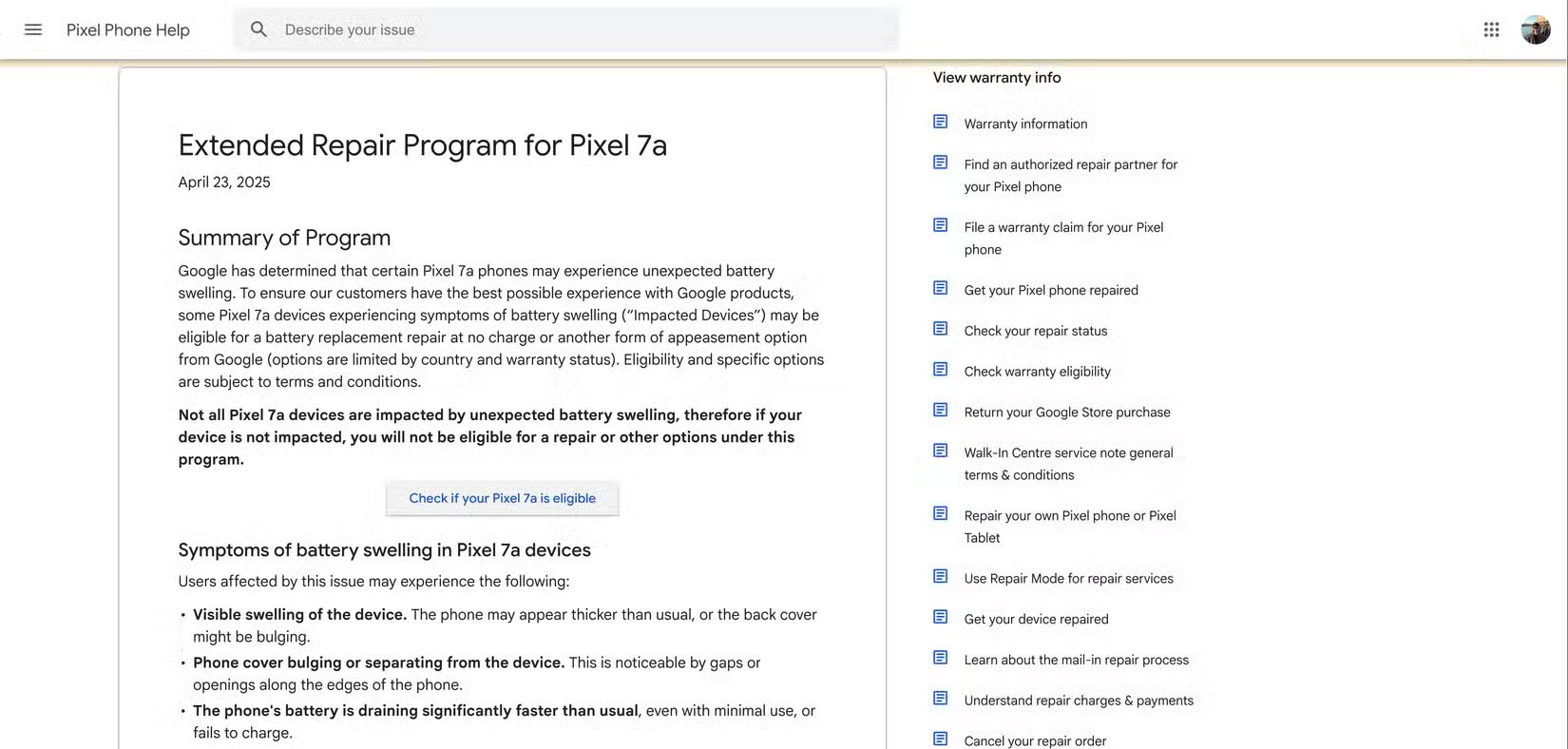
Google has acknowledged specific problems in some older models. For example, its Pixel 8 extended repair program covers qualifying display-line or flickering issues, and its Pixel 7a program addresses unexpected battery swelling in certain devices.
Those programs do not establish that every phone in either generation is defective. They do give used-phone buyers something concrete to check: exact model, eligibility, purchase documentation, condition, and available service in their country. Review the program’s current terms before relying on a free repair.
For a new or imported phone, confirm who handles the warranty, whether parts and authorized service are available locally, and what happens if the handset must be shipped away. A low purchase price can be less attractive if support is difficult to obtain.
2. Hardware value depends on your workload and the actual price
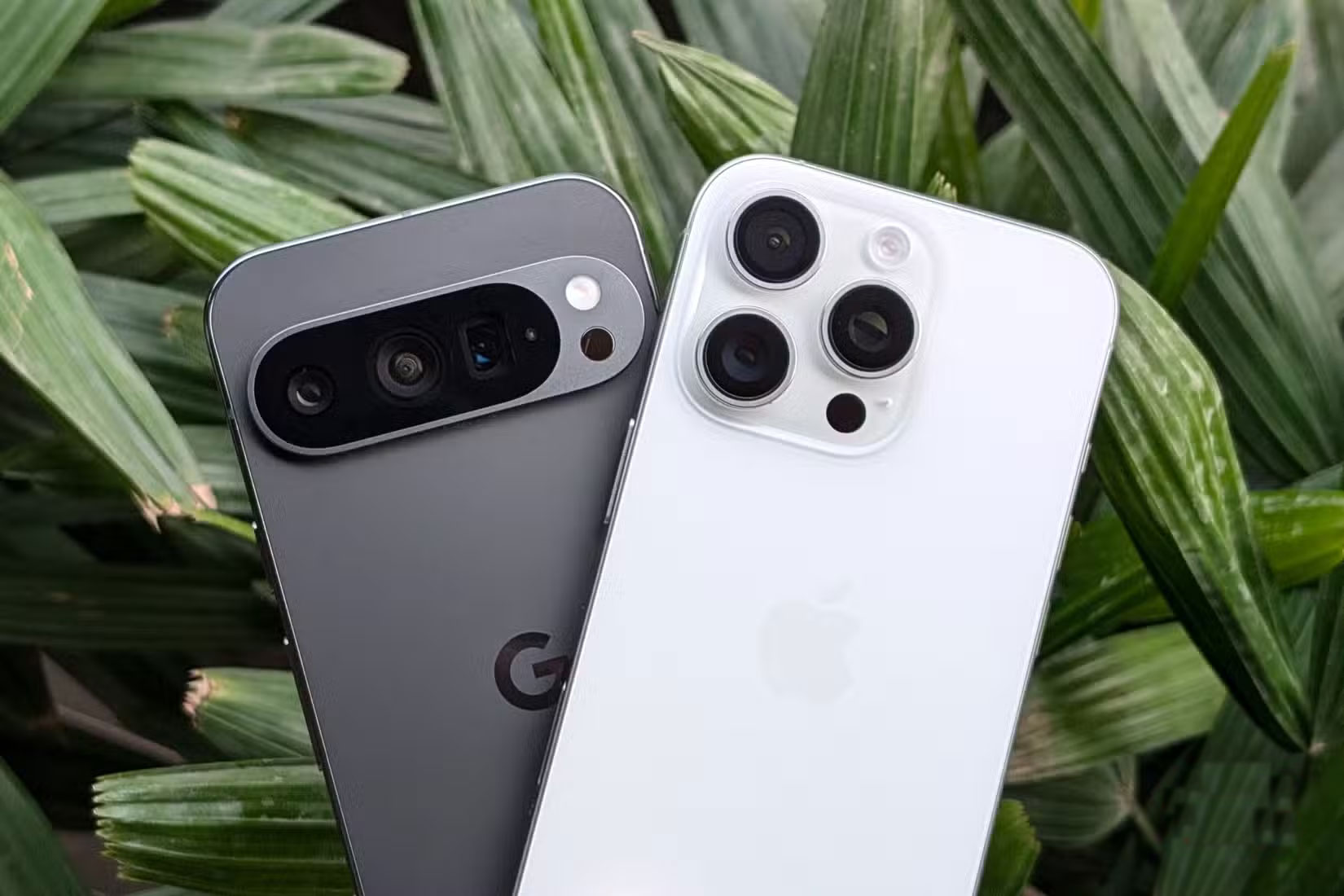
A launch price from an older generation is not a reliable comparison with today’s discounted phones. Compare the final price for equivalent storage and warranty coverage, including any required plan or trade-in.
For demanding games or long recording sessions, look for sustained-performance, battery, and thermal tests of the exact model. A chipset’s benchmark ranking alone does not tell you how a phone will handle calls, navigation, photos, or your preferred game. Tensor generations also differ, so conclusions about an older Pixel should not automatically be applied to a newer one.
Make a short list of requirements—size, battery life, charging, connectivity, storage, and camera lenses—then check each phone against it. There is no universal point at which a Pixel loses all value simply because it shares a price bracket with a competitor.
3. A promoted Google feature may already be on your current phone
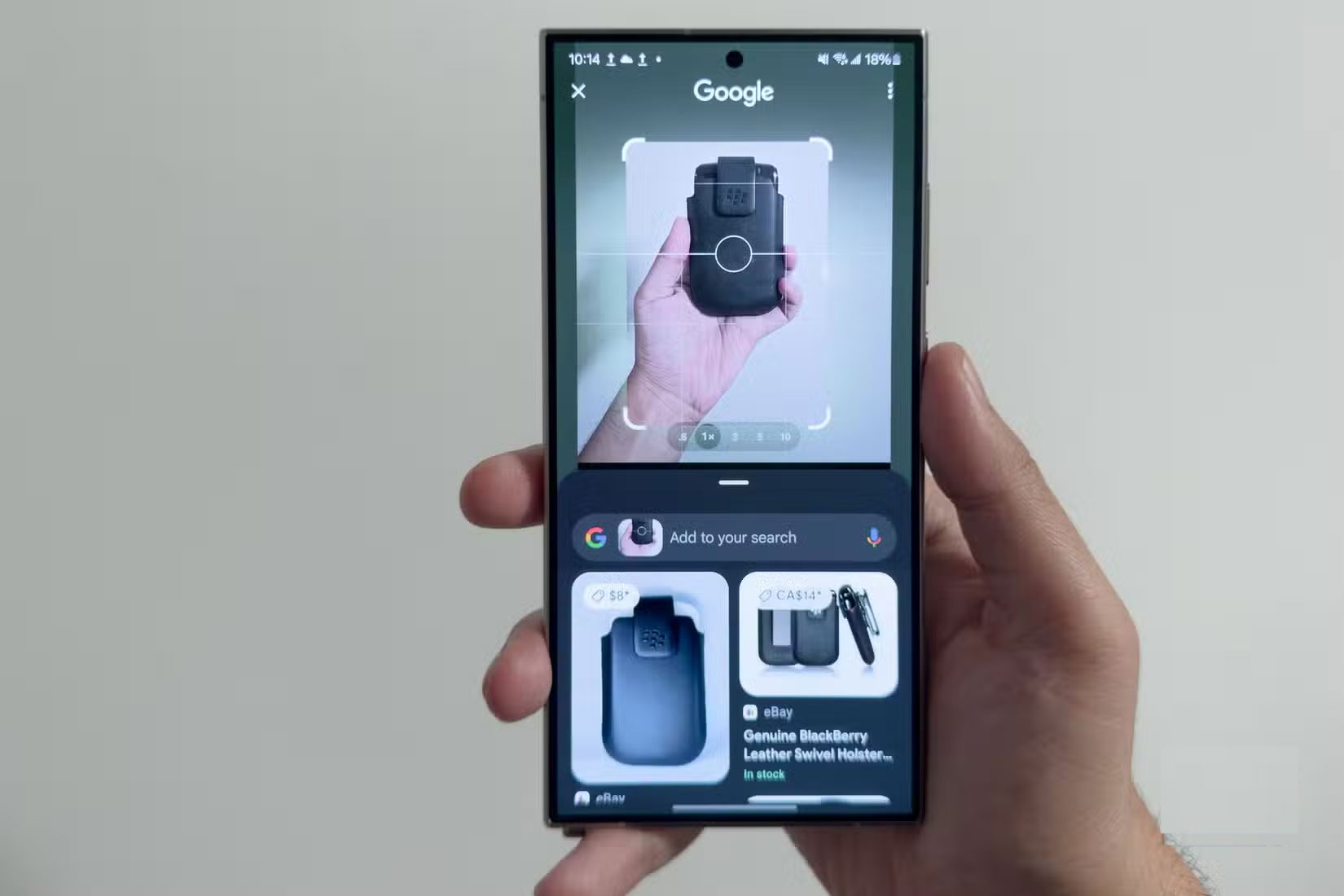
Some Google Photos editing tools and Gemini capabilities are available beyond Pixel. If one feature is the main reason you want to upgrade, check whether your existing device already supports it.
Do not assume the opposite extreme, either: not every Pixel function is available identically on every Android phone or iPhone. Eligibility can depend on the model, region, language, account, subscription, and rollout. Test the particular feature you need rather than buying on the strength of a general “AI phone” label.
4. Camera preferences and cloud workflows vary
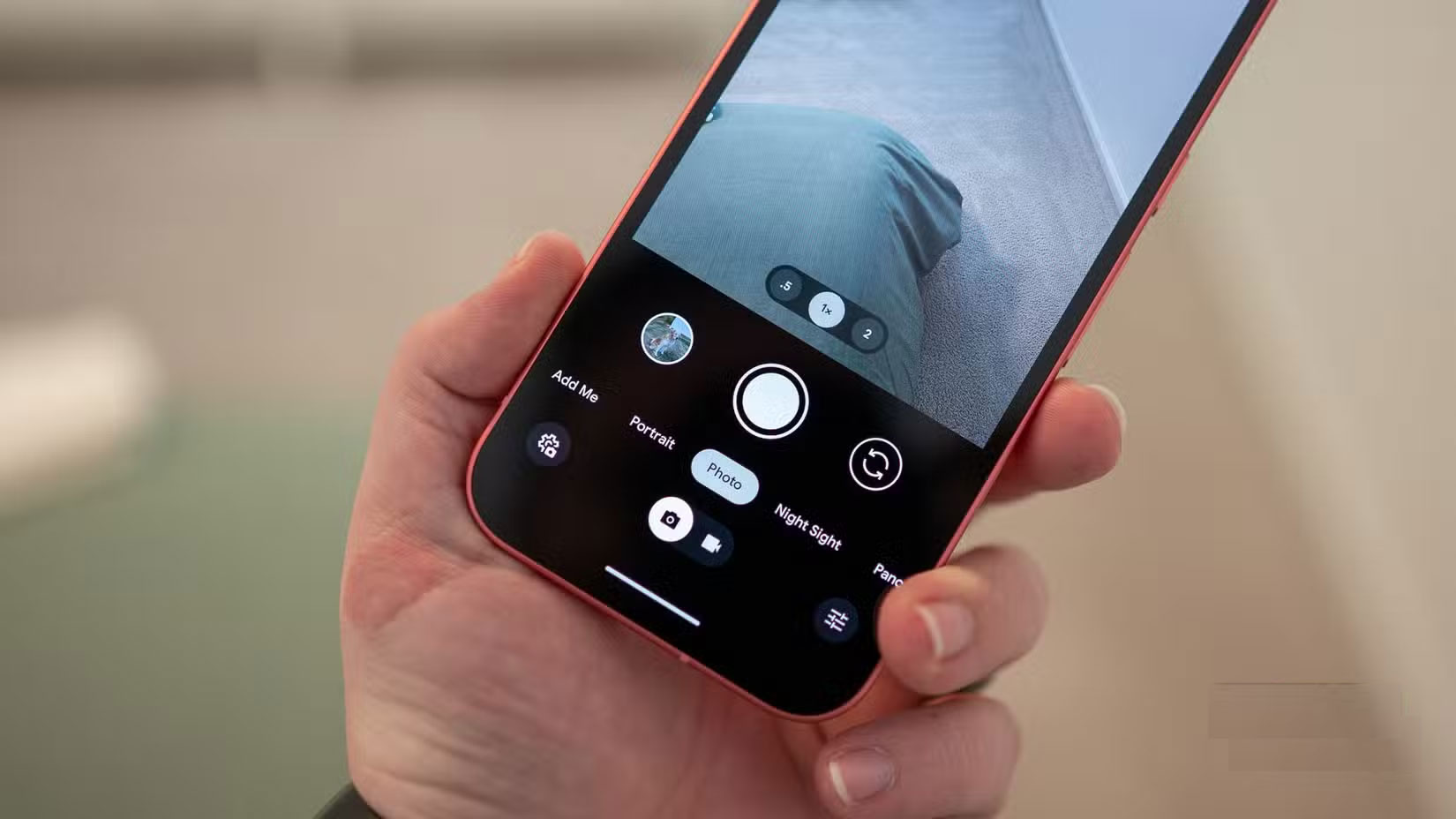
There is no single camera winner for everyone. Compare ordinary photos, moving subjects, indoor skin tones, zoom, and video in conditions you actually use. Evaluate the original capture separately from generative editing, which can alter or invent image detail.
Some advanced features involve cloud processing. For example, Video Boost on supported Pixels requires the video to be backed up to Google Photos for processing. Upload time, connectivity, storage, and privacy preferences therefore matter. That does not mean all ordinary Pixel photos must be uploaded or that the camera only works through the cloud.
Review your backup choices separately from editing preferences. These Google Photos settings and Google Photos storage-management tips provide related guidance; verify a backup before deleting an original.
A Pixel is worth considering when its particular camera, software, and support package fits your needs at the available price. Choose another model when it meets those priorities better, rather than assuming a competing brand automatically provides every Google feature plus superior hardware.
Related Articles
 Pixel and Pixel XL duo were killed by Google
 Compare Google Pixel 6 and Pixel 6 Pro
 Google stops production of Pixel 5
 Instructions on how to activate Google Pixel and Pixel XL
 These special features are only available on Google Pixel phones
 Google launched the duo Pixel 4 / Pixel 4 XL, 90Hz screen, Snapdragon 855, priced from 18.6 million
Reader Comments 0
Sign in with email or Google to join the discussion.