Table of Contents
Playing a classic Zelda title on Android depends on three separate things: an emulator for its original console, compatible game files you are authorized to use, and controls that work for that particular game. Installing an emulator does not include Nintendo's games or guarantee acceptable performance.
NES, SNES and Game Boy: start with the original system
The original The Legend of Zelda, A Link to the Past and the original Link's Awakening belong to different systems. Choose a core for the game version you have rather than assuming every release with a familiar title uses the same emulator.
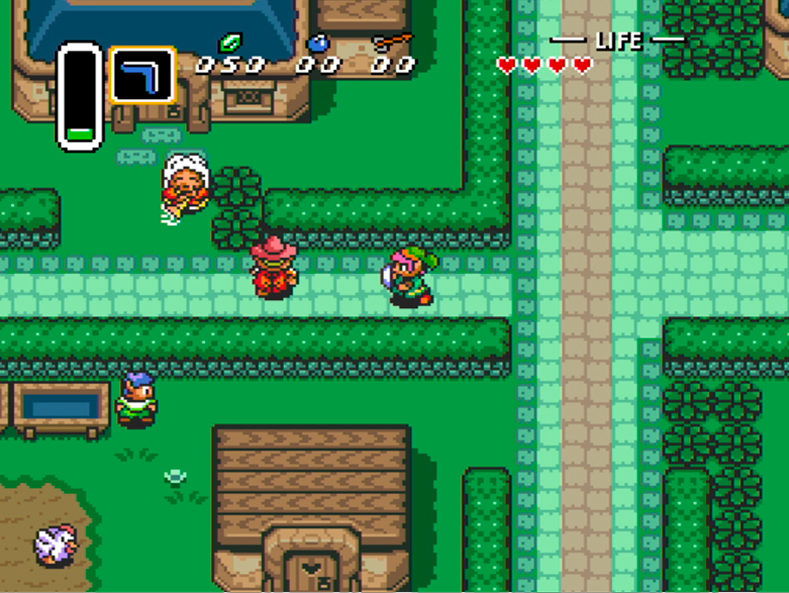
RetroArch is a frontend that loads emulator cores. Install a suitable current build, load the relevant core, then use Load Content to select a compatible file. The official Android installation guide explains distribution differences; an old Play Store build may differ from the current project release.
For the basic workflow, see setting up Android for retro games, while using the official instructions for current download choices.
Nintendo 64: configure the controls, not just graphics
Ocarina of Time and Majora's Mask were originally Nintendo 64 titles. An N64 emulator or compatible core is the relevant category for those original versions.
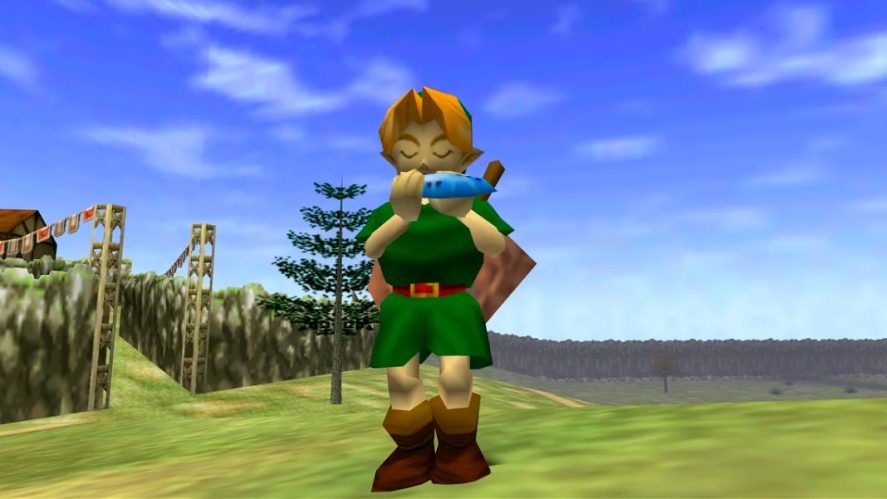
Check analog-stick behavior, targeting and item-button mappings early. A controller can be easier than a crowded touchscreen overlay. Test in-game saving and keep a separate backup before a long session; save states can depend on emulator version.
Nintendo DS and 3DS are different targets
Phantom Hourglass and Spirit Tracks use the Nintendo DS's dual-screen and touch design. Screen arrangement, stylus input and any microphone-related interaction deserve testing before you commit to a playthrough.
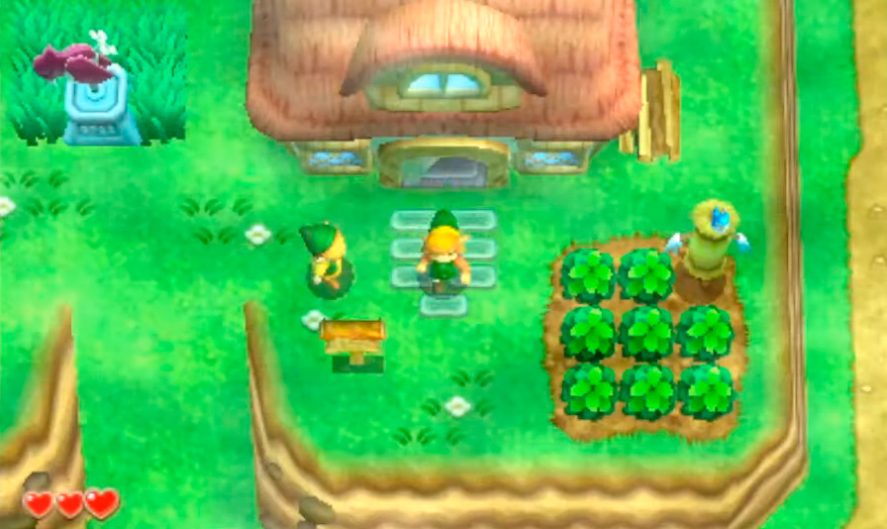
A Link Between Worlds is a Nintendo 3DS game, which requires a different emulator. The original Citra project was discontinued, so an old recommendation to simply download “Citra” is no longer sufficient. Check an actively maintained project's identity and documentation rather than using a download site that claims to be the original service.
GameCube and Wii: Dolphin and game-specific requirements
Dolphin emulates GameCube and Wii, including different versions of games such as Twilight Princess. The console version matters because controls and configuration differ.
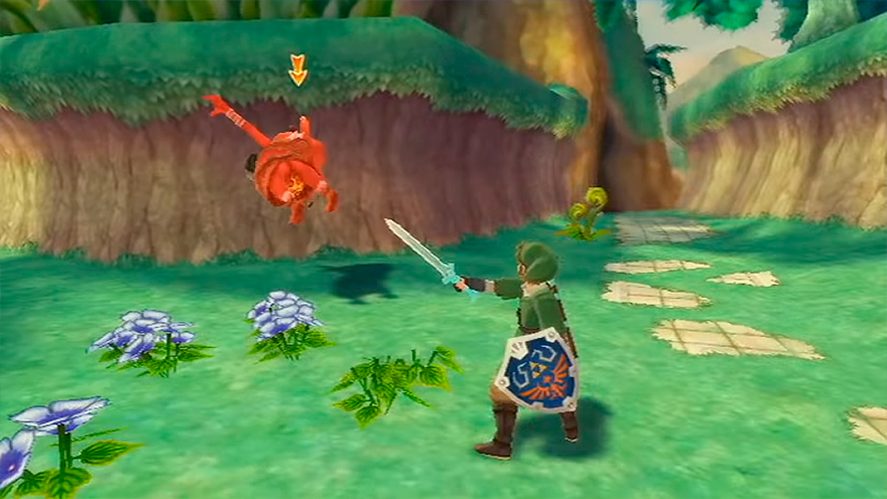
Skyward Sword depends heavily on motion input. Being able to start it is not the same as having a comfortable, complete control setup. Review the project's compatibility notes and Dolphin FAQ, then test demanding areas and controls on your device.
What about Breath of the Wild and Tears of the Kingdom?
The original console platform still determines the emulator required. Dolphin's GameCube and Wii support does not make it a Switch emulator.
Do not rely on a generic claim that an Android app runs every Switch title, or on a short video as proof of a complete playable experience. Performance and compatibility depend on the device, graphics drivers, emulator and game version. An unverified app name is not a dependable recommendation.
Before investing time in a setup
- Confirm the exact game and console version.
- Use the emulator project's documented distribution channel.
- Check required controls, file formats and any firmware requirements.
- Test ordinary saves and preserve backup copies.
- Stop troubleshooting by random settings changes; use the project's game-specific notes.
Related Articles
 5 reasons why you must play The Legend of Zelda: Breath of the Wild
 Legend of Zelda and things that are a bit 'strange' as an adult - P.2
 Tips for playing The Legend of Zelda: Breath of the Wild
 Review Windbound - Journey to the Far East on Switch
 6 best video game emulators on iOS
 What factors do smart TVs need to have?
Reader Comments 0
Sign in with email or Google to join the discussion.