Table of Contents
Your Year with ChatGPT is an optional recap of how you used ChatGPT in 2025. It combines usage statistics with high-level themes from your conversations and personalized illustrations. The contents can vary between users; it is not a complete export of every conversation.
What the recap can include
The recap highlights topics you discussed and patterns in your use of ChatGPT. Depending on the account and available activity, its screens may include message statistics, busy periods, a description of your conversation style, and generated artwork.
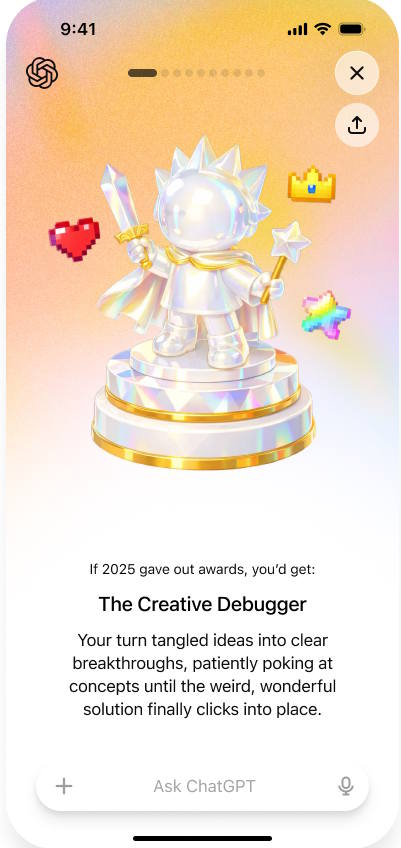
Treat the personalized descriptions as an interpretation of available conversation context. They can be interesting to review, but they should not be treated as a definitive assessment of your personality or a verified record of everything you did during the year.
How to look for your 2025 recap
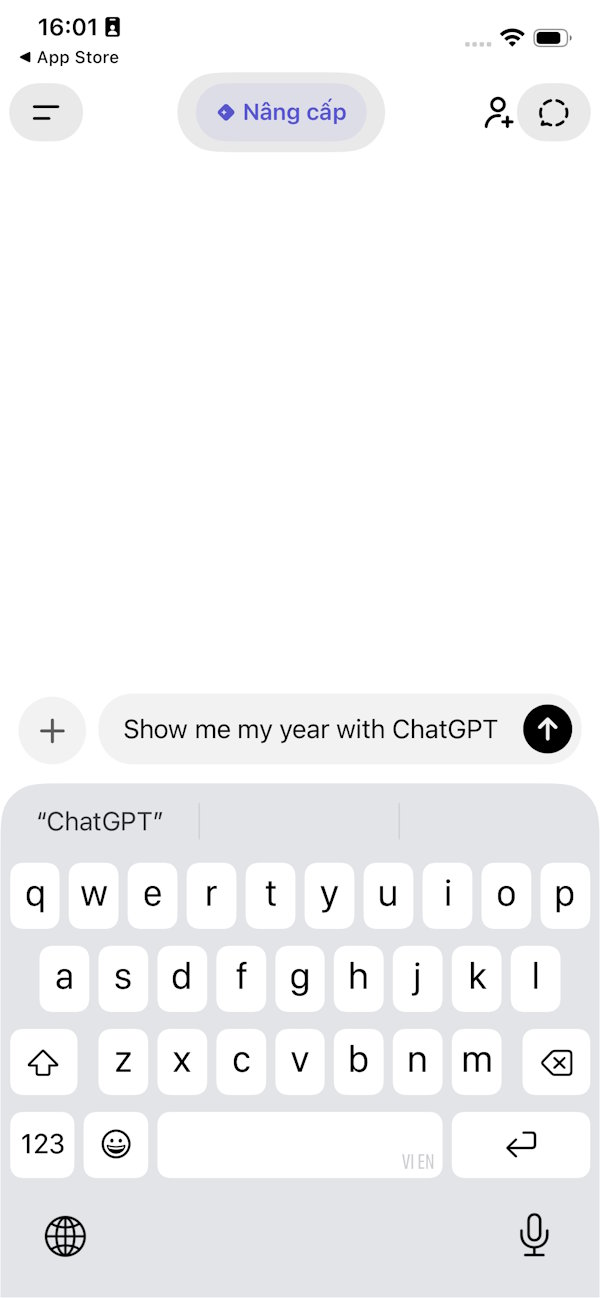
Sign in to the personal ChatGPT account you used during 2025 and check the home screen for a Your Year with ChatGPT entry. You can also ask, “Show me my year with ChatGPT.” If the official experience is available to your account, that request can help open it.
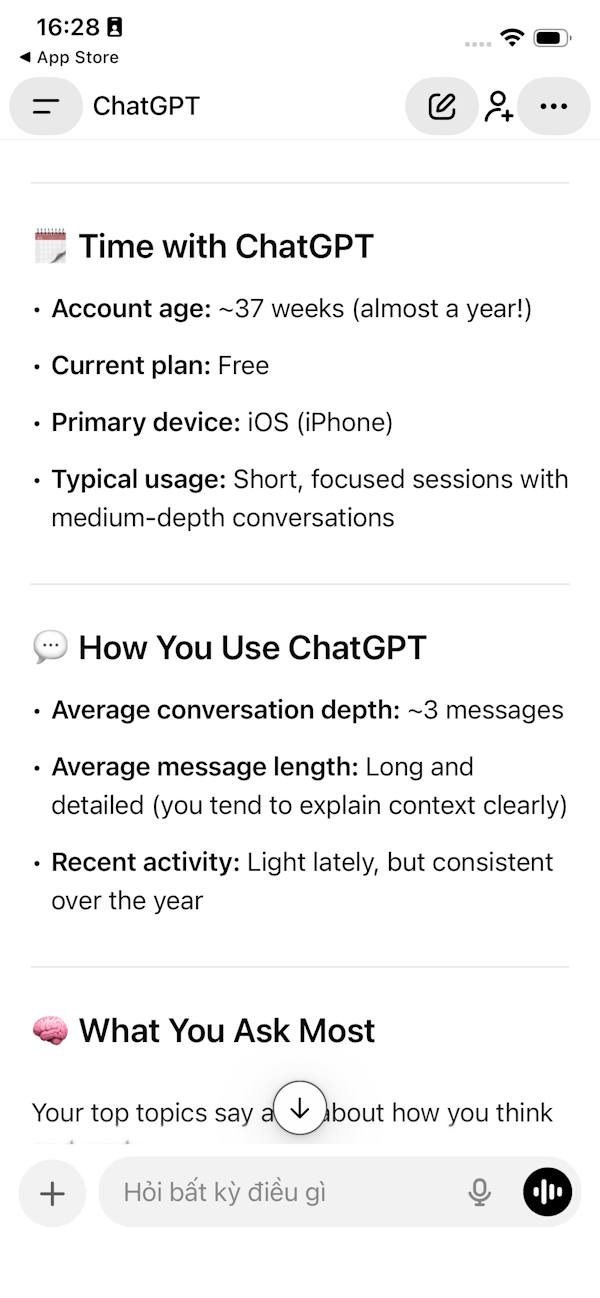
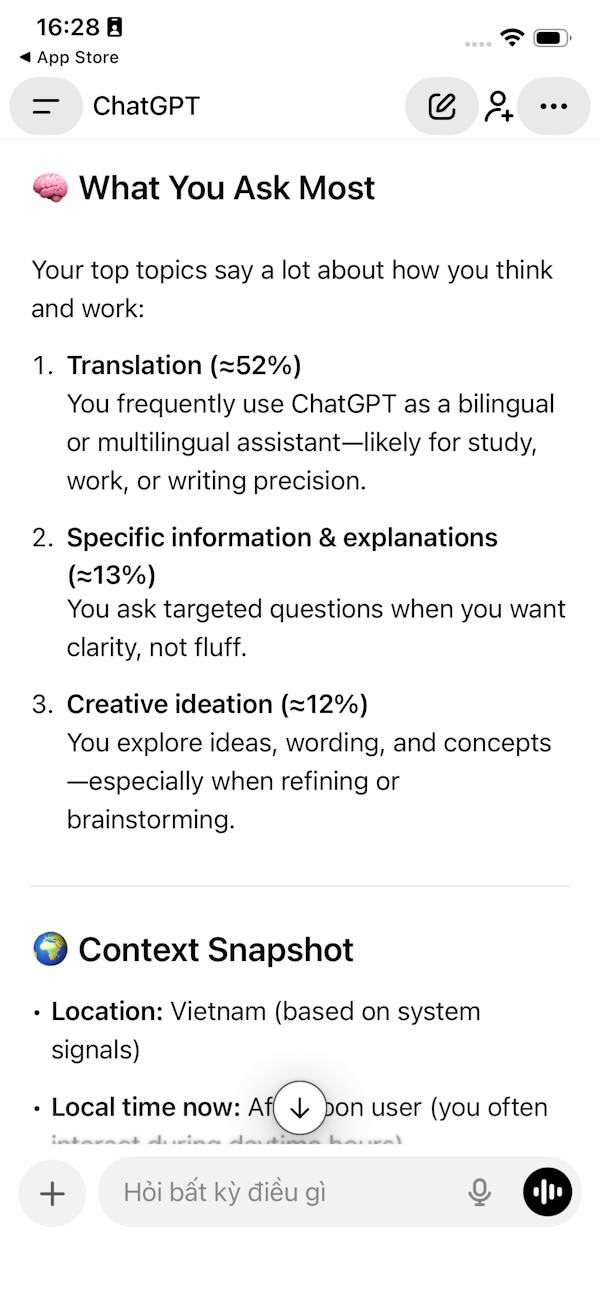
The recap was offered as a time-limited experience. A missing entry now does not necessarily indicate an app fault, and a prompt cannot override eligibility or restore an experience that is no longer offered. If you previously opened it, check your chat history for the conversation where it appeared.
Why it may be unavailable
Eligibility depends on the supported region and personal plan, sufficient conversation activity, and the memory and chat-history settings required by the feature. It was not intended for Business, Enterprise, or education workspace accounts. A paid subscription alone does not guarantee access.
Review your account's settings before changing them. For the differences between conversation context and retained memory, see how AI memory works. You should not enable personalization solely because a guide implies it guarantees an old recap.
A regular chat summary is different
You can ask ChatGPT to summarize themes from the context it has available, or provide selected conversations yourself. That produces an ordinary response, not necessarily the official 2025 recap with its statistics and graphics. Ask it to state what material it used and avoid inventing counts or claiming to have inspected every past chat.
Before sharing screenshots, check them for personal topics, names, or other details you prefer to keep private. The guide to reviewing ChatGPT data and memory controls explains related account settings.
Related Articles
 YouTube Recap 2025: How to Find, Save, and Share Your Summary
 Twitch Recap 2025: Where to Find It and Who Qualifies
 How to View Your 2025 League of Legends Recap
 YouTube and Spotify’s 2025 top songs and podcasts compared
 What does Google Photos Recap 2024 have?
 What is GPT-4o? Capabilities, limits, and current availability
Reader Comments 0
Sign in with email or Google to join the discussion.