Table of Contents
YouTube Recap 2025 has launched to all accounts worldwide to look back at your music listening and video viewing.
YouTube Recap 2025 has been launched for all accounts worldwide to review your music listening and video viewing summary. This guide will know which artists you watch most often, which YouTube channels you watch videos on, etc. Each summary table has a share option below so you can send it to others. Here are instructions for watching YouTube Recap 2025.
Instructions for watching YouTube Recap 2025
Step 1:
You should update YouTube to the latest version. Then Click on the You tab Below and you will immediately see The YouTube Recap 2025 program banner For you to select.
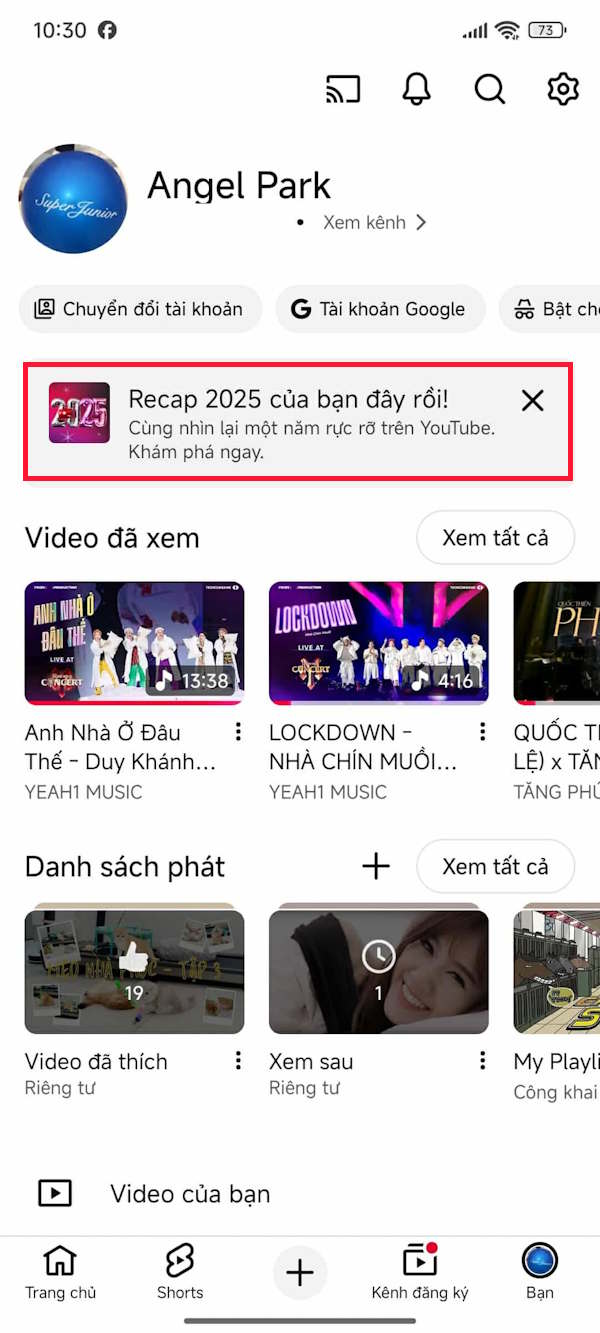
Step 2:
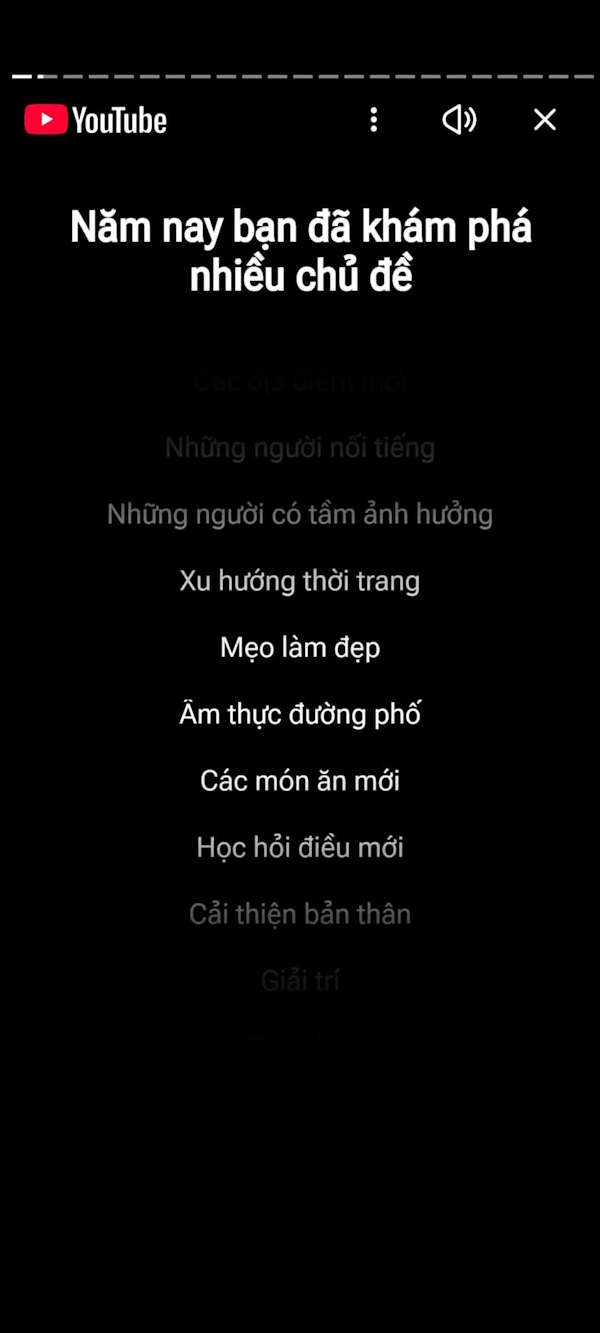
Next, this guide will come to the summary of your music listening preferences on YouTube in the past year. We Swipe to each photo slide to see the content . Below each summary item, there will be A Share option For you to send to friends or post to other social networks.
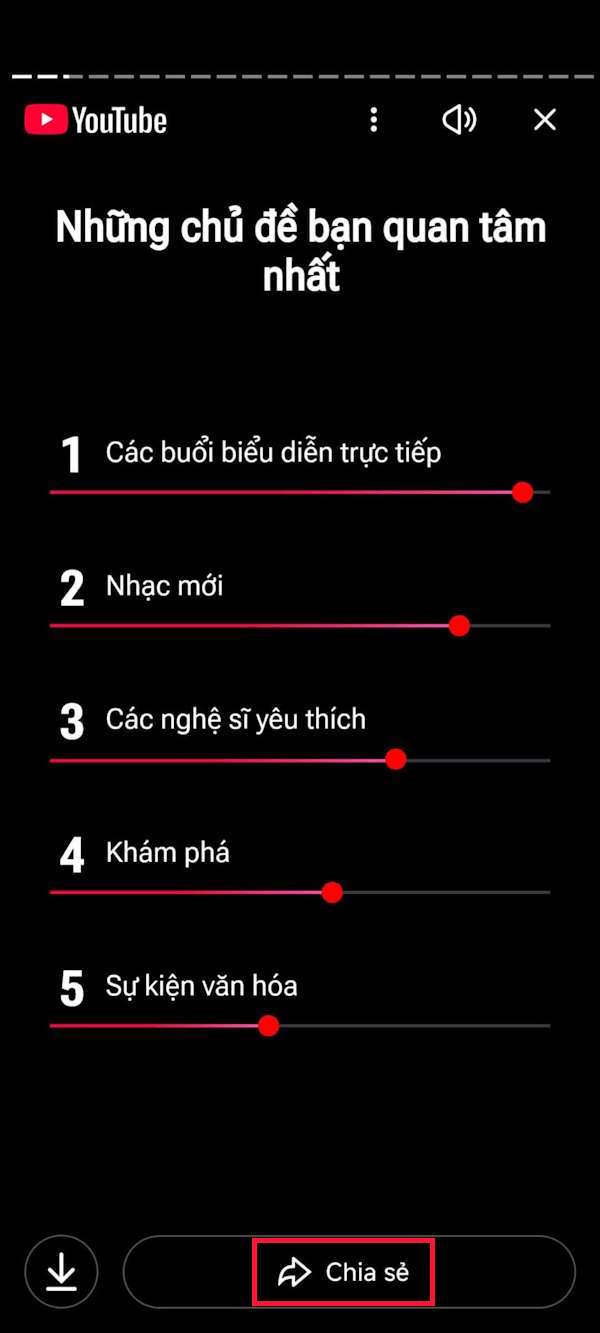
You choose a social networking application to send images to others.
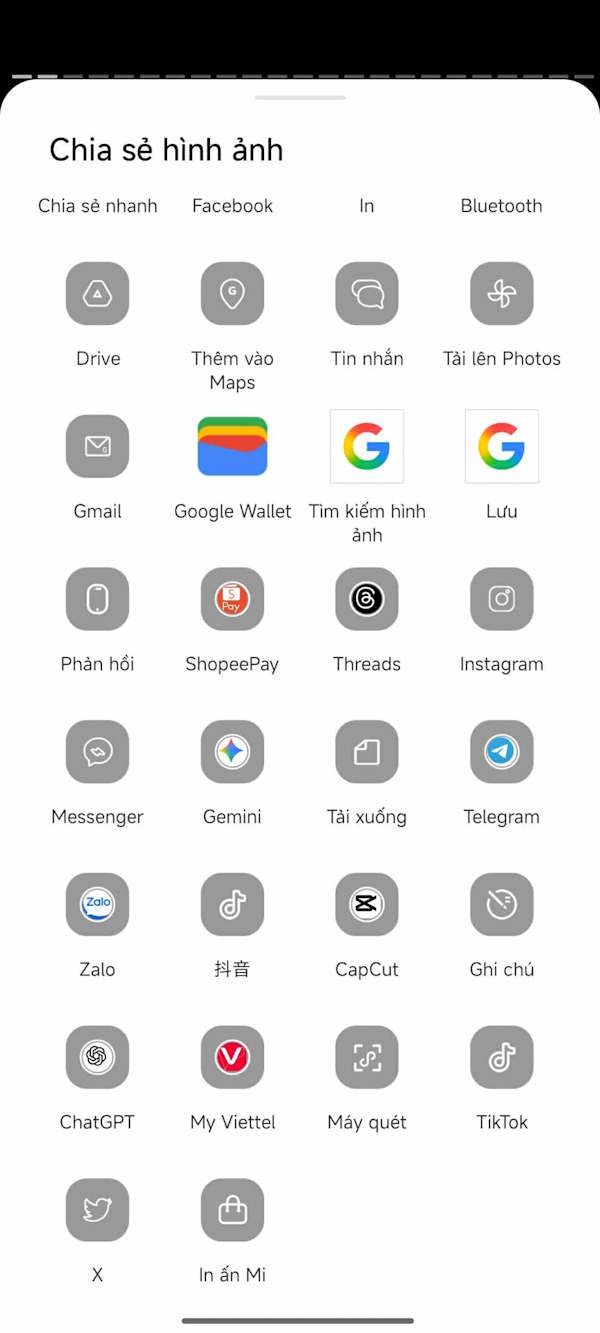
Step 3:
Next is A summary of the number of YouTube channels you regularly watch In 2025 and The top 3 most watched YouTube channels In 2025.
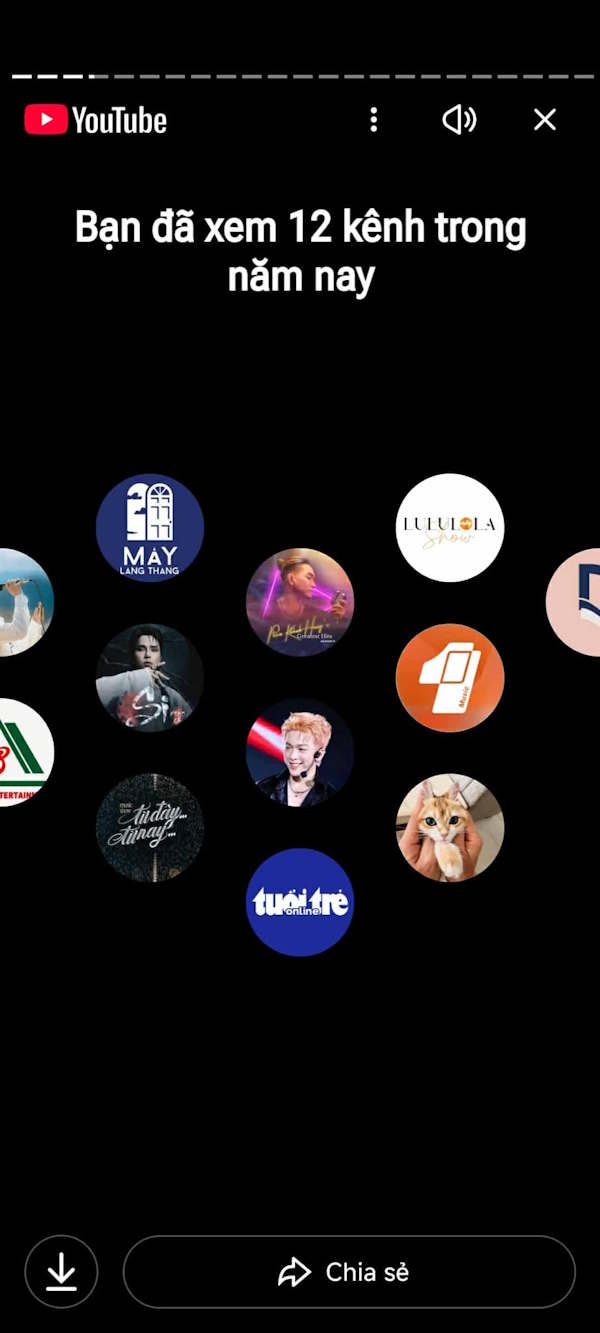
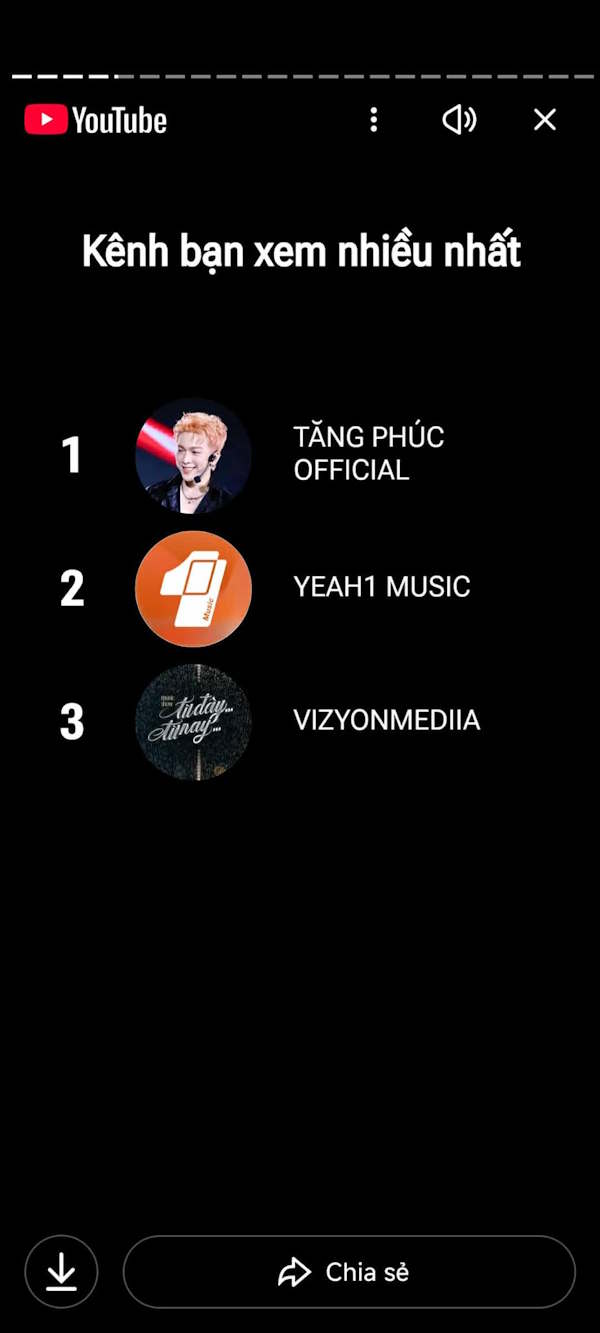
Step 4:
Through your music preferences and the channels you frequently watch videos on, YouTube Recap can also predict what type of person you are.
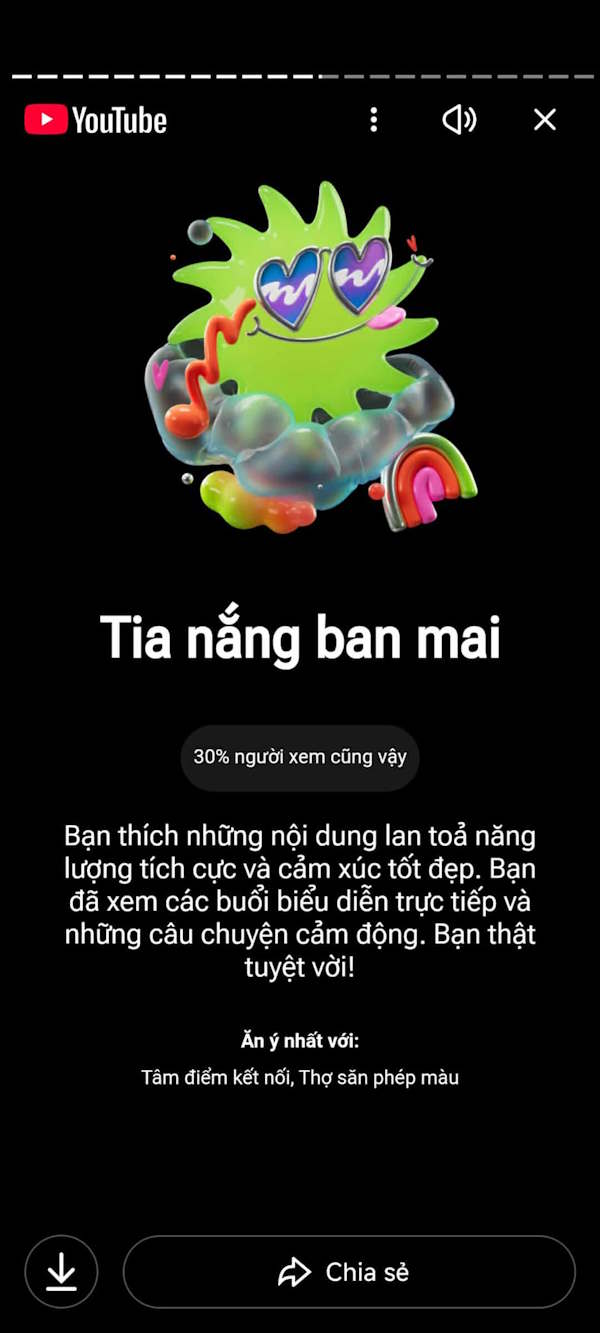
Step 5:
Also, YouTube Recap 2025 also synthesizes YouTube channels where you often watch videos of events Related to life.
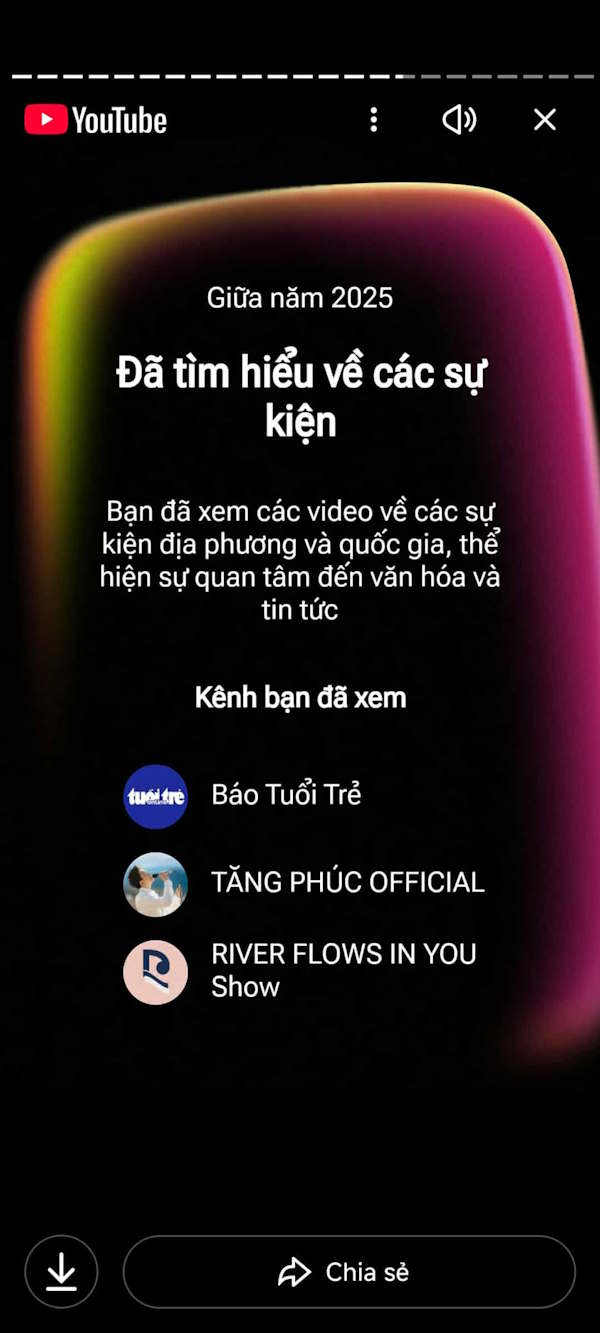
In case you want to watch YouTube Recap 2025 again, go directly to the link below.
- Visit YouTube Recap 2025
FAQ
How do you watch the latest YouTube recap 2025: step-by-step guide?
In practical terms, YouTube Recap 2025 has launched to all accounts worldwide to look back at your music listening and video viewing.
What should you check before getting started?
Review the requirements, compatible device or software version, and any warnings described in the guide before making changes.
What should you do if the steps do not work?
Repeat the steps in order, confirm that your app or system is up to date, and review the troubleshooting details provided above.
Related Articles
 Sharing How to Watch the Latest and Most Detailed LoL Recap 20253 minutes read
 YouTube Recap Vs Spotify Wrapped 2025: Lady Gaga and Joe Rogan Dominate Both Lists5 minutes read
 How to Access Twitch Recap 2025: Step-by-Step Guide3 minutes read
 What Does Google Photos Recap 2024 Have?3 minutes read
 Guide to Watching and Managing Video Comments on YouTube3 minutes read
 How to Turn on the Feature That Prompts You to Watch Videos Too Long3 minutes read
Reader Comments 0
Sign in with email or Google to join the discussion.