Table of Contents
Discover why ueli is the launcher every Windows 11 user should try and explore the main causes, risks, practical effects, and recommended actions.
The default Windows search launcher works fine when you're staring at the desktop. But as soon as a window covers the screen, things get annoying. You have to scroll all the way down to reveal the auto-hide taskbar just to access the search bar. That extra step disrupts your workflow every time. So many people have experimented with launchers like Keypirinha, Everything, Wox, and PowerToys Command Palette. After trying them all, they finally found their favorite — Ueli.
Why do people switch to Ueli after trying many launchers?
Feels like a native Windows app
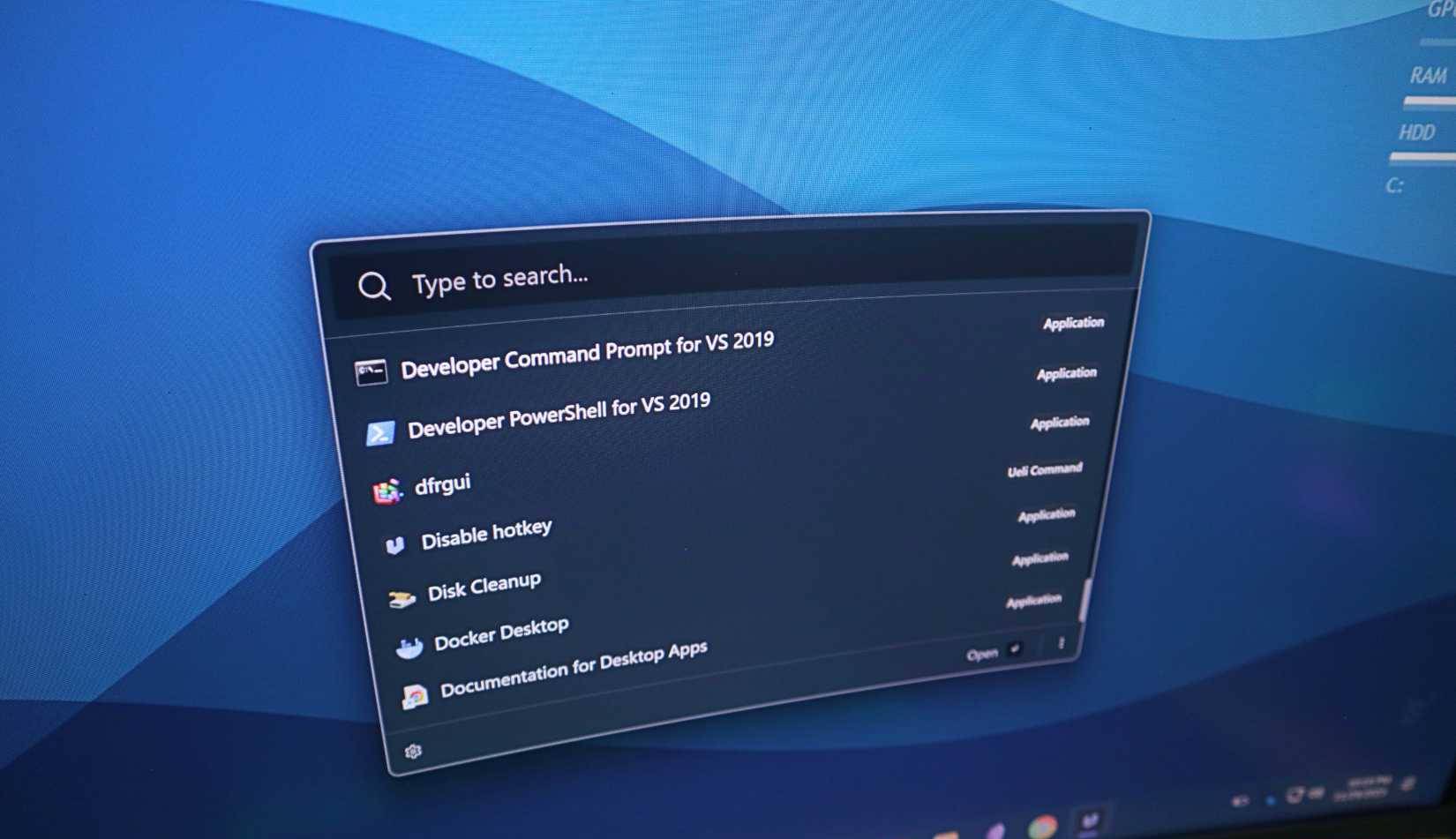
Many people initially decided to go with Command Palette mainly because they had PowerToys installed. This is one of those apps that people always install on any Windows PC they use. Since people were tired of having to configure all sorts of apps after installing Windows, Command Palette was perfect because it was super convenient. They didn't have to download anything new or go through another installation process.
But after using it for a week or two, they're finally ready to look for something a little more configurable while still remaining simple and fast, like Command Palette. That's when people discover Ueli. What attracts people is how powerful and simple it is. It doesn't overwhelm you with complex settings at first, but you can tell there's more hidden inside if you dig deeper.
The transition from Command Palette to Ueli was natural. You didn't give up the speed and simplicity you've come to appreciate. Just more options to make working easier.
Why should you try Ueli?
Speed and simplicity really work
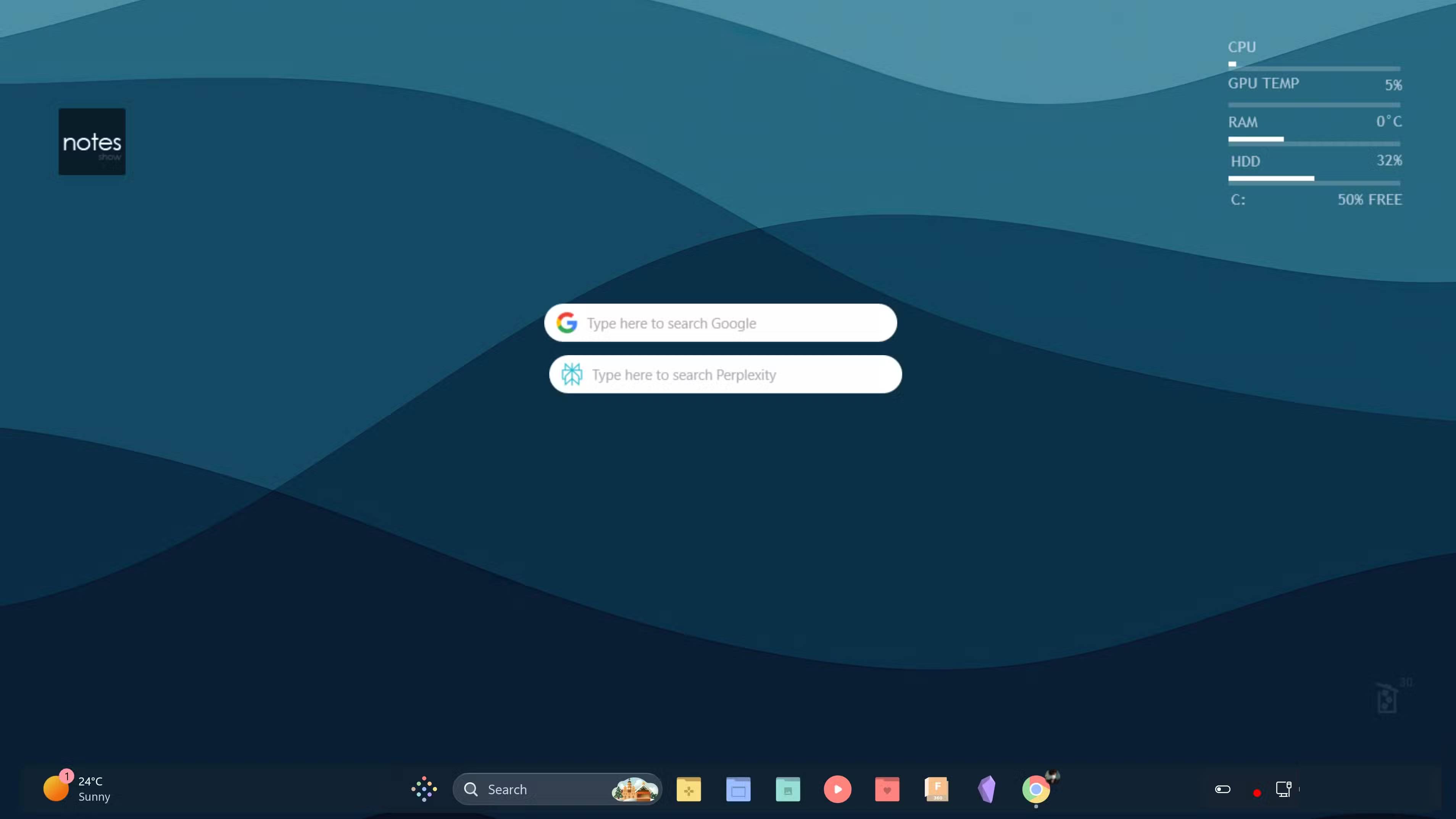
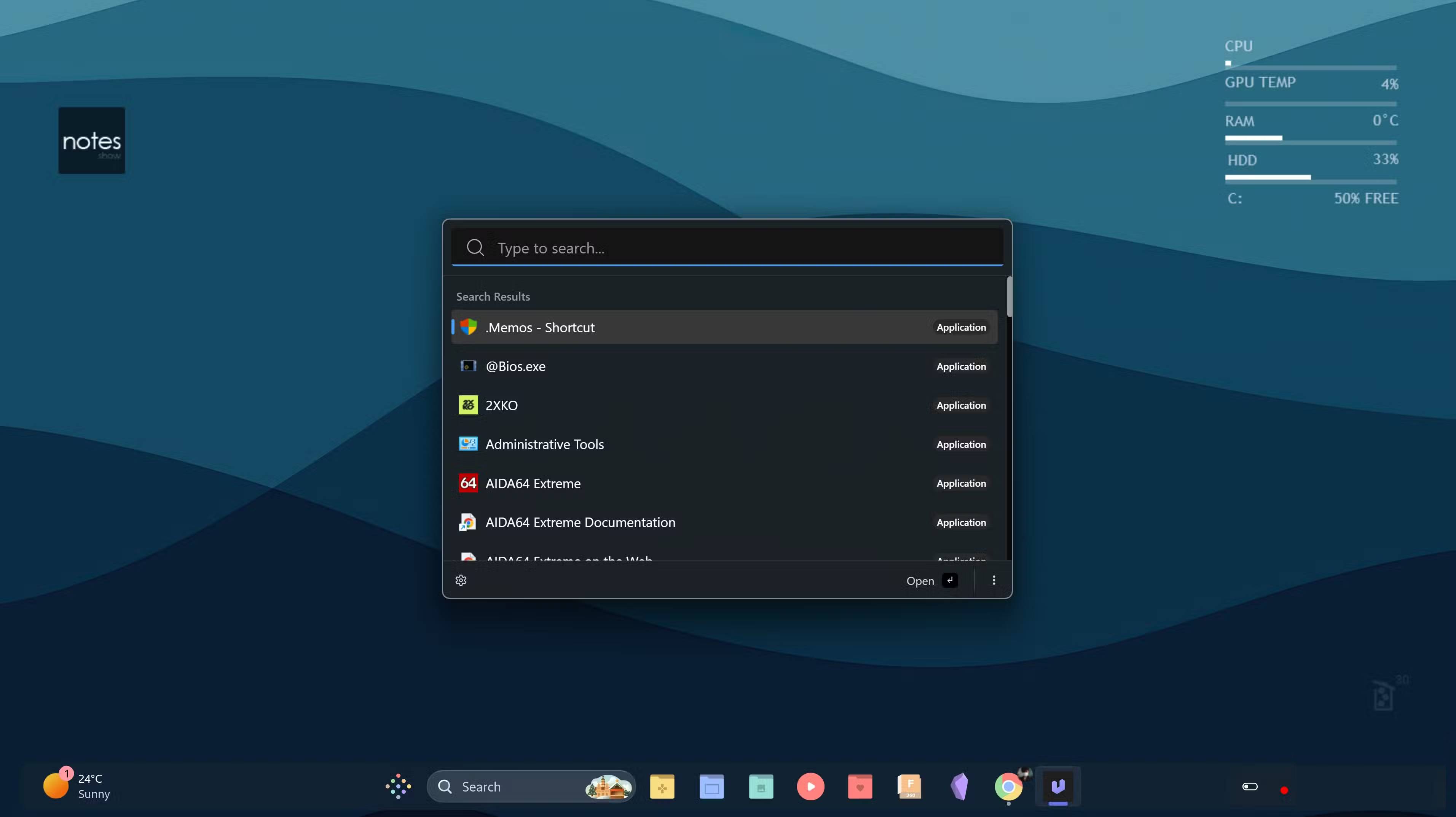
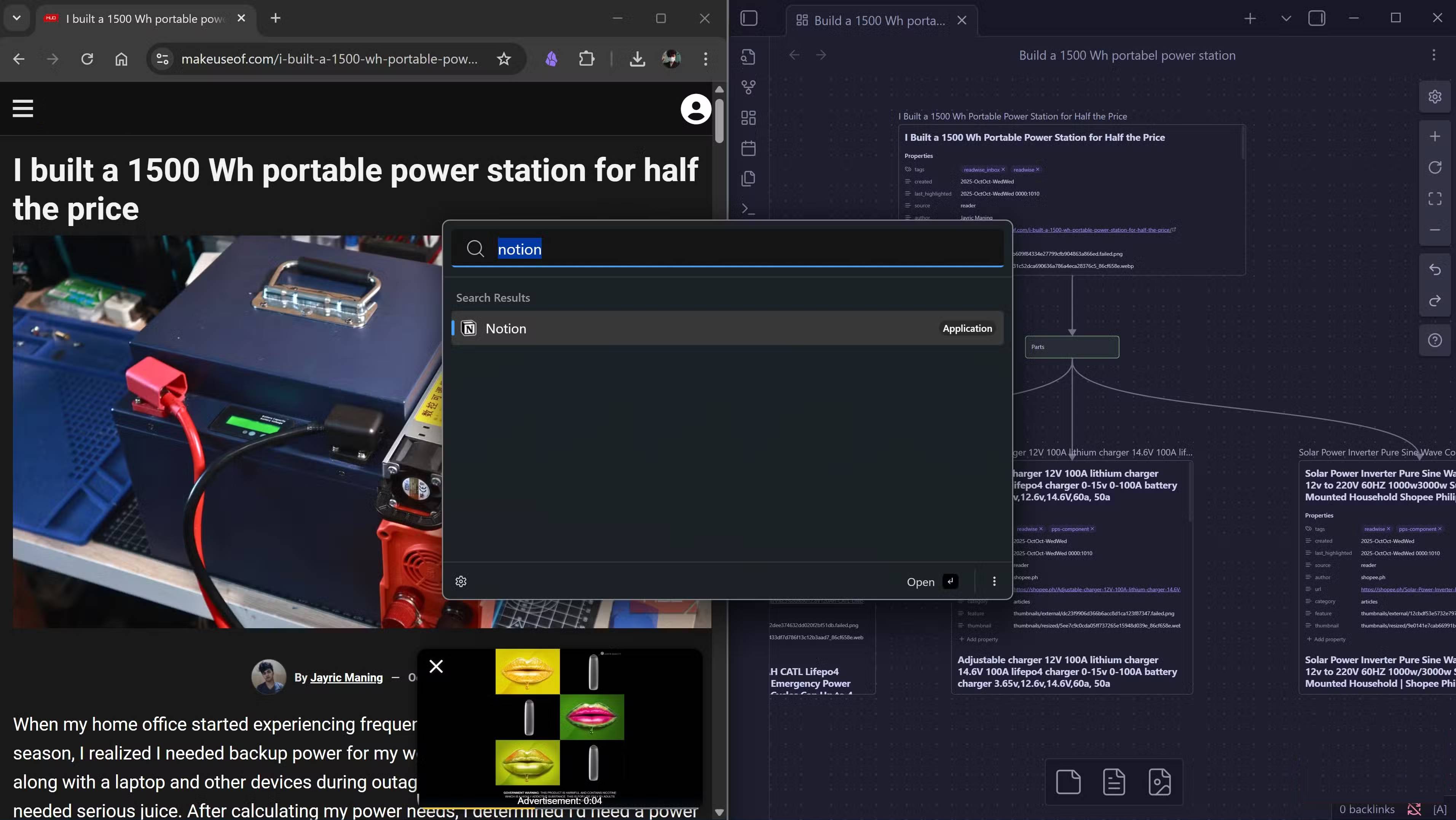
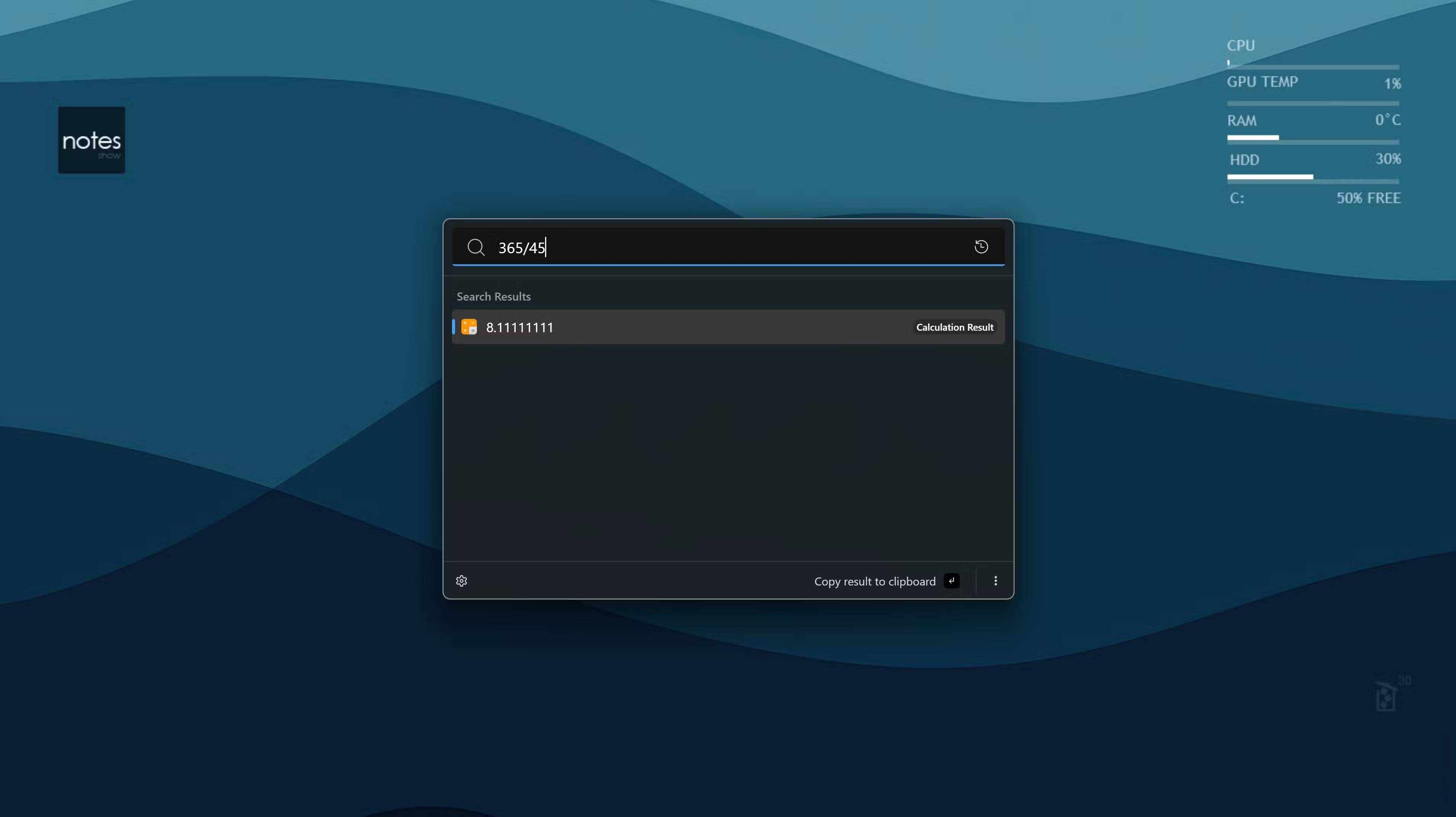
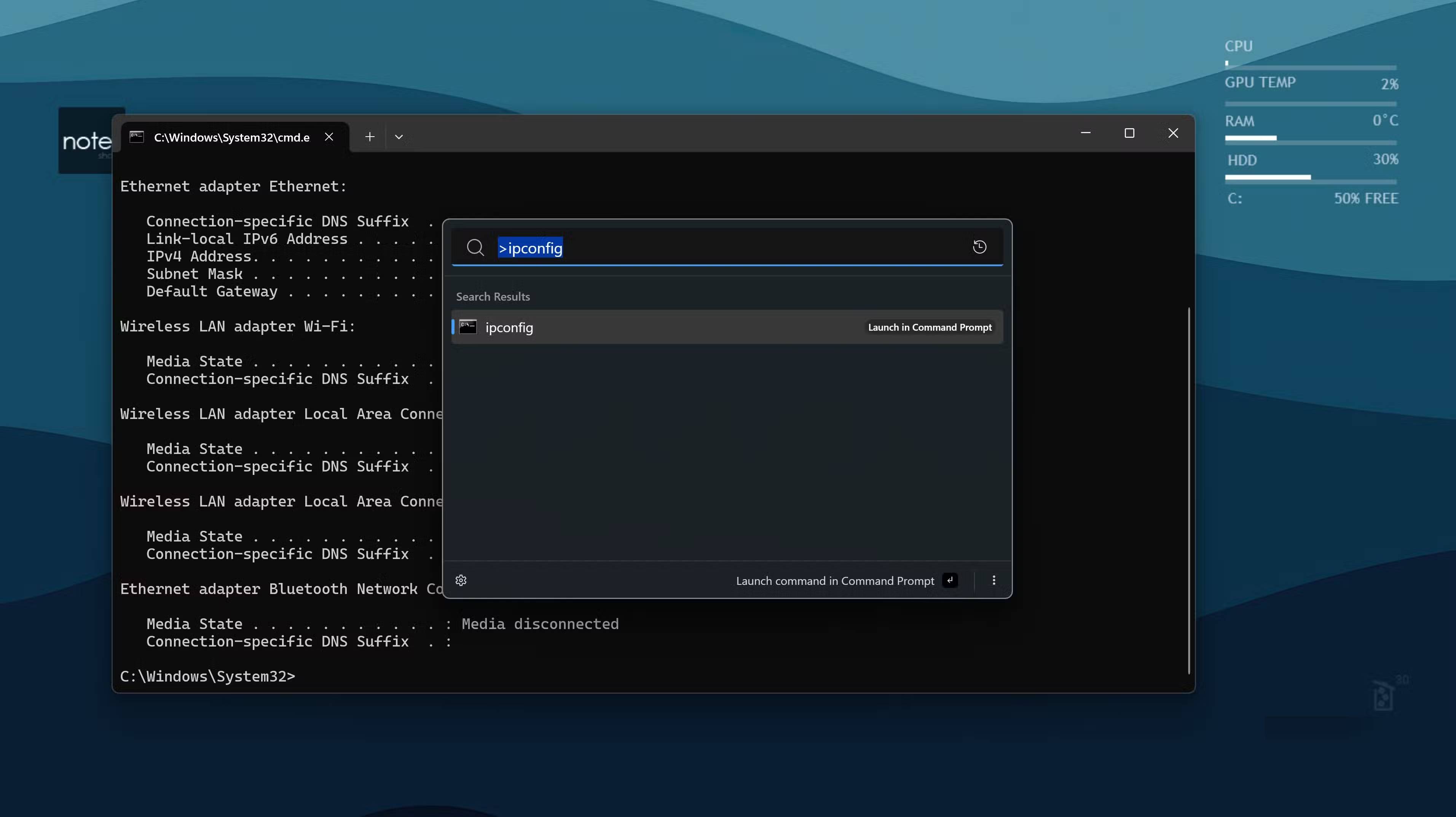
Once you start using Ueli, you'll quickly see why it deserves more attention. Ueli is packed with features and thoughtful design choices that will make your workflow smoother. Here are some of its highlights for most Windows users.
Ueli is fast and lightweight, so it won't slow down your system. When you hit a hotkey, it pops up instantly with search results right behind it. What makes Ueli stand out is its clean, Windows-like interface, which almost feels native rather than third-party. It blends seamlessly into any setup without feeling obtrusive. The Alt + Space shortcut can significantly improve the workflow of most users. This simple key combination allows you to launch an application or open a folder even when the window covers the entire screen. You just hit the key, type the required text, and press Enter . The application opens instantly without touching the mouse. When you constantly switch between tasks during the day, extra mouse movements quickly add up. Ueli eliminates all that hassle.
Ueli was built with keyboard workflows in mind, making it perfect for anyone who prefers to use a keyboard. In addition to launching apps, you can search for files, folders, and bookmarks, or run a direct web search. Fuzzy search will return exactly what you want without the need for precise results. Ueli comes with useful built-in extensions like a calculator, a currency converter, and system commands to shut down or put your computer to sleep.
The customization options give you extra control that the Control Palette doesn't have. You can tweak the look and feel, change the size of the search bar, choose your default browser, and configure how everything works. The Workflows feature is especially useful if you're into automation. It lets you create custom task sequences that run with a single command. Similar to one of my favorite AutoHotkey scripts on Windows, this lets you set up a workflow that opens all your work apps at once when you start your workday. Ueli also runs on Windows, macOS, and Linux, with a nearly identical interface. If you use multiple machines, you'll get consistent functionality everywhere.
Final Thoughts
Understanding why ueli is the launcher every windows 11 user should try makes it easier to evaluate the information and apply the most relevant recommendations. Focus on the key points above and verify details that may change over time.
FAQ
What is why ueli is the launcher every windows 11 user should try?
Discover why ueli is the launcher every Windows 11 user should try and explore the main causes, risks, practical effects, and recommended actions.
What key points does this article cover?
The article focuses on Why do people switch to Ueli after trying many launchers?, Feels like a native Windows app, Why should you try Ueli?, with practical explanations and examples.
How can you use this information in practice?
Use the explanations to compare options, verify important details, and make a more informed decision. Apply the recommendations that best match your goals and situation.
Related Articles
 Top 10 Best Android Launchers 201910 minutes read
 Activity Launcher: App to Create Shortcuts on Home Screen6 minutes read
 Nova Launcher - Nova Launcher Download and Installation5 minutes read
 Apex Launcher Updated with New Material Design Design3 minutes read
 4 Best Android Launchers for Seniors5 minutes read
 What Is the New Name for Launcher on Microsoft Android and What New Features Do You Own?3 minutes read
Reader Comments 0
Sign in with email or Google to join the discussion.