Table of Contents
This guide answers "Why Should You Cover the Camera on Your Smart TV?" with a clear explanation, practical context, and the details that matter most.
The living room is a gold mine of private information.
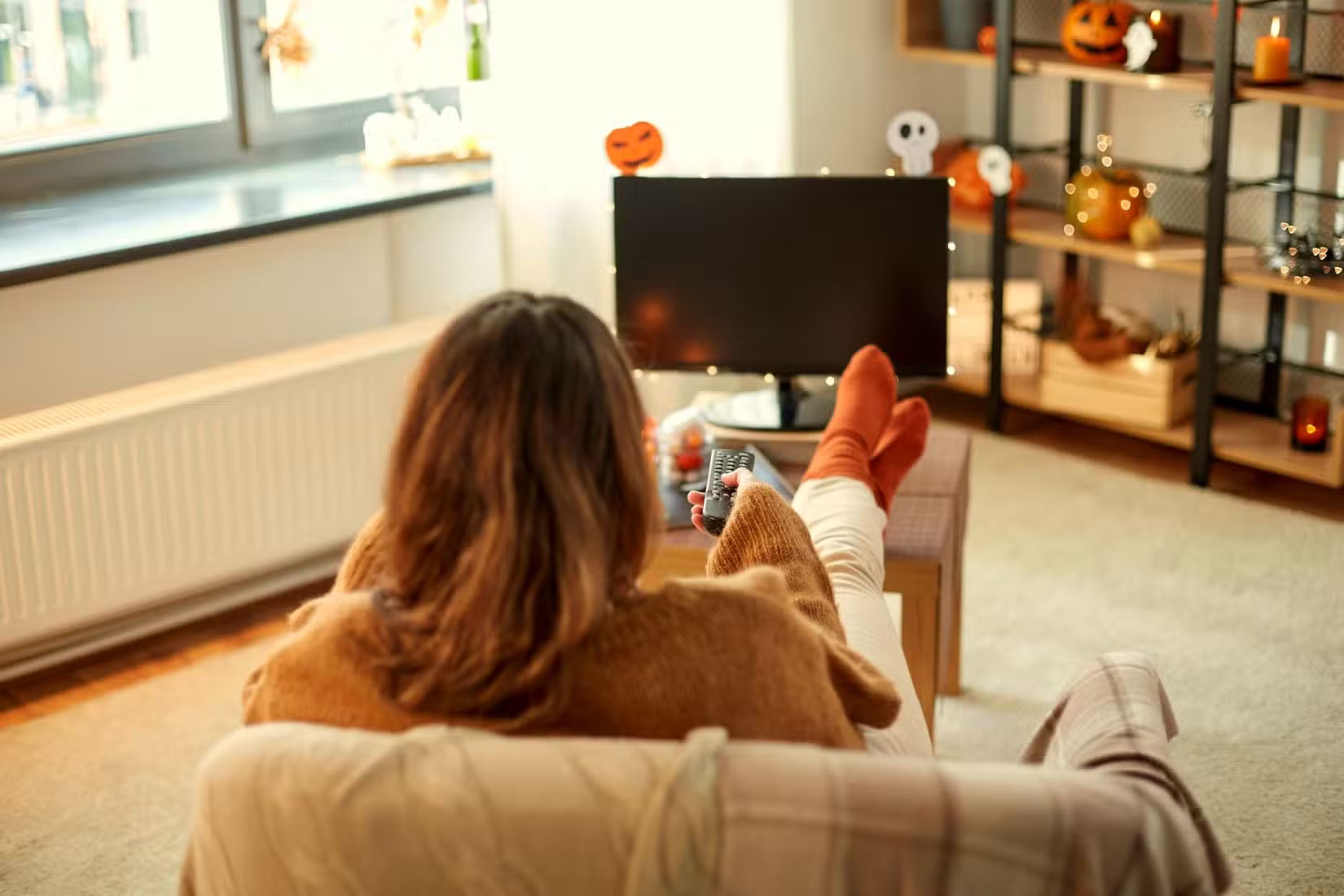
Take a moment to imagine what your Smart TV with a camera sees. It's pointed directly at the space where you relax, gather with family, entertain guests, and maybe even work from home. If that camera is running without your knowledge, it could be silently recording personal moments you never want to share.
Worse yet, you may not even realize your TV has a built-in camera. On many models, the camera is mounted discreetly above or below the screen, so discreetly that you may not notice it unless you're actively looking for it. A closer inspection or a look in the TV's manual or settings will tell you for sure. And if your TV has a built-in camera, you might be wondering: What's it for? Some TVs use it for things like video calling, facial recognition, or waving at the screen to change the volume—but let's be honest, most of us never touch those features.
Smart TV Cameras Can Be Hacked
The idea of someone spying on you through your TV may sound like science fiction, but it's not that far-fetched. In April 2017, WikiLeaks made headlines with the release of the sixth version of "Vault 7," dubbed "Weeping Angel" (after a monster from the TV show Doctor Who). It was a joint effort by the CIA and Britain's MI5, designed to hijack early Smart TVs and turn them into secret surveillance tools. The revelations showed that even government agencies were actively developing tools to spy on citizens through their TVs.
The issue extends beyond intelligence agencies. In 2018, Consumer Reports found that smart TVs from brands like TCL, Samsung, and others that use the Roku TV smart TV platform could be remotely controlled to change channels, adjust the volume, and even install apps—all without the owner knowing.
A few years later, researchers at Bitdefender discovered new security vulnerabilities (CVE-2023-6317 through CVE-2023-6320, if you like technical details) in LG Smart TVs running webOS 4 through 7. These vulnerabilities could allow a bad actor to bypass all layers of security and take complete control of the device.
So how do you know if your TV is hacked?
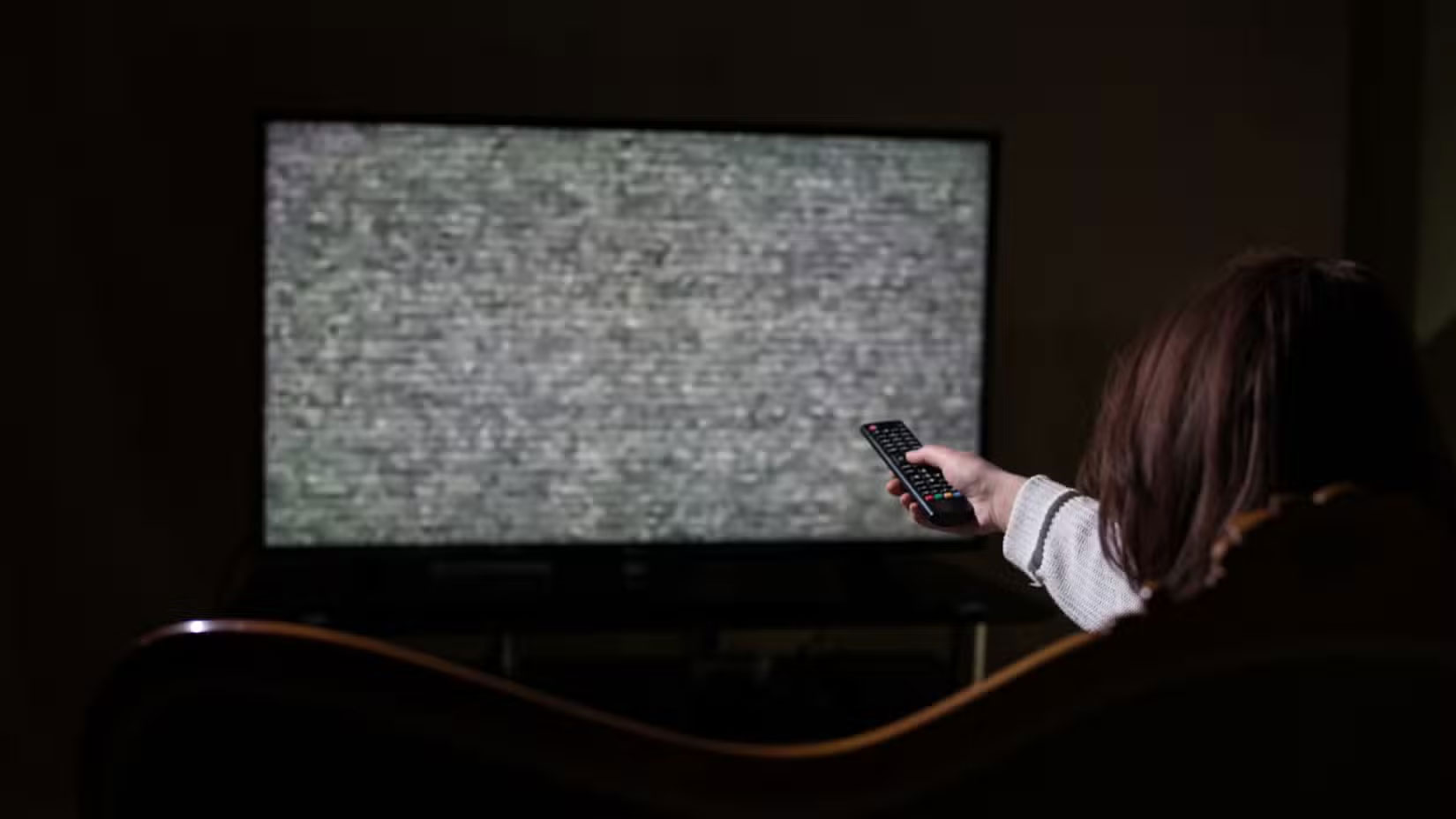
Smart TVs don't really give you obvious signs when something's wrong, but they sometimes give you away quietly. If the camera light suddenly turns on or stays on longer than usual, that's a big red flag. The same goes for performance drops, apps opening on their own, or the TV turning on or off by itself.
You should also keep an eye out for mysterious apps. If an unfamiliar app appears on your home screen or is hidden in your app list—and you know you didn't install it (and no one else will admit it)—it could be a clear sign that someone or something has remote access to your TV.
Another subtle sign is seeing a spike in data usage from your TV, even when you're not streaming anything. This could mean something (or someone) is using it to send or receive information in the background.
These signs don't always confirm an infestation, but if something seems unusual, it's worth investigating further. Either way, a simple precaution can help — and it's one you can take right now.
Covering the camera on your Smart TV is the easiest fix
The easiest way to prevent your TV from seeing what you're doing is to cover the camera. Unlike software-based protections that can be bypassed or become outdated, a physical barrier is foolproof. It doesn't require updates, won't slow down your TV's performance, and costs next to nothing. It's the only method that can't be remotely circumvented.
A piece of opaque tape, a sliding webcam cover, or even a sticky note will do, all of which you can find on e-commerce sites for very cheap. Many people do this with their laptops and tablets, so don't be shy about sticking a cover on your Smart TV.
Unlike your phone or computer, your TV's camera probably isn't something you'll need to use every day, or even every week. So covering it up won't hurt. And if you ever do need it (like for a video call, or some rare gesture control), you can just pop the cover off.
FAQ
What should you know about the living room is a gold mine of private information?
Take a moment to imagine what your Smart TV with a camera sees. It's pointed directly at the space where you relax, gather with family, entertain guests, and maybe even work from home. If that camera is running without your knowledge, it could be silently recording personal moments you never want to share.
What should you know about smart TV Cameras Can Be Hacked?
The idea of someone spying on you through your TV may sound like science fiction, but it's not that far-fetched. In April 2017, WikiLeaks made headlines with the release of the sixth version of "Vault 7," dubbed "Weeping Angel" (after a monster from the TV show Doctor Who). It was a joint effort by the CIA and Britain's MI5.
So how do you know if your TV is hacked?
Smart TVs don't really give you obvious signs when something's wrong, but they sometimes give you away quietly. If the camera light suddenly turns on or stays on longer than usual, that's a big red flag. The same goes for performance drops, apps opening on their own, or the TV turning on or off by itself.
What should you know about covering the camera on your Smart TV is the easiest fix?
The easiest way to prevent your TV from seeing what you're doing is to cover the camera. Unlike software-based protections that can be bypassed or become outdated, a physical barrier is foolproof. It doesn't require updates, won't slow down your TV's performance, and costs next to nothing. It's the only method that can't be.
Related Articles
 It's Time You Should Cover the Phone's Front Camera and This Is4 minutes read
 Don't Make These Mistakes When Using a Smart Camera: What You Need to Know7 minutes read
 Invite to Download the Set of Camera Cover Moles Samsung Note 103 minutes read
 IP Camera Slows Down Network? This Is How to Fix It5 minutes read
 How to Download and Use Smart PSS: Step-by-Step Guide7 minutes read
 The FBI Director Advised Everyone to Cover the Webcam on a Laptop, Mark Zuckerberg Did This and This4 minutes read
Reader Comments 0
Sign in with email or Google to join the discussion.