Table of Contents
Dell and ASUS both sell laptops across different price and performance ranges, so the brand name alone cannot determine which is better. Compare the exact models and configurations you are considering, then choose the one that fits your workload, budget, and support needs.

Compare the specific configurations
- Processor and graphics: match them to your apps. Gaming, 3D work, and video editing may need a dedicated graphics processor; everyday browsing and office tasks often have different requirements.
- Memory and storage: check capacity and whether components can be upgraded. Some thin laptops have memory that cannot be replaced later.
- Display: compare size, resolution, brightness, refresh rate, color coverage, and finish. Do not assume every model from one brand has a better screen.
- Battery and portability: compare weight and independent battery tests for the exact configuration. Battery life varies with screen, processor, workload, and settings.
- Build and ports: inspect the keyboard, trackpad, hinge, chassis, and ports you need. Specifications and materials vary by model.
- Support and warranty: compare the seller’s return terms and the manufacturer’s service options in your region.

Which brand should you choose?
Start with the task rather than the logo. For school or office use, prioritize a comfortable keyboard, enough memory, a clear display, and convenient ports. For gaming, compare graphics performance, cooling, display refresh rate, and total weight. For travel, compare the full system weight, charger, battery tests, and durability reviews.
Both companies sell products that fit different needs. Product families such as Dell Inspiron, XPS, Latitude, and Precision, or ASUS Vivobook, Zenbook, ROG, and TUF, cover different designs and use cases; the specifications can differ substantially within each family.

Check current pricing and reviews
Prices and configurations change by country and retailer, so compare listings with the same processor, memory, storage, and display. Search for reviews of the complete model number, not only the product family. Avoid using old price ranges or broad claims that one brand always has better battery life, build quality, or performance.
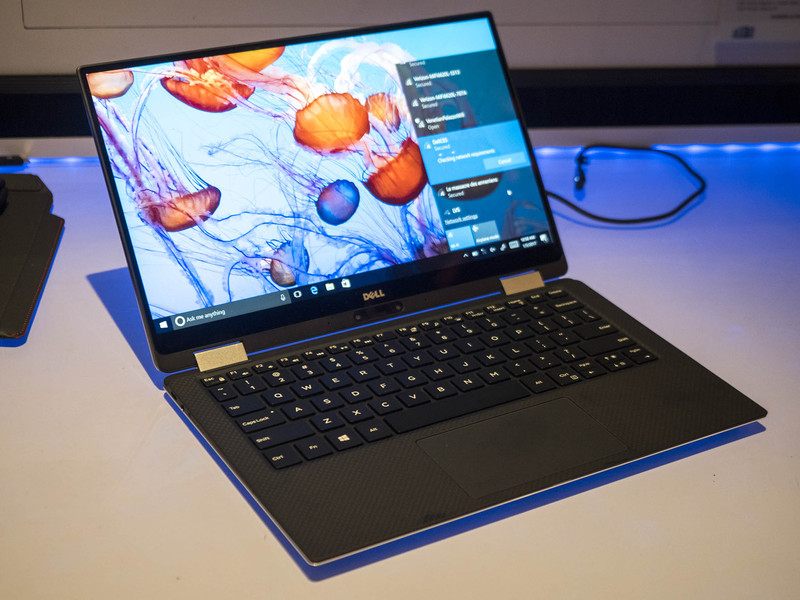
Before ordering, confirm the exact configuration, warranty coverage, return window, and whether the seller is authorized in your market.






Reader Comments 0
Sign in with email or Google to join the discussion.