Table of Contents
Zapier is a hosted automation platform that connects apps and moves information between them. You build a workflow called a Zap: an event in one app triggers one or more actions in another. For example, a new form response can create a CRM contact, add a spreadsheet row, and notify a sales channel.
Most workflows can be built visually without running a server. Zapier manages the automation engine and many app-authentication details, while you decide which event starts the workflow, how data is mapped, and what should happen next.
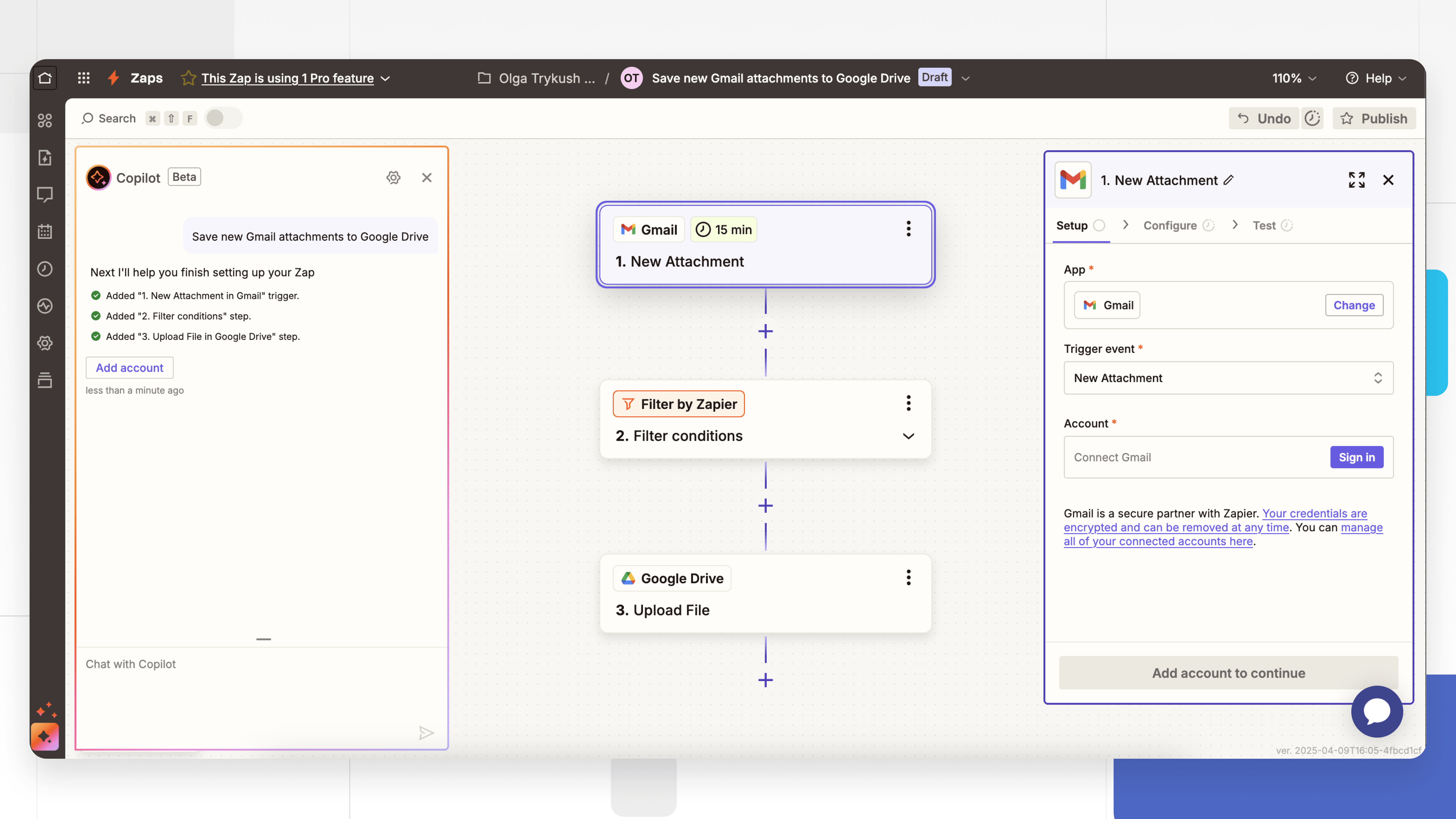
How Zapier works
A basic Zap has two parts:
- Trigger: the event that starts the workflow, such as a new form submission, calendar event, order, email, or database record.
- Action: a step Zapier performs after the trigger, such as creating a task, sending a message, updating a record, or adding a row.
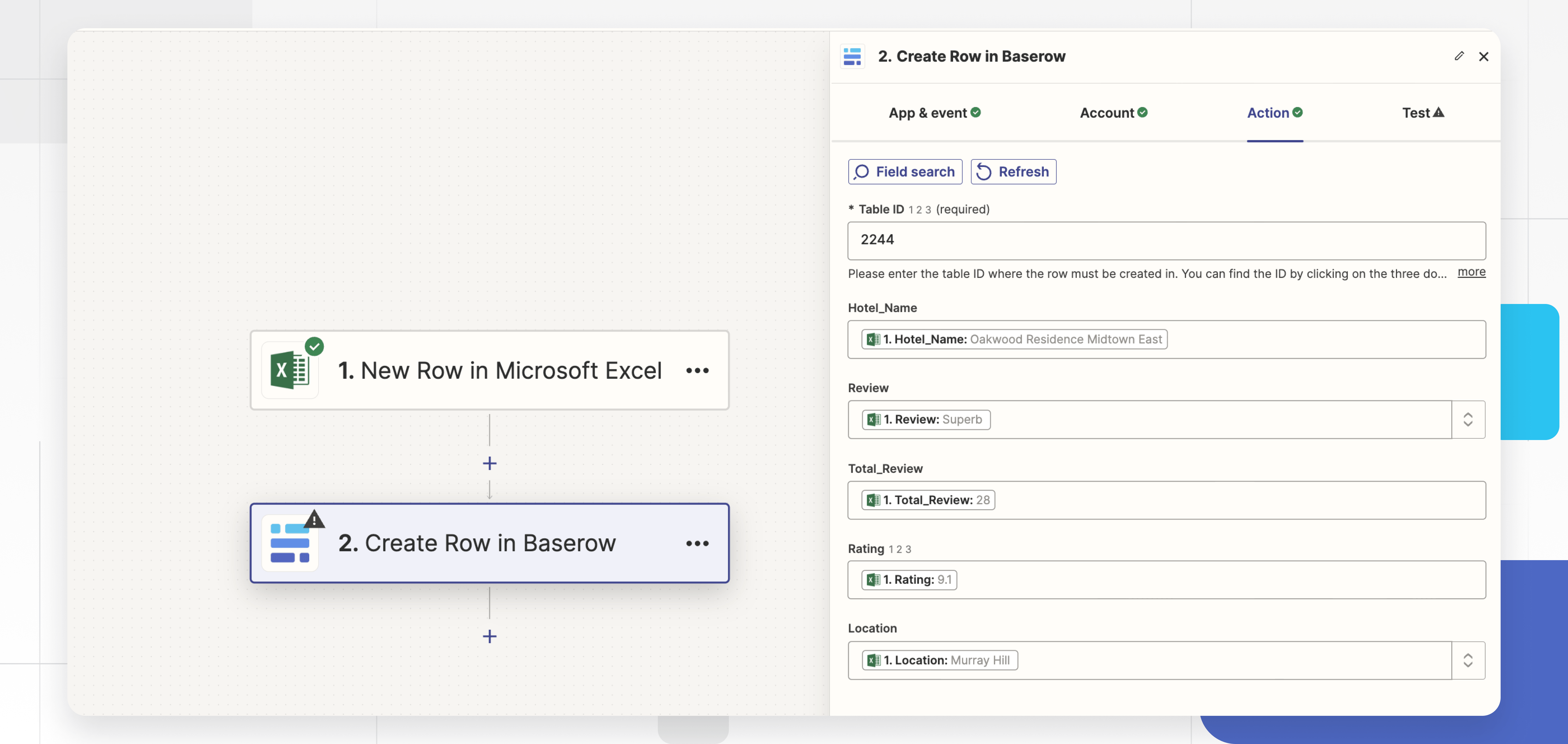
A real workflow can include more than one action. It may also use:
- Filters to continue only when data meets a condition;
- Paths to send different records through different branches;
- Formatter steps to change dates, text, numbers, or lists;
- Delay or schedule steps to wait or run at a chosen time;
- Webhooks to receive or send data when a native app integration is not sufficient;
- Code or functions for transformations that cannot be expressed with built-in steps;
- AI steps to classify, extract, summarize, or generate content where review and privacy rules allow it.
A simple Zap example
Suppose a website uses a form to collect sales inquiries. A Zap could:
- Trigger when the form receives a new response.
- Filter out submissions that do not include a business email.
- Format the company name and phone number.
- Create or update a contact in the CRM.
- Create a follow-up task for the assigned salesperson.
- Post a notification in the team’s messaging app.
Each field must be mapped from a sample form response to the destination field. The Zap should also define what happens when a required value is missing or the CRM rejects a duplicate.
What is a task in Zapier?
Zapier plans use task or usage allowances. In general, a successful action performed by a Zap can count toward usage, while the exact treatment of triggers, built-in tools, AI features, agents, and premium capabilities depends on the current plan.
This matters because one business event can run several actions. If 1,000 orders each trigger five counted actions, the workflow may consume far more usage than the number of orders suggests. Loops and paths can increase it further.
Before buying a plan, model a normal month and a peak month using the current Zapier pricing and plan details. Pricing, allowances, and feature gates change, so avoid relying on an old task limit quoted in a tutorial.
Common uses for Zapier
Lead and customer management
- Add form submissions to a CRM.
- Enrich or route leads according to territory or product interest.
- Create follow-up tasks and notify an owner.
- Send a confirmation email after consent is recorded.
Operations and administration
- Create tasks from approved requests.
- Copy new attachments to a document store.
- Generate recurring reminders from a database.
- Synchronize selected fields between systems.
Content and communication
- Send an internal notification when an article or video is published.
- Add approved content to a publishing queue.
- Summarize support tickets for triage while retaining a link to the original.
- Record campaign results in a reporting table.
Commerce and support
- Create fulfillment tasks after paid orders.
- Open a support ticket from a monitored form or inbox.
- Alert staff when an order, payment, or integration fails.
- Update customer records after a verified event.
How to create your first Zap
- Write the workflow in one sentence. Use the form: “When X happens in App A, do Y in App B.”
- Choose the trigger. Connect the source account and select a representative test record.
- Add filters early. Exclude test, incomplete, duplicate, or unauthorized records before paid or irreversible actions run.
- Add the action. Connect the destination app and map every required field.
- Test with safe data. Use a test project, sandbox, draft, or disposable record when possible.
- Add error handling. Decide how to notify an owner, retry a transient failure, and handle a bad input.
- Publish the Zap. Confirm its schedule or event behavior, then activate it.
- Review the run history. Check early executions for duplicate records, empty fields, time-zone errors, and unexpected usage.
Example: connect Zapier to Baserow
Baserow is a structured database platform that can serve as a source or destination in a Zap. A workflow might add a new lead to a Baserow table, create a task when a row changes status, or synchronize approved fields with another system.
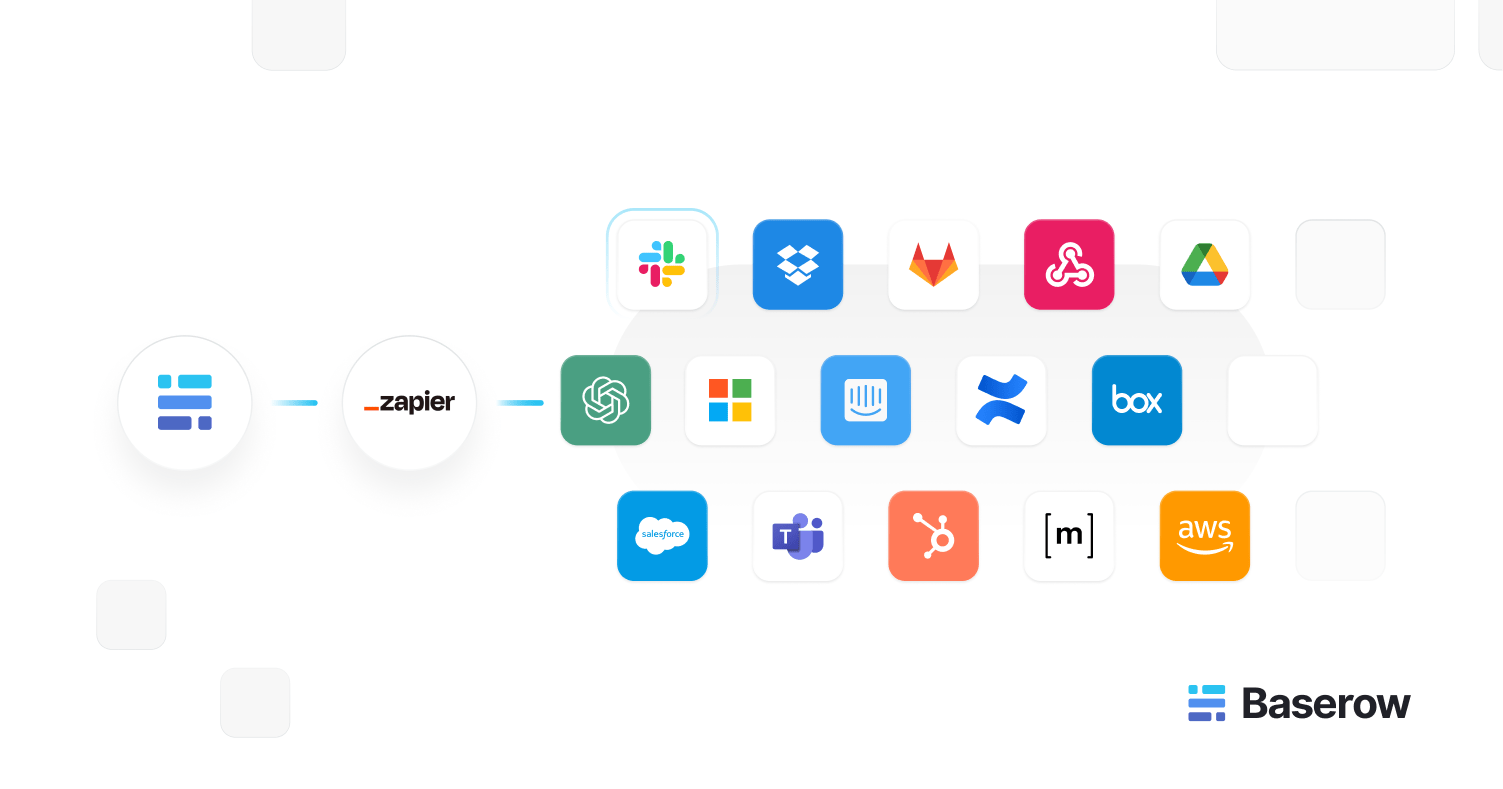
For a reliable database integration:
- give each record a stable unique ID;
- decide which system owns each field;
- use a lookup before creating a record to avoid duplicates;
- avoid two Zaps that update each other in a loop;
- store timestamps in a consistent time zone;
- limit the connected account to the tables and operations it needs;
- test how deletes and archived records should be handled.
Advantages of Zapier
- Fast setup: hosted execution and prebuilt app connections reduce infrastructure work.
- Broad integration catalog: many popular business tools provide ready-made triggers and actions.
- No-code entry point: non-developers can build useful workflows with visual steps.
- Advanced escape hatches: webhooks, formatting, branches, and code cover cases beyond a basic two-step Zap.
- Central run history: execution records make it easier to see which step failed.
Limitations to consider
- Usage-based cost: high-volume or multi-step workflows can consume allowances quickly.
- Connector limitations: an app integration may expose only part of the source API.
- Polling delay: some triggers check periodically instead of firing instantly.
- Data handling: records pass through a third-party automation service, which may affect compliance and residency decisions.
- Complexity: large branching workflows can become difficult to test and document.
- Vendor dependence: a critical process is affected by Zapier outages, plan changes, and connector updates.
Zapier vs Make, IFTTT, n8n, and custom code
| Option | Best fit | Main tradeoff |
|---|---|---|
| Zapier | Fast hosted automation across common business apps | Usage cost and plan limits |
| Make | Visual scenarios with detailed branching and transformations | Steeper canvas and operation planning |
| IFTTT | Simple personal and smart-device automations | Less suited to complex business processes |
| n8n | Flexible workflows with code and self-hosting options | You may need to operate infrastructure and manage upgrades |
| Custom code | Product-critical logic, unique requirements, and full control | Development, monitoring, security, and maintenance work |
Choose based on the process, not the brand. A simple notification Zap and a payment-reconciliation service have very different reliability and audit requirements.
Security and reliability checklist
- Connect service accounts rather than a former employee’s personal account.
- Grant the minimum permissions the Zap needs.
- Never paste passwords or API secrets into ordinary text fields.
- Use filters and explicit confirmation before consequential actions.
- Design create/update steps to be idempotent so a retry does not duplicate work.
- Send failure alerts to a monitored channel.
- Document the owner, purpose, data fields, and recovery steps.
- Review inactive Zaps and connected accounts regularly.
- Export or record the business logic so the process is not understandable only inside the builder.
Zapier is most valuable when it removes a clear, repetitive handoff between systems. Start with a small workflow whose result you can verify, measure its task usage and failure rate, and expand only after it runs reliably.
Related Articles
 3 typical Zapier application cases in business automation9 minutes read
 Open-Source Activepieces7 minutes read
 Comparing Routines with GitHub Actions, Zapier, N8n, and Cron14 minutes read
 Top 10+ Best AI Productivity Tools8 minutes read
 The Best Chrome Extensions for Agentic AI7 minutes read
 Top 7 Top Landing Page Builders: Recommended Choices10 minutes read
Reader Comments 0
Sign in with email or Google to join the discussion.