Table of Contents
This guide provides a clear overview of malware, including the main concepts, practical steps, and common questions. Use it to understand the topic, compare the available options, and make a more informed decision.
The implementation pattern is not complicated. Hackers will target verified (green ticked) Facebook pages, and rename them to be trusted brands like Facebook, Meta, Google AI, Bard, etc. These rebranded pages with The verified green tick is then used to run ads with links to malware.
The Meta side claims to have disrupted the operation of several strains of malware with the ability to quickly adapt in some attack campaigns. According to a Group-IB report, more than 3,200 pages and profiles on Facebook have been compromised to impersonate tech brands, including recently hot keywords like AI, ChatGPT and Bard. After two months of reduced presence, malware groups continue to wreak havoc on Facebook again with a new attack campaign.
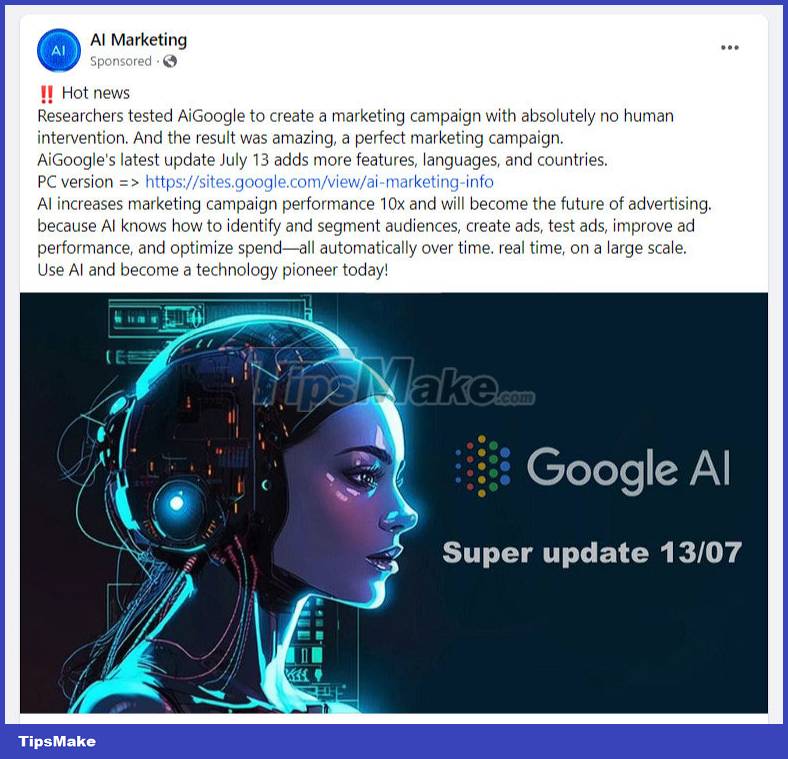
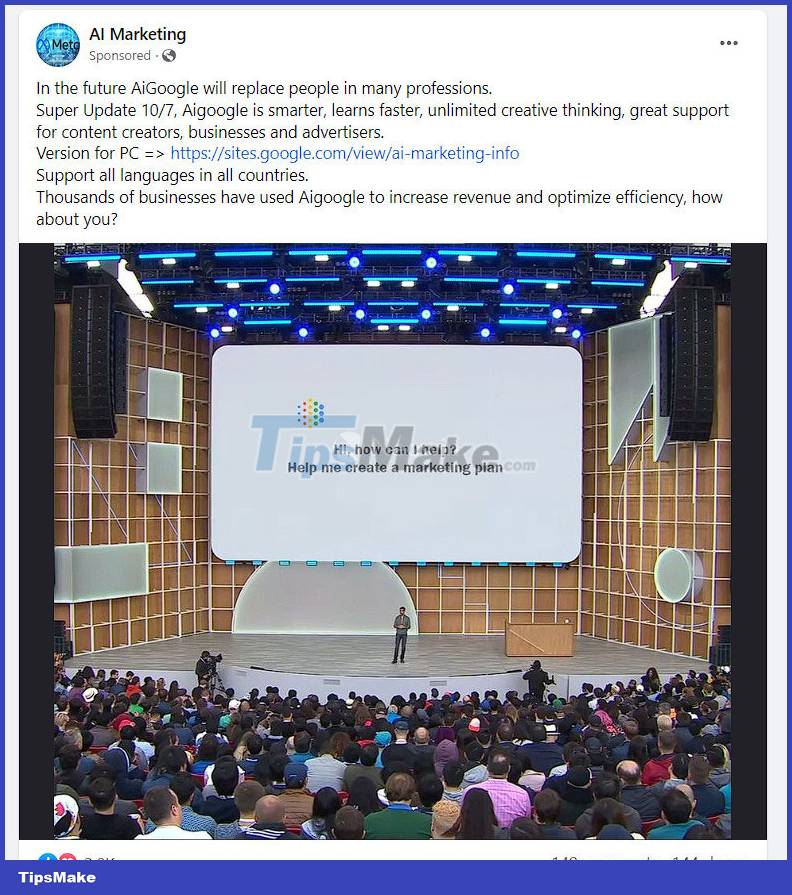
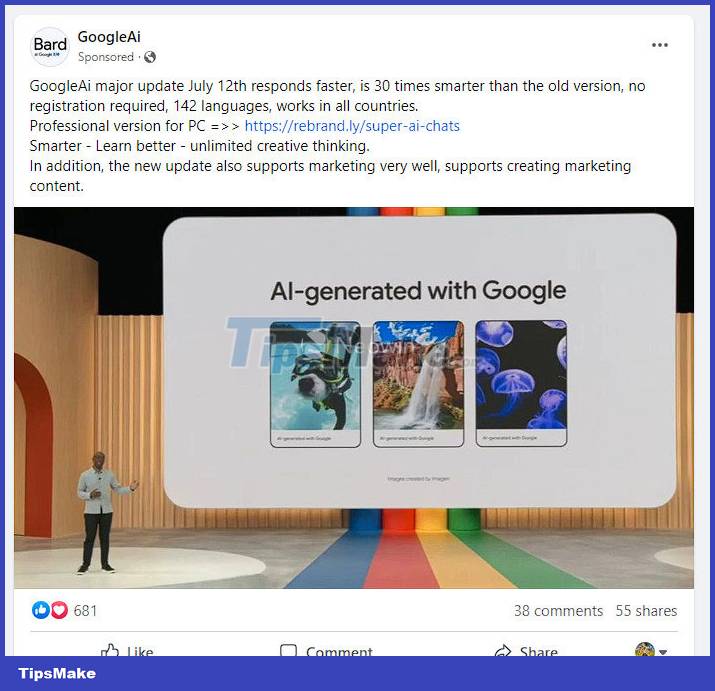
This time, malware advertising activities were distributed by hackers through compromised Facebook pages. International security researchers recently discovered a group of these malicious ads that mimic Google. The ad contains a link to the download page hosted on the Google Sites platform. It includes a direct download link stored on DropBox to a RAR file, which is actually malware with a size of 4.26MB.
In fact, Chrome can detect malware during download and stop it before it can hit the device. However, the problem is that Windows Defender does not detect this software as malicious even when its installer is running on the system.
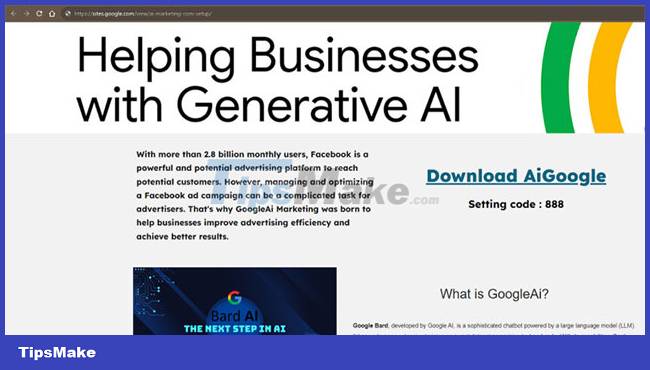
The screenshot below shows one of the malware websites hosted on site.google.com.

To limit users' exposure to malware and raise awareness, Facebook has added a "Page transparency" section to all pages to show history of name changes, country origin, and other details of the site The two recently hacked sites "গাছগাছালি" on July 19 and "SONAX Bangladesh" on July 27 were both renamed to AI Marketing.
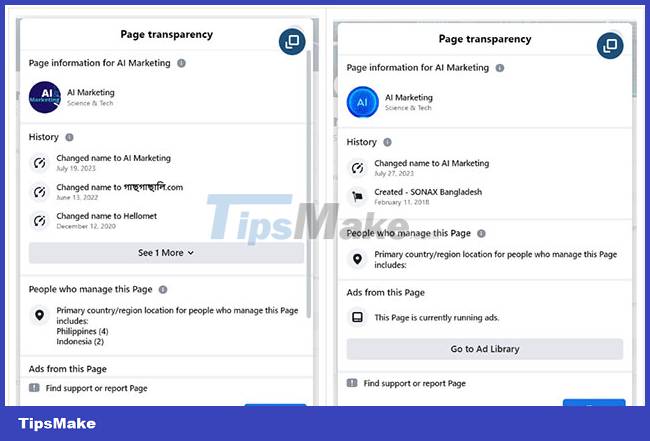
At the moment, these pages are still active, the link to the malware is still available and is being hosted on DropBox. You should be wary of instant downloads with seemingly verified pages on Facebook. If you're unsure of the site's identity, you can navigate to the site's About section for details on the site's history and any past name changes.
Conclusion
Understanding Malware makes it easier to compare options, avoid common mistakes, and apply the information in this guide more effectively. Review the relevant requirements before making changes or choosing a solution.
FAQ
What is Malware?
The implementation pattern is not complicated.
Why is Malware important?
Understanding Malware helps you evaluate features, compatibility, performance, and potential limitations before you choose a product or follow a procedure.
What should you consider when using or choosing Malware?
Consider your specific goal, compatibility requirements, available features, cost, security, and the practical recommendations described in this guide.
Related Articles
 the New Facebook Virus, a Malicious Code That Is Spreading Rapidly Through4 minutes read
 Warning: Detecting a Campaign to Spread Malicious Code GandCrab 5.2 into Vietnam via Fake Email4 minutes read
 Warning: New Malicious Code Is Infecting About 500, 000 Router Devices4 minutes read
 Instagram: Complete Guide3 minutes read
 Warning: Dangerous New Malicious Code Spills over to Vietnam3 minutes read
 New Code of Virtual Money Digging Is Available via Facebook Messenger3 minutes read
Reader Comments 0
Sign in with email or Google to join the discussion.