Table of Contents
Here's how the Shortcuts app on iPhone, combined with NFC tags, turns your home into a truly convenient place.
Managing your phone settings all day is exhausting. You're constantly fiddling with apps—opening Spotify as you back out of the driveway, searching for Do Not Disturb mode while sitting at work, or manually dimming your smart lights before bed. The tapping and swiping continues—until the NFC tag comes along.
These little programmable stickers are truly magical. For just a few dollars each, they turn any surface into a smart trigger that responds to your phone. Place them strategically around your home, and suddenly all those repetitive phone tasks are automatic. Here's how the Shortcuts app on your iPhone, combined with NFC tags, can turn your home into a truly personal space.
Car dashboard becomes music station
Instant Spotify access
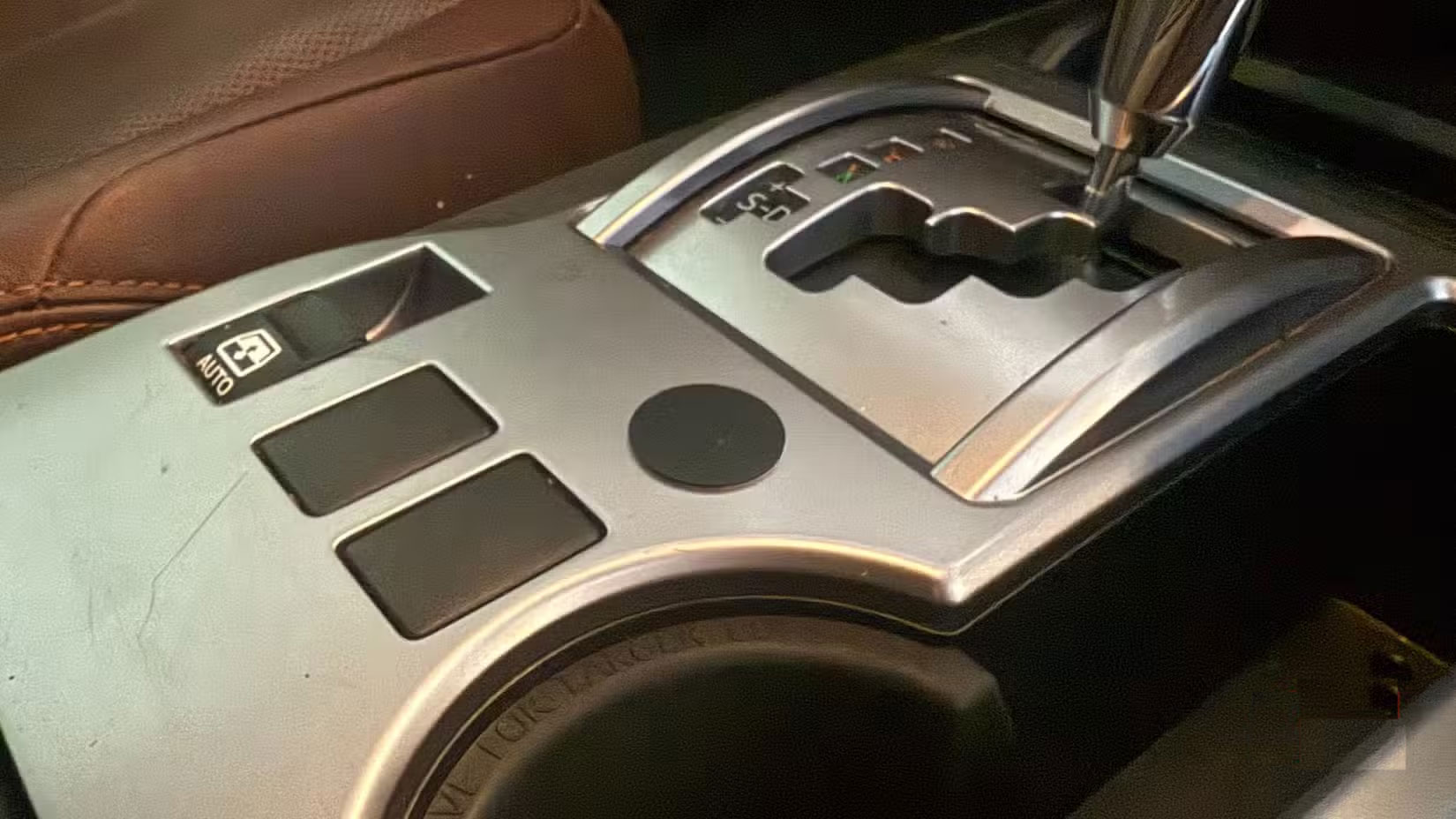
After purchasing a set of NFC tags, place the first one on your car's center console. Now, when you place your iPhone on it, music will automatically play without you having to touch anything. Morning commutes will be energized with a lively playlist; evening commutes will be more relaxing. The tag can even connect to Bluetooth if your phone forgets to pair. No more fumbling with apps when trying to back out of a tight parking space.
Turn your desk into an efficient work area
Automatic Do Not Disturb Mode
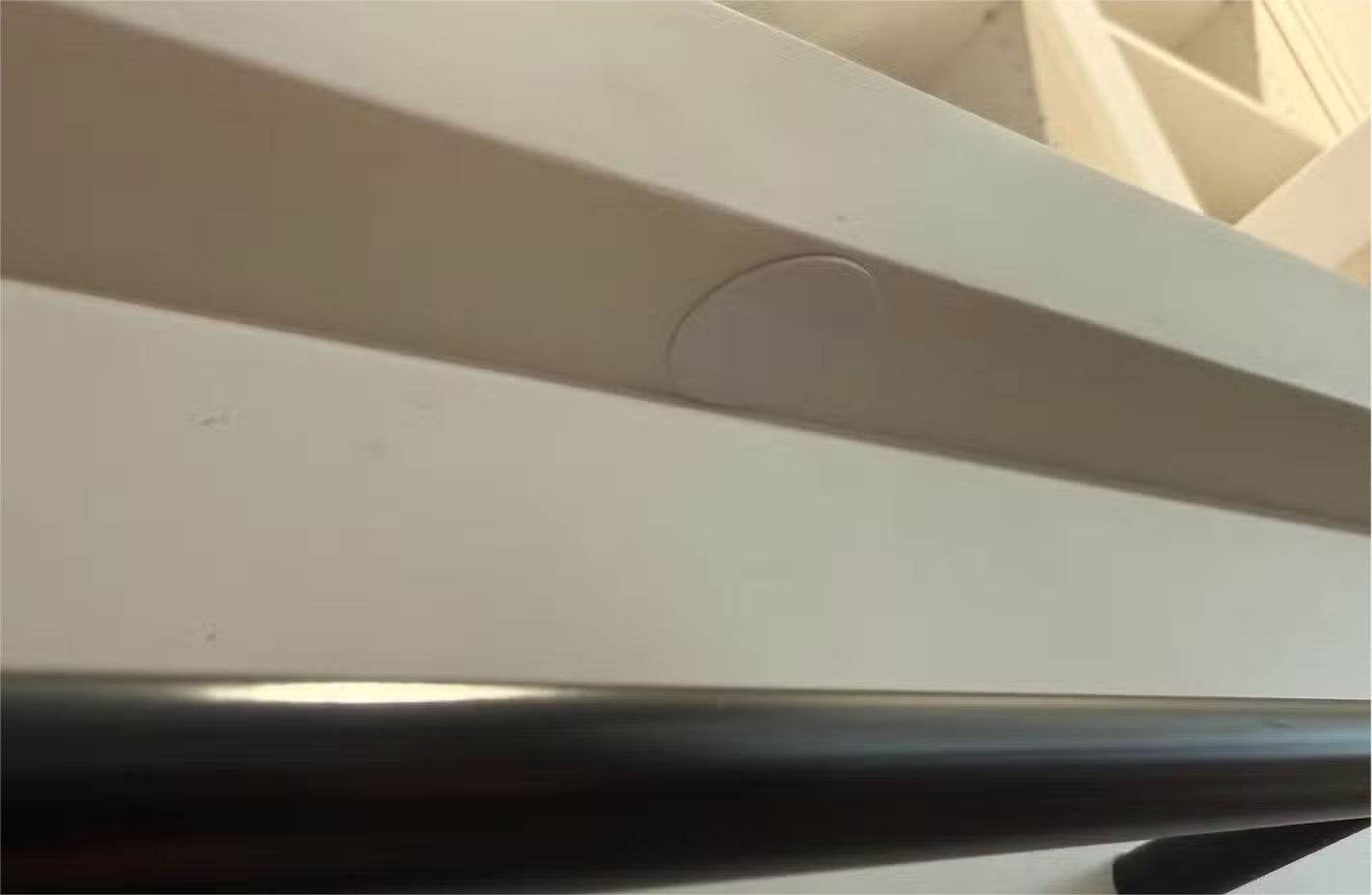
Put an NFC tag under your desk. When you put your phone down, three things happen instantly: Notifications turn off, the lights become softer, and your task app opens. Something about this combination helps you achieve a state of productivity. When you're done, just pick up your phone and everything goes back to normal.
The nightstand that controls the entire house
Stick to a bedtime schedule with just one tap
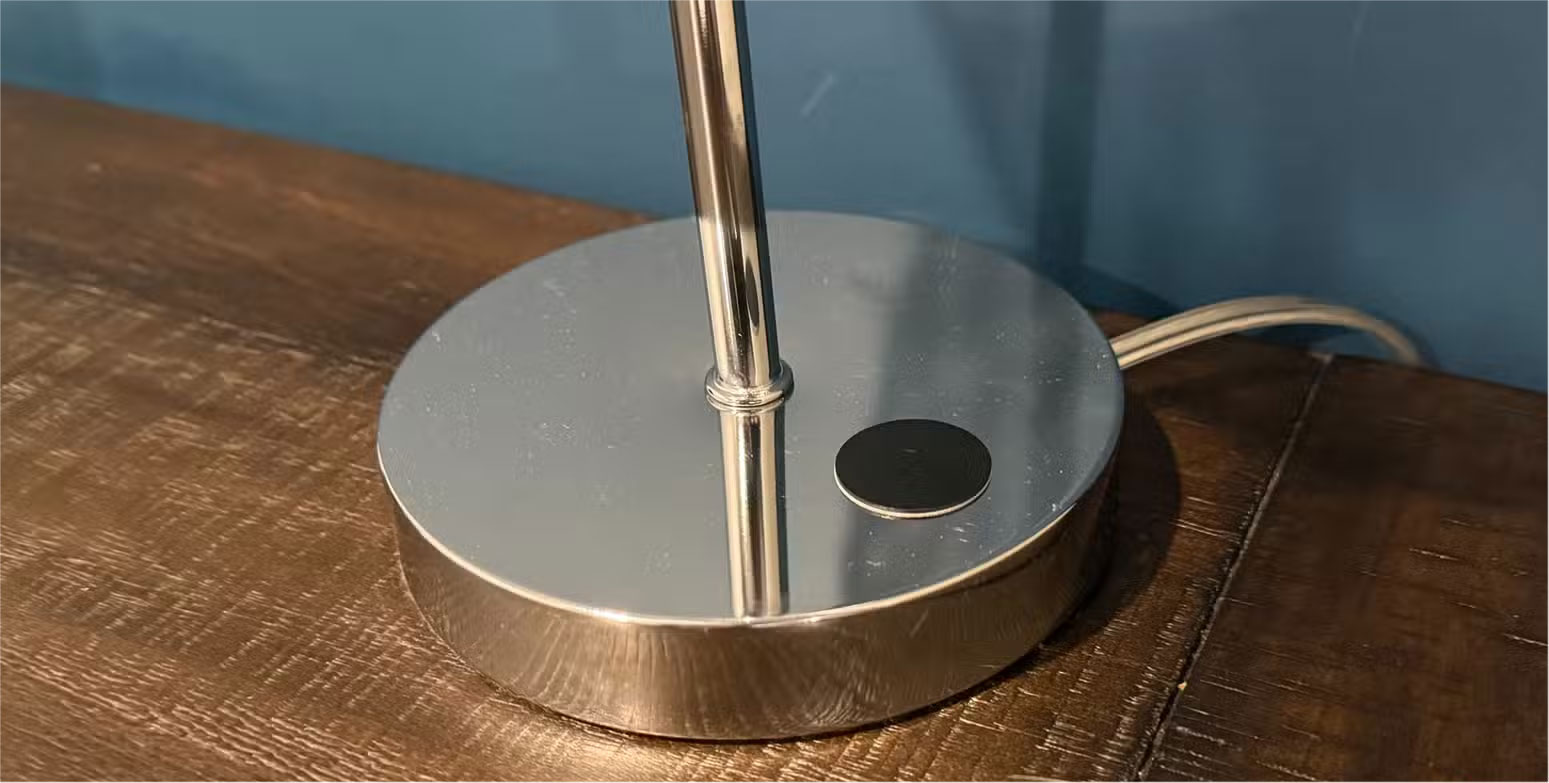
This tag is probably my favorite trick Tap your phone on the nightstand, every light in the house will turn off, tomorrow's alarm will be set, sleep tracking will be activated, and the temperature will drop to 68 degrees F.
No more walking around the house, checking the lights, then setting up sleep mode. It takes 3 seconds, and you'll sleep better knowing you didn't forget anything.
The kitchen table becomes the control center
Access recipes and manage timers
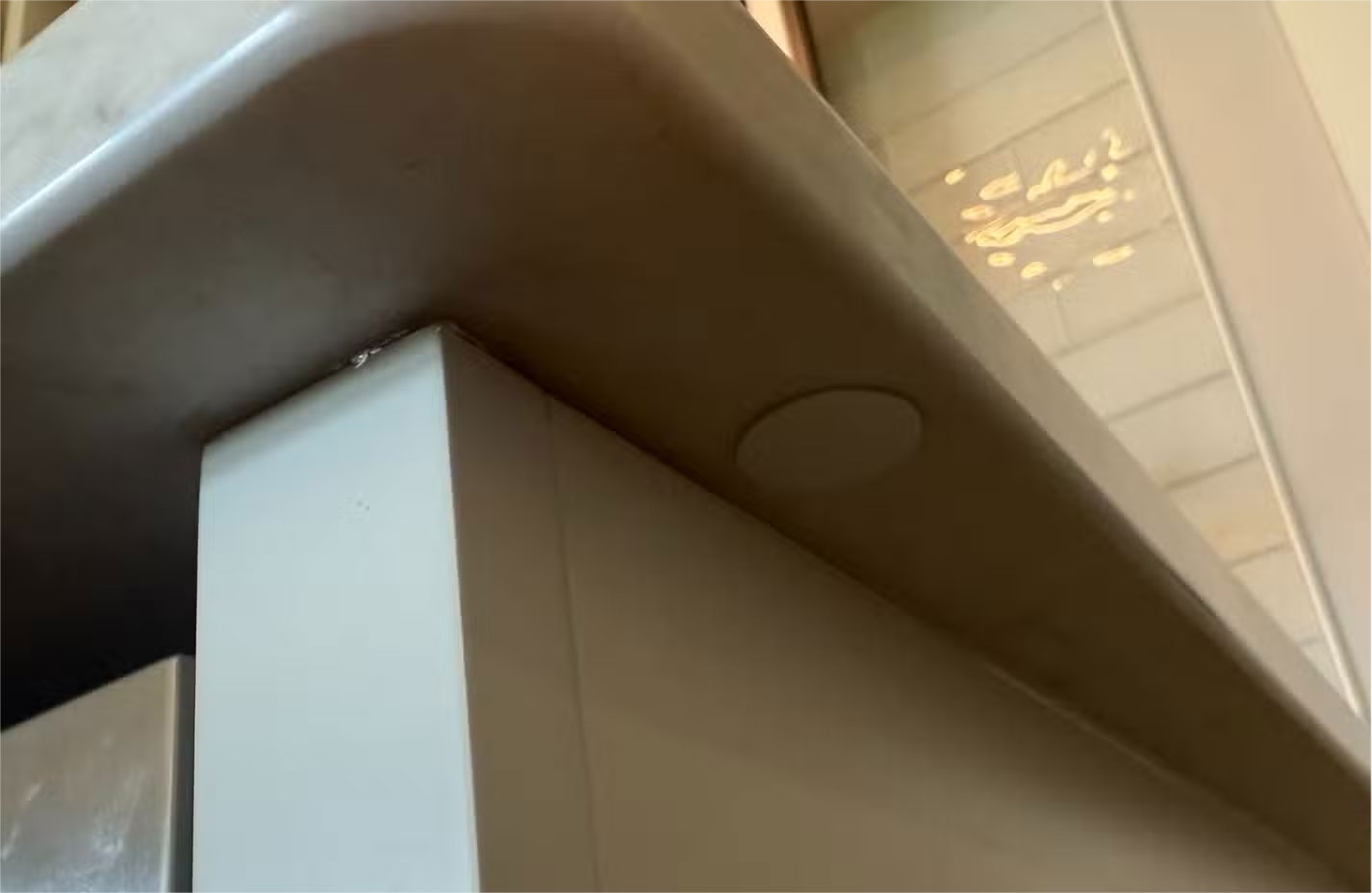
Cooking with greasy fingers and a locked phone is the worst. An NFC tag on the counter solves that problem by launching recipe apps, setting multiple timers, and keeping the screen on so you can see instructions without touching anything. Bonus: It turns on under-cabinet lights and organizes your cooking playlist. Following complicated recipes is no longer a chore.
The entrance to your home office just got smarter
Set up an instant work environment
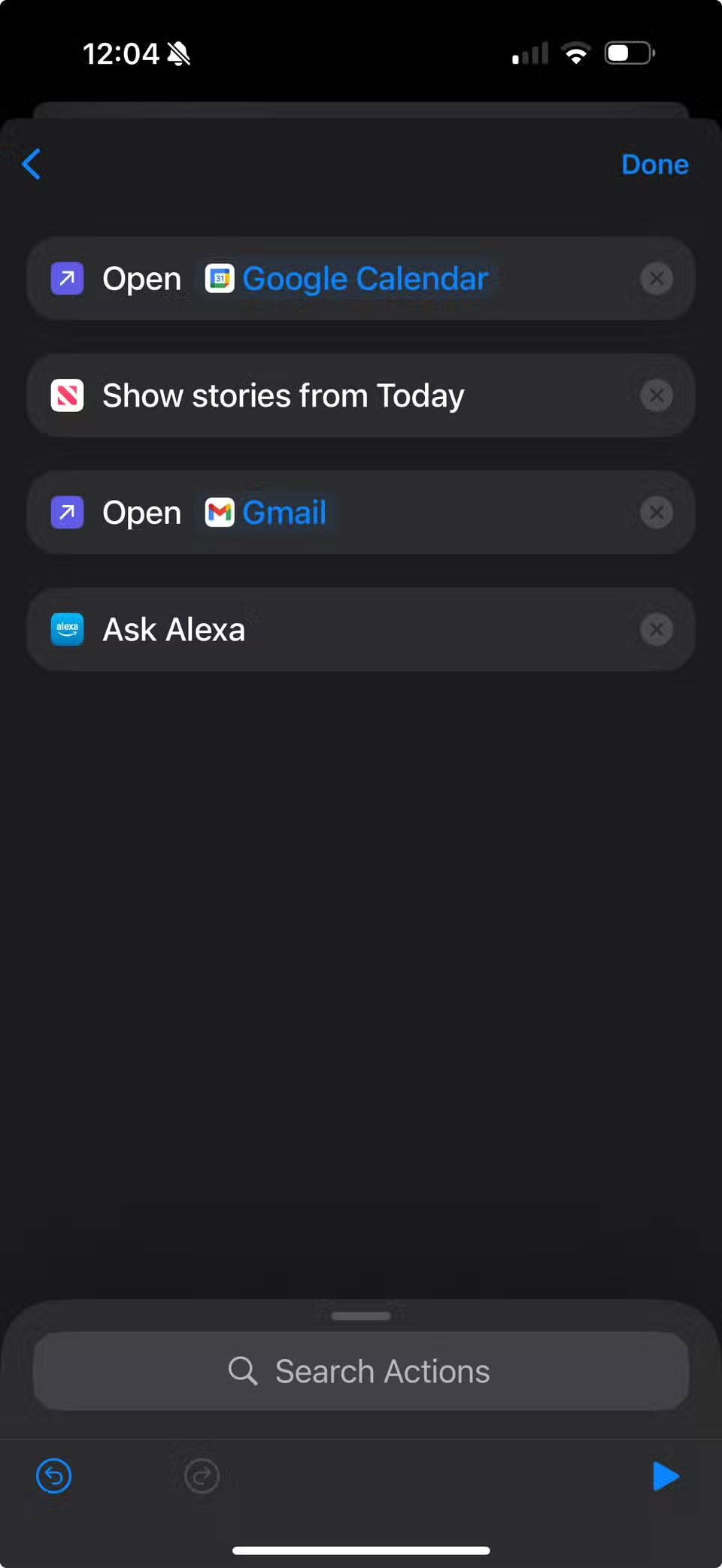
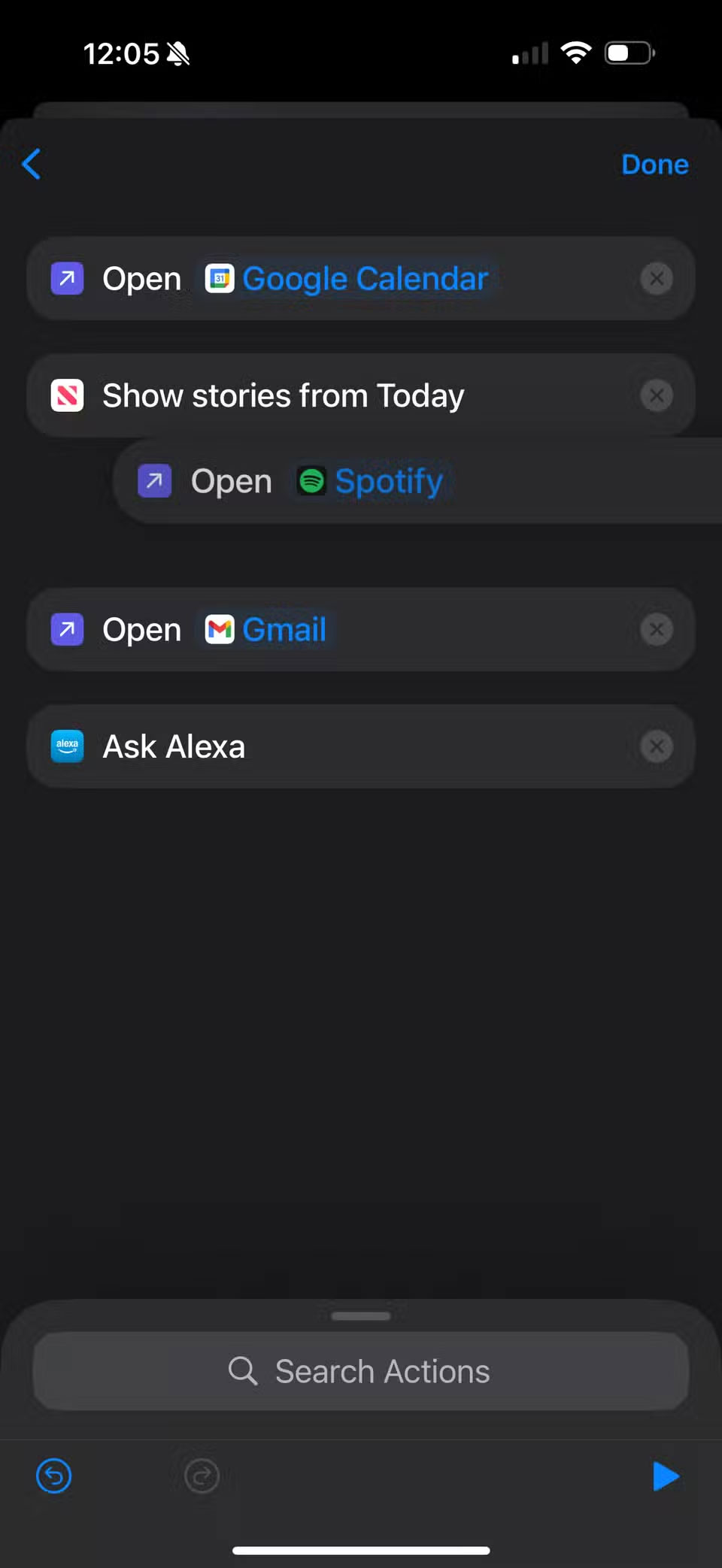
Now, walking into your office triggers the entire process, thanks to an NFC tag next to the door. Your calendar opens, your emails load, your project apps launch in sequence, the lights turn bright white, and focus music starts playing. That little tap becomes something you actually look forward to—like closing the door to everything else.
Morning coffee shop becomes information center
News, weather, and podcasts on demand
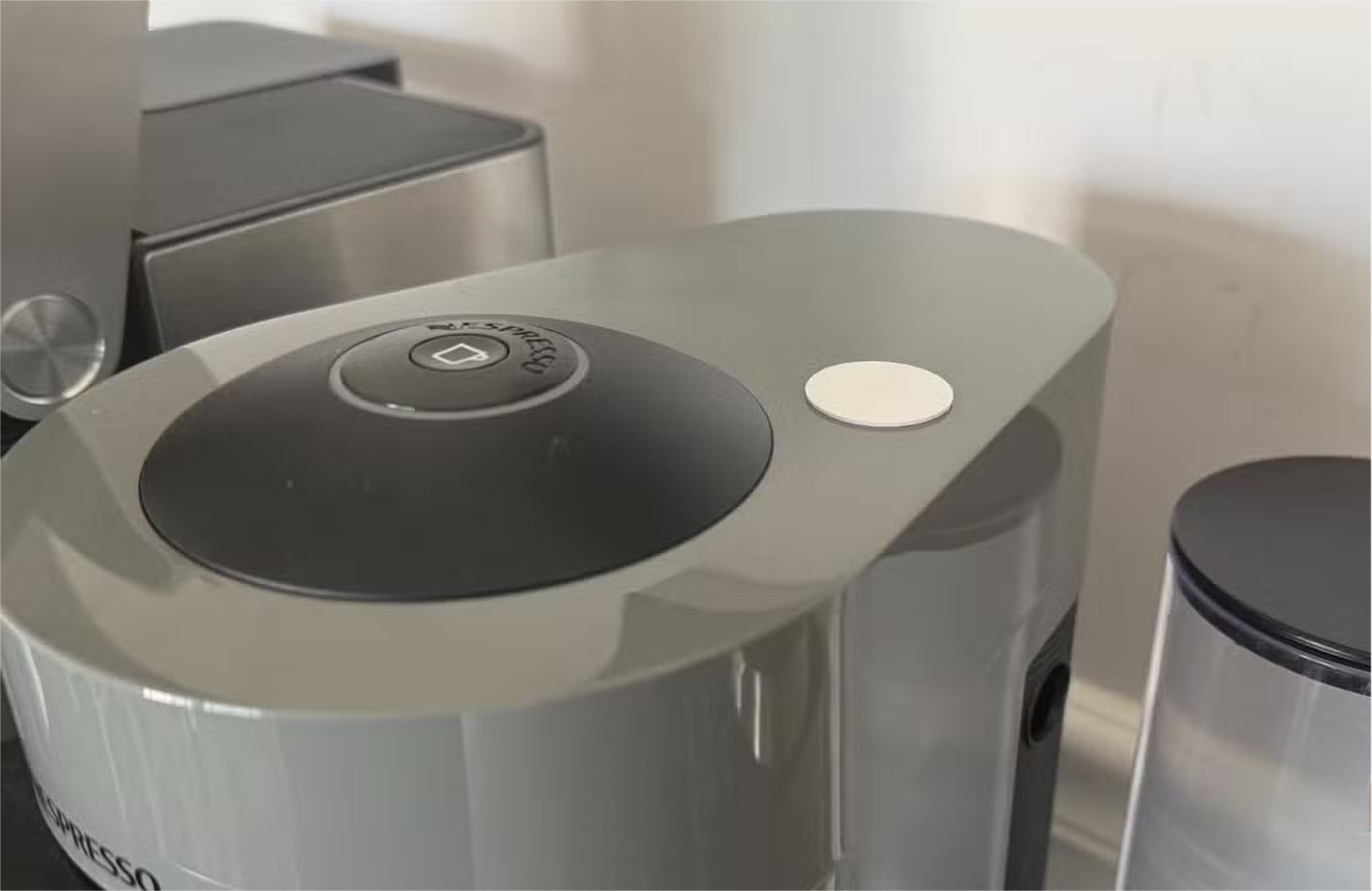
The coffee bar can become your morning news desk. While your coffee is brewing, just tap your NFC tag on your Nespresso machine and your news app, weather forecast, and regular podcast list will all be sorted. It takes about as long to scan through everything as it does to fill your coffee cup, making it a convenient way to keep up with what's going on before you start your day.
The practice corner gets serious
Instant workout mode
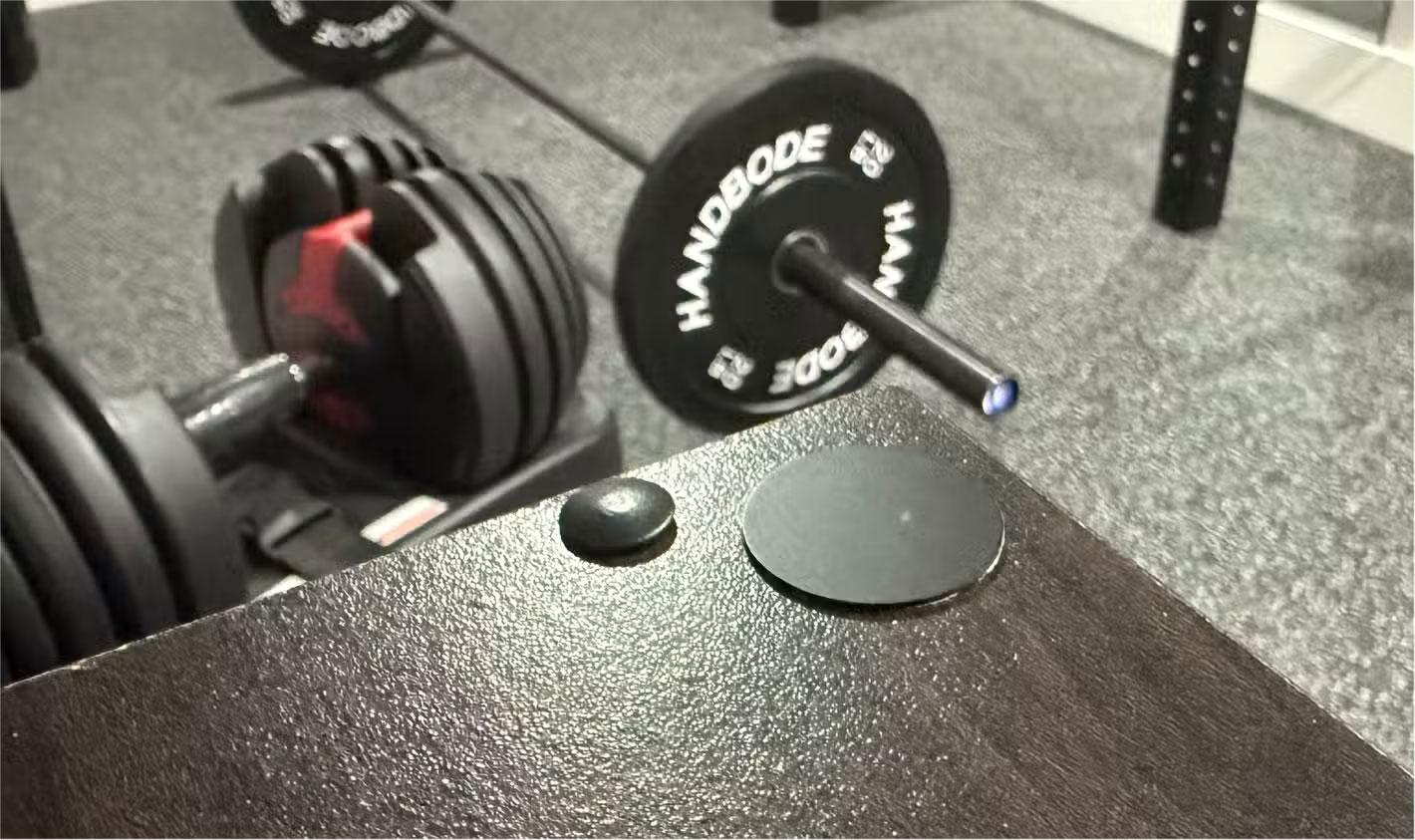
Placing an NFC tag near your weight rack puts your phone into workout mode instantly. With just a tap, your workout app will launch, music will start playing, and notifications will be blocked except for real emergencies. It saves you from having to check your messages between sets or scroll through your apps while you lift weights.
The tag also starts a timer, so you can actually know how long you've been working out instead of guessing.
FAQ
What should you know about how has using NFC tags at home changed things?
In practical terms, here's how the Shortcuts app on iPhone, combined with NFC tags, turns your home into a truly convenient place.
Why does how has using NFC tags at home changed things matter?
The article highlights that car dashboard becomes music station Instant Spotify access After purchasing a set of NFC tags, place the first one on your car's center console.
What is the main takeaway?
The main takeaway is that the entrance to your home office just got smarter Set up an instant work environment Now, walking into your office triggers the entire process, thanks to an NFC tag next to the door.
Related Articles
 17 Simple HTML Codes You Can Learn in 10 Minutes13 minutes read
 Top 10 HTML Tags That Each Blog and Website Owner Should Know6 minutes read
 Quote Elements in HTML1 minutes read
 How to Craft and Use a Name Tag in Minecraft 26.19 minutes read
 How to Block Tags from Your Threads Account3 minutes read
 How to Equip Your First Home Office on a Tight Budget7 minutes read
Reader Comments 0
Sign in with email or Google to join the discussion.