Table of Contents
While Microsoft hasn't explicitly told users to forget about local files, its design and implementation, from Windows setup to the Office save menu, point us in that direction.
Accessibility is one of the many advantages of cloud storage.
While Microsoft hasn't explicitly told users to "forget local files," its design and implementation, from Windows settings to Office's save menu, are all pointing us in that direction. These updates automatically make us start thinking less about local storage. What's interesting is that this isn't a technical change, but rather a business model that favors subscriptions, services, and data-driven AI.
- Microsoft will soon require users to switch from local accounts to Microsoft accounts on Windows 10
Microsoft's shift to the cloud
Switch from hard drive and local storage to OneDrive opt-out
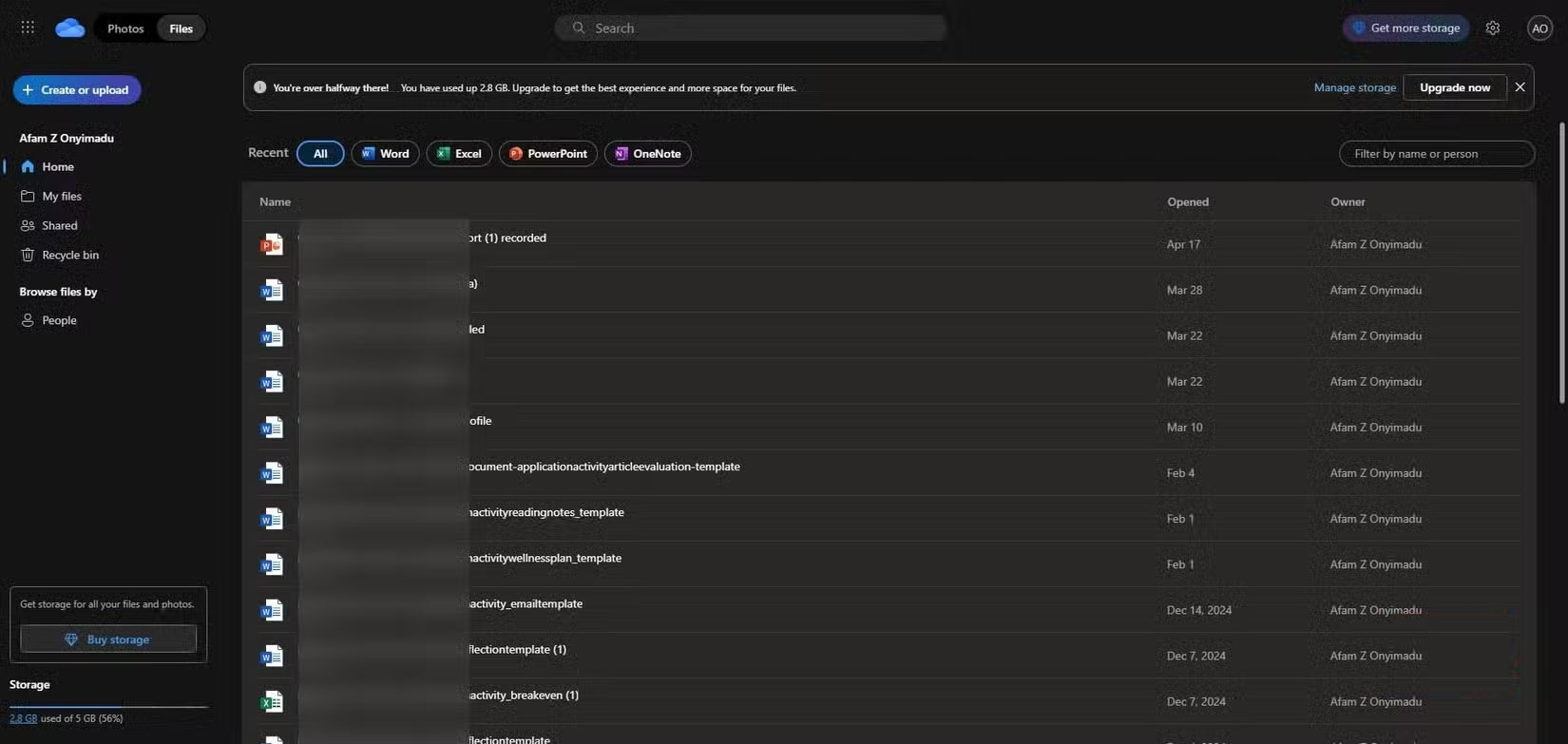
When you set up a new Windows computer, OneDrive is automatically set as the first storage option for your main user folders (Documents, Desktop, and Pictures). In practice, if you want your files to remain local, rather than actively choosing to use the cloud as your default storage, you have to actively opt out of the cloud.
There's also OneDrive's Files On-Demand feature, which is deeply integrated into Windows. It has a subtle but powerful way of defining storage. You no longer store actual files on your computer; instead, Windows displays lightweight placeholders that only load content when you need it.
At first glance, this feature is great if you have a large library and helps save space on your computer, but it really makes you dependent on a direct Internet connection and Microsoft servers, and makes you see storage not as a physical or fixed thing, but as a flexible service that you have to rent.
Local storage is more difficult
Offline files are now like second-class citizens.
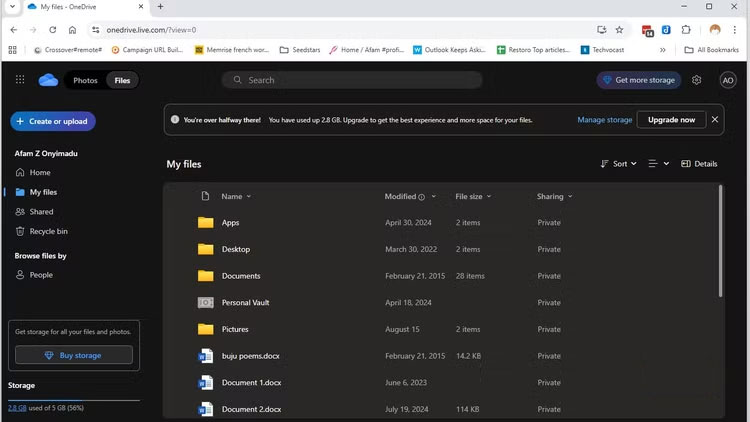
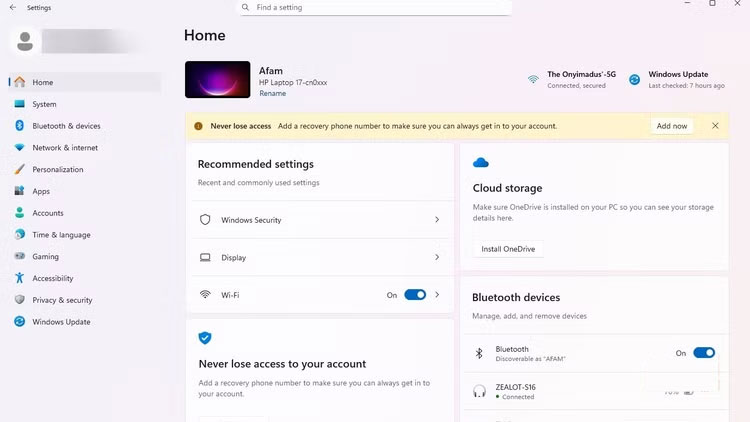
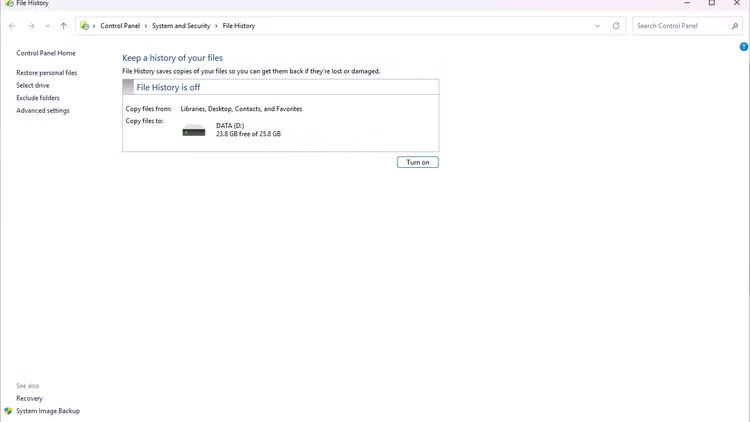
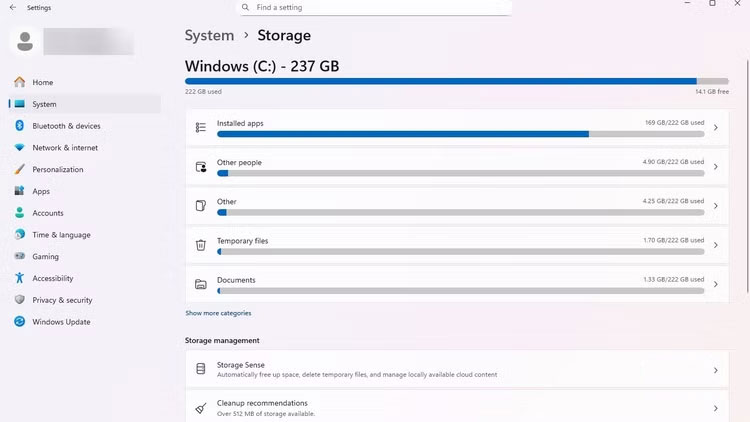
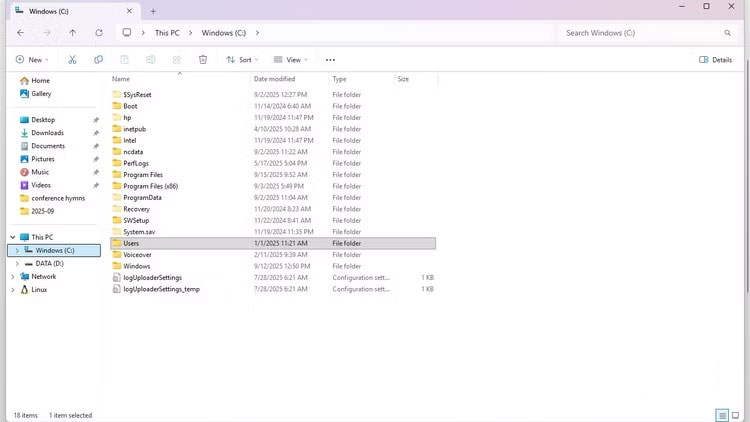
The easiest way to stop people from bothering with a process is to make it harder and harder to do, and Microsoft seems to understand this. Previously, users would hit Ctrl + S , select a folder, and finish saving locally. This was the default behavior. Microsoft has quietly added a little more to that. The first save screen in Office apps now takes you to OneDrive, and you have to search for "More Options" to keep the file locally. This won't disrupt your workflow, but it's enough to make many people switch to the cloud.
Offline access is considered a backup mode, and the correct file version is online. The message is clear: Local offline storage is an acceptable option when the cloud is inaccessible.
Convenience is the highlight that attracts users
Users still do not have absolute convenience
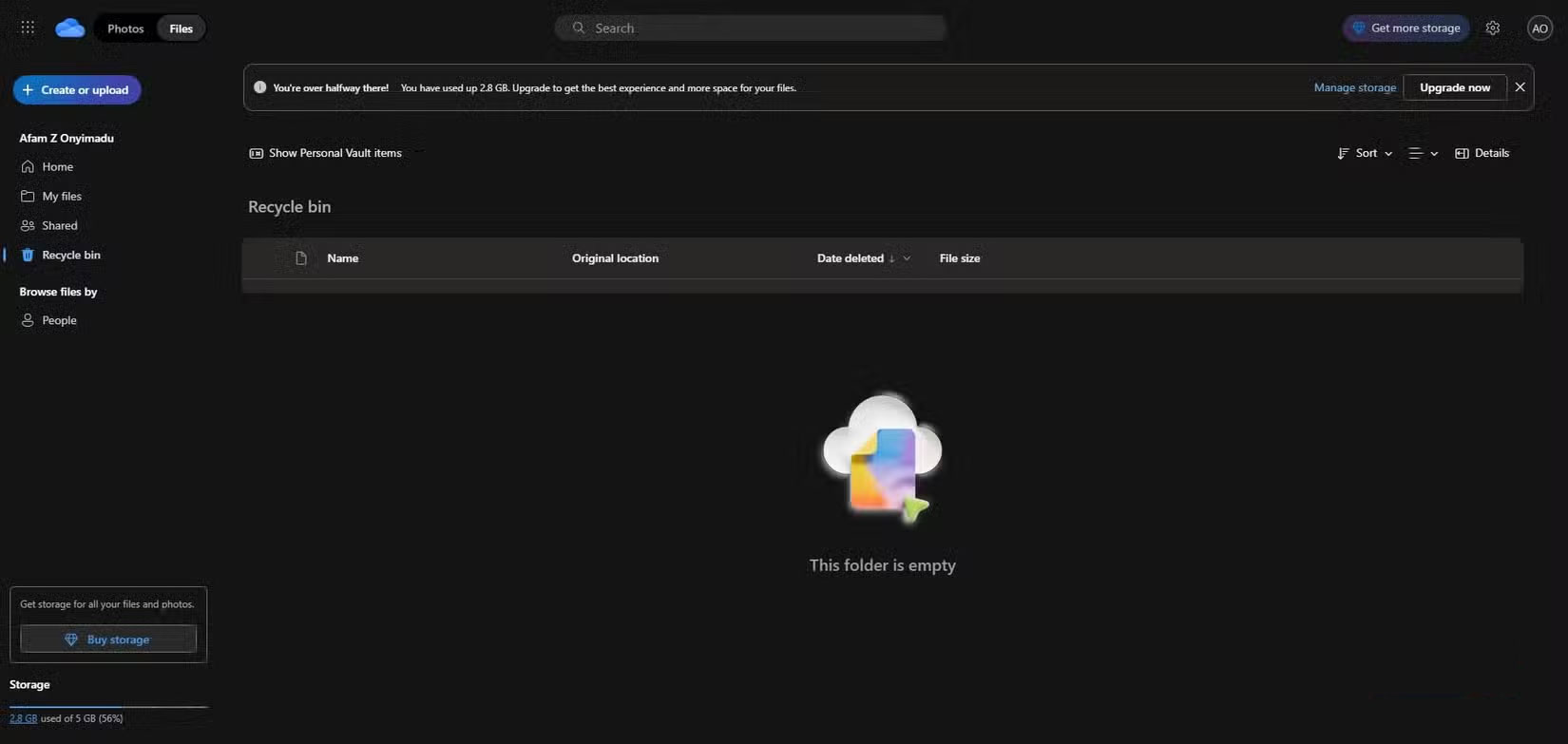
The promise of 'files everywhere, instantly' sounds appealing, but it presents a problem. Your SharePoint or OneDrive documents seem to be everywhere, but access to them depends on your subscription plan, server availability, and account status. In practice, there are a number of factors that can limit your access. So it's convenient as long as certain factors are in place.
With collaboration tools, your entire workflow relies on Microsoft infrastructure, and an authentication error or permissions glitch can freeze team projects or delay an urgent task. This immediately impacts the entire team, as there is no built-in fallback.
Traditionally, with a USB or local hard drive, file manipulation was entirely in your hands. However, this shift from local storage to cloud storage is even more dangerous because it now ties convenience to provider control.
Maintain local control
Pushback against Microsoft's cloud-only urges
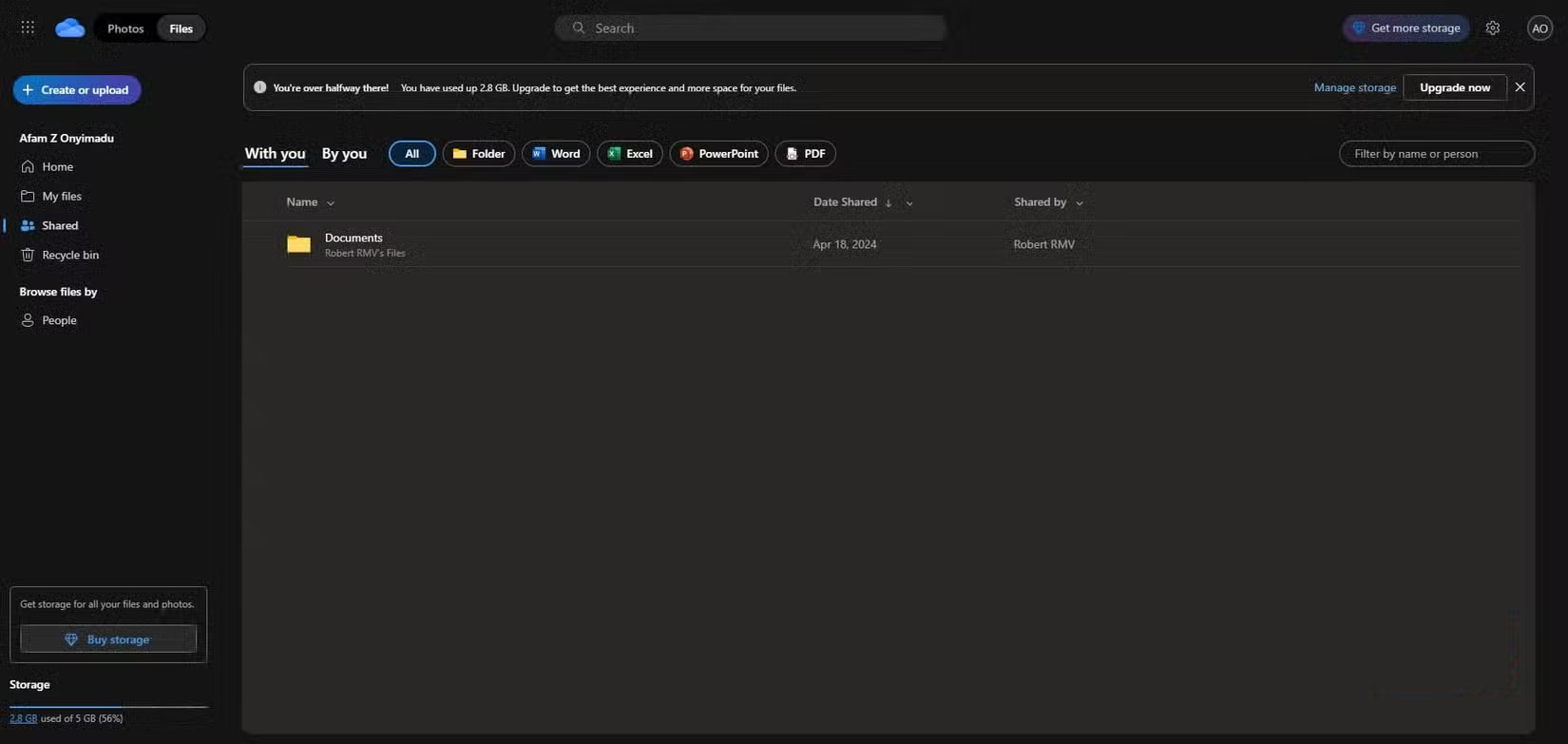
It's clear Microsoft wants users to stop caring about local files, and the first step in protesting is to restore the default settings. Local storage offers a certain level of certainty. You can still open a text document on your local hard drive from the 1990s. Cloud storage undermines this file stability—you just don't know what will happen in five years.
We have to accept the hassle of having to change the default save location for our files and folders to local. We also need to turn off OneDrive automatic backup, which sends all your new files straight to the cloud. It takes a bit of setup, but it's better to change these defaults once than to go through the multiple steps required to save locally each time.
FAQ
What should you know about Microsoft wants users to stop caring about local files?
In practical terms, while Microsoft hasn't explicitly told users to forget about local files, its design and implementation, from Windows setup to the Office save menu, point us in that direction.
Why does Microsoft wants users to stop caring about local files matter?
The article highlights that Microsoft will soon require users to switch from local accounts to Microsoft accounts on Windows 10 Microsoft's shift to the cloud Switch from hard drive and local storage to OneDrive opt-out When you set up a new.
What is the main takeaway?
The main takeaway is that maintain local control Pushback against Microsoft's cloud-only urges It's clear Microsoft wants users to stop caring about local files, and the first step in protesting is to restore the default settings.
Related Articles
 Stop Using Perplexity! Your Local LLM Does Everything Better7 minutes read
 Steps on How to Create a Local User Account in Windows 108 minutes read
 Instructions to Transfer Microsoft Account to Local Account on5 minutes read
 How to Encrypt Local Files Using Cryptomator: Step-by-Step Guide6 minutes read
 Microsoft Posted an Explanation of the Design of Windows 114 minutes read
 How to Link a Local Account to a Microsoft Account Windows 112 minutes read
Reader Comments 0
Sign in with email or Google to join the discussion.