Table of Contents
This guide provides a clear overview of minecraft 1.19, including WTHIT, Xaero's Minimap. Use it to understand the topic, compare the available options, and make a more informed decision.
In addition, Minecraft mods have always been an endless resource to improve the game in many different ways. In this article, let's find out the TOP of the most interesting mods to install for Minecraft 1.19 The Wild Update.
WTHIT
Minecraft 1.19 will expand the experience of the game by adding brand new locations, materials, and blocks. Players can feel confused when there are so many new things that they don't know what they are.

WTHIT (also known as What The Hell Is That?) will help gamers identify each block and item placed, indicating whether it belongs to the game's mod pack or vanilla content.
The in-game tool tip hardly interferes with displaying block or liquid information and anyone can use it as a client or server mod. It's great support for players who are struggling with dozens or even hundreds of mods.
Xaero's Minimap
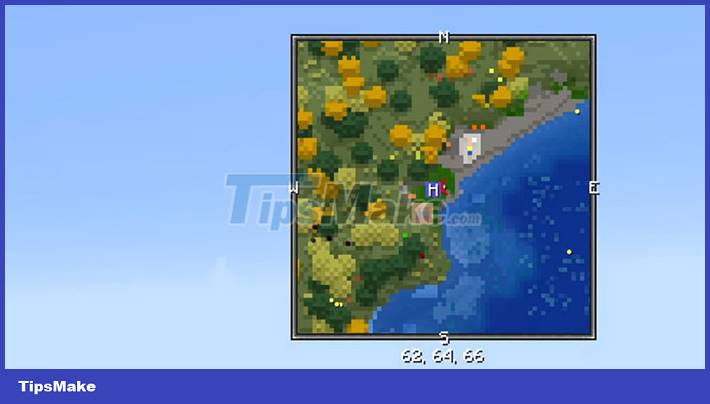
If you get lost while mining for diamonds or are exploring and discovering rare biomes, players should install Xaero's Minimap to make their journey easier.
This is a highly configurable mod available for Minecraft 1.19 that ensures players never lose sight of their world base and other points of interest.
Simple Voice Chat
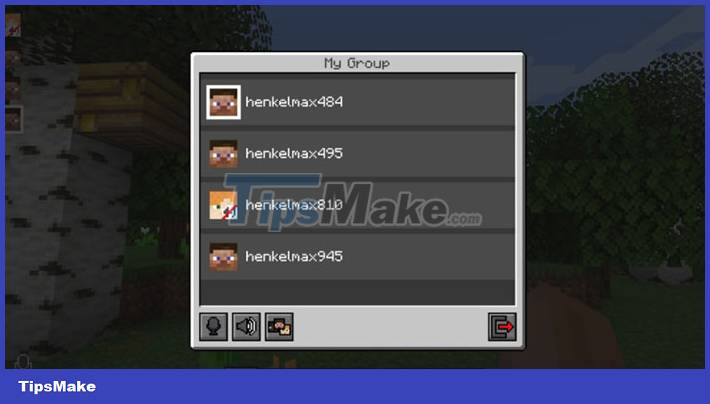
Although people can voice chat with friends while playing Minecraft through Discord, the experience with Simple Voice Chat will be much richer.
Gamers can choose between tap-to-talk or voice-activated, creating password-protected group chats when setting up a public server.
Extra Alchemy
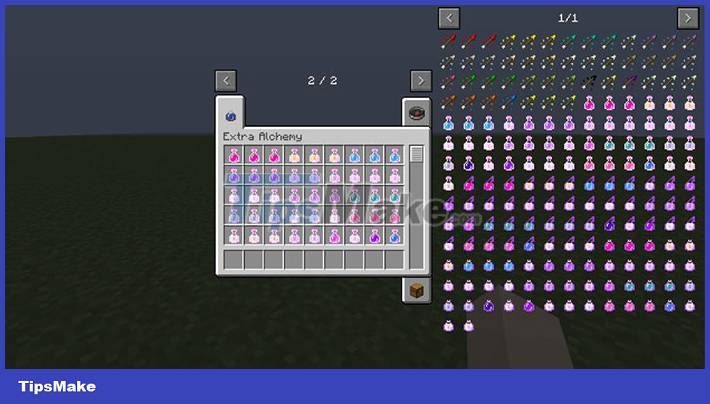
When exploring the Deep End, the player should not run out of torches or Night Vision potions. The best Minecraft 1.19 mod for adding new items and improving the potion-making experience is Extra Alchemy.
New potions and pouches are great for carrying all kinds of new concoctions, all of which are available in variations. Some of these potions can also be enhanced from glowstone or redstone, so get ready to experiment with the Extra Alchemy mod.
Enchantment Descriptions
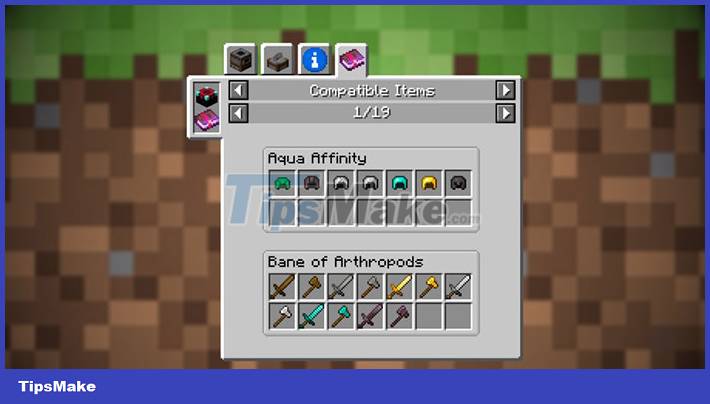
Even seasoned players have trouble remembering each spell's effect. And Enchantment Descriptions are here to assist players by giving a brief description when hovering over the top of the Enchanted Book.
Enchantment Descriptions will also help identify modded enchantments, making the whole process of finding the right ones for gear and weapons much easier.
Conclusion
Understanding Minecraft 1.19 makes it easier to compare options, avoid common mistakes, and apply the information in this guide more effectively. Review the relevant requirements before making changes or choosing a solution.
FAQ
What is Minecraft 1.19?
Players can feel confused when there are so many new things that they don't know what they are.
Why is Minecraft 1.19 important?
Understanding Minecraft 1.19 helps you evaluate features, compatibility, performance, and potential limitations before you choose a product or follow a procedure.
What should you consider when using or choosing Minecraft 1.19?
Consider your specific goal, compatibility requirements, available features, cost, security, and the practical recommendations described in this guide.
Related Articles
 How to Install Minecraft PE Mods: Practical Guide8 minutes read
 How to Install Mods for Minecraft: Step-by-Step Guide12 minutes read
 Instructions to Download and Install Mods for Minecraft Pocket Edition7 minutes read
 Minecraft 1.19 the Wild Update Details5 minutes read
 The Most Detailed Gun Mods in Minecraft5 minutes read
 Steps to Download and Install Forge to Use Mods in Minecraft5 minutes read
Reader Comments 0
Sign in with email or Google to join the discussion.