Table of Contents
AI music generators now cover several different jobs: turning a prompt and lyrics into a complete vocal song, building an instrumental score, generating licensed background music, or creating stems that can be edited in a digital audio workstation. The right tool depends on the type of track you need and the usage rights attached to your plan.
The eight services below are all current options, but they are not interchangeable. This comparison focuses on practical fit, editing controls, and licensing questions rather than declaring one tool universally “best.”
AI music generators at a glance
| Tool | Best suited to | Important distinction |
|---|---|---|
| Suno | Complete songs with vocals and lyrics | Free-plan tracks are for personal, non-commercial use |
| Udio | Song creation, extension, remixing, and style exploration | Audio uploads and some controls require a paid plan |
| Mureka | Prompt-, lyric-, melody-, and reference-led song creation | Confirm the current license for your account and intended release |
| SOUNDRAW | Customizable background tracks and beats | Distribution rights differ from using music inside another project |
| Eleven Music | Prompt-based songs and licensed commercial audio workflows | Commercial rights depend on the plan and use case |
| AIVA | Instrumental composition with MIDI and score-oriented controls | Full ownership is tied to its Pro plan |
| Loudly | Instrumentals, samples, stems, mastering, and distribution | Check the selected model and the license included with your plan |
| Beatoven.ai | Background music for videos, podcasts, games, and films | The standard license is non-exclusive; Beatoven retains ownership |
1. Suno
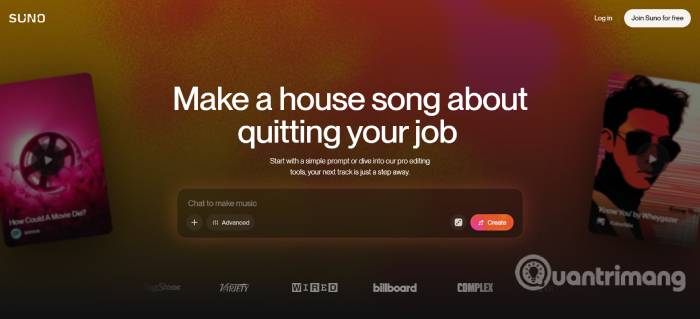
Suno is designed to turn a short concept into a complete song with vocals, instrumentation, and lyrics. You can describe the genre, mood, tempo, instruments, vocal character, and song topic, or supply lyrics you wrote yourself. Uploaded audio can also provide a starting idea for supported workflows.
Suno is a practical first choice when the goal is a finished vocal demo rather than a background loop. It can generate ideas quickly, but the first result should be treated as a draft: listen for unclear words, abrupt section changes, excessive compression, and instruments that compete with the vocal.
Licensing matters. Suno states that songs made on its free plan are for personal, non-commercial use. Tracks created while subscribed to a qualifying paid plan receive commercial-use rights, but that grant does not automatically mean every fully AI-generated element is copyrightable in every country. TipsMake’s Suno prompt guide provides a step-by-step starting point.
2. Udio
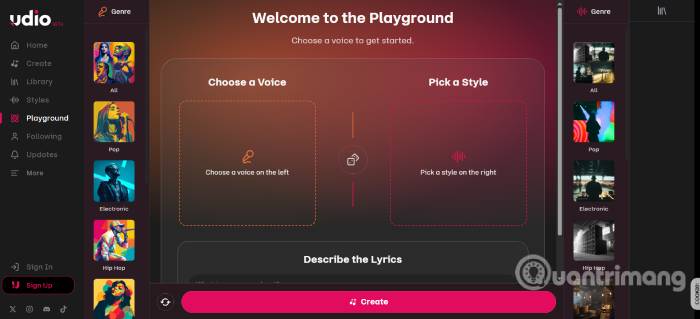
The source article incorrectly labels this service “Audio.” Its name is Udio. It can generate songs from descriptive prompts and custom lyrics, then extend, remix, trim, or edit the result. Style references and reusable voice controls help maintain a direction across iterations, while paid subscribers can upload audio they have the right to use.
Udio is useful when you want to explore multiple arrangements of the same idea. Begin with a concise combination of genre, mood, instrumentation, vocal delivery, and lyrical subject. Generate short drafts before spending credits on longer versions, and compare the song structure as well as the surface sound.
3. Mureka
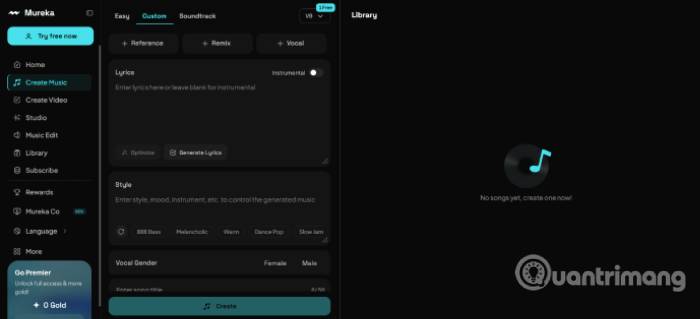
Mureka supports complete songs, instrumentals, and soundtracks. Its creation options can use text, lyrics, melodic ideas, or reference material, making it more flexible than a single prompt box for users who already have part of a composition.
Choose Mureka when you want to bring a lyric, melody, or arrangement idea into the process. Do not upload a YouTube track, voice sample, or melody unless you own it or have permission to use it. Before publishing or distributing a Mureka output, read the current license attached to the plan and the specific creation mode you used.
4. SOUNDRAW
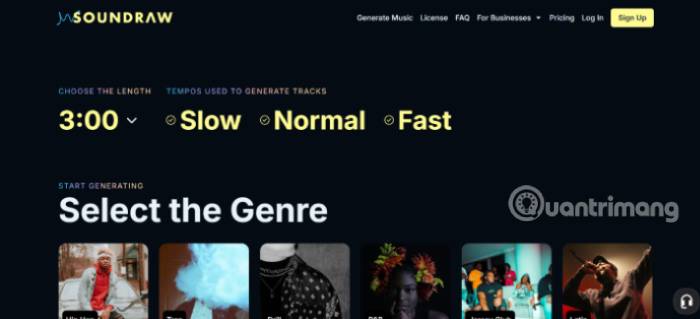
SOUNDRAW focuses on customizable background music and beats. Creators can shape a track by mood, genre, length, energy, instrumentation, and arrangement, then download a mix or stems when their plan includes those options.
This is a good fit for YouTube videos, podcasts, advertising, games, or client projects where the music supports other content. SOUNDRAW provides commercial licenses, but the permitted uses still depend on the plan. In particular, using a track as background music is not necessarily the same license as distributing the music itself on a streaming service.
5. Eleven Music
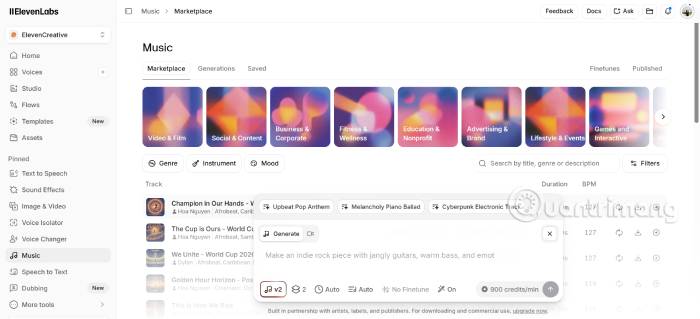
Eleven Music from ElevenLabs creates music from text instructions and supports song, remix, and production workflows across ElevenLabs products. The current service is broader than the early beta described in the original article, and ElevenLabs says its music models are trained on licensed data.
It is particularly relevant to teams already using ElevenLabs for voice, sound effects, or programmatic audio. Commercial use is not automatically included with every account: the free plan is non-commercial, qualifying paid plans include commercial rights, and some film, television, or large-studio game uses may require an Enterprise agreement. For adjacent narration tools, see TipsMake’s comparison of AI voice generators.
6. AIVA
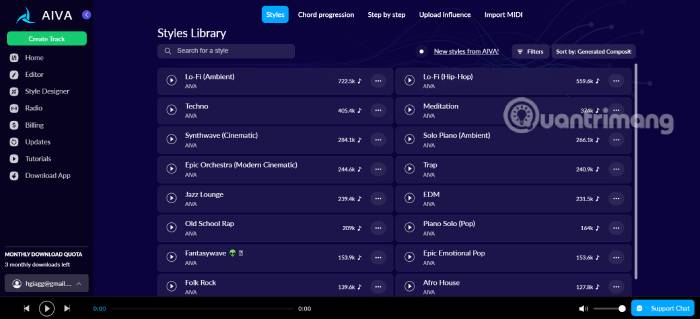
AIVA is oriented toward composition and instrumental production. It can work from styles, audio or MIDI influences, and lets users edit generated tracks and export formats suited to a production workflow. That makes it useful for scoring, orchestral sketches, game music, and projects where notes and arrangement matter more than a generated lead vocal.
AIVA has a steeper learning curve than one-click song generators, but the extra structure is useful to musicians who want to revise harmony, melody, or instrumentation. Its license varies by tier; AIVA states that its Pro plan gives the subscriber full copyright ownership of qualifying compositions. Also review the terms before uploading an audio or MIDI influence, because uploads grant the service rights described in its agreement.
7. Loudly
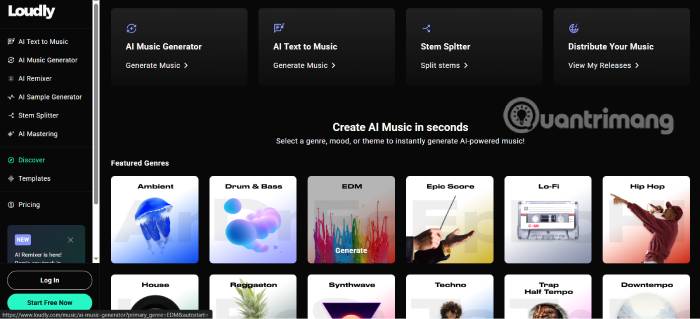
Loudly combines music generation with tools for samples, stems, remixing, mastering, and distribution. Its generator can use prompts or parameters such as genre, mood, tempo, key, energy, instruments, structure, and duration.
Loudly is a practical choice when the desired output needs to continue through a production pipeline rather than stop at an MP3 preview. The platform markets its proprietary models as rights-cleared, but it also offers integrated partner models. Check which model produced the track and retain the license record supplied with the download.
8. Beatoven.ai
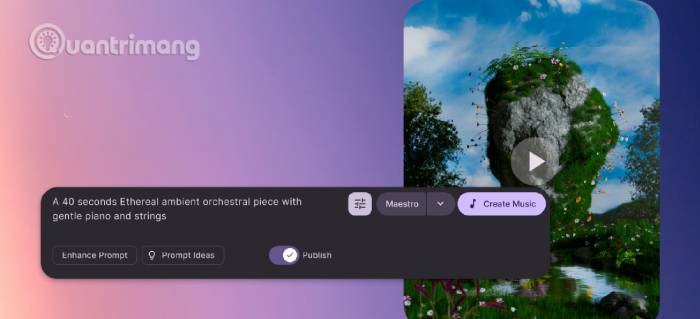
Beatoven.ai is intended mainly for background scores used in videos, podcasts, audiobooks, games, advertising, and film. You describe the scene or mood, generate alternatives, and adapt the music to the content rather than building a vocal pop song.
The license is an important differentiator: Beatoven says downloaded tracks receive a perpetual, non-exclusive license for covered content uses, while Beatoven retains ownership of the track. That can work well for a video soundtrack, but it is not the same as owning an exclusive composition or releasing the raw track as your own catalog.
Which AI music tool should you choose?
- For a vocal song from a prompt or lyrics: start by comparing Suno, Udio, Mureka, and Eleven Music.
- For customizable background music: compare SOUNDRAW, Loudly, and Beatoven.ai.
- For MIDI, composition, and score-oriented editing: AIVA is the most specialized option in this list.
- For an audio platform with voice and sound effects: ElevenLabs can keep several assets in one workflow.
- For stems, mastering, and distribution tools: inspect the current Loudly plans.
Google is another current entrant: TipsMake covers both Lyria 3 Pro and the real-time MusicFX DJ. Those tools suit different workflows from the eight services above and are worth testing if you already use Google’s generative-media products.
A better way to compare results
Use the same brief with each candidate instead of judging unrelated demo tracks. For example:
Create a 45-second instrumental cue for a calm technology tutorial. Use warm electric piano, light percussion, and a restrained bass line at a medium-slow tempo. Leave space for narration, avoid a dramatic ending, and provide a clean final cadence.
Then compare the outputs on criteria that matter to the project:
- Does the structure fit the requested duration?
- Is there enough space for dialogue or narration?
- Do transitions sound intentional rather than abrupt?
- Can you edit sections, stems, tempo, or instrumentation?
- Does the download format fit your editor or digital audio workstation?
- Does the plan’s license cover monetization, clients, ads, games, film, or music distribution?
Rights and safety checks before publishing
“Royalty-free” does not mean “free,” “exclusive,” or automatically eligible for copyright registration. It usually describes a license that permits specified uses without paying a royalty for every play. The provider may still own the track, limit commercial use to paid plans, prohibit standalone distribution, or require a higher tier for client and broadcast work.
Write or license the lyrics you submit. Upload only audio, MIDI, melodies, voices, and reference tracks you are authorized to use. Do not imitate a recognizable singer’s voice or market a track as an artist collaboration without permission. Keep a copy of the provider’s license, your subscription record, prompts, source files, and human edits for every released track.
Finally, check the rules of the distributor and platform where the track will appear. Human authorship requirements, disclosure policies, content-identification systems, and monetization rules can differ from the generator’s own terms and may change over time.
Related Articles
 How to Composing Songs on Minimax3 minutes read
 Transform Lesson Content into Catchy Songs Using Gemini: Explained4 minutes read
 How to Use the AI TikTok Song Creation Feature: Clear Instructions4 minutes read
 How to Make an AI Music Video with Freebeat14 minutes read
 Top Free AI Tools for Creating Images from Text and Existing Photos5 minutes read
 How to Extract the Lyrics from the Music to Get the Beat5 minutes read
Reader Comments 0
Sign in with email or Google to join the discussion.