Table of Contents
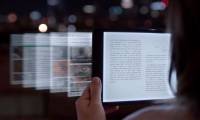
Finding suitable eBook reading apps (also known as eReaders) can be challenging for many users. There are so many different types of eBooks with various file formats and genres (novels, comics, etc.) that the user experience becomes complicated. But don't worry, this article will introduce you to the best eBook apps for Android .
1. Aldiko Book Reader
Price: Free/$3.79
Aldiko Book Reader has been around for a long time and is a great book reading app. It supports EPUB, PDF, and Adobe DRM-encrypted formats, as well as eBook support for books rented from public libraries. It has an easy-to-use interface and several convenient features such as text search within a book and book sorting. There is a free version and a paid version with all the features.
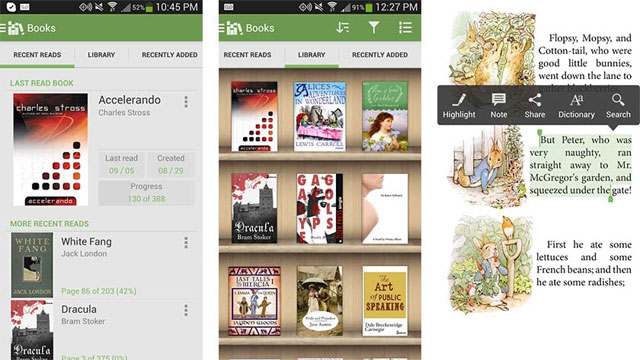
Aldiko Book Reader allows you to turn your phone into a mobile ebook reader. You can download ebooks online and store them in a virtual library within the app.
The collection of books available for download through Aldiko Book Reader is vast. You can choose from thousands of free and paid ebooks from the store. Currently, the selection offered is based on collections from Feedbooks.com, All Romance Ebooks, Smashwords, and O'Reilly. There is a good mix of genres in Aldiko Book Reader and a large number of free ebooks to download.
Aldiko Book Reader boasts a handy search tool, but unfortunately, the books aren't clearly categorized. You can't browse by genre, which is frustrating if you're a fan of a particular type of book. However, it's not entirely chaotic, and Aldiko highlights options like New York Times Bestsellers or a thematic collection.
Each book available through Aldiko Book Reader has its own description and images; however, you'll need to leave the app to see reader reviews. Managing the books you've downloaded in Aldiko Book Reader is fun. The engaging iBooks library containing your ebooks can be sorted by title, author, rating, recent reading, recently completed, or recently added.
2. AlReader
Price: Free / $0.99 / $2.67 / $9.72
AlReader is an extremely fun and feature-rich eBook reader app. It's one of the few eReaders that supports the latest Android versions. It's great for those who want to convert their old device into an eReader. It also supports the most popular eBook formats, including EPUB (DRM-free), RTF, MOBI, PRC, and others. This eBook reader app also comes with a feature set including customizations for scrolling, links, page turning images, view modes, and various color profiles.
.
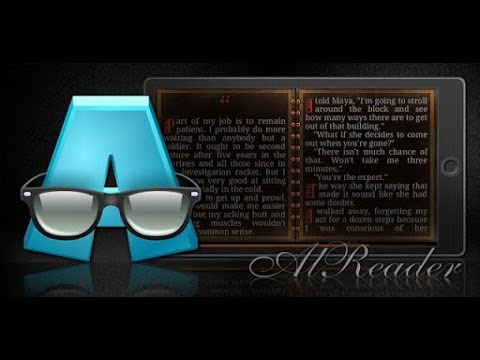
This e-reader app on my phone is especially good at reading long, heavy books without lag. You can adjust screen brightness directly within the app by swiping up/down on the edge of the screen. You can swipe up or down to scroll pages, or tap the bottom left/right corner to go to the previous/next page, or swipe like you would flip a page in a real book. This is also my favorite e-reader app for Android phones.
You can even ask AlReader to read books aloud to you . After hours of staring at a computer screen, just plug in your headphones and enjoy your favorite book. That's a great feeling too.
3. Amazon Kindle
Price: Free/Price varies depending on the type of book
Amazon Kindle is one of the most popular eBook reading apps. It's the largest and most comprehensive online bookstore on the internet. In addition, the app offers many different reading features, synchronization across devices, and a vast library of free books. However, the user interface is still hampered by advertisements.
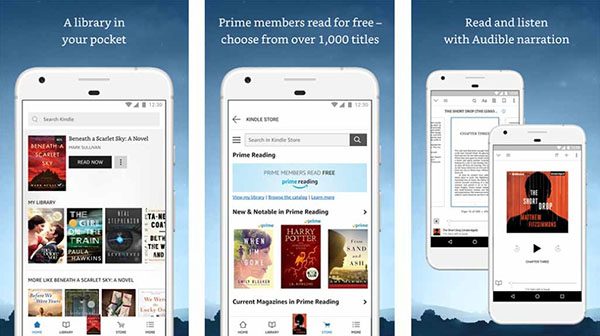
However, reading is completely free and uninterrupted. In addition, the app offers many customizable options for reading. It's a perfect choice if you simply want an app dedicated to reading books. You can also download books for offline reading if needed.
- 5 convenient free ebook libraries for Kindle
4. Barnes & Noble Nook
Price: Free
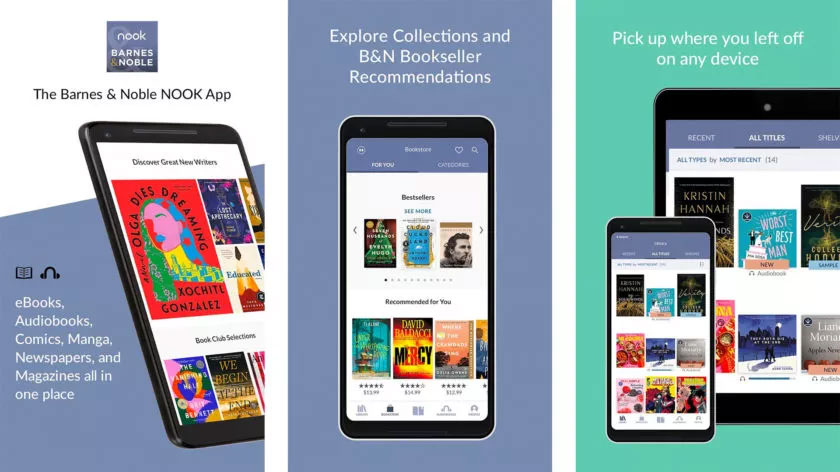
Nook is another competitor to Amazon, Kobo, and Google Play Books. You can visit Barnes & Noble, Nook's parent company, to experience this standard e-reader. Nook comes with customizable reading options as well as support for books, comics, manga, etc. Like most other options, Nook also offers multi-device syncing, providing a comfortable viewing experience for users.
5. FBReader
Price: Free/$5.99
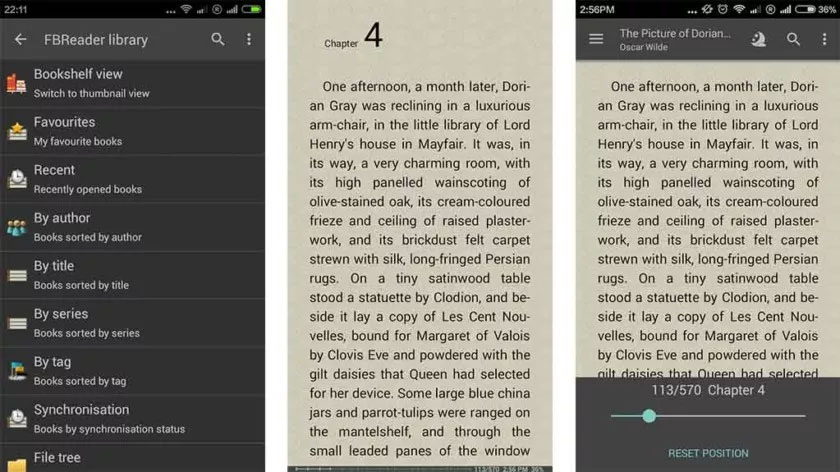
FBReader is another older ebook reader app. Like Aldiko, it's a great option for most basic use cases. FBReader includes support for AZW3, EPUB (up to EPUB3), fb2, RTF, HTML, and even plain text documents. FBReader uses its proprietary Google Drive cloud service to sync books between devices. The user interface is a bit old-fashioned, but very effective and easy to look at. FBReader even has gesture support.
6. Foxit PDF Reader
Price: Free/$0.99
Foxit is one of the most popular PDF reader applications. It perfectly combines reading and utility features. This application supports almost all PDF file types. Additionally, it offers annotation, forms, and ConnectedPDF security features. Its reading function allows it to read text aloud and supports both audio and video. It's perhaps the most cross-platform e-reader or PDF application available. You can install Foxit on Windows, Linux, Mac, iOS, and Android.
7. FullReader
Price: Free/Donations welcome
FullReader (formerly FReader) is a popular and modern eBook reader application. It supports many eBook file formats, from less common formats like CBR and CBZ (comics) to MP3 for audiobooks. The user interface uses a basic Material Design, with a simple layout suitable for almost everyone. The application also has some more advanced features such as cloud synchronization support with Google Drive and Dropbox, AMOLED dark mode, and translation into 95 different languages. FullReader is completely free. There are a few ways you can make voluntary donations to support the application's development.
8. Google Play Books
Price: Free/Price varies depending on the type of book
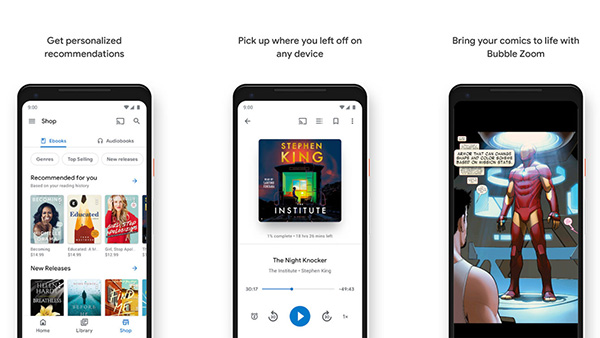
Google Play Books can be considered a competitor to Amazon Kindle. It's a virtual bookstore. The selection includes books, magazines, and all related content. The app supports several eBook formats, comics, and other genres. You can even upload your books to the cloud service and read them from anywhere. This allows readers to store a large number of books and access them anytime with an internet connection. Other features of Google Play Books include book rentals, quick skimming, and quick bookmarking. The app is free to use, but some titles require a fee to access.
9. Kobo Books
Price: Free
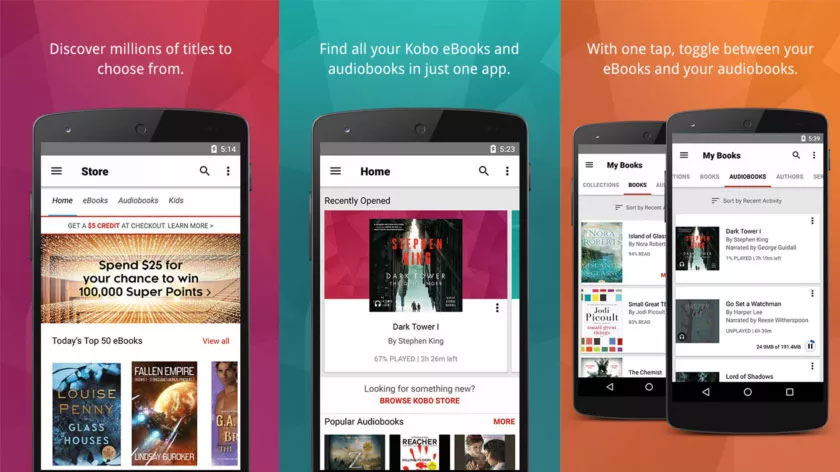
Kobo Books is another online bookstore similar to Amazon, Nook, and Google Play Books. The app is extremely basic, supporting both audiobooks and regular ebooks. Other features include syncing across multiple devices, downloads for offline use, and a Night Mode for late-night reading. The discovery features are also quite impressive.
10. Moon+ Reader
Price: Free / $4.99
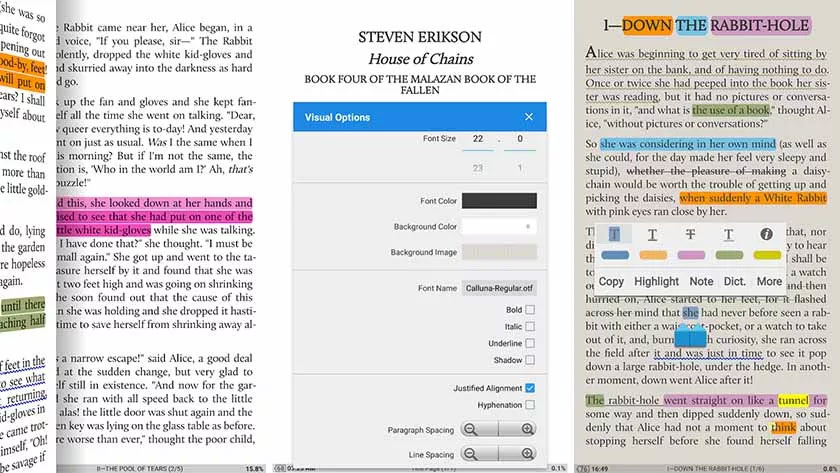
Moon+ Reader is undoubtedly one of the best ebook reading apps available. It supports a wide range of ebook formats, including EPUB, PDF, MOBI, most comic book formats, etc. Moon+ Reader even has OPDS support. The app also includes over 10 themes, gesture controls, auto-scrolling, EPUB3 support, and syncing across multiple devices via Dropbox. This is one of the ebook reading apps that has all the features you need. You can remove ads for $4.99.
11. OverDrive
Price: Free
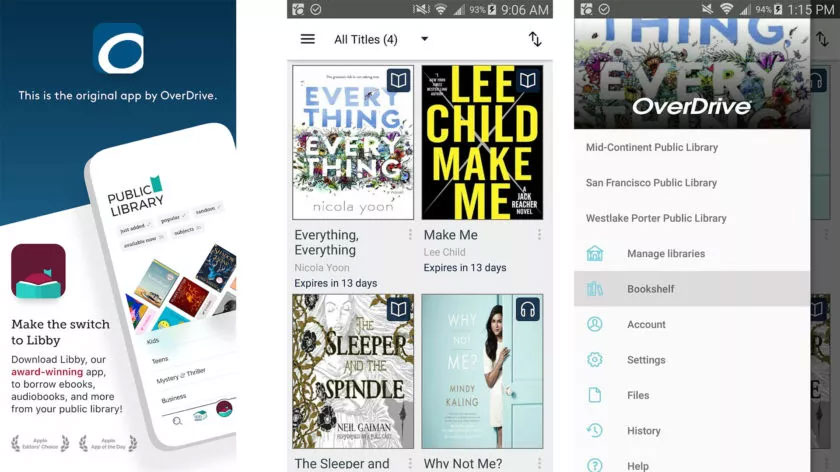
OverDrive is an excellent ebook reader. OverDrive connects you to your local library, and you can actually borrow ebooks for free, just like at a traditional library. OverDrive includes some basic features, such as no late fees and remembering where you left off on your next reading. While it doesn't have as many features as other options, OverDrive is one of the truly great and legitimate sources of free ebooks.
12. Planner
Price: Free
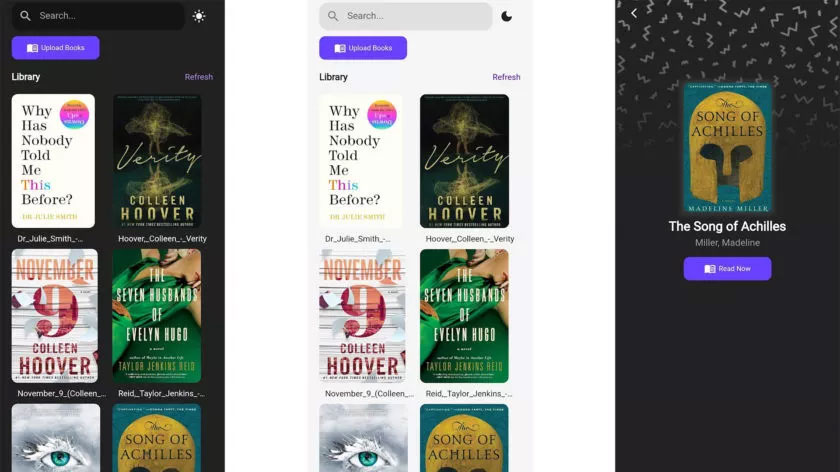
Ploter is an e-reader application under development that works similarly to YouTube Music or Apple Music. You upload your e-books to the service and access them from there anytime, anywhere, as long as you have an internet connection. Ploter works with most e-book and audiobook formats. It also works across platforms with Windows and Kobo-branded e-readers.
You get 500MB of free storage, which the developer estimates is equivalent to about 200 ebooks. This is a new app, so there are still bugs, but hopefully things will improve in the future.
13. PocketBook Reader
Price: Free
PocketBook is one of the older ebook reader apps. However, it still has all the necessary features, including support for most popular ebook file types, comics, even Adobe DRM and PDF. You can highlight text, export notes, lock screen orientation, etc. There's also OPDS support for those who need it. PocketBook's highlight lies in its cost. Nowadays, there aren't many completely free ebook readers, and this app is one of the best options.
14. Prestigio Book Reader
Price: Free / $2.99 / $100.99
Prestigio supports over 25 languages, features text-to-speech, and has 50,000 books available for download. Additionally, the app can sync across devices (account required). Other features include Night Mode, various customization options, and a modern user interface. The app is free, and you can remove ads with a one-time in-app purchase for $2.99. There's also an optional donation button with donation options of $1, $5, $10, $50, and $100 if you'd like to support its development.
15. ReadEra
Price: Free
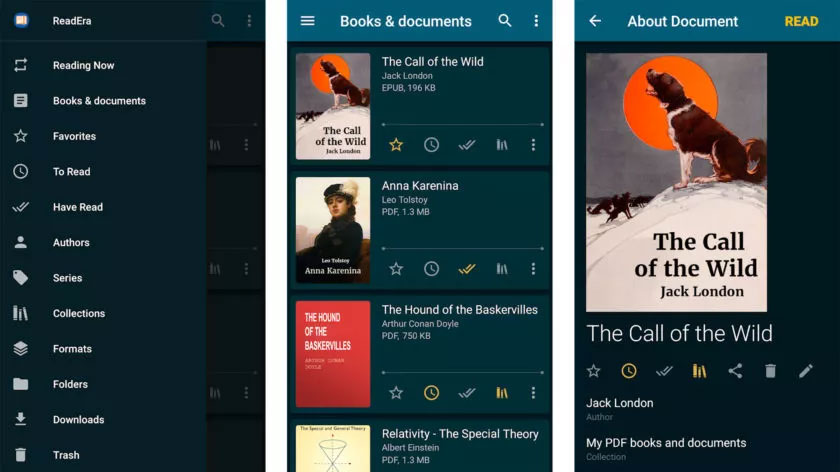
ReadEra is a popular e-reader app with all the basic features, including various reading modes and support for PDF, EPUB, WORD, MOBI, FB2, DJVU, TXT, and many rare CHM formats. It doesn't require any services or anything like that. There's also a split-screen mode so you can read multiple books or documents at once. However, this is only suitable on large-screen phones or tablets. ReadEra is surprisingly good, easy to use, and has a very appealing user interface.
Reader Comments 0
Sign in with email or Google to join the discussion.