Table of Contents
This updated overview organizes the essential information about Successfully Installed Windows 11 on IPhone 15 Pro, including practical uses, key features, setup considerations, and common questions.
However, this installation is only for demonstration purposes, an interesting demonstration of the capabilities of both devices, and has no actual use value.

Specifications provided via the UTM SE PC emulator include a 1 GHz, 1-core QEMU virtual CPU and 2GB RAM.
Emulation is the imitation of a specific hardware architecture, allowing the running of hyper-specific software (such as outdated PC architectures) on platforms that support emulators.
Virtualization can be used for emulation, but it focuses on the ability of the supported hardware to create virtual pools of resources (CPU cores, RAM, etc.) dedicated to separate operating systems. inside a virtual machine.
Looking closely at the screenshots shared by @NTDEV_, we can see that Windows 11 running on iPhone 15 Pro has some limitations. For example, severely limited emulation performance or configuration options, resolution and aspect ratio are all significantly reduced compared to the iPhone's full screen. All screenshots show only simple, limited window use cases.
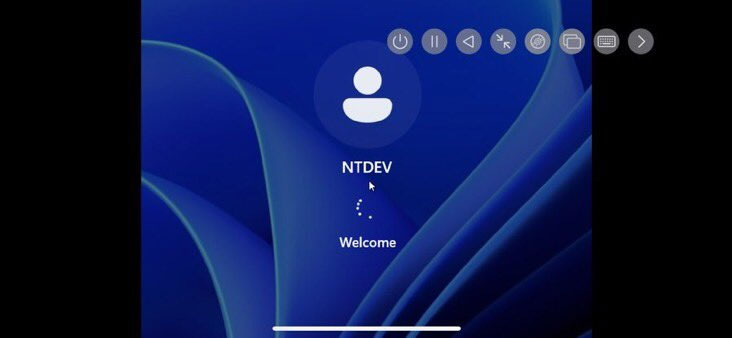
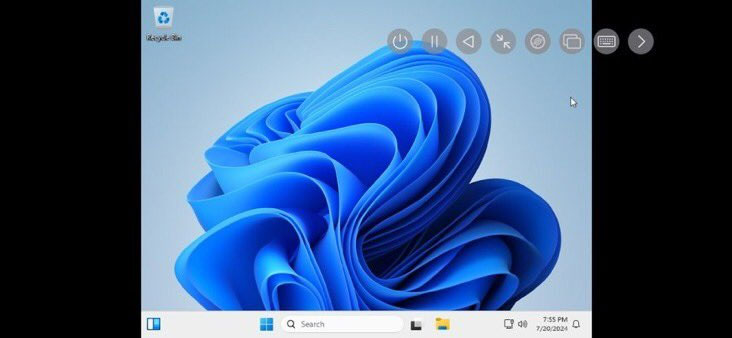
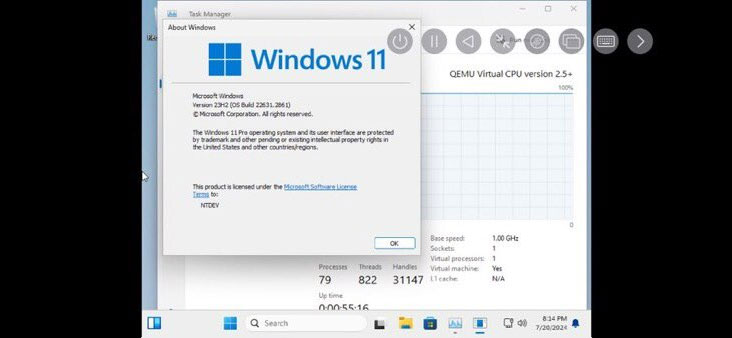
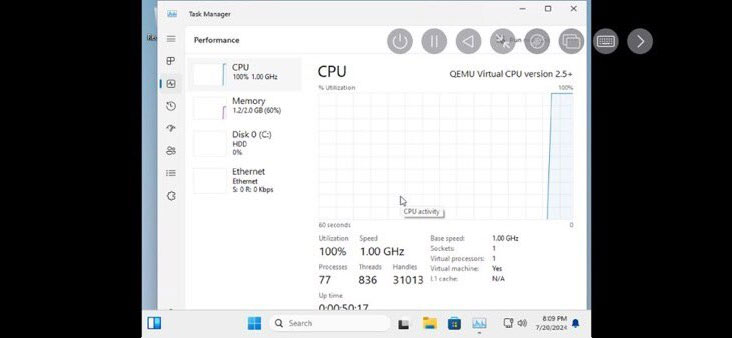
As noted by @NTDEV_, Windows 11 on iPhone takes up to 20 minutes to boot into the operating system, iPhone also does not have the ability to optimize x86 software or hardware like Macs.
Although the performance of Windows 11 on iPhone cannot be called "usable", this is still a remarkable achievement for both UTM SE and the Tiny11 development team.
Final Thoughts
Use the instructions and checks above in order, verify the result after each major step, and keep a backup whenever the process changes important files or system settings.
FAQ
What is Windows 11 Tiny11 Core version on iPhone 15 Pro used for?
However, this installation is only for demonstration purposes, an interesting demonstration of the capabilities of both devices, and has no actual use value.
Who should consider Windows 11 Tiny11 Core version on iPhone 15 Pro?
It is most useful for readers who need the features, workflow, or problem-solving approach described in this guide.
What should I check before using it?
Review compatibility, current software requirements, privacy or security settings, costs, and any limitations that could affect your workflow.
Related Articles
 iOS 13.1.1, Just Released, Has Been Cracked with Apple's2 minutes read
 Successfully Booted Into Windows 10 with Only 192MB of RAM3 minutes read
 Successfully Install Windows 10 ARM on Nintendo Switch Gaming Machine3 minutes read
 Successfully Installed Windows 10 ARM on Lumia 15203 minutes read
 The Fbi Successfully Cracked an Iphone 11 Pro Max3 minutes read
 Successfully Installed Windows 10 on Xiaomi Mi 63 minutes read
Reader Comments 0
Sign in with email or Google to join the discussion.