Table of Contents
This guide covers studio 1558 for design people with practical context and easy-to-follow details. Use it to understand the subject and apply the information confidently.
The new product officially distributed by Dell in Vietnam has 15. 6-inch TrueLife technology WLED screen and hardware configuration including Intel Core i5-520M processor with 2. 4 GHz speed (up to dark Multi 2, 933 GHz with TuboBost technology), Intel Mobile HM55 Express chipset, 4GB 1066MHz DDR3 RAM, ATI Mobility Radeon HD 4570 graphics card with 512MB GDDR3, 500 GB hard drive (7200 rpm), drive 2-layer DVD read / write optical with 2 Megapixel camera. This model has dimensions of 25, 3-38, 9 x 371 x 252, 9 mm, weighs 2, 515 kg with 6-cell battery included and is preinstalled with Windows 7 Home Premium 64 bit operating system.
The device is being sold in Vietnam for $ 1, 149 (excluding VAT).
 Disk-type optical drive.
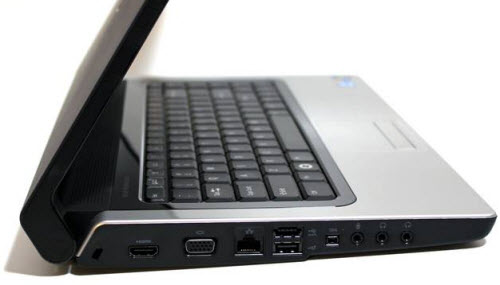 The machine is fully equipped with connection ports.
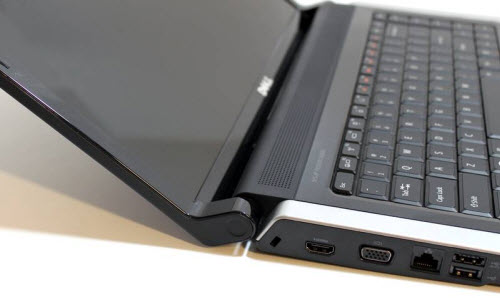 Familiar hinge of Studio series.
Heat machine in the back.
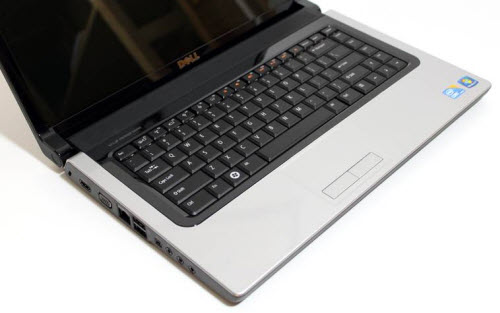
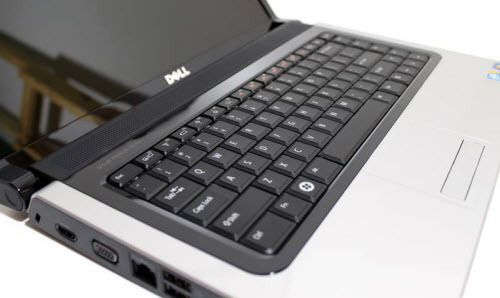
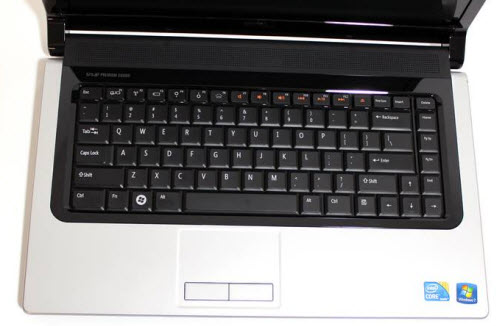 Complete keyboard.
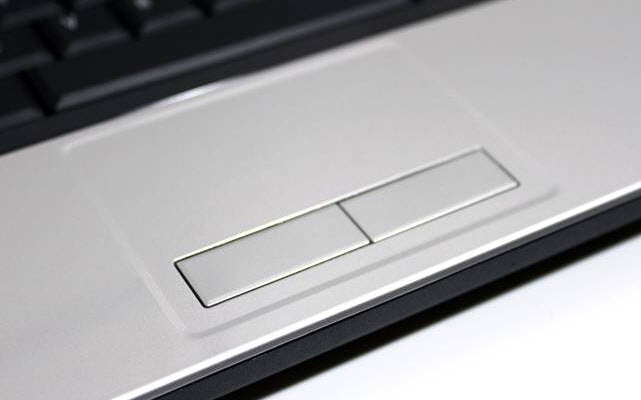 Touchpad.
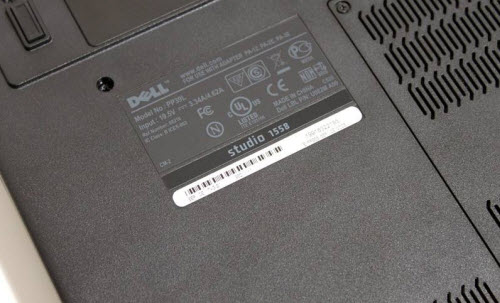
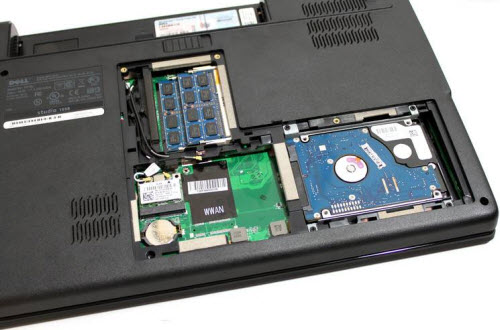
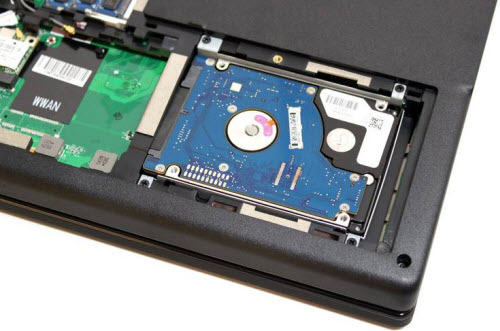
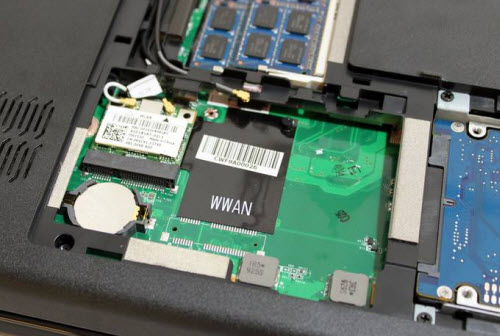 Back of the machine.
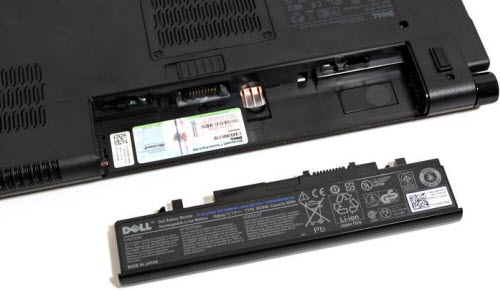 6 cell battery included.
FAQ
What should I check before following these steps?
Confirm device and software compatibility, save important data, and make sure you have the required permissions, files, and account access.
Why might the process not work?
Common causes include outdated software, missing permissions, incompatible hardware, an unstable connection, or completing a step in the wrong order.
Can I undo the changes if necessary?
That depends on the tool or setting. Use built-in restore options when available, keep a backup, and record the original configuration first.
Related Articles
 What Is LM Studio? What Are Its Applications?6 minutes read
 Dell Studio 1558 Core i7: Versatile Entertainment Machine4 minutes read
 How to Get Started Using LM Studio5 minutes read
 How to Design an App to Create Thumbnail Images Using Google AI Studio4 minutes read
 6 Notable Differences Between Mac Studio and Mac Pro10 minutes read
 Roblox Studio13 minutes read
Reader Comments 0
Sign in with email or Google to join the discussion.