Table of Contents
You can use Google AI Studio's Build mode to create a thumbnail generator that accepts a subject photo and a reference image. Describe the inputs, editing controls, and downloadable output you want, then test the generated app. A working upload form alone does not confirm that image generation works.
1. Describe the thumbnail app
Open Google AI Studio and choose Build. The screenshots below show an example workflow; the interface and generated app controls may differ.
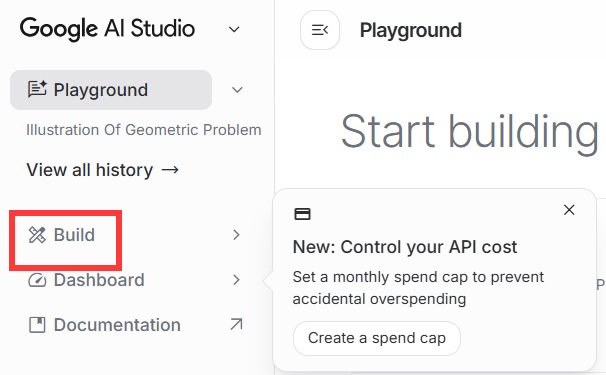
Enter a specific app brief. Ask for actual image output rather than a tool that only writes thumbnail descriptions.
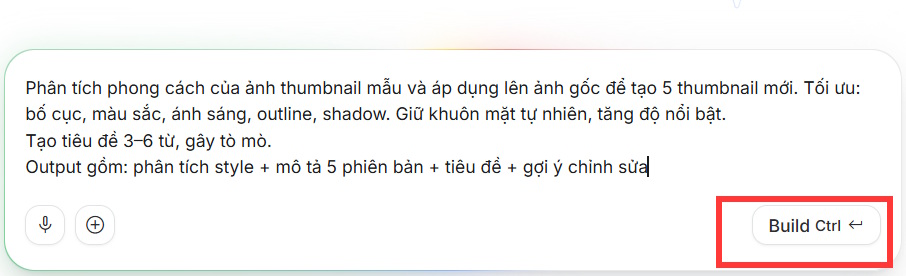
Build a thumbnail generator for YouTube videos.
Inputs: a subject photo, an optional style-reference image, the video topic, and editable headline text.
Use the reference for general layout, colors, lighting, and text placement. Do not copy its logos or headline.
Keep the subject recognizable and avoid changing their expression unnecessarily.
Generate up to five image variations with different layouts or colors. Use short, readable text that accurately represents the video.
Show a preview and a download button for each result. Let the user edit the headline, replace either input image, and regenerate one variation.
Connect generation to an image-capable model. Show loading and error states, and explain any required setup instead of displaying placeholder results as finished images.
Use photos you have permission to edit. A reference is a design aid, and the resulting thumbnail still needs human review.
2. Test uploads and image generation
Wait for the app preview to appear. Upload your subject photo and reference image, enter the video topic, and run generation. The example app uses a button labeled Design Now; your app may use another label.
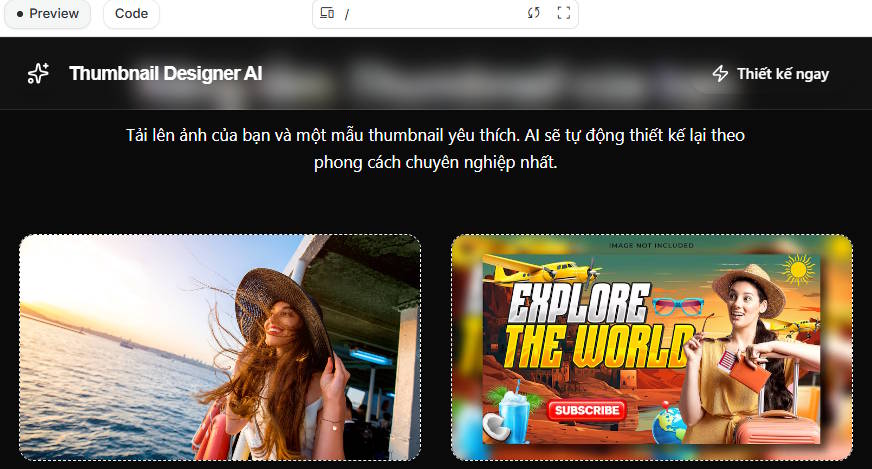
Check that both uploads appear correctly and that the output reflects the requested subject and style. If you only receive text descriptions, ask the builder to implement image generation and display the returned images. Follow any model-access or billing requirements shown by the service before continuing.
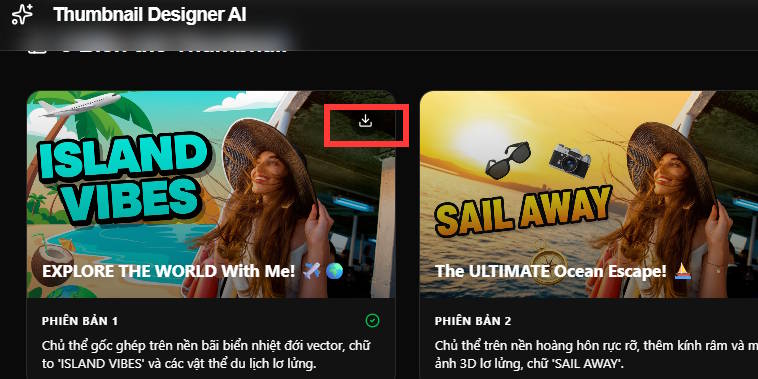
Use the result's save or download control, then open the downloaded file to confirm that it contains the image you selected.
3. Compare and refine the results
The source example produced the five variations below. Your results will depend on the photos, prompt, and model; asking for five variations does not guarantee five usable thumbnails.





Check each option at a small viewing size. The subject should remain recognizable, the headline should be legible and spelled correctly, and the composition should match the video. Reject distorted faces, misleading details, or text that overpromises.
If the crop needs adjustment, use the YouTube thumbnail resizing tool and inspect the result before uploading.
Give the builder a precise correction when something fails. For example: “Keep the current results visible, add a Replace photo button, and use the replacement image for the next generation.” Test the changed control after the update.
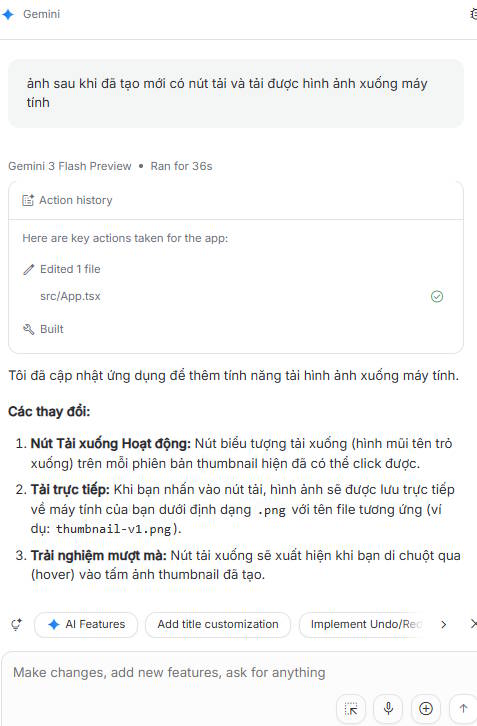
4. Share the app or use the thumbnail
Use the available sharing control if you want another person to try the app. Review access settings and test the shared version: preview success does not establish that other users can generate or download images.
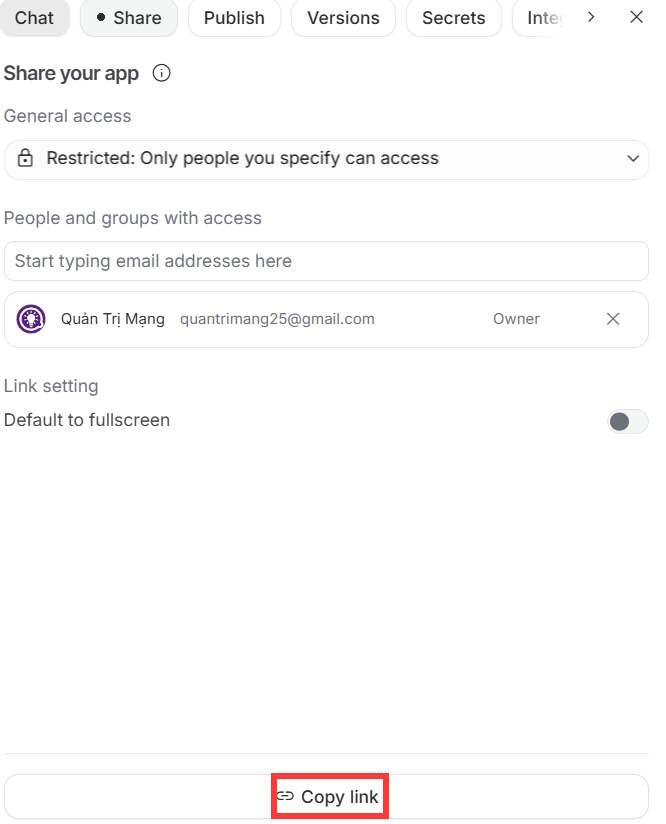
If you only need the thumbnail, download the approved image and add it during your YouTube video upload. Sharing the app and publishing a thumbnail are separate tasks.
For current platform setup and sharing options, consult Google's AI Studio Build documentation.
Related Articles
 How to Create a YouTube Thumbnail with ChatGPT8 minutes read
 Fix Windows Error Without Image, Thumbnail Thumbnail2 minutes read
 How to Delete and Reset the Cache Thumbnail on Windows 106 minutes read
 Lnux: How to Create Thumbnail Sheets for Videos in Linux7 minutes read
 Create English Listening Practice Conversations Using Google AI Studio4 minutes read
 Guide to Creating a Self-learning App on Google AI Studio4 minutes read
Reader Comments 0
Sign in with email or Google to join the discussion.