Table of Contents
This guide covers dell's makeover through laptop designs with practical context and easy-to-follow details. Use it to understand the subject and apply the information confidently.
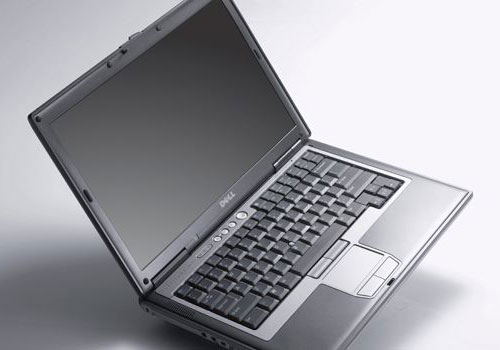 Dell laptops in the 1990s and the early 21st century looked boring, though stable.
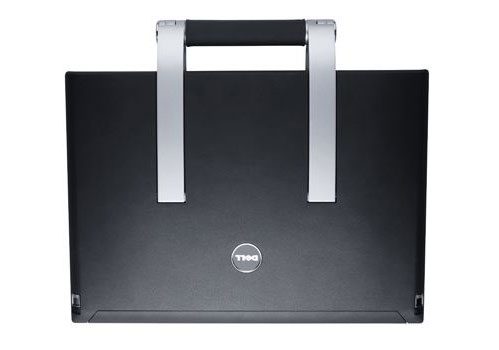 In 2006, Dell launched a new series of impressive products like the XPS M2010 - a hybrid system between desktop and laptop, which looks like an elegant briefcase and costs $ 3, 500.
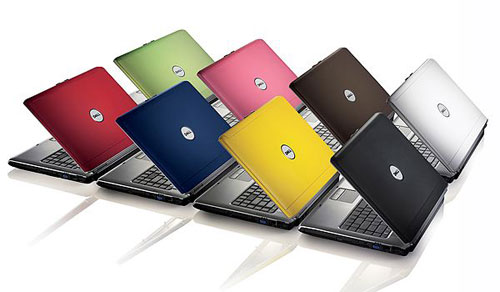 In 2007, the second computer company of the US demonstrated the Inspiron "chameleon" line from $ 499.
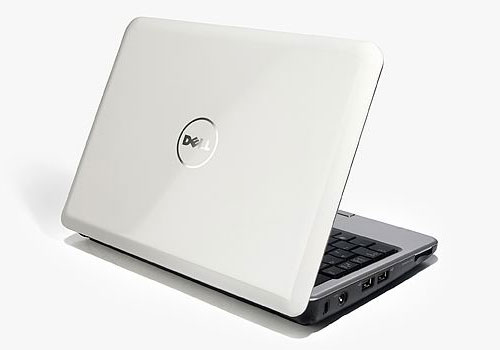 In September 2008, they released the Inspiron Mini 9 mini-notebook with an eye-catching design. Starting price: 349 USD.
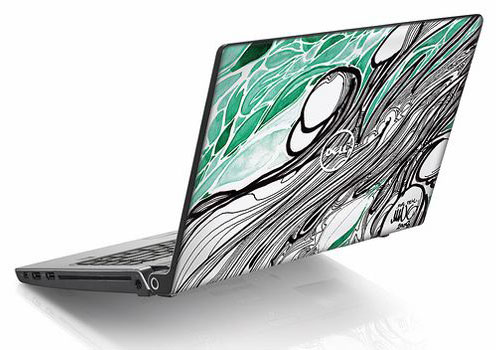 In 2008, Dell introduced systems equipped with a beautiful shell of graffiti artist Mike Ming. Starting price: 699 USD.
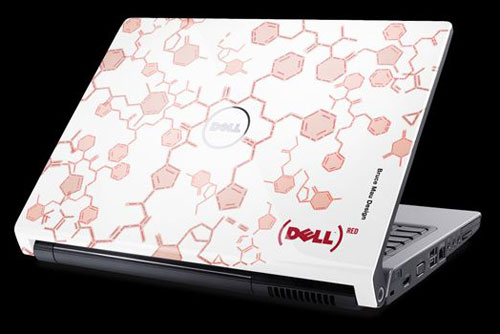 "Healing Patterns" by Bruce Mau designer. Starting price: 775 USD.
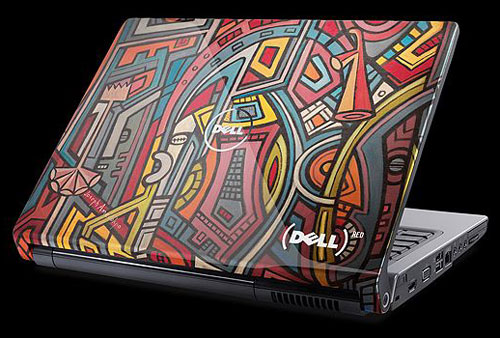 "New World" by Joseph Amedokpo. Starting price: 775 USD.
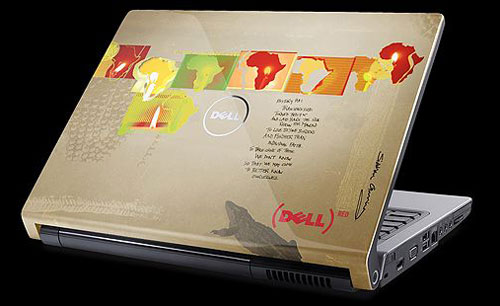 "Shine Within" by Siobhan Gunning. Starting price: 775 USD.
FAQ
What should I check before following these steps?
Confirm device and software compatibility, save important data, and make sure you have the required permissions, files, and account access.
Why might the process not work?
Common causes include outdated software, missing permissions, incompatible hardware, an unstable connection, or completing a step in the wrong order.
Can I undo the changes if necessary?
That depends on the tool or setting. Use built-in restore options when available, keep a backup, and record the original configuration first.
Related Articles
 44 Of the Most Beautiful Nail Designs For 20263 minutes read
 Top 10 Laptops with the Strangest and Most Unique Designs6 minutes read
 How to Use Q4OS to Turn a 10-year-old Laptop into a Windows XP6 minutes read
 Lenovo G450 - Laptop or Under 10 Million12 minutes read
 Instructions for Sharing Designs on Canva3 minutes read
 16 Breakthrough Designs of Laptops6 minutes read
Reader Comments 0
Sign in with email or Google to join the discussion.