Table of Contents
This practical guide walks through printer error install black cartridge - causes and solutions, explains the main requirements, and highlights common issues that may appear along the way.
1. What is the black cartridge install error?
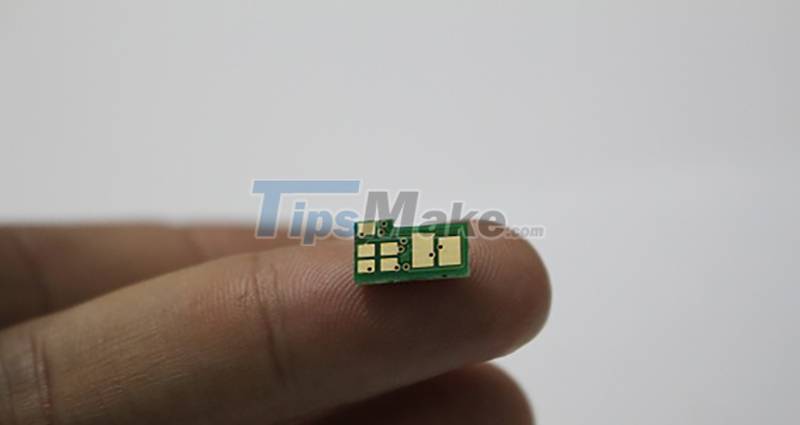
On each end of the printer cartridge, there is an ink chip, this chip is responsible for calculating the appropriate coverage on the printer drum (Drum), helping the printer receive the correct command to produce a good print. This chip will no longer work when they exceed the calculation limit, lock the printer and stop printing.
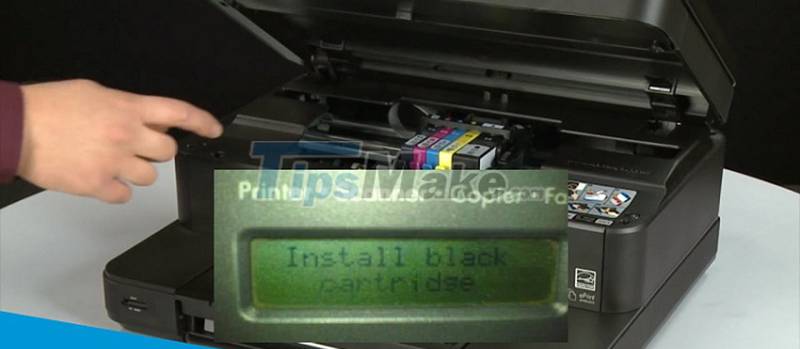
Surely you will be quite confused when encountering the install black cartridge error which is not so common compared to other errors. When your printer encounters this error, ie when the counter on the ink chip is about to run out, this is just a message to remind you to maintain and replace another ink chip.
2. Causes of printer failure to install black cartridge
One of the most common reasons that can explain the black cartridge installation error is Firmware. You can simply understand that the Firmware is the device driver and the printing and printer commands will not work as usual if this part is damaged.

Printer error saying install black cartridge occurs when the user updates the wrong Firmware of the machine. Moreover, if you do not know the Firmware is faulty and replace the toner chip, install black cartridge will happen because when the ink chip is no longer working, the printer will not receive the ink cartridge or even run out of ink even though the ink level is still high. .
3. How to fix install black cartridge error
Error installing black cartridge is an error that occurs in the area of the printer's ink-related parts, namely the ink chip. So, you only need one way to fix this error is to replace the ink and new ink chip for synchronization, this is the optimal way to fix it.
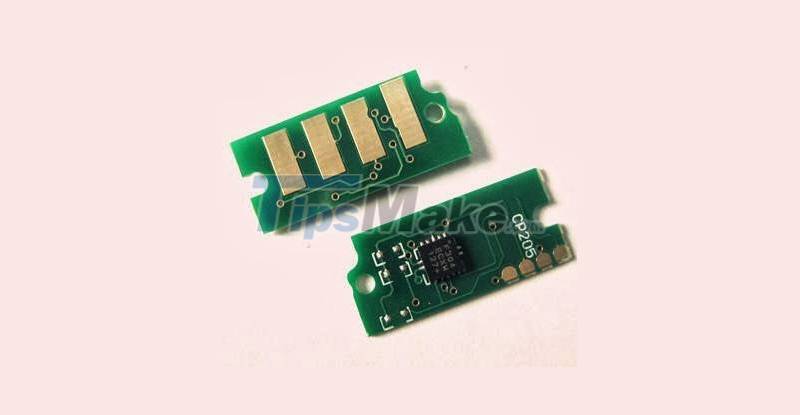
To ensure ink quality and protect printer quality, you should go to reputable and professional printer parts replacement services for answers, advice and support!
The article shows how to fix the printer error that says install black cartridge. Thank you for following the article and see you in the next article.
Key Takeaways
Use the information above as a practical reference for printer error install black cartridge - causes and solutions. Review each step carefully, confirm any requirements, and choose the option that best fits your situation.
FAQ
What does this guide explain about Printer Error Install Black Cartridge - Causes and Solutions?
It explains the main concepts, practical considerations, and useful steps related to printer error install black cartridge - causes and solutions without requiring advanced knowledge.
Who can benefit from learning about Printer Error Install Black Cartridge - Causes and Solutions?
This information is useful for readers who want a clear overview, practical guidance, and reliable steps related to printer error install black cartridge - causes and solutions.
What should I check before applying this information?
Review the requirements, confirm that your device, software, or situation matches the instructions, and back up important data before making major changes.
Related Articles
 The Printer Does Not Recognize the Ink Cartridge - Causes5 minutes read
 Printer Error Jam in Cartridge Area - Causes and Ways to Fix6 minutes read
 The Printer Has Black Edges of Paper, Black 2 Margins8 minutes read
 Canon 2900 Printer Not Recognizing Ink Cartridge, How to Fix It6 minutes read
 Steps to Fill Ink into HP Printer4 minutes read
 Common Printer Errors and How to Fix Them15 minutes read
Reader Comments 0
Sign in with email or Google to join the discussion.