Table of Contents
When Meta AI shows an Animate option on a still image, use it to generate a short clip. The examples below are roughly four seconds long. The exact options can differ by version and account.
Animate a still image
- Open an image in Meta AI or generate one in the app. Use a photo you have permission to upload.
- Select Animate if available. If you can enter a direction, request one simple movement, such as a slow camera pan or a slight head turn.
- Preview the clip before saving it. Check faces, hands, objects, and the background for changes that were not in the original.
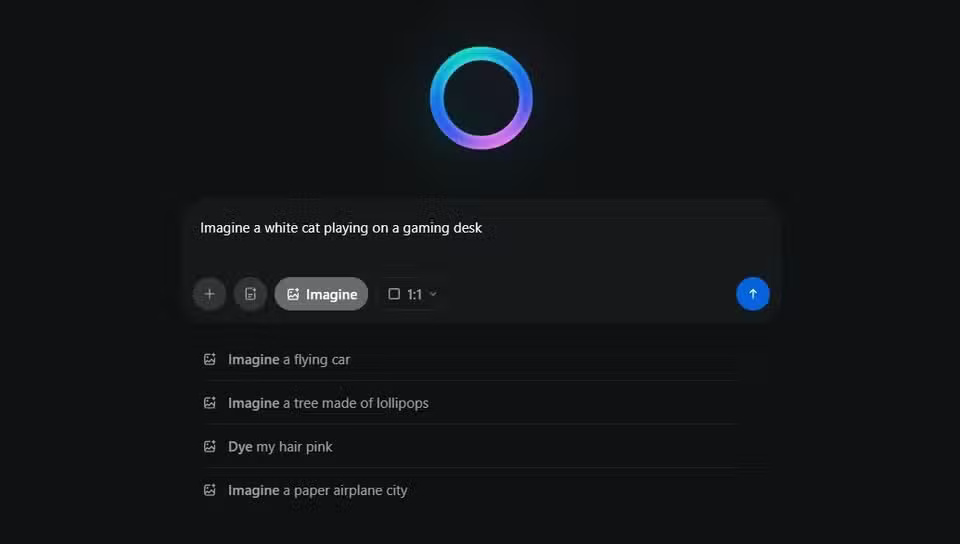
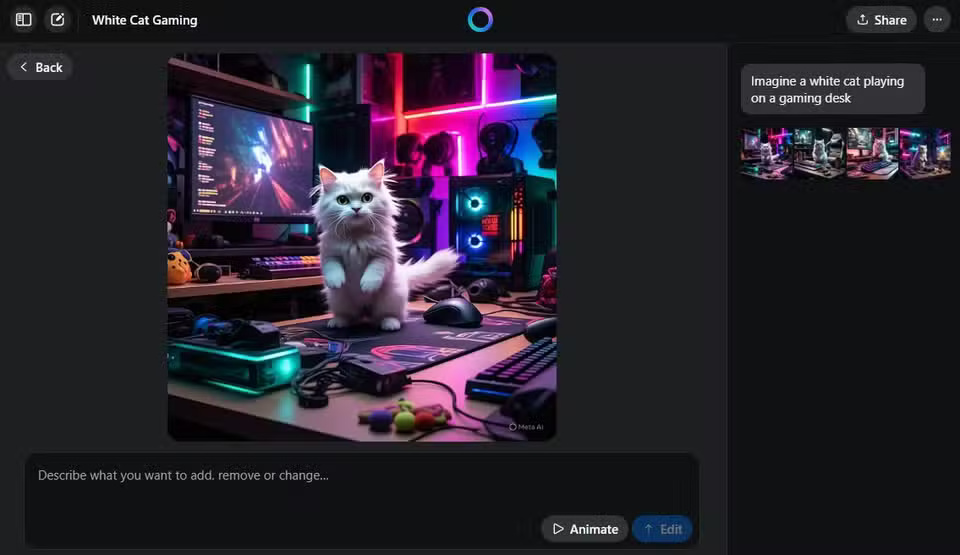
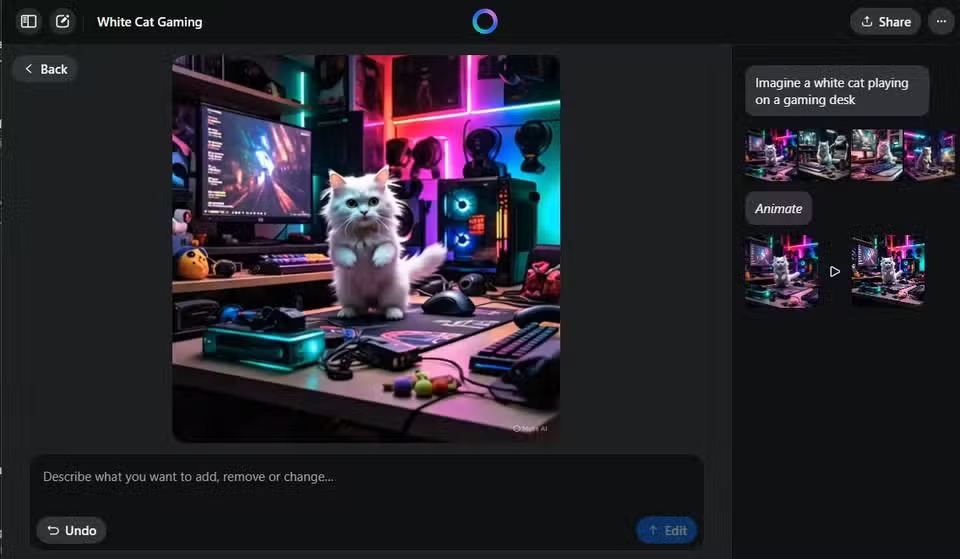
See TipsMake’s Meta AI image-to-video walkthrough for more on the interface.
Compare the stills with the animations
Each pair shows the original still first and the generated animation second. The videos were converted to GIFs for display.
Children on a beach
Look at the spacing of the figures and whether the walking motion stays consistent.


Galaxy
The camera appears to push into the stars. A slow camera move can work well with a layered background.


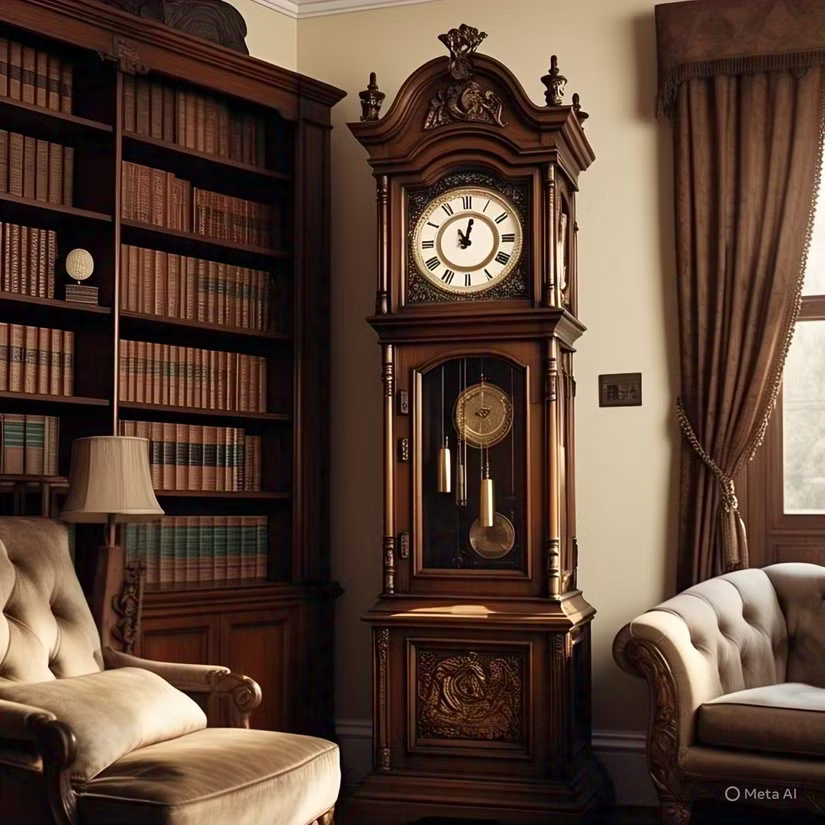
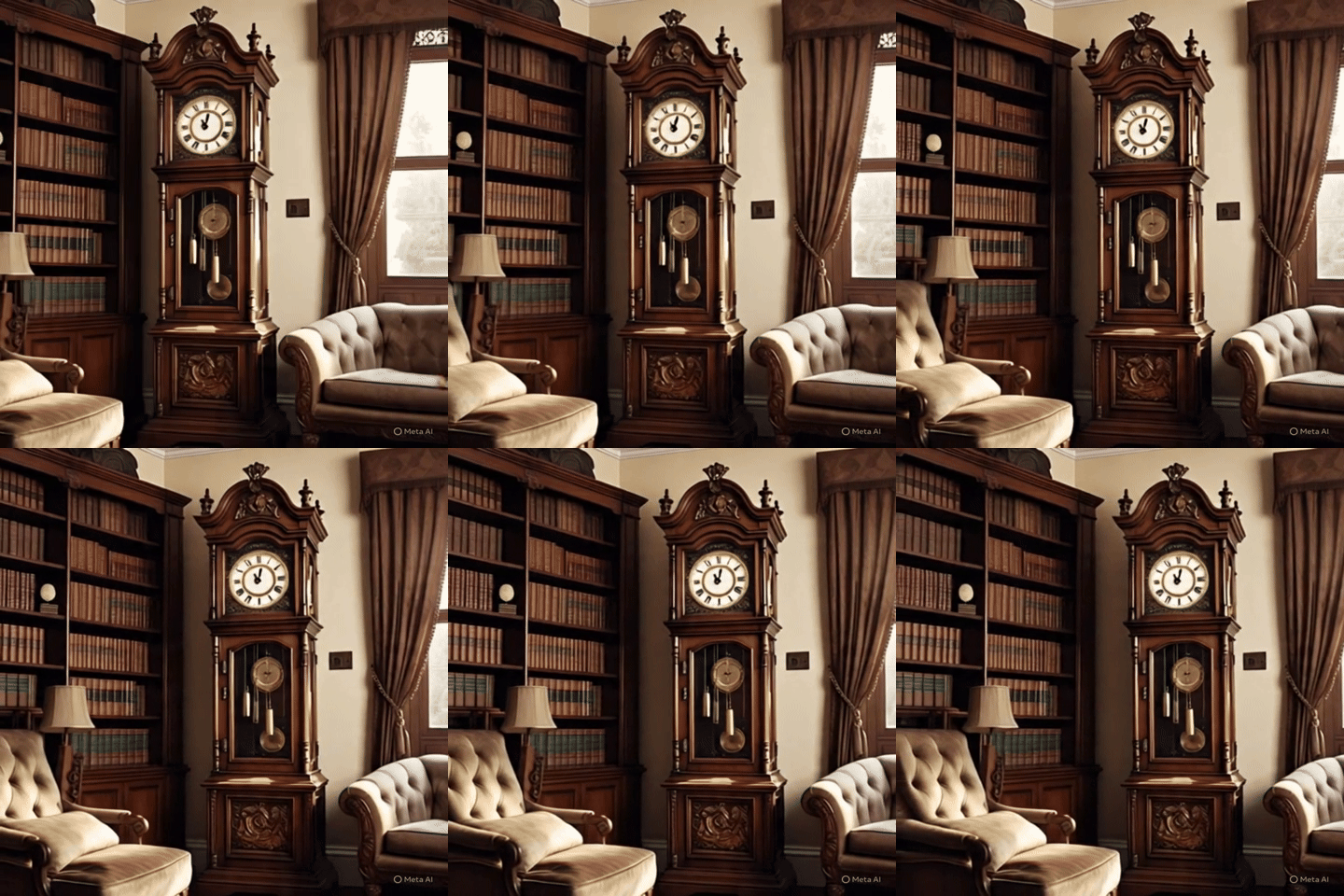
Grandfather clock
The view shifts more than the pendulum does. Specify which part should move when the app accepts a prompt.
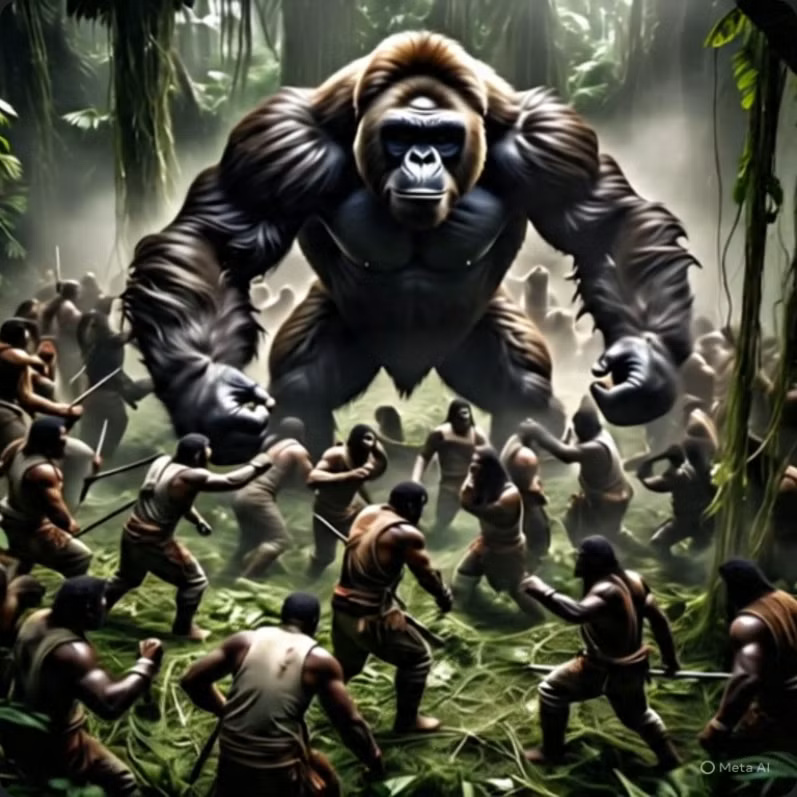
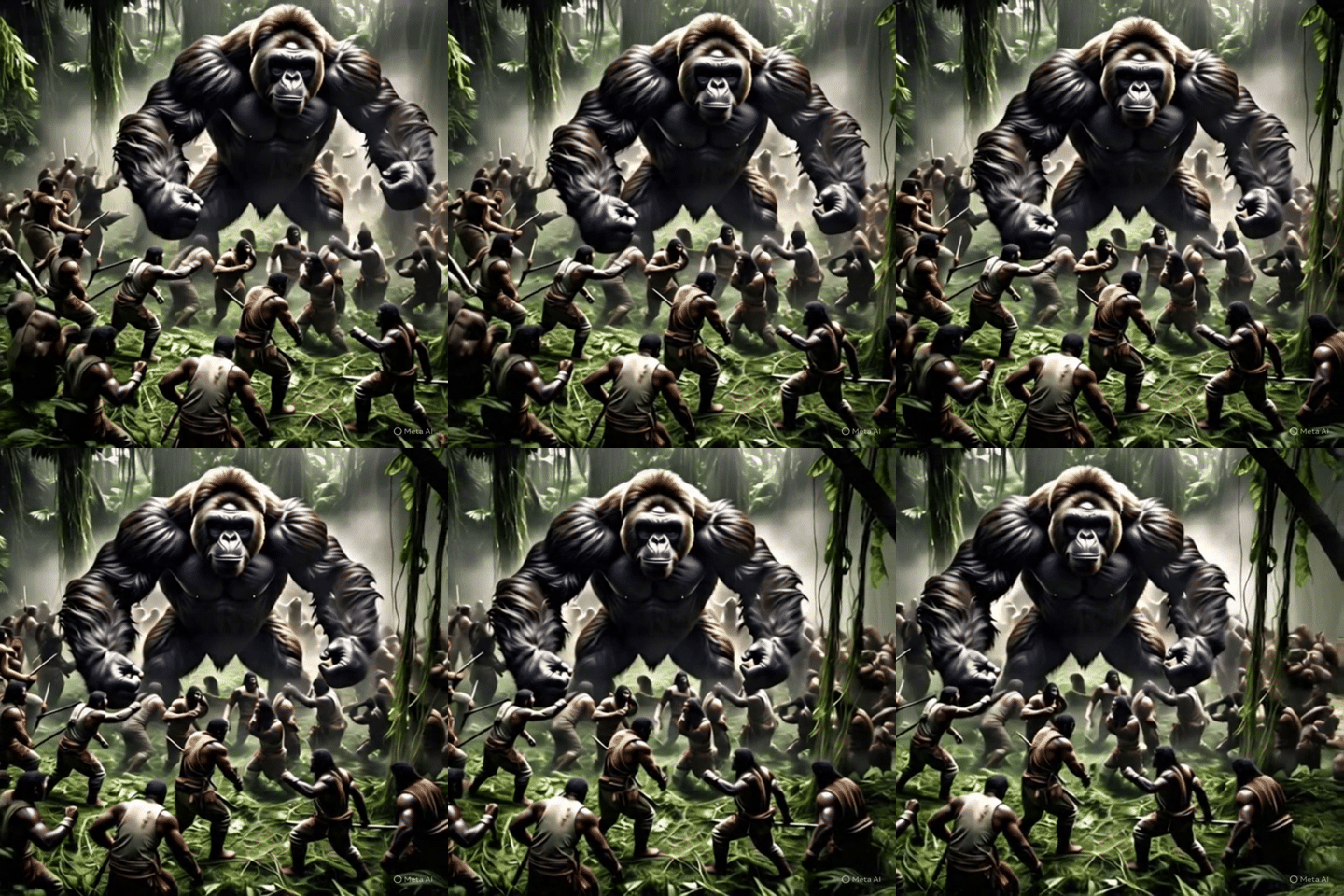
Crowd in a forest
The scene gains depth, but the figures show little independent movement. Use a simpler composition if distinct actions matter.
Detective portrait
A slight head turn and drifting smoke are easier to read than several competing actions.


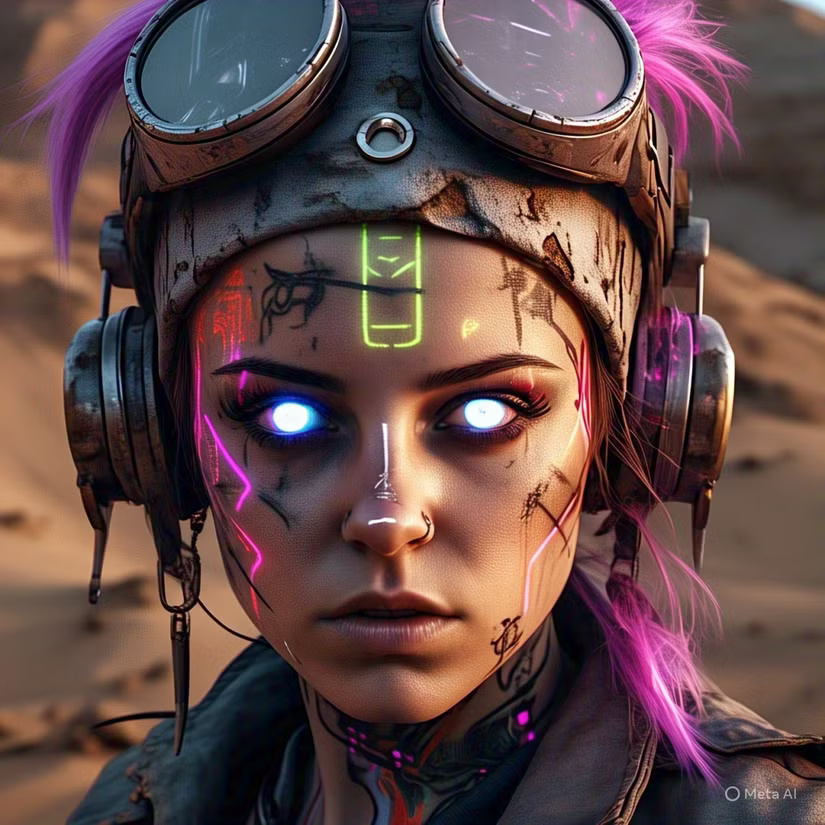
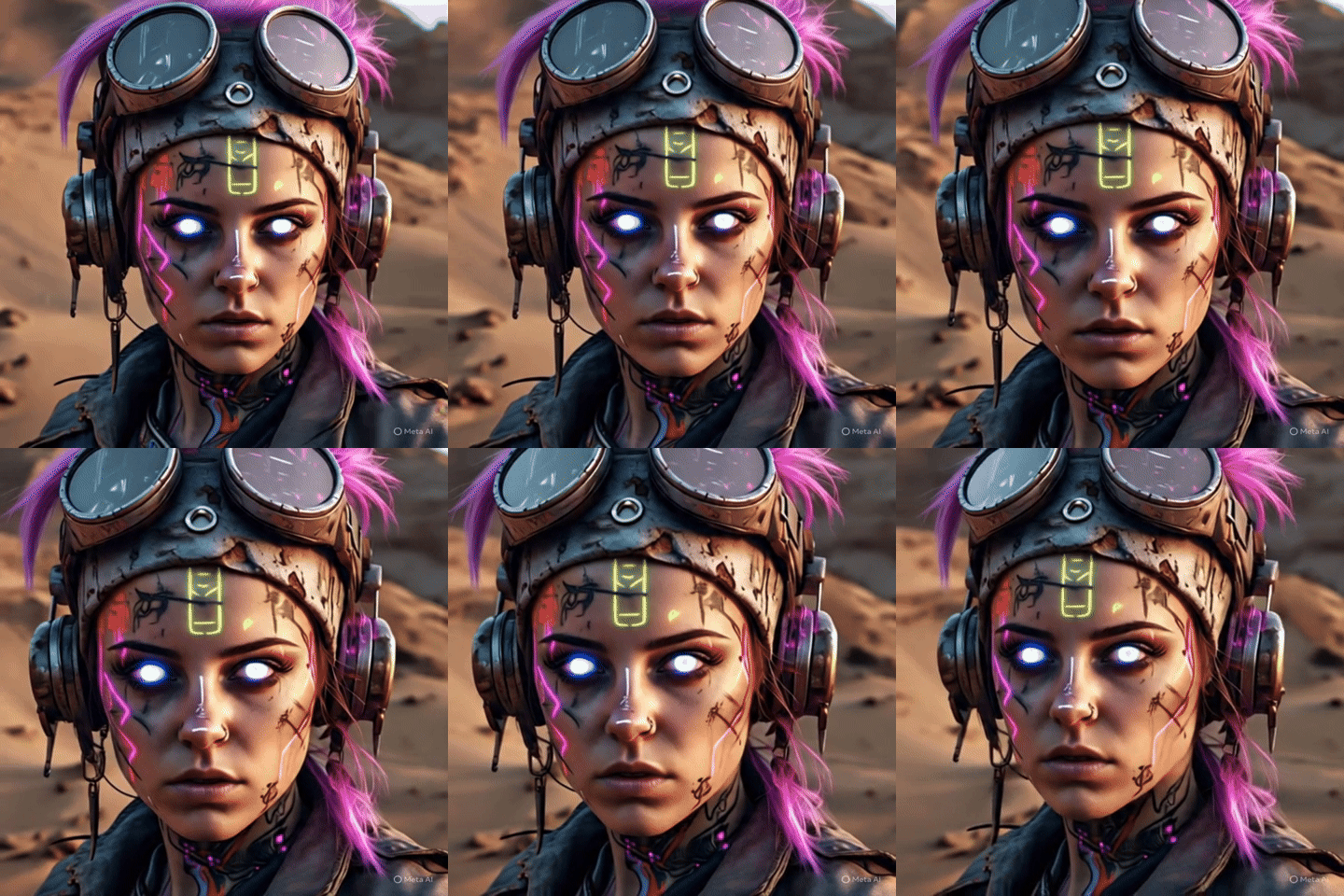
Desert portrait
Compare the face with the original. Subtle camera motion can leave an expression largely intact.
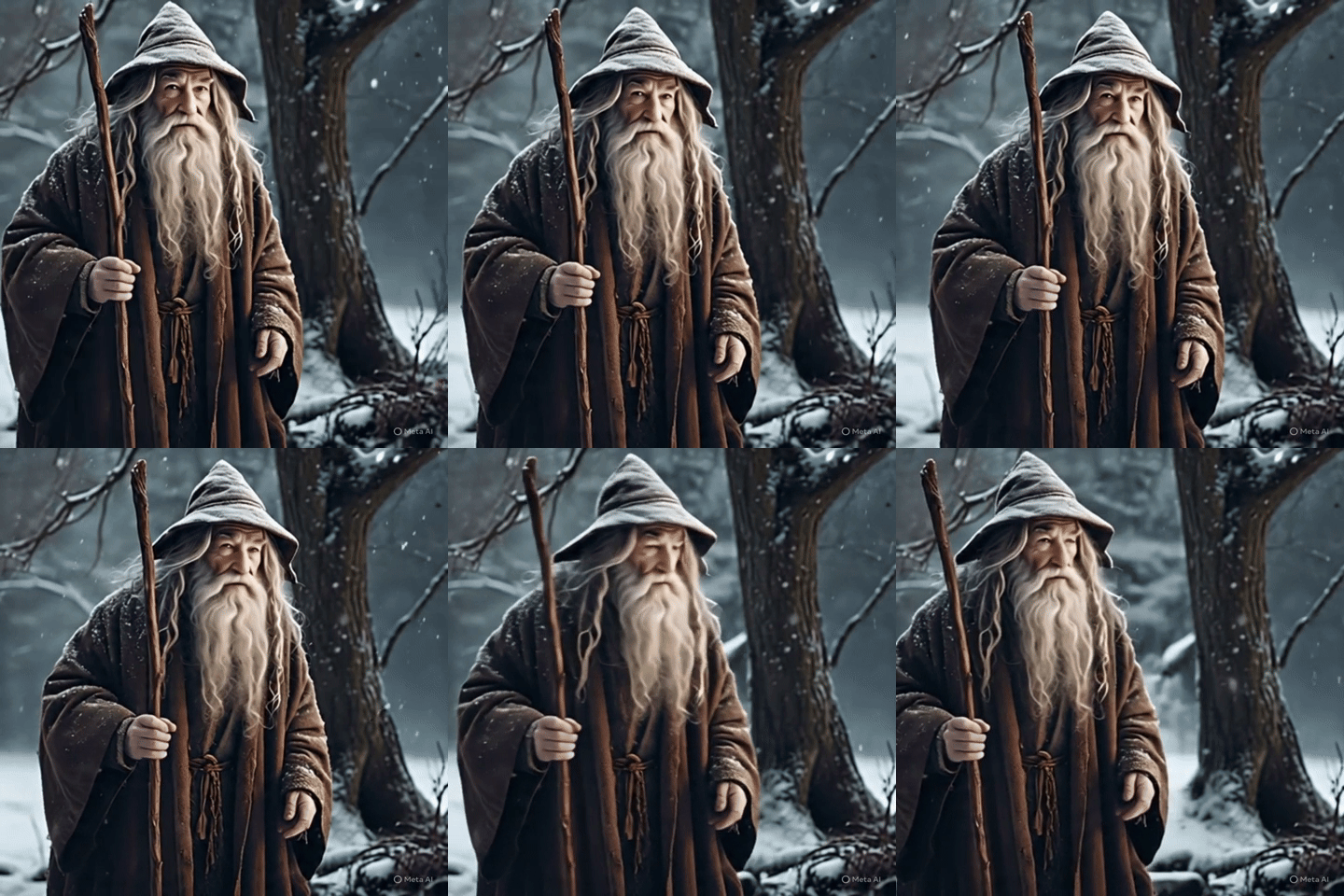
Wizard in snow
Look for changes in the amount of falling snow. A moving background can change noticeably over a short loop.

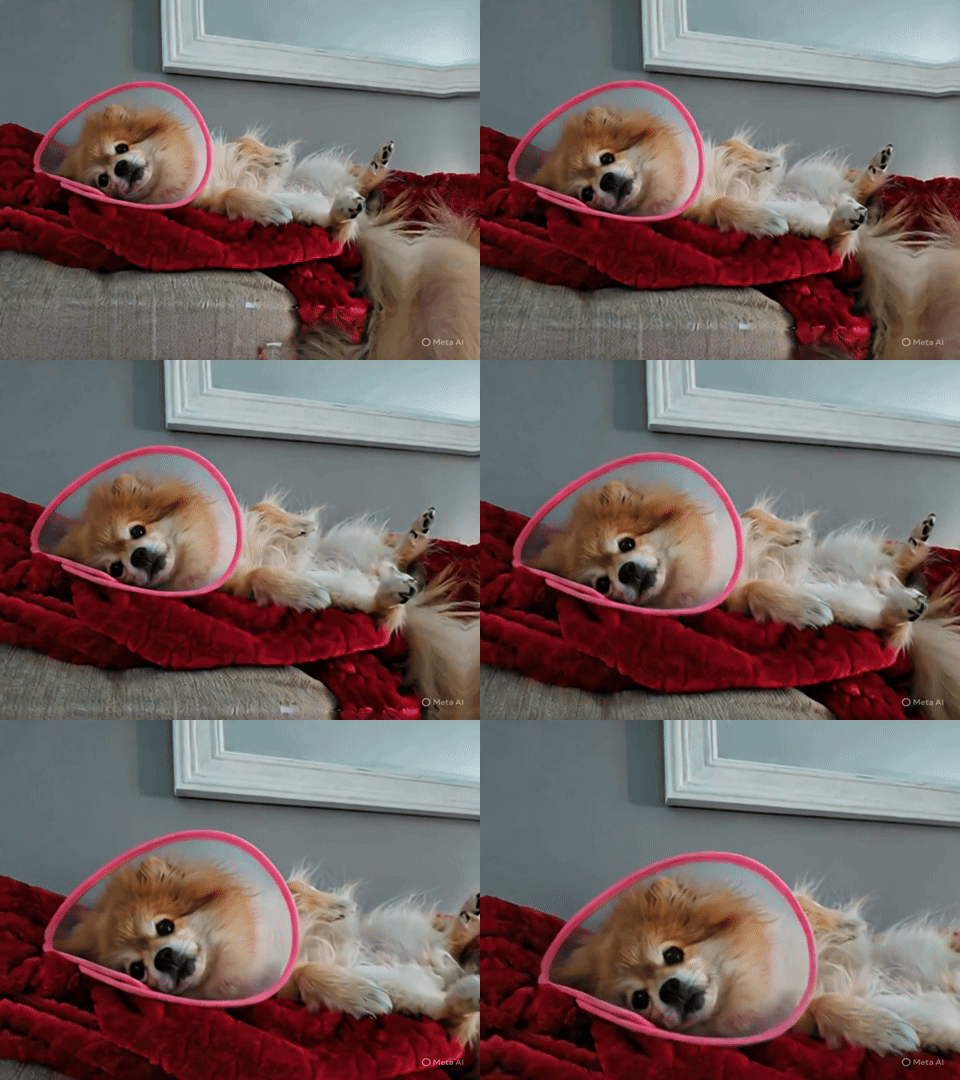
Dog on a couch
The slight head tilt gives the scene movement without requiring the dog to get up.

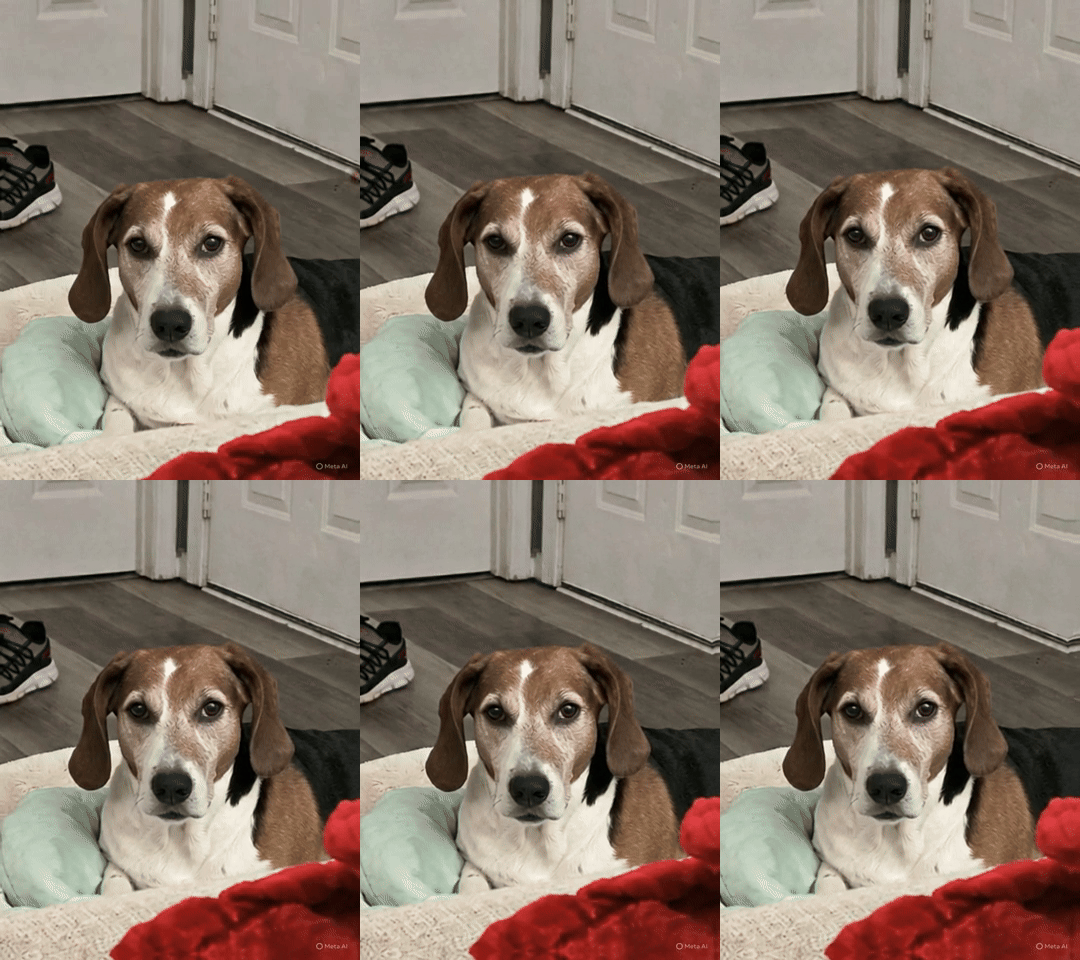
Seated dog
Notice the slow blink. A single small gesture can work in a short portrait clip.

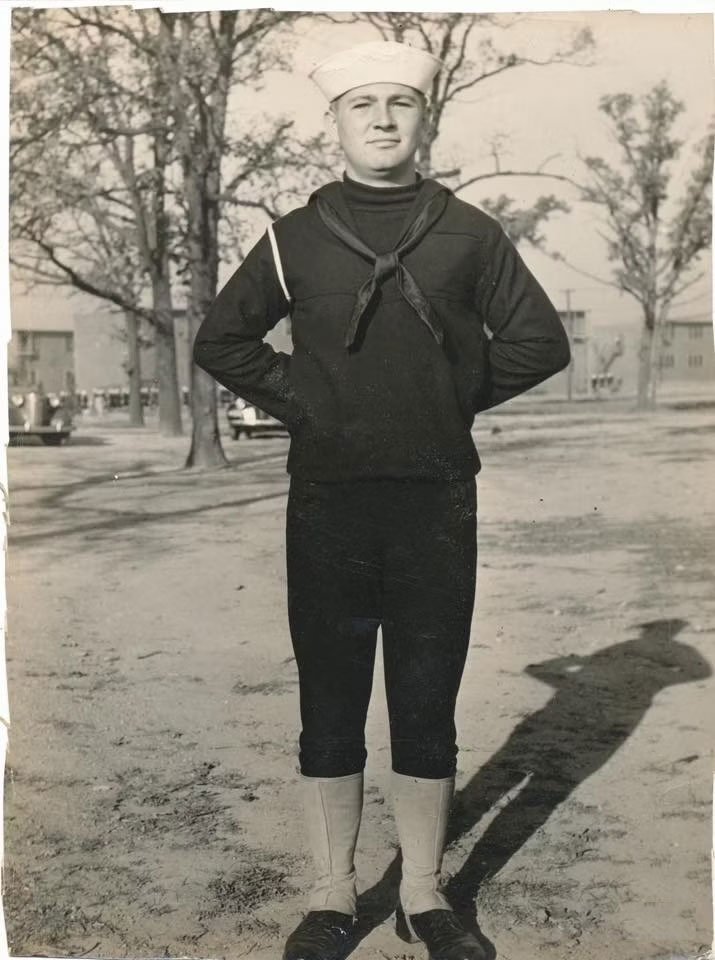
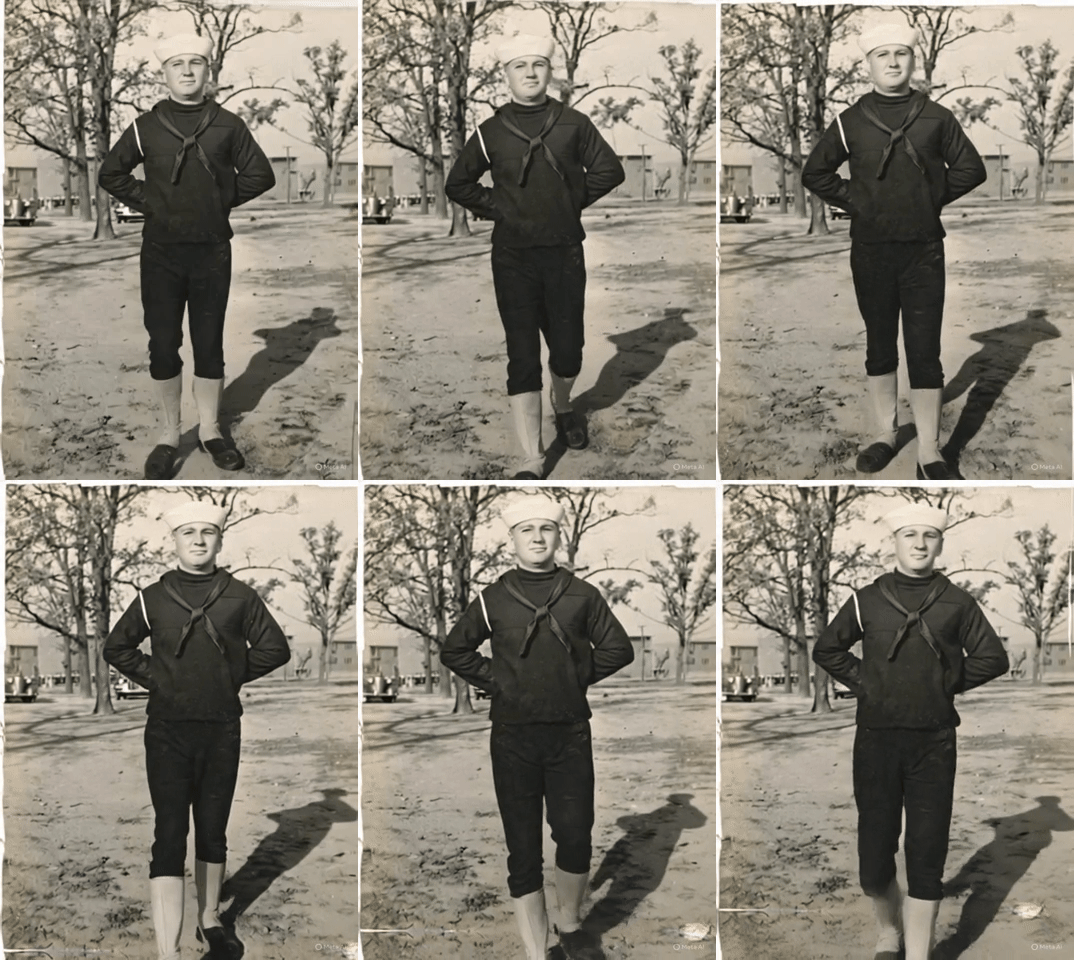
Navy uniform portrait
The new movement is generated. Label the result clearly if you share it so viewers do not mistake it for archival footage.
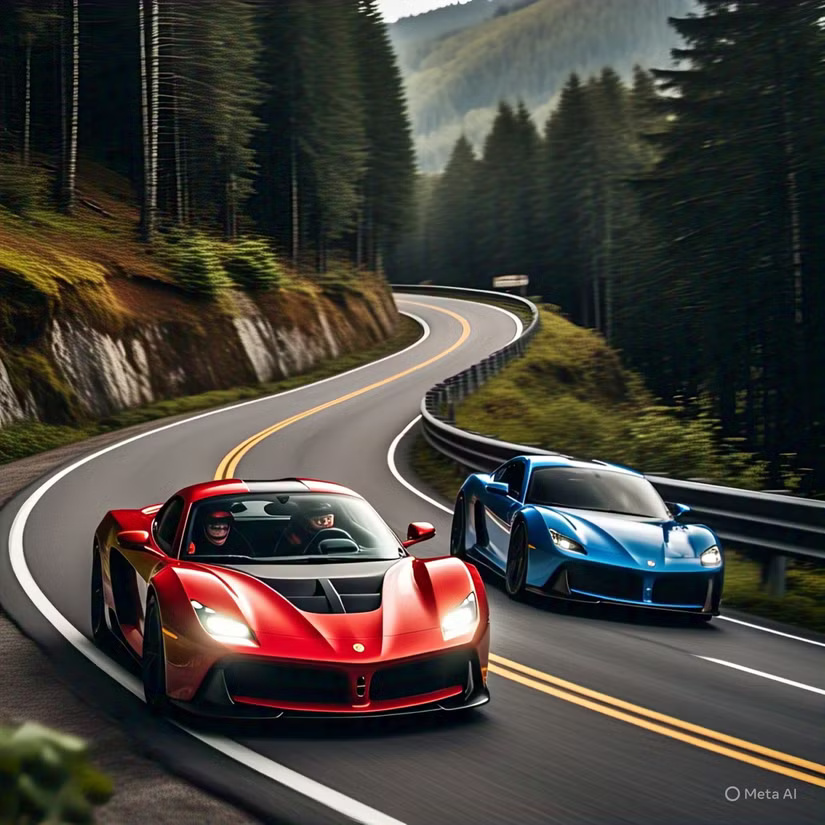
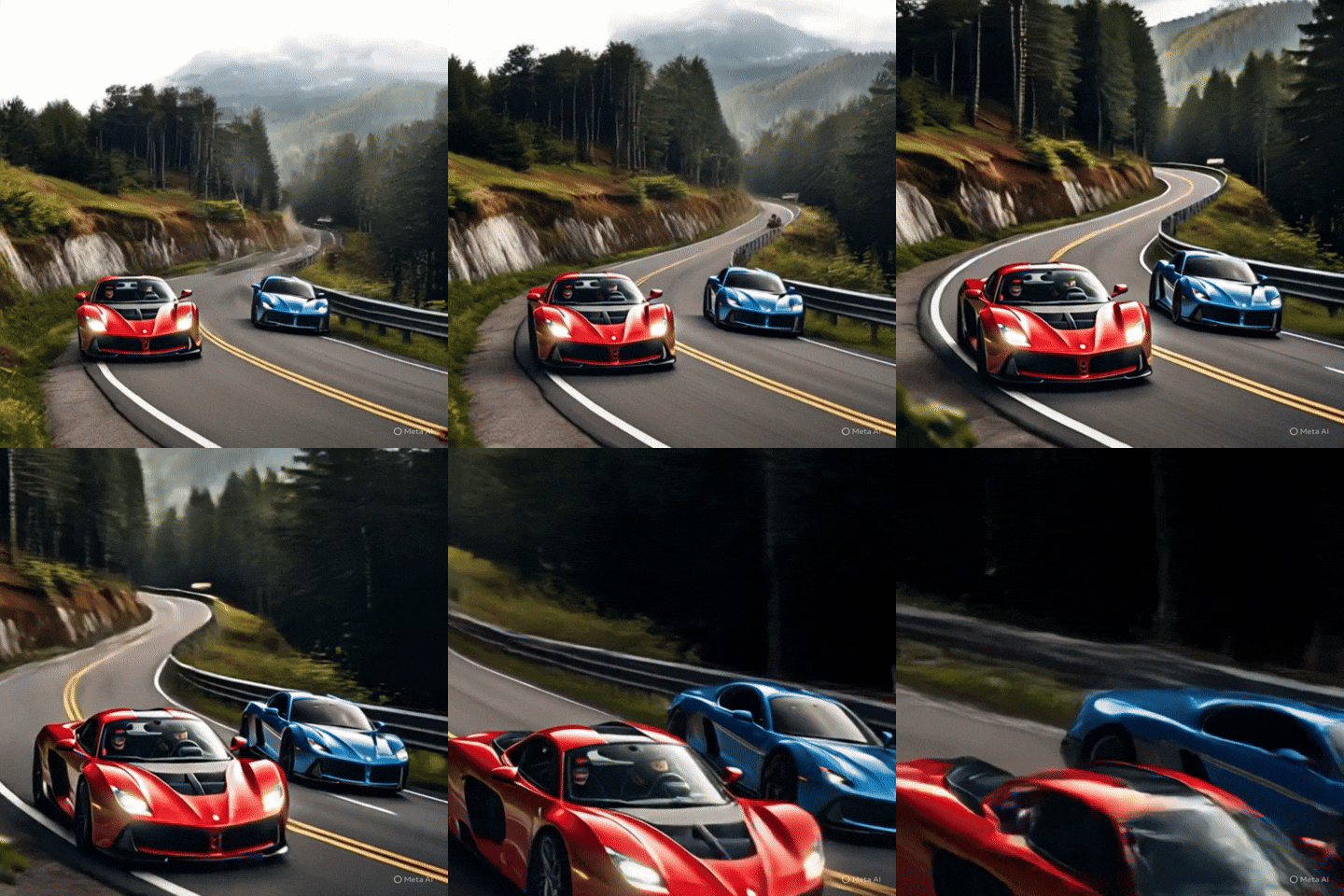
Cars on a road
The background warps and the cars appear to slide. Check fast motion frame by frame before using a clip.
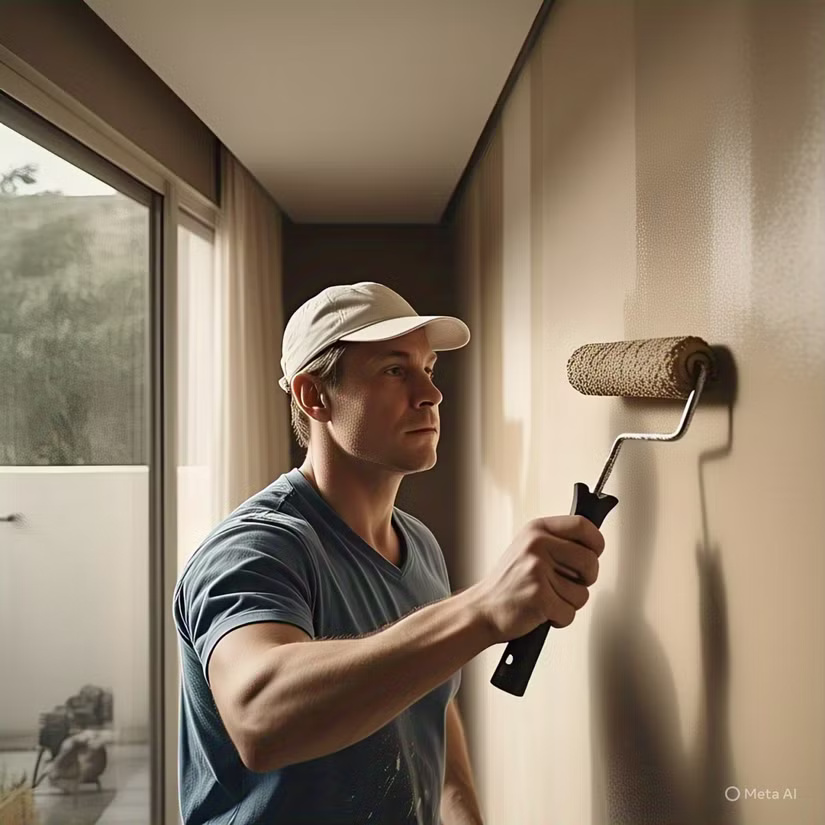
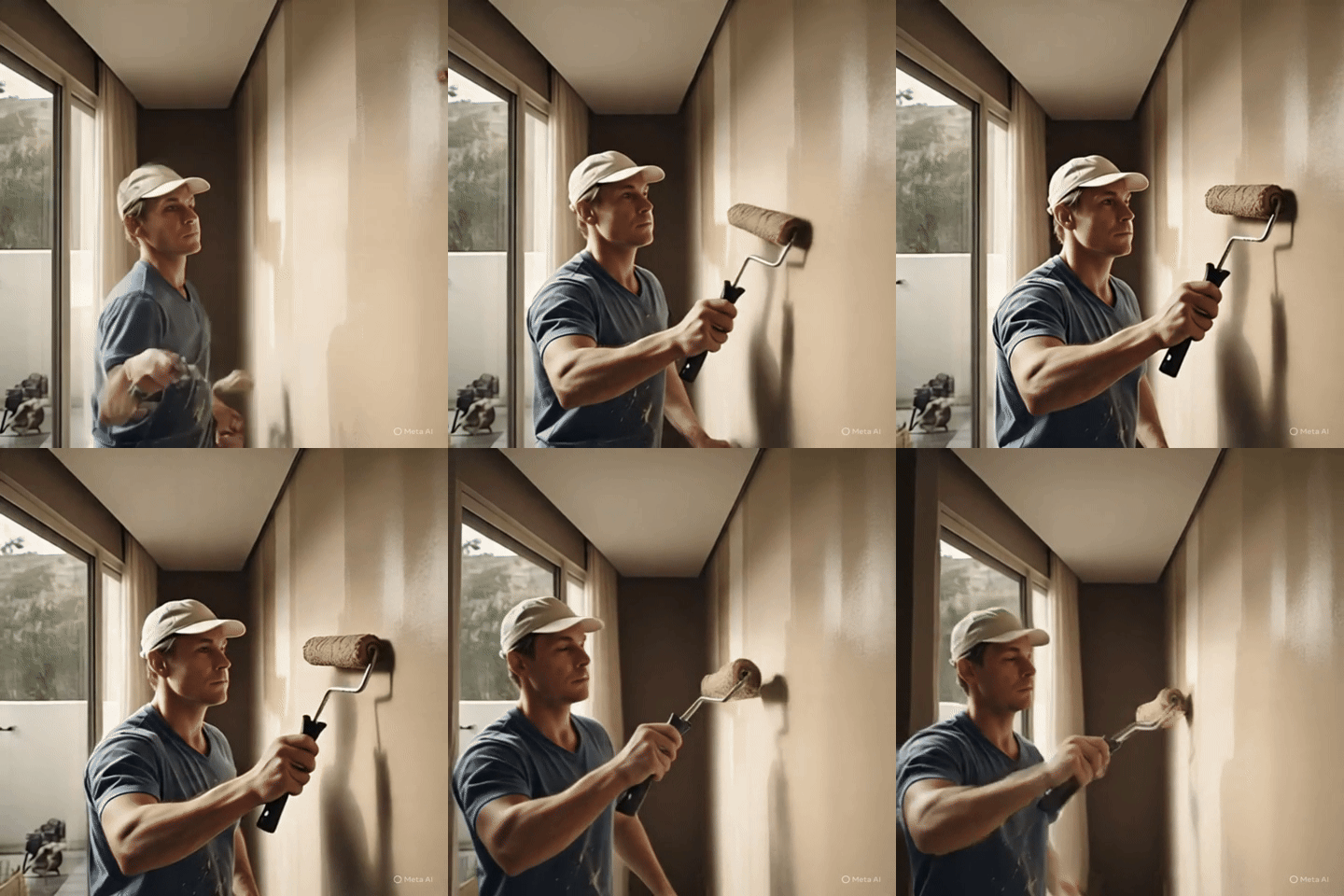
Person painting a wall
The roller and arm do not stay consistent. Hands holding tools are worth checking closely.
Flock of birds
Several moving subjects merge or change direction. Try asking for a smaller amount of motion.


If you need longer clips or more control over the shot, compare other image-to-video tools using the same starting image.






Reader Comments 0
Sign in with email or Google to join the discussion.