Table of Contents
This step-by-step guide explains how to open asus' only 1kg netbook. It covers the required setup, the main actions, and the checks that help prevent common problems.
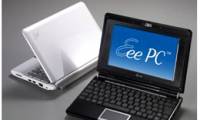
The new Asus netbook has a starting price of around $ 350 for the configuration, including Intel Atom N450 processors, Intel GMA 3150 graphics chips, 1GB of RAM and a pre-installed Windows 7 Starter Edition operating system.
In Engadget 's early tests, the Eee PC 1018P had a battery life of about 4 hours and 40 minutes with a 6-cell battery included.
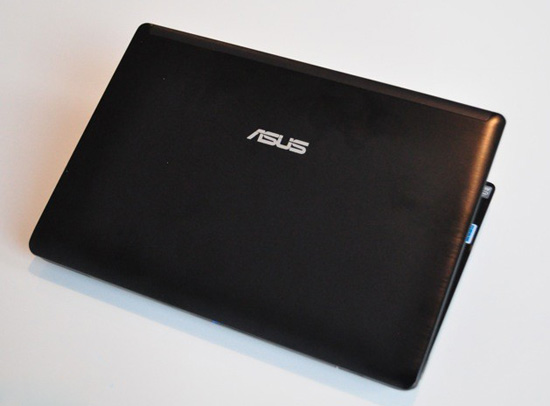 The case is made of solid aluminum.
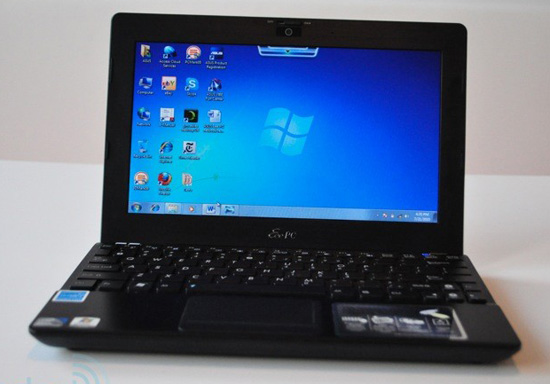 Screen size of 10. 1 inches (resolution 1024 x 600 pixels)
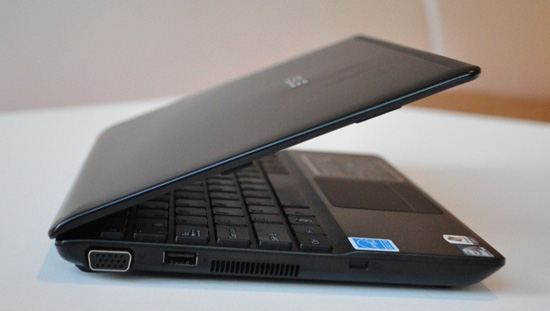 Left edge of the machine.
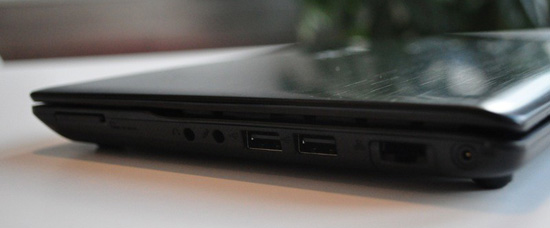 On the right side, theEee PC 1018P is only 1. 77 cm thick.
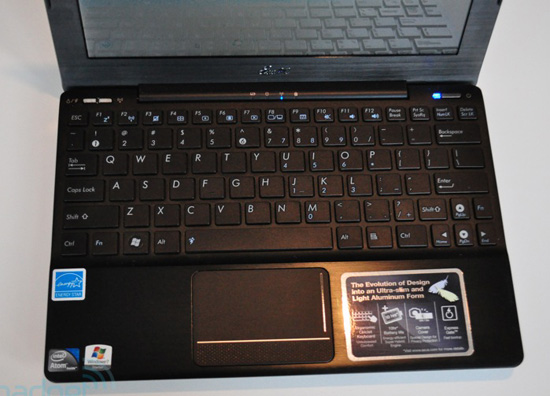 Keyboard design is not much changed compared to previous models.
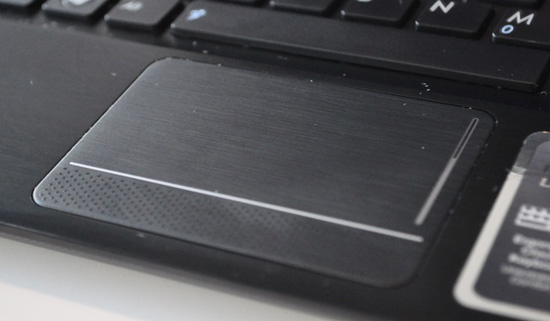 Touchpad.
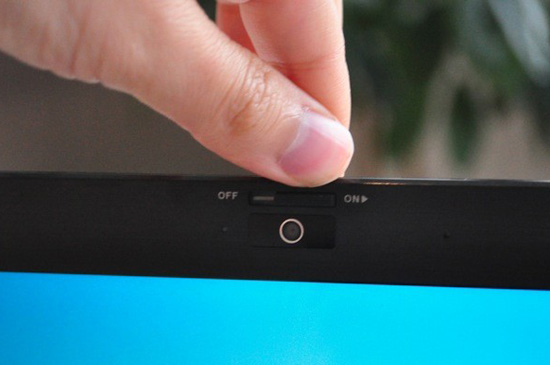 1. 3 Megapixel webcam.
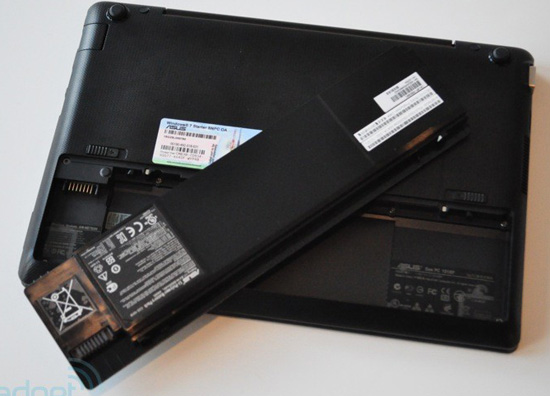 The Eee PC 1018P has a built-in 6-cell battery but weighs only about 1kg.
FAQ
What should I check before following these steps?
Confirm device and software compatibility, save important data, and make sure you have the required permissions, files, and account access.
Why might the process not work?
Common causes include outdated software, missing permissions, incompatible hardware, an unstable connection, or completing a step in the wrong order.
Can I undo the changes if necessary?
That depends on the tool or setting. Use built-in restore options when available, keep a backup, and record the original configuration first.
Related Articles
 Netbook 'Strange' Asus N107 minutes read
 Another Great Asus Netbook3 minutes read
 Netbook Shell Made of Asus Carbon Fiber3 minutes read
 Asus 1015E - Revived Netbook for 6 Million VND4 minutes read
 Netbook Market: Asus Launched a Move!4 minutes read
 At the End of the Year Asus Launched Netbook Running Android4 minutes read
Reader Comments 0
Sign in with email or Google to join the discussion.