Table of Contents
This guide covers the smartbook costs less than 100 usd with practical context and easy-to-follow details. Use it to understand the subject and apply the information confidently.
In addition to the 7-inch screen, this smartbook is also equipped with a configuration including 400MHz processor, 128MB RAM, support for data storage via SD memory card. It runs on Android 1. 6 operating system, supports Wi-Fi connection, 3 USB ports and sells for 99 USD.
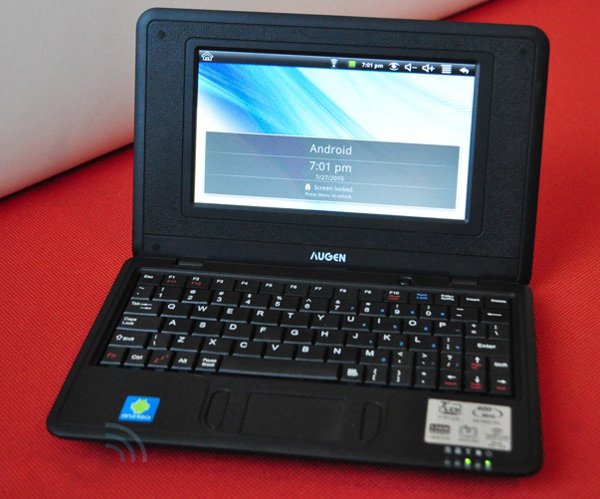 GenBook 74 has a 7-inch screen.
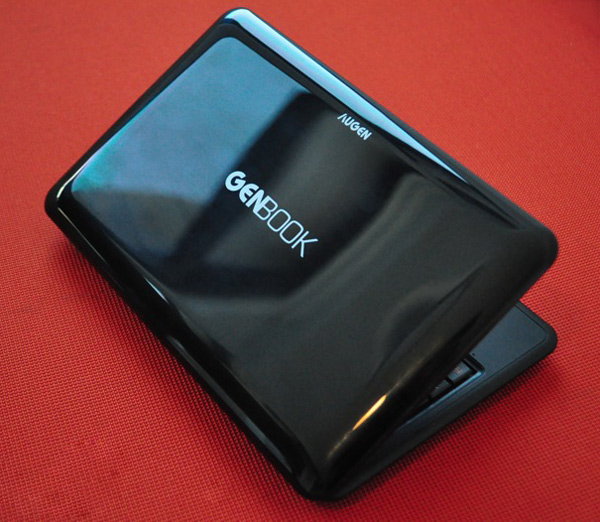 Plastic outer shell.
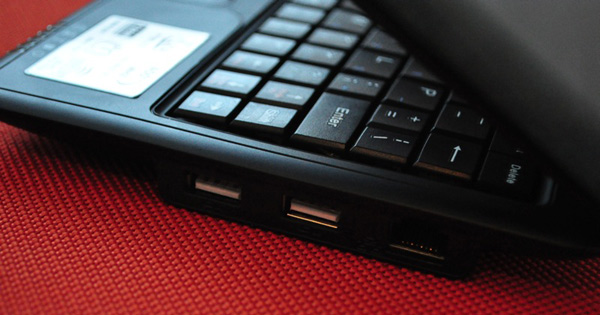 USB connection port.
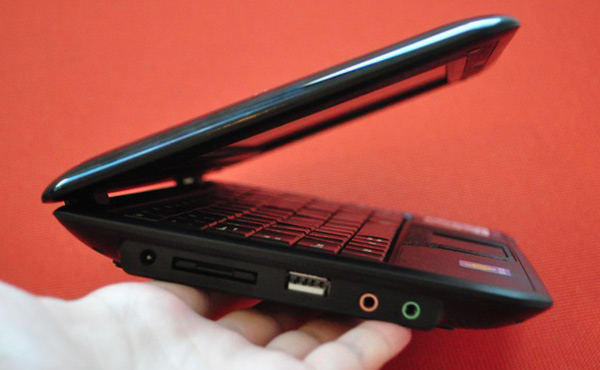 Memory card slot and microphone jack, headphone.
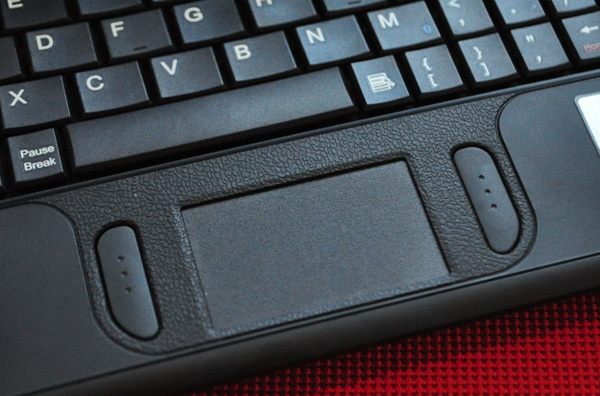 Touchpad.
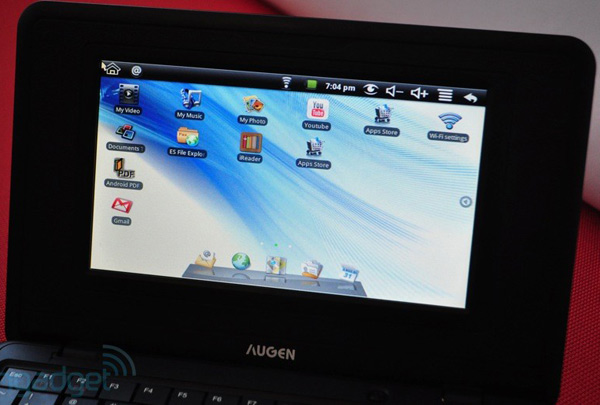 Modified interface compared to Android OS 1. 6.
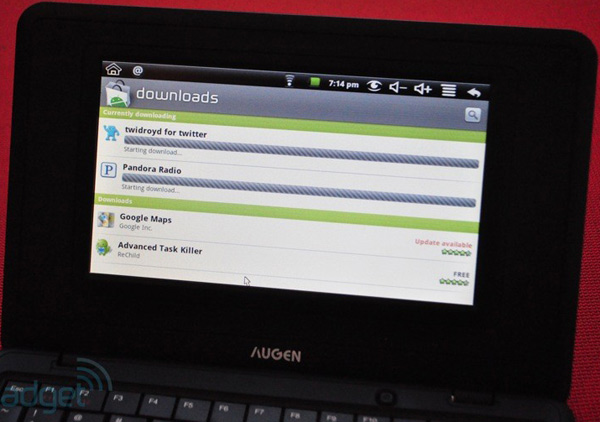 Install software.
FAQ
What should I check before following these steps?
Confirm device and software compatibility, save important data, and make sure you have the required permissions, files, and account access.
Why might the process not work?
Common causes include outdated software, missing permissions, incompatible hardware, an unstable connection, or completing a step in the wrong order.
Can I undo the changes if necessary?
That depends on the tool or setting. Use built-in restore options when available, keep a backup, and record the original configuration first.
Related Articles
 Pegatron Smartbook Costs Under 200 USD3 minutes read
 MacBook and Sony Vaio 'Go Home Together'3 minutes read
 Bright Future for Smartbook Series?4 minutes read
 In 2010, Asus Will Launch Smartbook3 minutes read
 The First Lenovo Skylight - Smartbook Uses Snapdragon Chip3 minutes read
 Toshiba Is Rumored to Produce Smartbook3 minutes read
Reader Comments 0
Sign in with email or Google to join the discussion.