Table of Contents
Redeem an Adopt Me promo code at the Code Redemption Kiosk inside the Safety Hub. If an old guide points you to a Twitter button on the main screen, use the kiosk steps below instead.
Where to enter an Adopt Me promo code
- Enter Adopt Me on Roblox and go to the Safety Hub.
- Find Agent Ruhi and interact with the kiosk next to the character.
- Enter the code as published, then select Redeem! and read the confirmation.
See the developer’s kiosk walkthrough for pictures of the Safety Hub and code-entry screen.
Where to check for new codes
Look in the official Adopt Me updates for promotions and deadlines. If a code fails, check the spelling and the offer’s end date before trying it again.
Older codes and the previous interface
This table records earlier listings, including codes whose rewards or availability haven’t been confirmed. The developer’s original 2xROSS announcement had an explicit deadline.
| Earlier code | Listed reward |
|---|---|
2xROSS | Double Bucks and aging for four hours (expired) |
2xmoss | x2 Multiplier |
SUMMERBREAK | 70 Bucks |
SUMMERSALE | 70 Bucks |
1B1LL1ONV1S1TS | 200 Bucks |
M0N3YTR33S | 200 Bucks |
GIFTUNWRAP | 200 Bucks |
DiscordFTW | 70 Bucks |
subbethink | 100 Bucks |
SEAcreatures | random rewards |
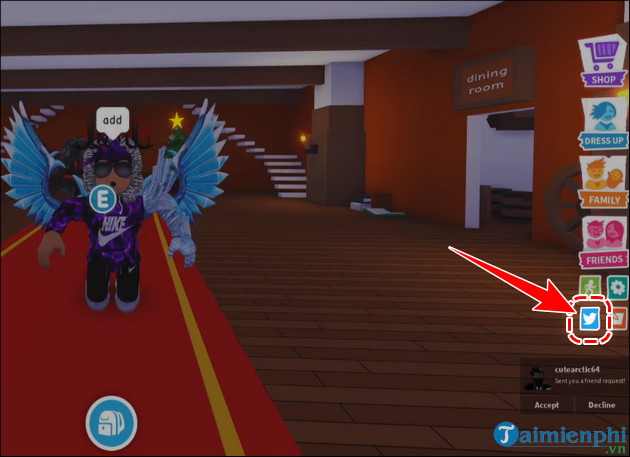
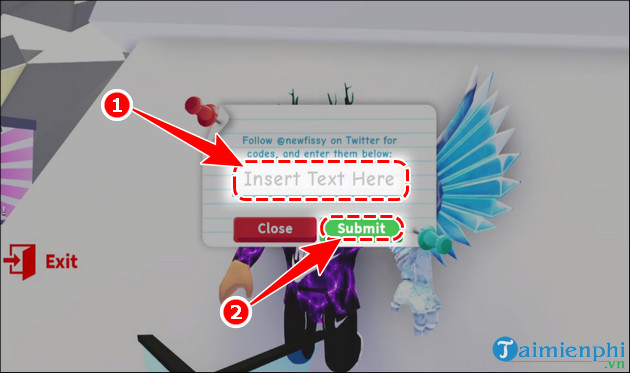
Playing another Roblox game? Follow the separate Blue Lock Rivals code guide for its redemption steps.
Related Articles
 Latest Second Piece code and how to enter code
 Latest Peroxide Code and how to enter the code
 Latest Roblox Code and how to enter Roblox code
 List of latest Anime Infinity Roblox giftcodes and how to redeem codes
 Azure Latch Codes and How to Redeem Them in Roblox
 Latest Doors Roblox codes and how to enter codes
Reader Comments 0
Sign in with email or Google to join the discussion.