Table of Contents
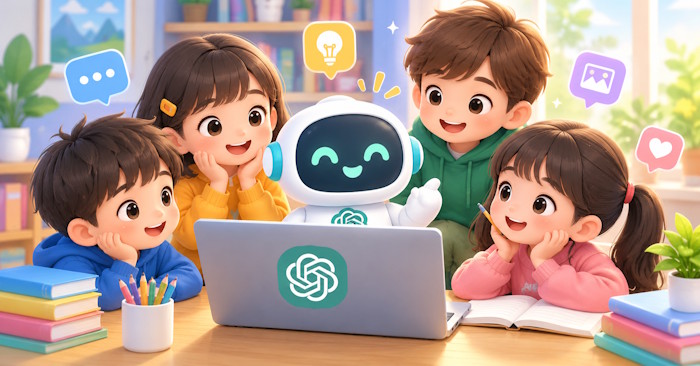
ChatGPT can help teenagers practice skills and explore ideas, but it is not a child-safe encyclopedia, a private diary or a substitute for an adult. It can give convincing wrong answers and produce unsuitable material despite safeguards. Whether it is appropriate depends on the child's age, the task and the support around them.
Age requirements come first
OpenAI says ChatGPT is not intended for children under 13, and users aged 13–18 need parental consent. For educational activities involving children under 13, an adult must conduct the actual interaction. A parent's permission does not turn an under-13 child into an eligible independent user. Check OpenAI's age guidance before setting up access.
What ChatGPT can and cannot do
ChatGPT generates responses to prompts. It can explain a concept, propose practice questions, brainstorm a story or help revise writing. Some features can search the web or work with images and files, so the older description that it can never access current information is inaccurate.
However, a fluent answer is not evidence of accuracy. It may invent a reference, make an arithmetic mistake, repeat a bias or miss the context of a question. When it provides sources, open them and check whether they support the claim. It does not have human feelings or a teacher's knowledge of a particular child's needs.
The risks parents should discuss
- Incorrect or unsuitable answers: Tell your child they can stop a conversation and ask an adult whenever an answer is confusing, upsetting or inappropriate.
- Personal information: Do not enter passwords, home addresses, school schedules, private messages or identifying details about classmates. Review uploads as carefully as typed prompts.
- Overreliance: Keep AI use focused on a task. Conversations with a chatbot should not replace friendships, family support or qualified help with serious problems.
- School rules: AI assistance is not automatically cheating in every situation. Follow the teacher's policy, disclose assistance when required and make sure the student can explain their own work.
Review privacy and parental controls together
In Settings > Parental controls, a parent or guardian can link an eligible teen account through an invitation that the teen accepts. Available controls include sensitive-content safeguards, selected feature settings and quiet hours. These reduce some risks; they do not guarantee suitable answers.
Linked parental controls do not provide access to the teen's conversations, chat history or real-time activity. Agree on how you will discuss difficult experiences instead of assuming the settings provide monitoring. See OpenAI's parental-controls instructions for the current options.
Review Settings > Data controls > Improve the model for everyone to control whether eligible conversations can be used for model improvement. Turning this off does not make a conversation confidential or erase existing chats. TipsMake's guide to reviewing and deleting personal data in ChatGPT explains the separate choices for chat history and memory. Consult OpenAI's data-controls guidance for current behavior.
Use it to support learning
Start with a shared, limited activity: explain a science term at the student's level, generate a short vocabulary exercise or give feedback on a paragraph the student wrote. Ask for hints and questions before a complete answer. For example: “Help me understand equivalent fractions. Ask one question at a time and let me try before you explain.”
Compare the explanation with a textbook or teacher-approved source, then have the student solve a similar problem independently. TipsMake's ChatGPT Study mode guide describes a guided-learning approach, but the same accuracy checks still apply.
Related Articles
 What effects can young children be from Among Us?
 6 ChatGPT Prompts for Children's Book Illustrations
 4 safe Internet games for young children
 What is GPT-4o? Capabilities, limits, and current availability
 Instructions for playing safe games for young children
 What is ChatGPT Pro? Is it worth it in 2026?
Reader Comments 0
Sign in with email or Google to join the discussion.