Table of Contents
Apple’s foldable iPhone Duo uses iOS 27 to adapt apps to its two screens. The main change is Split View on the unfolded display, where you can use two compatible apps side by side. When the phone is folded or turned, the system can adjust the layout or move content to the appropriate display.
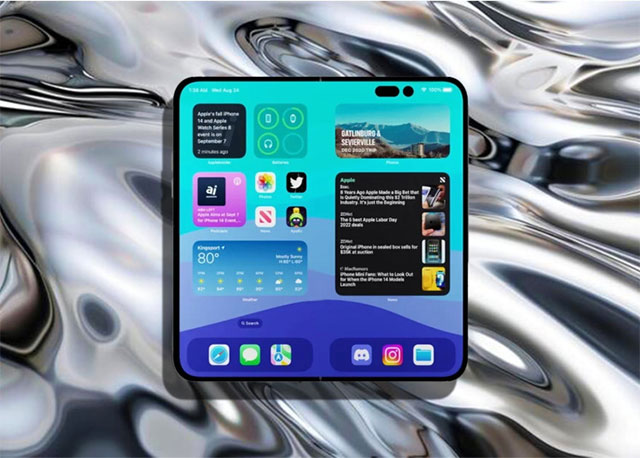
What the larger display changes
The 7.6-inch inner display makes it possible to keep a reference open next to another task, such as Mail beside a compatible app. Check how the apps you actually use behave in Split View. App layouts and the way content moves between views can depend on developer support.
What happens when you fold or turn the phone
iOS can reorient the interface as you turn the device and switch screens as its position changes. Apple also shows StandBy on either display, with layouts for a clock, widgets, or photos. See Apple’s iPhone Duo examples for the different positions.
What to check before buying a foldable iPhone
Try opening a usual app pair and moving back to the outer display. Check typing comfort with the phone folded and unfolded. If you’re choosing a foldable mainly for iOS 27’s AI features, check which of those features other iPhones already support. For ownership considerations, see what to do if an iPhone Duo screen is damaged.
Related Articles
 How many red apples should you eat a day?
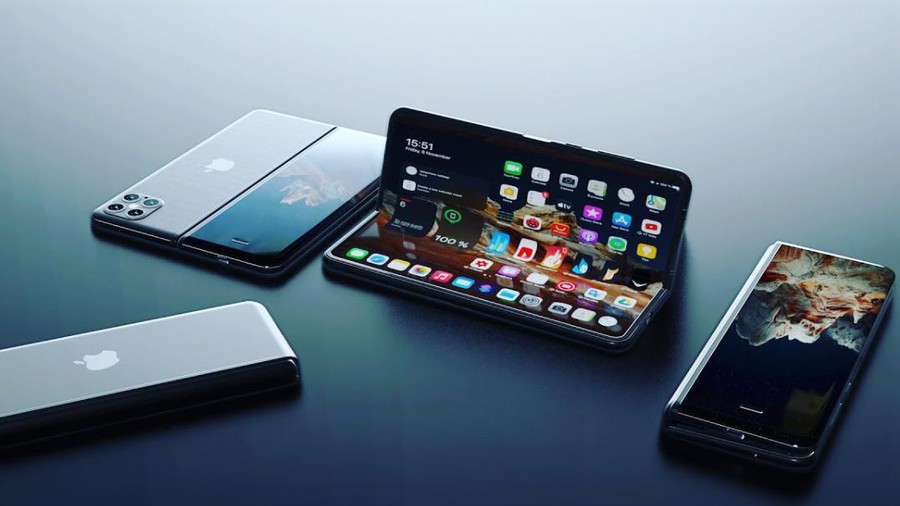 The first foldable iPhone is about to be released, the most surprising is the price
 Revealing the size of Apple's first foldable iPhone model
 How to order iPhone X
 The foldable iPhone's massive specifications are gradually revealed
 7 Favorite Hidden Features in macOS Sequoia
Reader Comments 0
Sign in with email or Google to join the discussion.