Table of Contents
This updated guide examines Invite Assassin's Creed Brotherhood Download for $$ 19.99, Free and organizes the essential facts, background, and practical takeaways in clear American English.

Assassin's Creed Brotherhood has received numerous awards including Best Action Game (voted by BAFTA) and acclaim from the gaming community.
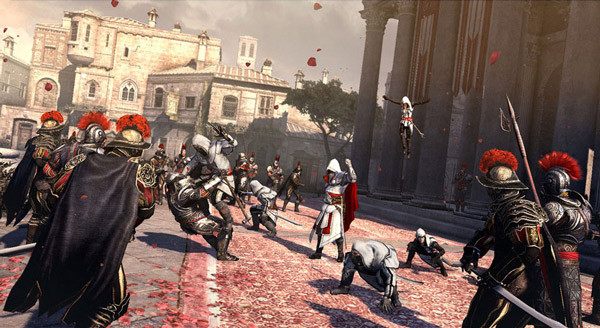



Today, Assassin's Creed Brotherhood, a $ 19.99 Standard Edition version, is being released by Ubisoft game publisher for a short time to download in Korea. If you love this game, please switch network connection to Korea for free.
Instructions for getting free Assassin's Creed Brotherhood
Step 1: Download and install FlyVPN - conversion support software that connects to the Korean area on your computer or phone.
https://www.flyvpn.com/downloadStep 2: Create or login your FlyVPN account as required.
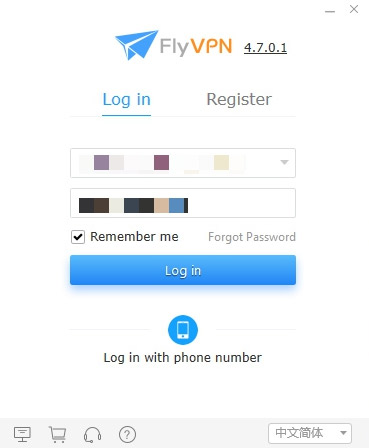
Step 3: At the main interface select Connection VPN -> select All Servers -> select Korea area. Double-click one of the three free connections in Server List, then install the VPN configuration required by FlyVPN to start the network connection conversion process.
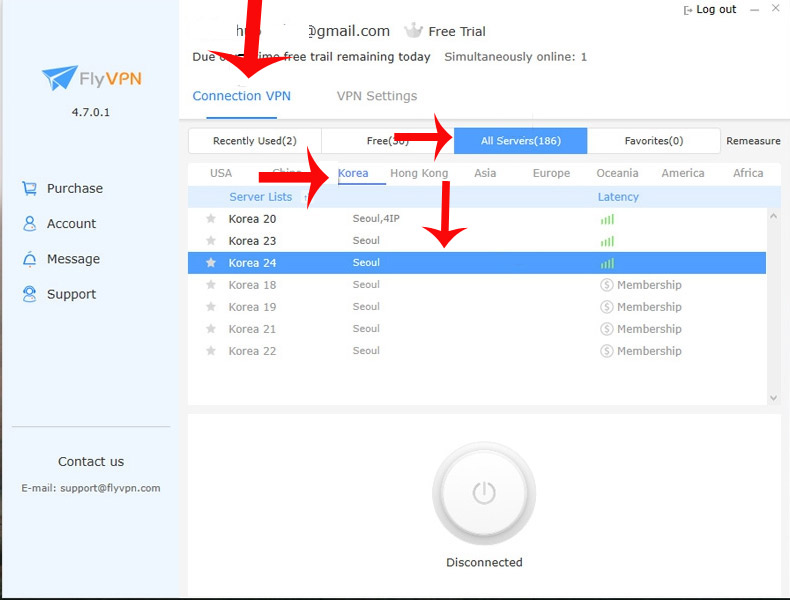
Once completed, if the power button icon turns blue, you have successfully converted the connection to the Korean area.
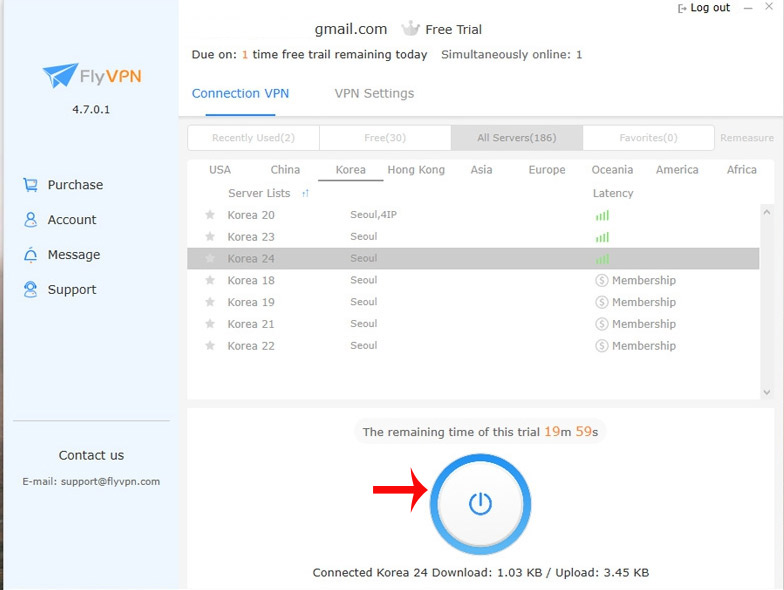
Step 4: Login to Uplay account.
https://uplay.ubisoft.com/en-GBStep 4: Visit the link below -> click on the red PC icon Assassin's Creed Brotherhood game will be added to your UPlay account library.
https://register.ubisoft.com/Assassins-Creed-Brotherhood/en-GB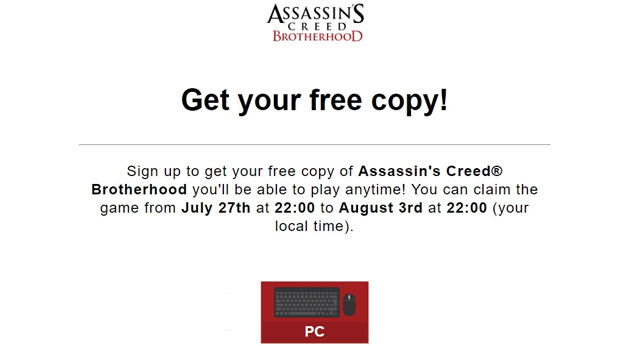
Step 6: Turn off FlyVPN, open UPlay and download the game to experience.
Note: The free Assassin's Creed Brotherhood Standard Edition program ends on August 3, 2019 at 22:00.
- There is an eFootball demo: PES 2020 free on SteamReal, invite download and experience
FAQ
What is Invite Assassin's Creed Brotherhood Download for $$ 19.99, Free about?
It provides a structured overview of Assassin's Creed Brotherhood, explains the main context, and highlights practical takeaways for readers.
Why does this topic matter?
Understanding the main concepts helps readers evaluate the issue, avoid common mistakes, and make better-informed decisions.
How should readers use this information?
Use the guidance as a practical starting point, confirm details that may have changed, and follow current product, safety, or security recommendations.
Related Articles
 Please Download Assassin's Creed Syndicate, a Stealth Adventure2 minutes read
 How to Join the Dark Brotherhood in Skyrim: Complete Guide6 minutes read
 There Is Already Free Assassin's Creed Rebellion on Android and iOS, Invite Download and Experience3 minutes read
 How to Find Materials to Upgrade Weapons in Assassin's Creed8 minutes read
 Download Assassin's Creed 2 Game Now for Free on Uplay3 minutes read
 Download Assassin's Creed Origins Gold Edition - How to Install and8 minutes read
Reader Comments 0
Sign in with email or Google to join the discussion.