Table of Contents
Mini World Royale is an Android multiplayer shooter with modes such as Team Gunfight, Bomb Mode, Battle Royale, and Biohazard. There is no separate Windows edition required for this method: you can install the Android game in BlueStacks and control it with a keyboard and mouse.
The safest installation route is BlueStacks' built-in Google Play Store. Do not download a random APK from a third-party page when the current game is available through the store, because unofficial packages can be outdated, modified, or signed by a different publisher.
Before installing Mini World Royale
- Confirm that hardware virtualization is enabled if BlueStacks recommends it.
- Update Windows and the graphics driver.
- Make sure the system has enough free storage for BlueStacks, Android system data, the game, and future updates.
- Use the Google account you want to associate with Play Store downloads.
- Check that Mini World Royale is available in your region. Store listings and publisher names may vary by country.
BlueStacks publishes current compatibility information on its Mini World Royale page. Requirements can change between emulator releases, so check that page rather than relying on an old minimum specification.
Install BlueStacks on Windows
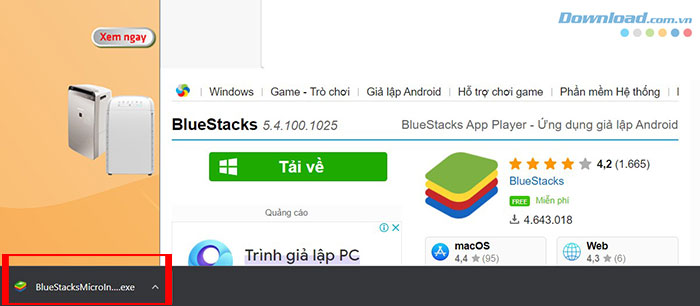
- Open the official BlueStacks website and download the installer for your computer.
- Open the downloaded installer. Approve the Windows security prompt only if the publisher and download source are correct.
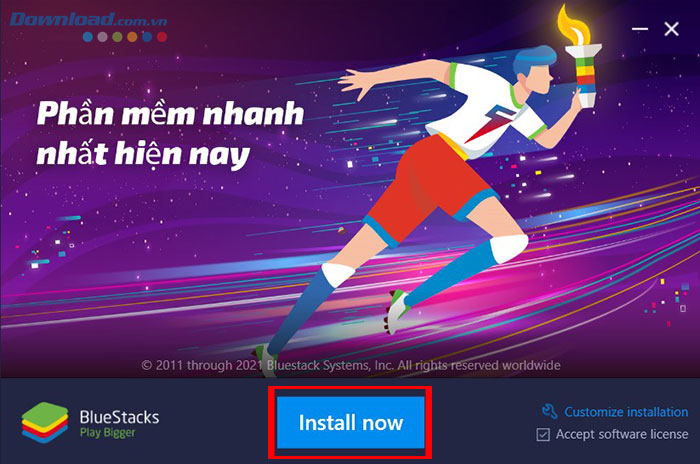
- Select Install now, or use the customization option if you need a different installation location.
- Wait for the Android environment to finish installing, then launch BlueStacks.
If BlueStacks fails to start, reboot Windows, verify that virtualization is enabled, and close another hypervisor or emulator that may be competing for resources. Use BlueStacks' own troubleshooting documentation for the installed version, because the settings differ across releases.
Download Mini World Royale from Google Play
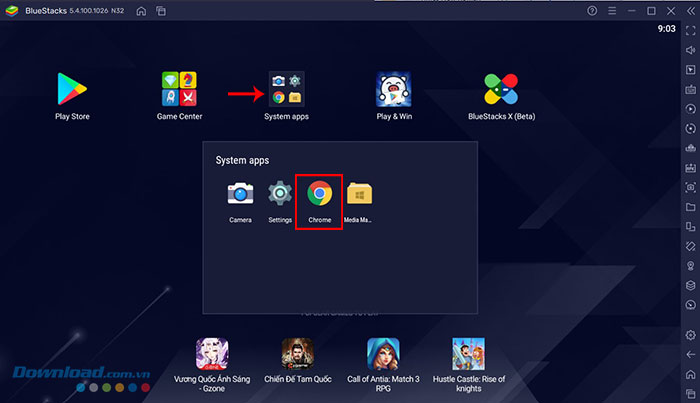
- Open System apps in BlueStacks and select Play Store.
- Sign in to Google Play.
- Search for Mini World Royale. Check the icon, developer, ratings, update date, and privacy information before installing.
- Select Install, wait for the download to complete, and open the game from the BlueStacks home screen.
You can also verify the current listing in a browser on Google Play. If that regional listing is unavailable, search inside Play Store rather than choosing a similarly named APK.
Why the old APK method is no longer recommended
Older instructions directed players to search the web for an APK, download it through the emulated browser, and install it manually. The following screenshots show that legacy process, but it should not be used when the official Play Store listing is available.
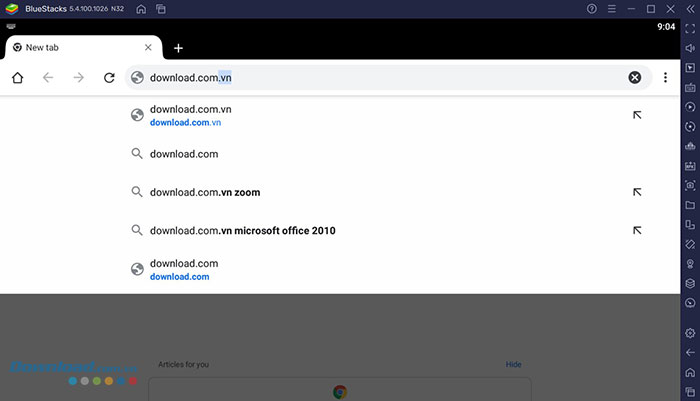
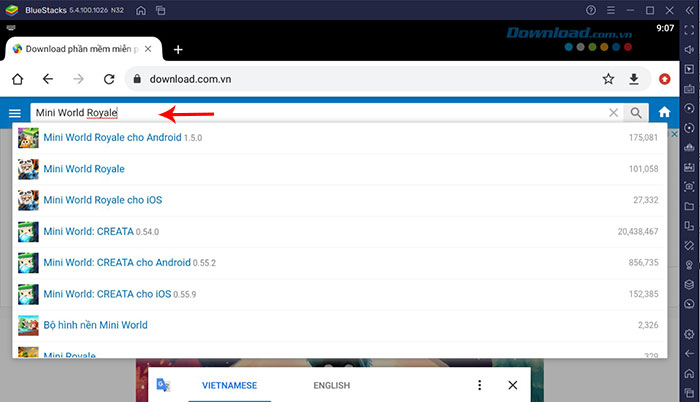
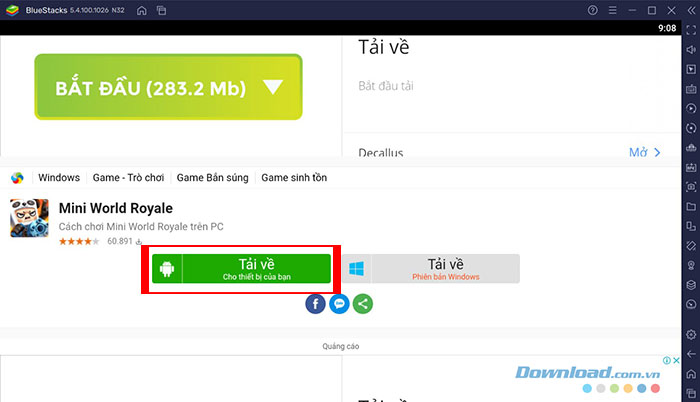
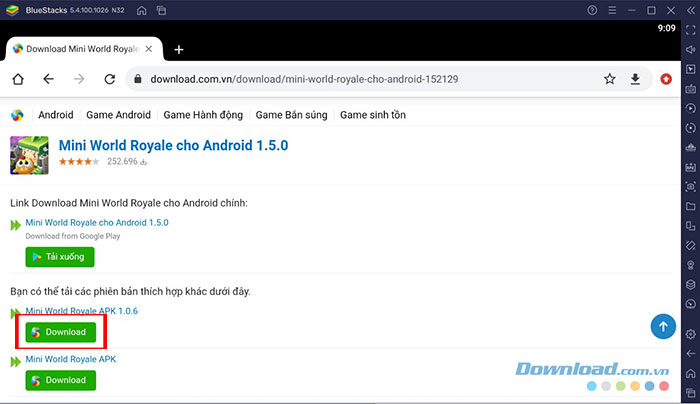
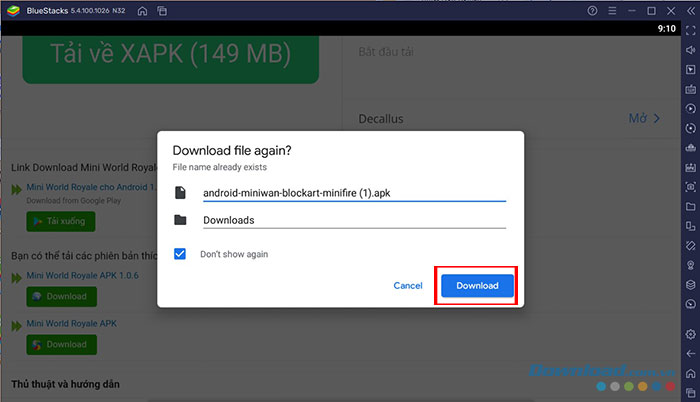
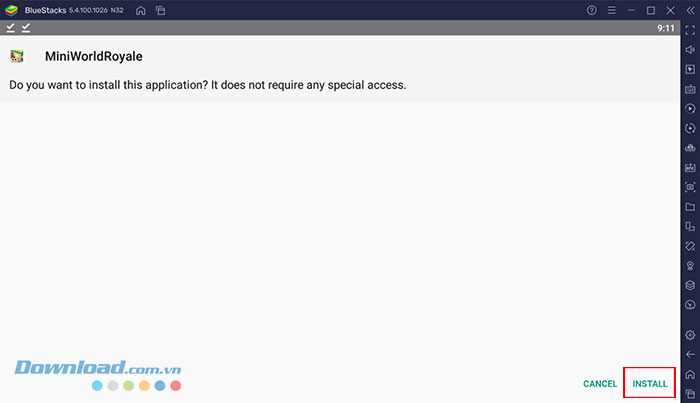
A manually installed APK also may not update automatically. That can lead to version mismatches, missing security fixes, or inability to join current servers. If the Play Store reports that the game is incompatible, changing to an unverified package does not solve the underlying compatibility problem safely.
First launch and account setup
- Read the privacy policy and terms shown by the current version before accepting them.
- Choose an available sign-in method. A guest option may be convenient for testing, but guest progress can be lost if the emulator is reset or uninstalled.
- If the game offers account linking, use it before investing significant time or making a purchase.
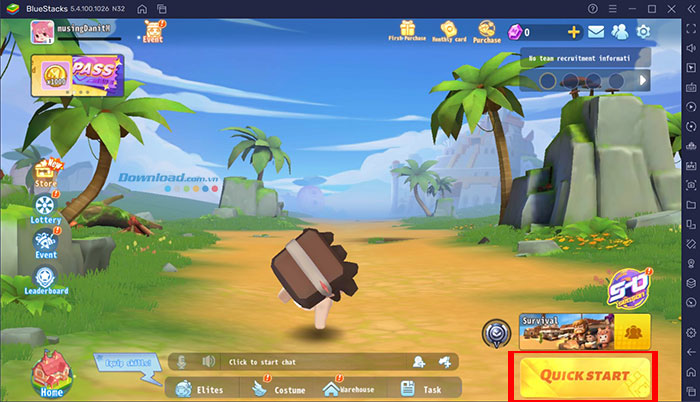
- Create the profile requested by the current game interface. Menus may differ from the older screenshots below.
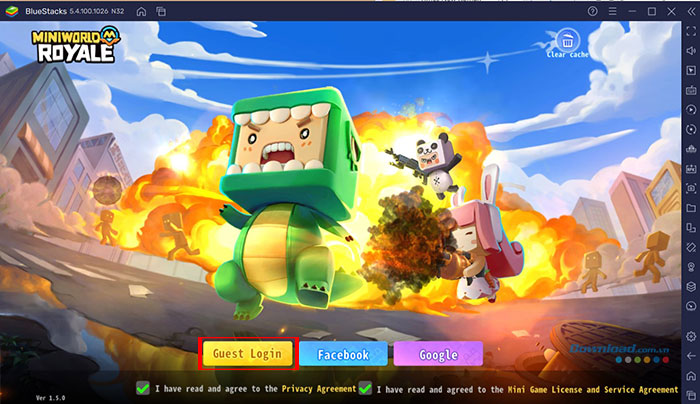
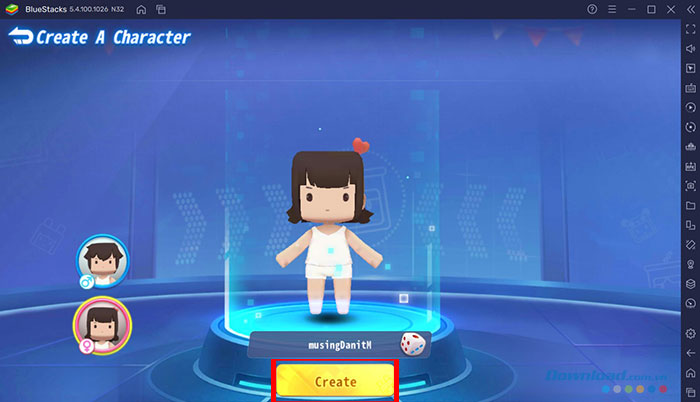
Do not enter a Google or Facebook password into a form that is not the provider's own sign-in window. Enable two-factor authentication on any linked account and avoid sharing verification codes.
Configure keyboard and mouse controls
BlueStacks may load a preset control scheme for the game. Open the controls editor from the side toolbar to inspect it before entering a competitive match. A typical layout maps:
- W, A, S, and D to movement;
- the mouse to camera movement and aiming;
- left click to fire;
- Space to jump;
- number keys or the mouse wheel to switch weapons; and
- nearby keys to reload, crouch, interact, or use items.
The actual actions depend on the current game and BlueStacks profile. Avoid overlapping bindings, save the layout, and test every important action in a training area. Adjust mouse sensitivity in both the game and emulator gradually; changing both at once makes aiming harder to tune.
Start with training or a simple mode
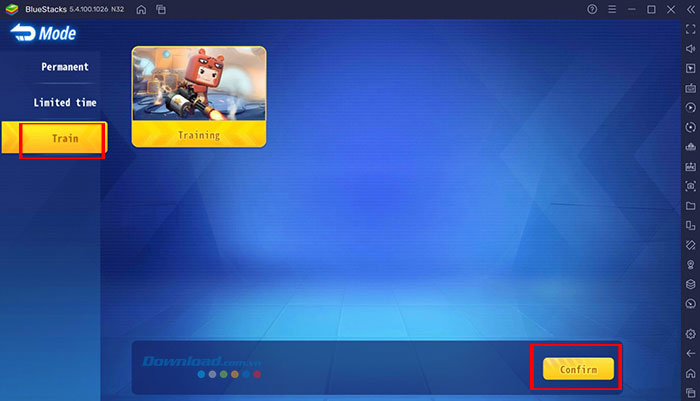
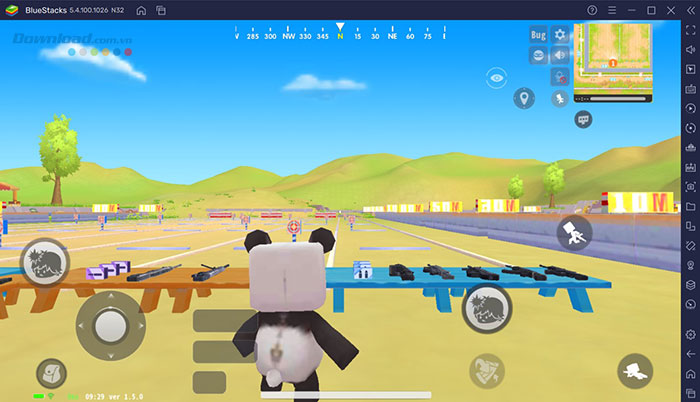
If the current version offers training, use it to check movement, aiming, weapon switching, item use, and the map interface. Older versions displayed mode and training selections similar to these screens:
Beginner gameplay tips
- Learn one control layout: build muscle memory before changing keys or sensitivity again.
- Watch the map: use it to follow objectives, teammates, the playable area, and visible combat indicators.
- Use cover: move between walls and terrain instead of crossing open ground without a plan.
- Match the weapon to the distance: test recoil and effective range in training instead of relying on the weapon category alone.
- Manage ammunition and healing: reload and reorganize only when the position is safe.
- Coordinate in team modes: stay close enough to trade support, but avoid bunching into one easy target.
Troubleshooting
The game does not appear in Play Store
Confirm the Play Store country, Android instance, and game availability. Update BlueStacks and create a compatible Android instance only through BlueStacks' Multi-instance Manager. Regional availability cannot be safely bypassed with an unknown APK.
Performance is poor
Close demanding background apps, enable virtualization, update the graphics driver, and lower the game's resolution or frame-rate target. Allocate resources conservatively so Windows remains responsive. High settings do not help if they cause thermal throttling or unstable frame times.
Controls do not respond correctly
Update the BlueStacks control profile, open the controls editor, and realign touch points if the game interface changed after an update. Disable macros or repeated actions that could violate the game's rules.
The game crashes after an update
Restart the emulator, update BlueStacks, clear the game's cache, and check whether other players are experiencing a current service issue. Reinstall from Google Play only after confirming that progress is linked to an account.
Using BlueStacks and Google Play keeps installation and updates in one supported path. The key precautions are to verify the listing, link progress before troubleshooting, and avoid third-party APK packages or automation that could put the device or game account at risk.
Related Articles
 Guide to Download Mario Battle Royale, Play Mario Battle Royale5 minutes read
 How to Earn Mini Beans and Get Free Gifts in Mini World: Block Art7 minutes read
 Clash Royale Game Guide on Windows Phone5 minutes read
 How to Save the Map and Share the Map in Mini World: Block Art6 minutes read
 How to Download the Latest Sigma Battle Royale on Your Phone3 minutes read
 How to Create a Playroom with Friends in Mini World Block Art6 minutes read
Reader Comments 0
Sign in with email or Google to join the discussion.