Table of Contents
The old Google Labs ImageFX address now leads to Google Flow. Google moved image-generation features from ImageFX and Whisk into Flow, where you can generate or edit images alongside video projects. The screenshots below show how the original ImageFX interface worked.
What ImageFX did

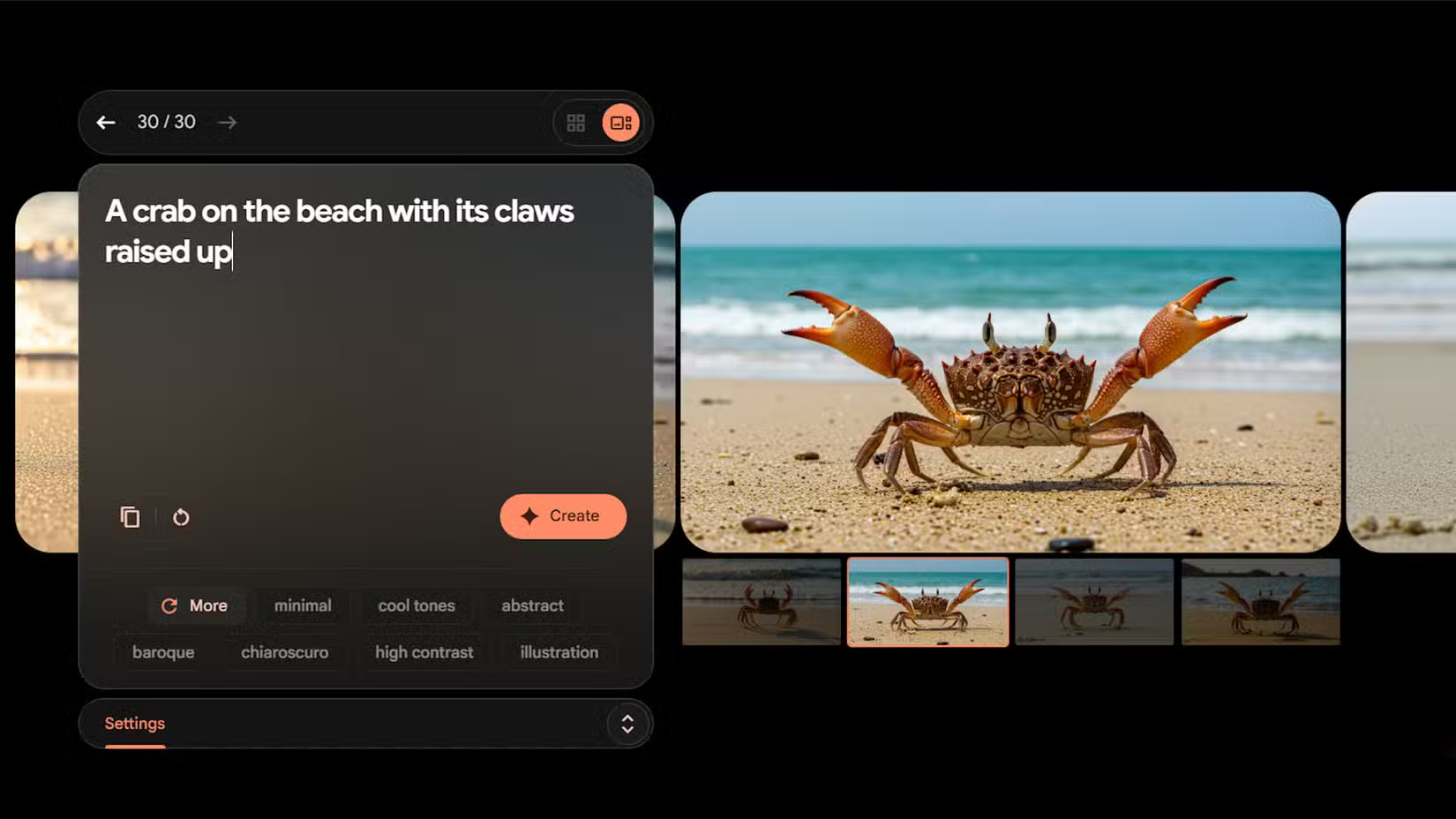
You entered a text description and compared several generated images. A useful prompt described the subject, placement and lighting. For example, “a closed leather notebook on a wooden desk, photographed from above in soft window light” specifies what should appear, how it should be framed and how it should be lit.
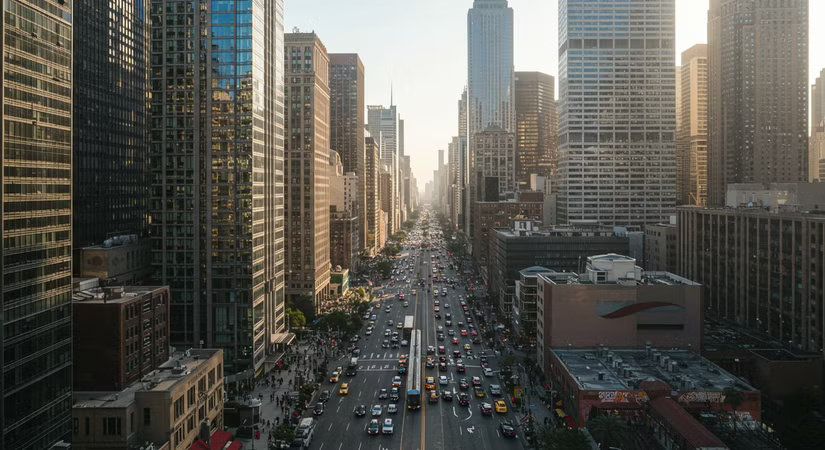

How expressive chips helped you compare ideas
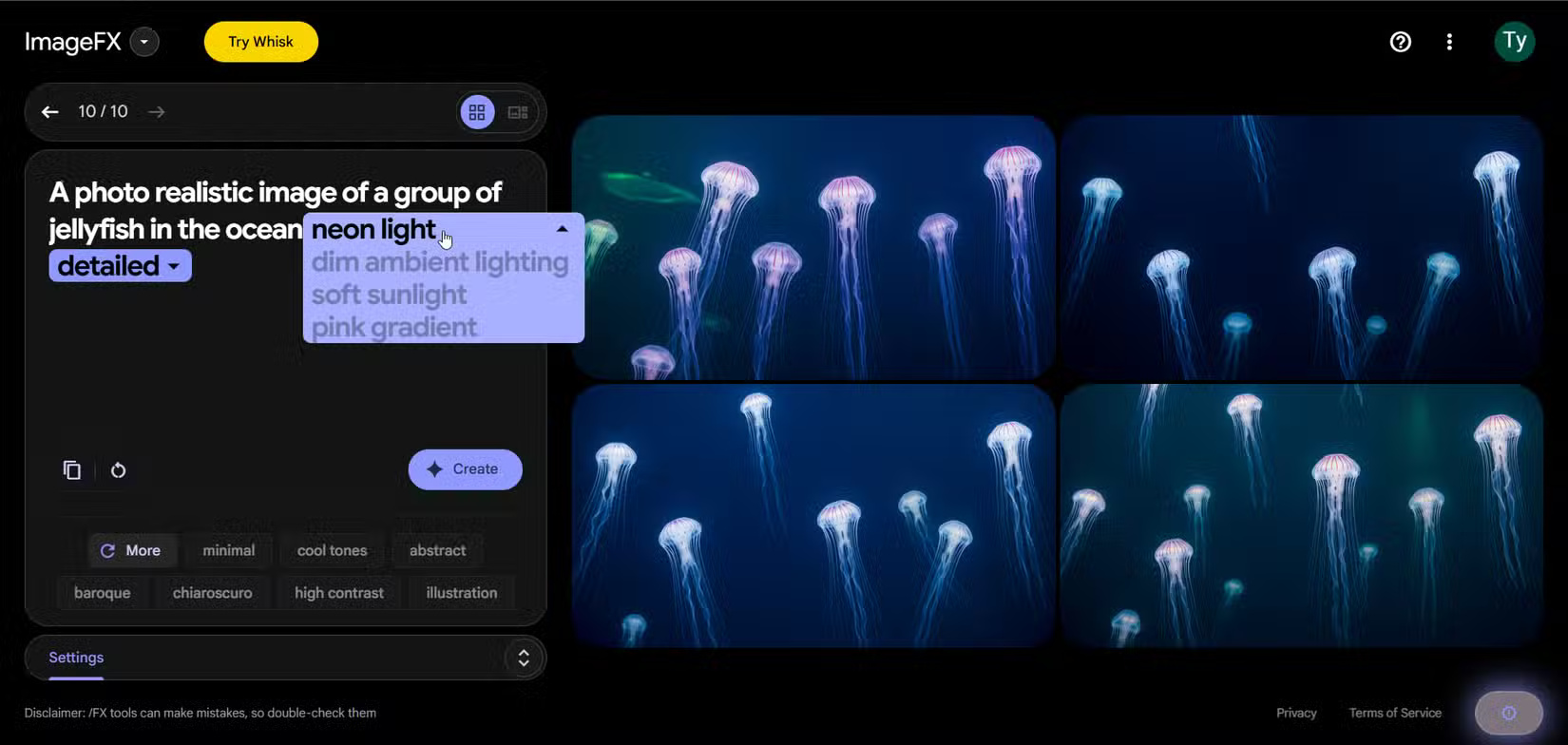
ImageFX highlighted parts of the prompt as selectable chips. You could swap a style or descriptive term and generate a new set. That made it easier to see how a change such as “soft light” to “hard side light” affected the same subject.
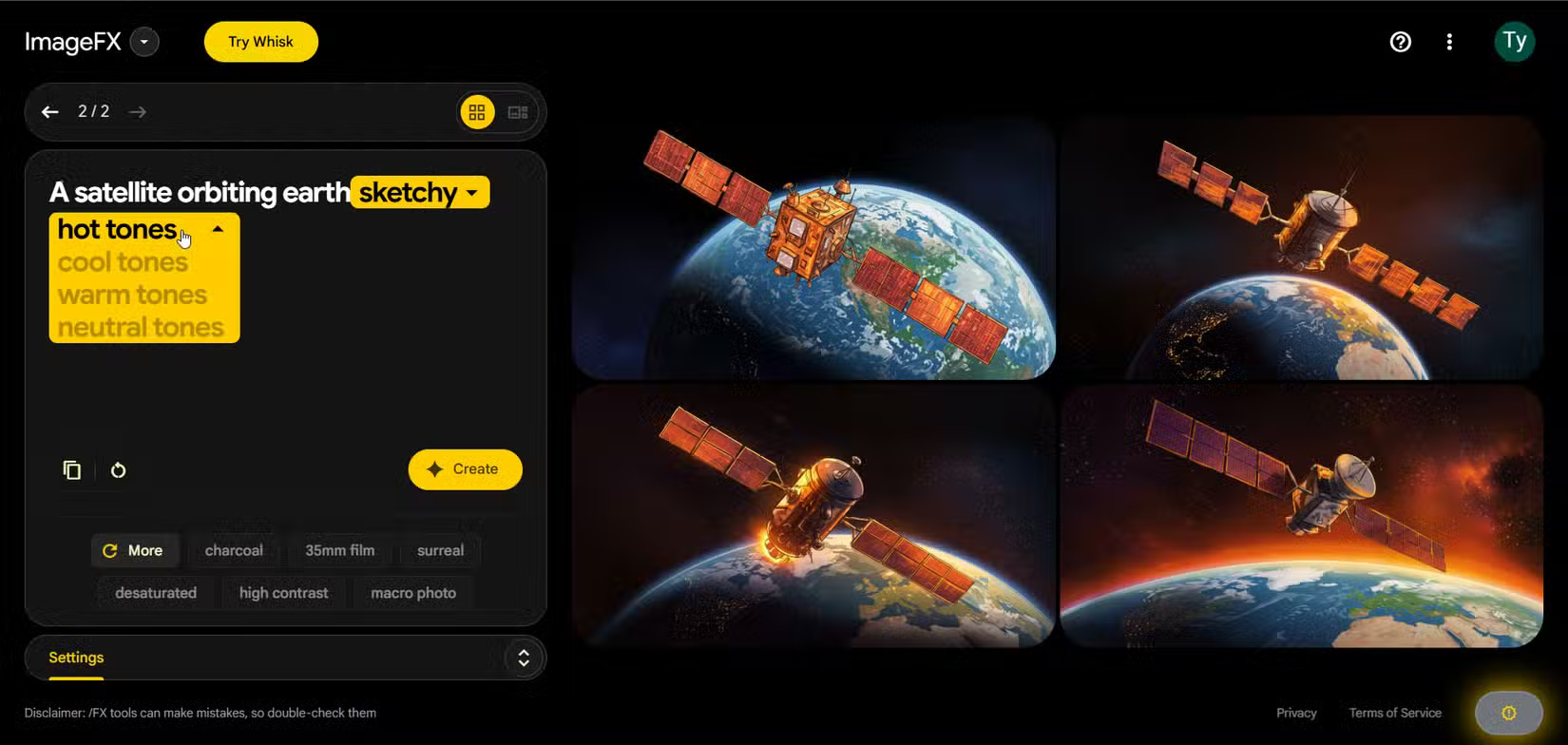
In Flow, you can apply the same method by keeping the base description and changing one aspect at a time. Compare shadows, text, object edges and proportions at full size before saving a result.


Where to find earlier work and how to start again
Google’s Flow transition announcement describes its opt-in transfer for earlier projects. If you transferred assets, sign in with the same account and check the Flow library. To build a new project, see how to combine reference images in Flow or create a storyboard in Flow.
Related Articles
 Google Flow Adds Image Editing and Whisk and ImageFX Capabilities
 Google's AI Test Kitchen allows creating unique images, music and poetry
 Can Pokemon Go be played on a computer? The answer is yes!
 Summary - How to play Pokemon GO, virtual reality game catch Pokemon on smartphone
 Poké Ball Types Explained: Generations III–V (Part 2)
 How to Earn and Use Stardust in Pokémon GO
Reader Comments 0
Sign in with email or Google to join the discussion.