Table of Contents
Google One is worth considering if Gmail, Google Drive, and Google Photos regularly use up your account’s storage and you want to keep more files online. If a few large attachments or videos are the problem, check your storage breakdown first. You may be able to free enough room without a subscription.
What a Google One plan adds
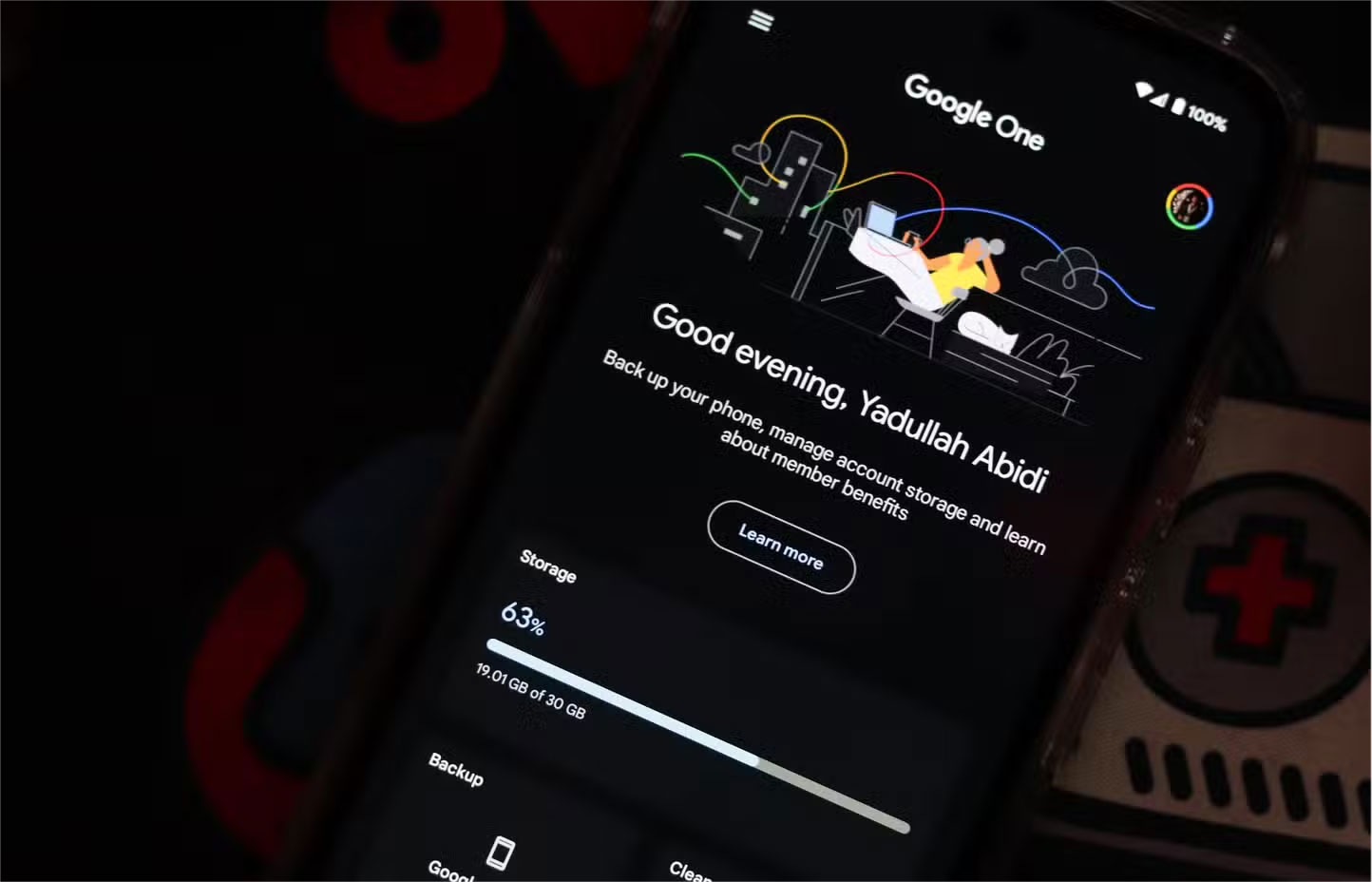
A personal Google Account normally has up to 15 GB shared by Gmail, Drive, and Photos. Google One raises the shared limit. A 100 GB plan gives the account 100 GB in total, shared across the three services. Larger tiers, including 2 TB where offered, are useful for growing photo libraries or several people sharing storage. Check Google’s plan page for pricing and features in your country.

What happens when your Google storage is full
At the limit, Gmail can stop sending and receiving mail, Drive can stop accepting uploads, and Photos can stop backing up new items. Check Google’s storage guidance for how to identify the space used by each service. Back up anything important before removing it. If attachments or large Drive files account for the spike, try these ways to free Google storage first.
Which Google Photos editing features need a plan?
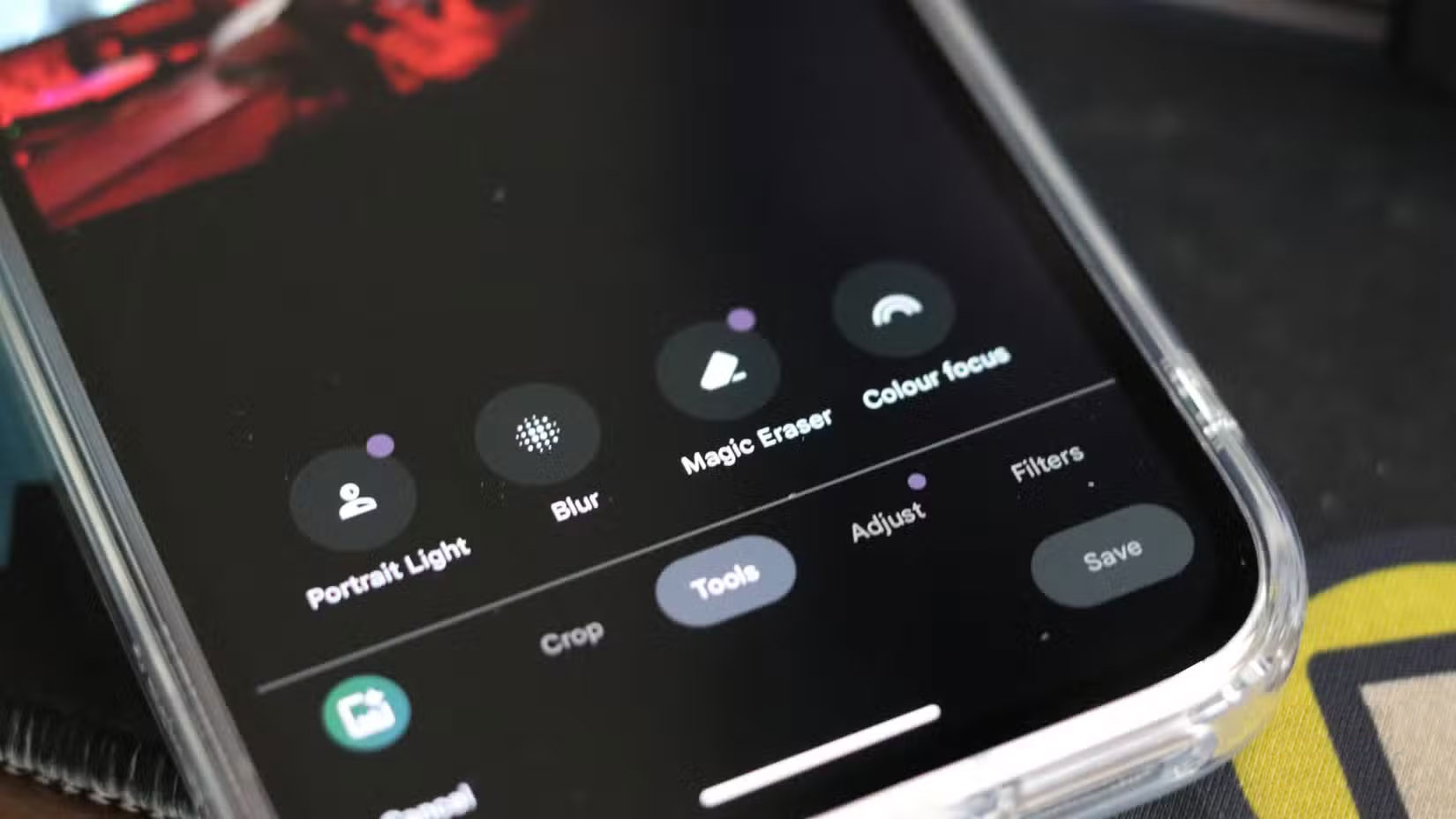
Start by checking the editor in Google Photos on the device you use. Google made several formerly restricted tools available without a membership on supported devices. Check availability before subscribing for a specific editing feature.
| Tool or feature | What to check |
|---|---|
| Magic Eraser | Look for it in the Photos editor to remove a distracting object. Google expanded availability without a membership on supported devices. |
| Portrait Light | Look for the lighting adjustment on a supported photo and device. |
| Other filters, video effects, and collage styles | Check the editor for the specific effect you need. Availability can vary by device and app version. |
| Plan-specific extras | Check the current plan terms for the feature and any usage limits in your region. |
See Google’s announcement on editing availability or these Google Photos tips for finding and managing pictures.
How family sharing works
Eligible plans let you share with up to five other members of a Google family group. Each person uses their own included storage first, then draws from the common pool. Members can see how much shared storage each person uses. Their photos, email, and files stay private unless they share them individually. Check Google’s family sharing requirements before choosing a plan.
Choose a tier based on how much the group already uses and how fast that amount is growing. If you mainly need storage, compare the storage tiers before paying for a plan that also bundles AI features.




Reader Comments 0
Sign in with email or Google to join the discussion.