Table of Contents
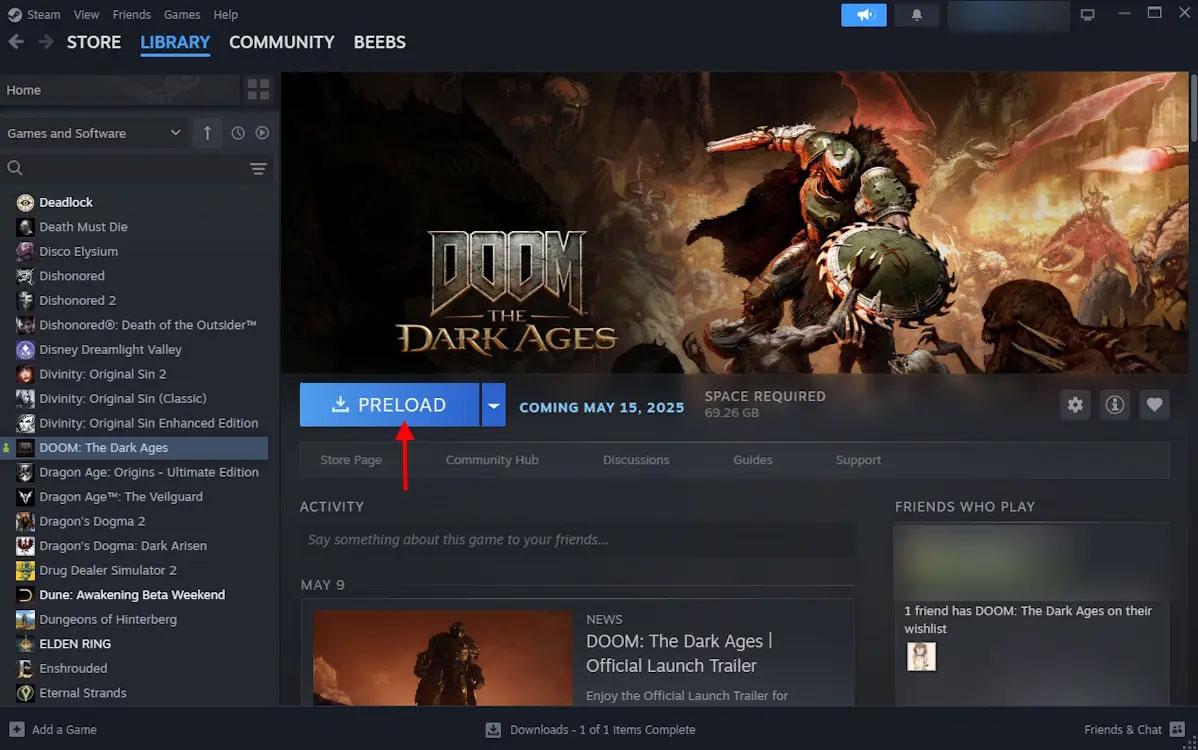
DOOM: The Dark Ages can no longer be preloaded because the game has already been released. If you own the game or have access through a supported Game Pass plan, install it from your library on PC, PlayStation 5, or Xbox Series X|S. The steps below replace the original time-sensitive preload instructions with the current download process.
Download DOOM: The Dark Ages on PC through Steam
- Open Steam and sign in to the account that owns the game.
- Select Library, then search for DOOM: The Dark Ages.
- Select the game and click Install.
- Choose an installation drive, confirm the available storage space, and start the download.
- Leave Steam open until the download and any required installation steps are complete.
If you have not purchased the game yet, buy it from its Steam store page first. TipsMake also has a broader guide to buying games on Steam.
Install the game with the Xbox app or PC Game Pass
- Open the Xbox app for Windows and sign in.
- Search for DOOM: The Dark Ages.
- If your account owns the game or your Game Pass plan includes it, select Install.
- Choose the installation drive and confirm the download.
If the Install button does not appear, check that the Microsoft Store and Xbox app use the same Microsoft account. You should also confirm that your current Game Pass plan includes the PC version.
Download DOOM: The Dark Ages on PS5
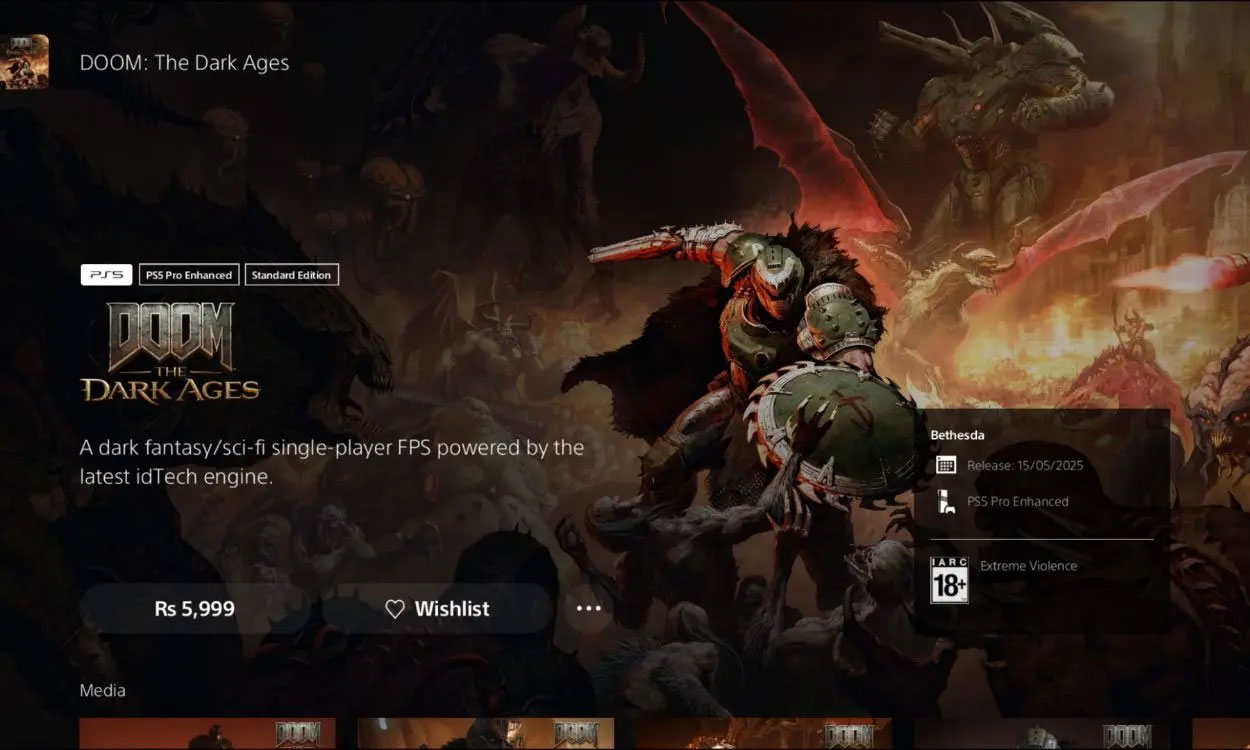
- From the PS5 home screen, open Game Library.
- Open Your Collection and select DOOM: The Dark Ages.
- Select Download.
- Monitor progress from the Downloads/Uploads panel in Control Center.
If you purchased a disc edition, insert the disc and follow the installation prompts. The console may also download an update before the game is ready to launch.
Download the game on Xbox Series X|S
- Open My games & apps.
- Go to Full library, then open Owned games or the relevant Game Pass library.
- Select DOOM: The Dark Ages, choose Install all, and select the storage device.
- Open Manage queue to check the download.
If the download will not start
- Confirm that you are signed in to the account that owns the game or subscription.
- Check that the console or PC has enough free storage.
- Restart the store client or console if the download remains queued.
- Install pending system and store-app updates.
- On PC, verify that the selected drive is available and writable.
Preload buttons appear only during a limited period before release. After launch, seeing Install or Download instead of Preload is normal.
Related Articles
 Preload EA FC 26 Online: Complete Guide6 minutes read
 See Hackers and Developers Install DOOM on Everything, Even in the DOOM Game Itself5 minutes read
 How to Enable Dark Mode (Night Mode) on Xbox4 minutes read
 How to Run Doom on Raspberry Pi Without Emulator9 minutes read
 Plot Doom Eternal - Part 10: Doom Slayer Returns14 minutes read
 Quantum Computers Also Have to 'Admit Defeat' to the Game Doom: What You Need to Know4 minutes read
Reader Comments 0
Sign in with email or Google to join the discussion.