Table of Contents
This updated guide explains how to play classic arcade games on computer with clear steps, practical tips, and useful context. If you love the old classic Arcade games, it is very simple, when we can play Arcade games right on the computer, through some websites. You just need to access the gaming websites and try your hand at classic games like Space Invaders, Sonic or Street Fighter.
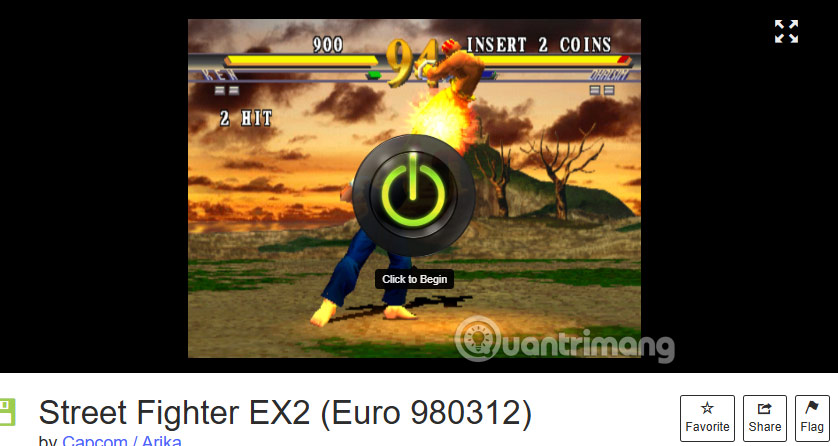
Internet Arcade
https://archive.org/details/internetarcadeInternet Arcade has a collection of classic arcade games from the 1970s to the 1990s. There are over 2000 titles in total for you to try your hand at. Especially when you play games on Internet Arcade, you will not be bothered by ads.
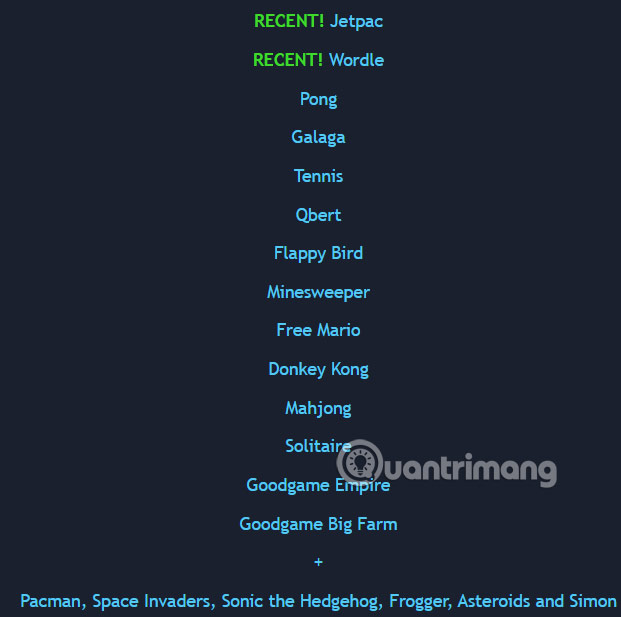
The Free Video Games Project
https://freevideogames.org/Arcade games on the site are relatively few, but users can still experience classic games like Pac-Man, Sonic and Donkey Kong or Pong, Asteroids and Frogger.
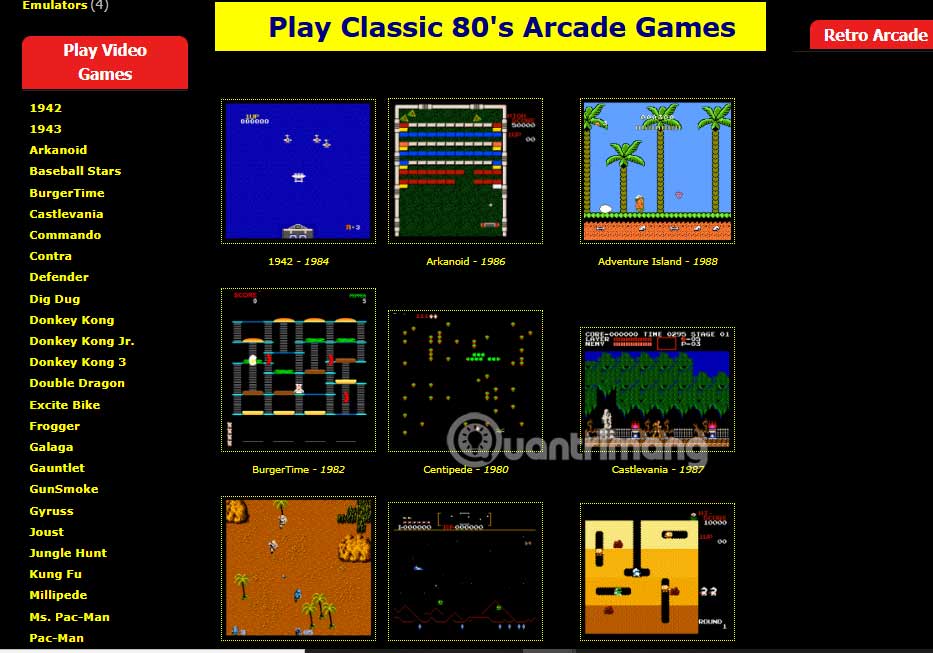
Free 80s Arcade
https://www.free80sarcade.com/As the name suggests, Free 80s Arcade owns classic Arcade games from the 80s. The game catalog on Free 80s Arcade is extremely rich for players to freely choose according to their gaming preferences.
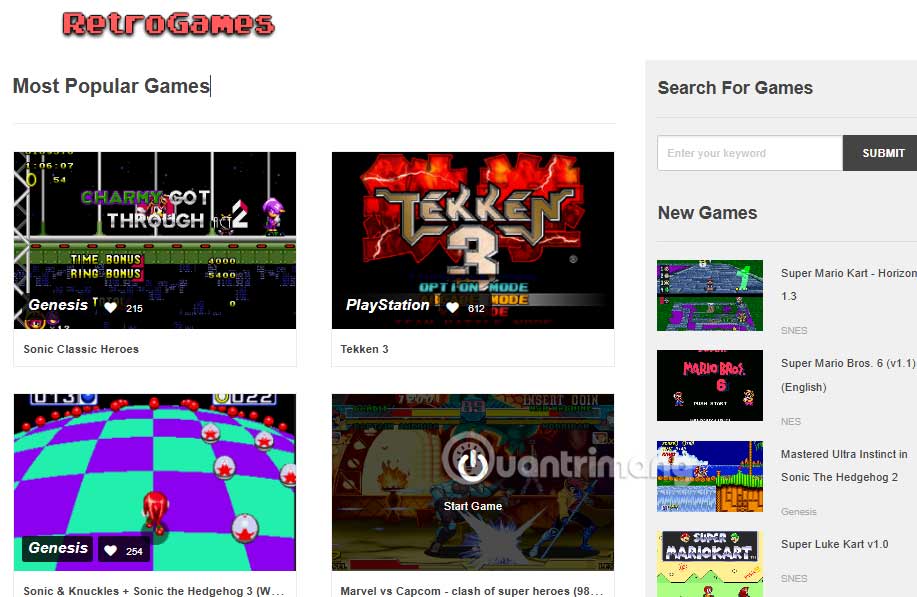
RetroGames
https://www.retrogames.cc/RetroGames is a large website that has popular classic games displayed right on the interface for gamers to see. You can access some sections to find other games.
Arcade Classics
- Download Arcade Classics
Arcade Classics is a Chrome browser extension that features 9 classic games in the interface displayed from the extension interface. The extension saves all your game progress so we can play again whenever we want.
FAQ
What should I prepare before I play classic arcade games on computer?
Review the requirements and options in the guide first. Having the correct device, app version, account access, or materials ready helps prevent avoidable errors.
How long does it take to play classic arcade games on computer?
The time depends on the task and your setup. Most basic steps can be completed quickly, while downloads, updates, scans, or troubleshooting may take longer.
What should I do if the steps do not work?
Repeat the instructions in order, confirm that your software or device is supported, and check permissions, connectivity, and available updates before trying again.
Related Articles
 10 Classic Sega Games That Can Be Played on Your Phone10 minutes read
 How to Play Games on Microsoft Store Without Downloading: Step-by-Step Guide4 minutes read
 Top 10 Apple Arcade Games7 minutes read
 Experience Playing Games on Apple Arcade Service3 minutes read
 10 Best Best Games on Apple Arcade10 minutes read
 Summary of Apple Arcade Games You Can Play on Any Apple11 minutes read
Reader Comments 0
Sign in with email or Google to join the discussion.