Table of Contents
This practical guide walks through how to play Google IO adventure, explains the main requirements, and highlights common issues that may appear along the way.
How to download I/O Adventure, how to register for IO Adventure
Step 1: Visit the IO Adventure link here and log in to your Google account

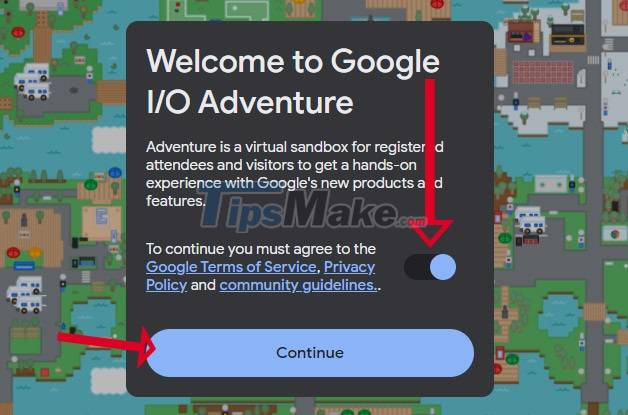
Step 2: Turn on agree to Google's terms and privacy policy and click Continue .
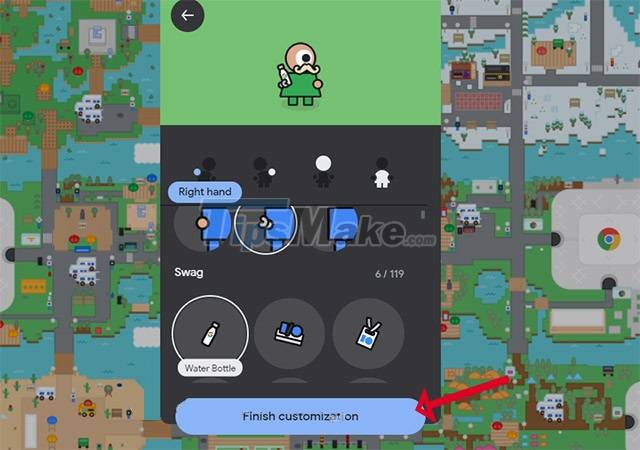
Step 3: Then complete the look for your character and click Finish Customization .
Step 4: In the game you will use the mouse to move your character.
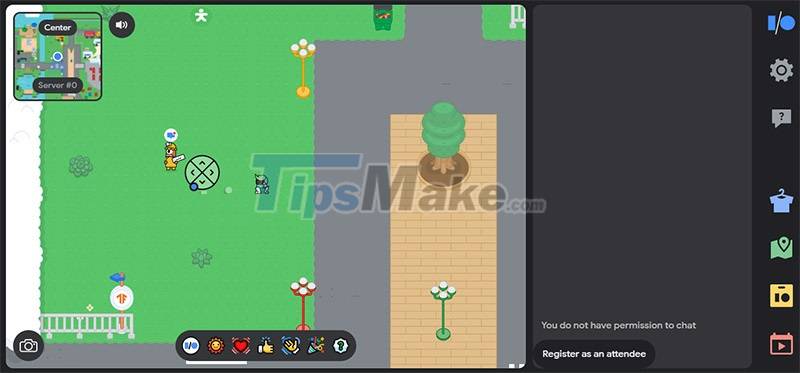
In the right column, you will find tools like changing the appearance. Map, and work schedule.
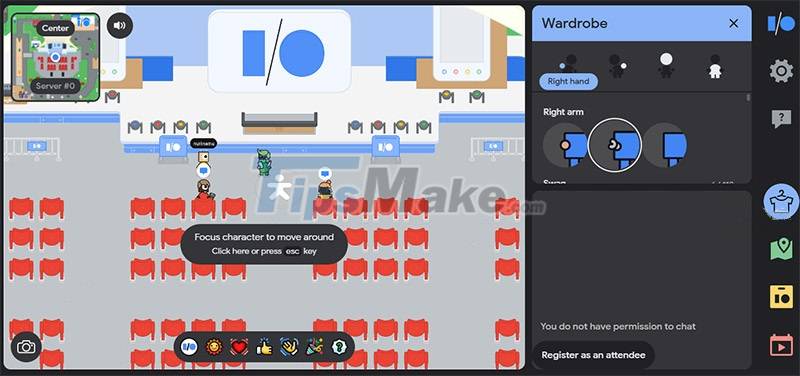
You can get close to the characters and they will tell you what their role is in this game.
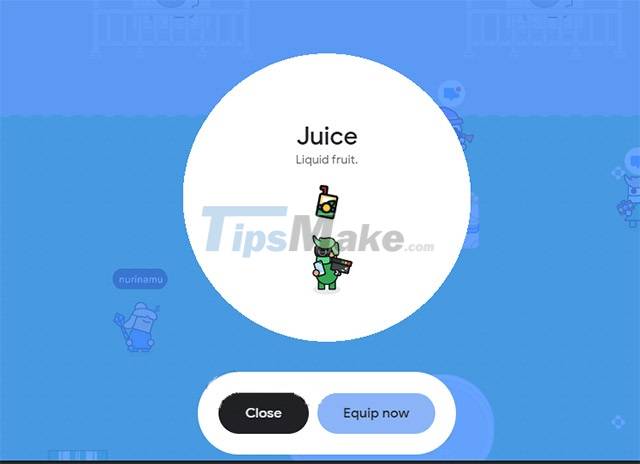
While touring the map of Google IO Adventure, you will receive rewards that are items that you can let your character keep in hand, or put them away.
When you enter each area with the icon of the application, the Google tool will receive a notification.
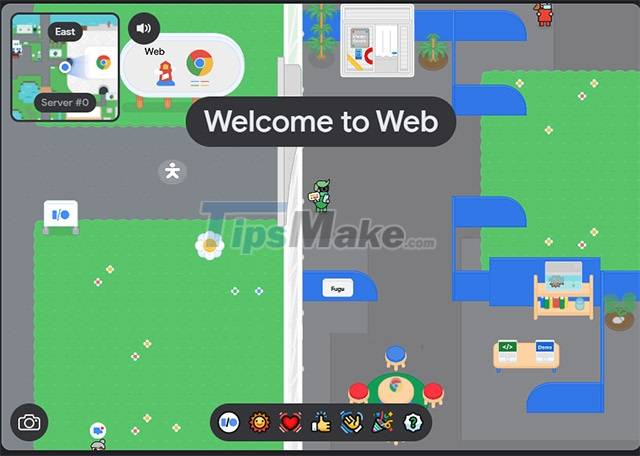
The Google IO Adventure tools may lead you to another link. Help you experience those tools firsthand.

In addition to experiencing and knowing more deeply about Google's applications and tools in IO Adventure, players can also participate in small games in the game.
To chat in IO Adventure with others, you can only do so by the icons in the toolbar below. To chat with specific content, you must register as an attendee and have to wait for the Google IO Advanture system to approve.
Key Takeaways
Use the information above as a practical reference for how to play Google IO adventure. Review each step carefully, confirm any requirements, and choose the option that best fits your situation.
FAQ
What does this guide explain about Play Google IO Adventure?
It explains the main concepts, practical considerations, and useful steps related to play Google IO adventure without requiring advanced knowledge.
Who can benefit from learning about Play Google IO Adventure?
This information is useful for readers who want a clear overview, practical guidance, and reliable steps related to play Google IO adventure.
What should I check before applying this information?
Review the requirements, confirm that your device, software, or situation matches the instructions, and back up important data before making major changes.
Related Articles
 Google Play Will Probably Become 'Egg-laying Chicken'3 minutes read
 Google Play Error Codes and Fixes: Part 120 minutes read
 Download Google Play 24.2.15-166 minutes read
 Latest Ulala: Idle Adventure Codes4 minutes read
 What Is Google Play Points and How to Use Google Play Points6 minutes read
 Google Play Increases the Refund Period by 2 Hours3 minutes read
Reader Comments 0
Sign in with email or Google to join the discussion.