Table of Contents
Start with ChatGPT’s default or fast option for a straightforward task. Use a deeper reasoning option when a problem has several dependencies, requires comparing evidence, or needs a careful review of code. Choose based on the task and the options in your model picker. Names and availability can change by plan.
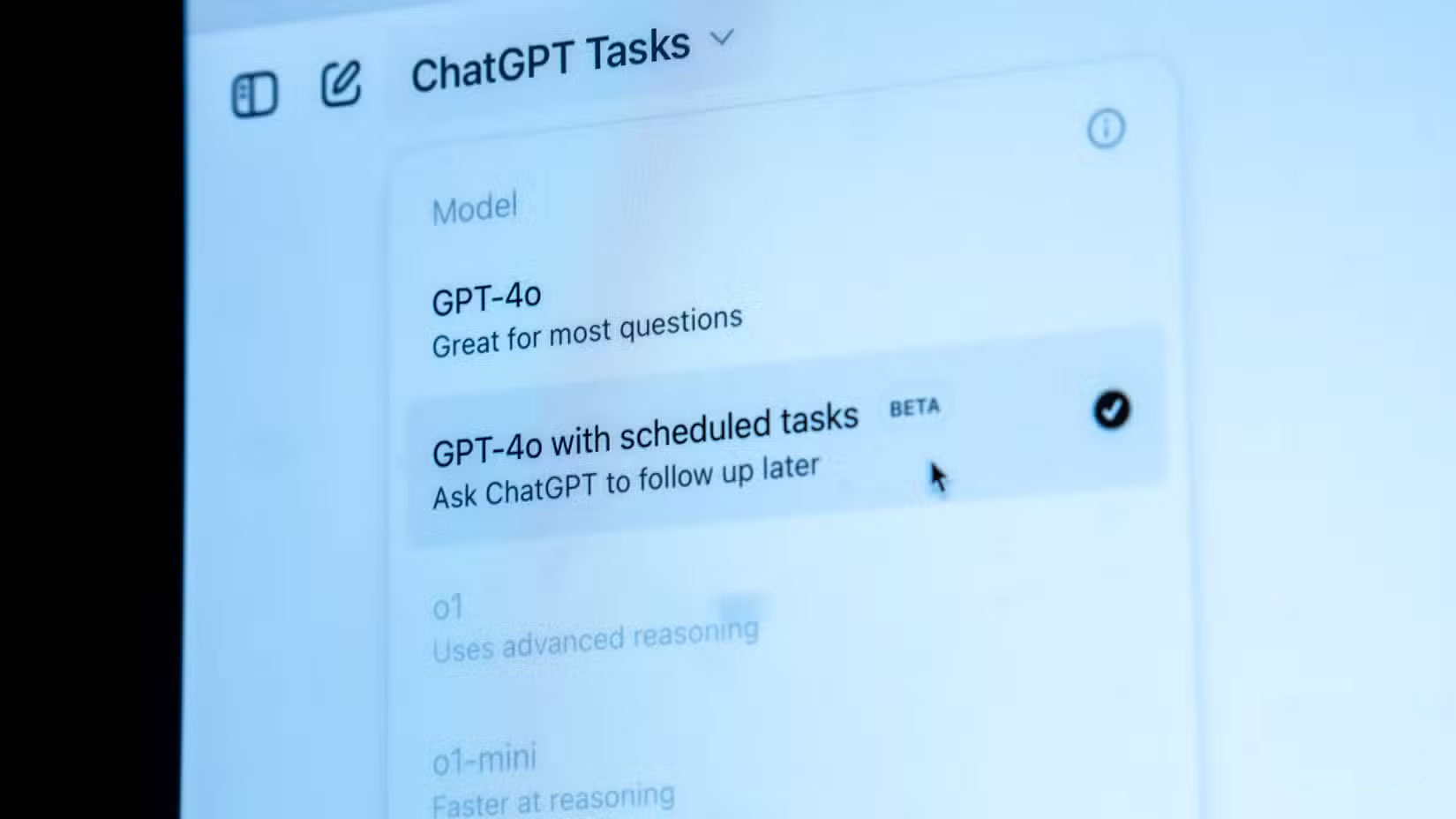
Match the mode to the task
| Task | Where to start | How to check the result |
|---|---|---|
| Draft an email, rewrite a paragraph, or brainstorm | Default or Instant | Check tone, names, and promises before sending. |
| Debug a multi-step problem or compare options under several constraints | Thinking, if available | Ask for assumptions and run a test with a known result. |
| Review a difficult analysis with time to spare | Try a higher reasoning setting if offered | Compare it against the original data and check the weak points independently. |
Choose the tool as well as the model
If you need current information, use a mode with web search and check the linked sources. If you need help with a document or spreadsheet, use a mode that supports files and specify which rows, pages, or columns matter. For creative work, give a sample of your preferred tone and say what must stay in the draft. Those details can matter more than changing models.
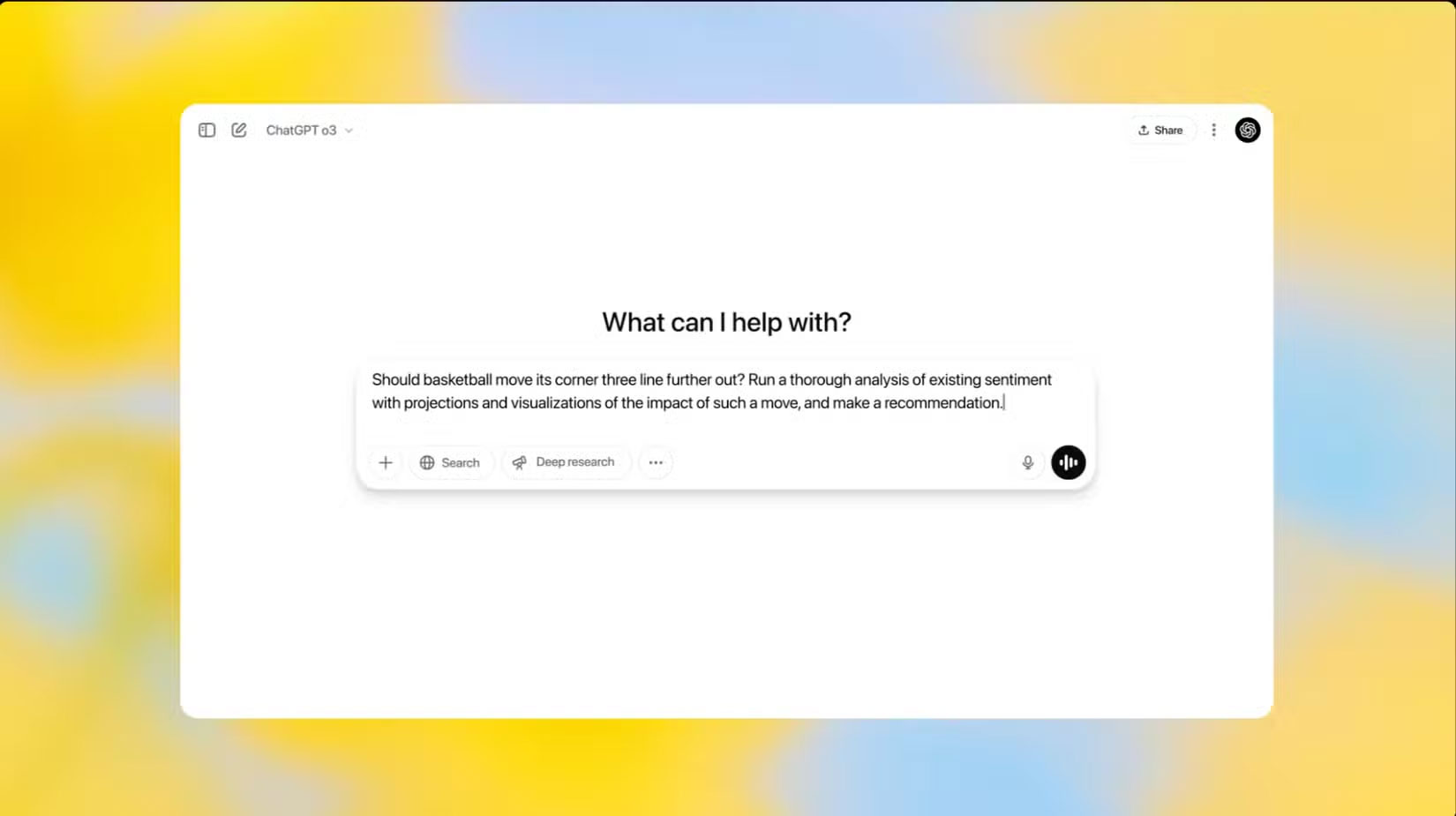
Use older model guides as history
Earlier guides compared GPT-4o, GPT-4.5, o3, o4-mini, and o1 Pro. Those names reflect an earlier ChatGPT catalog and may no longer appear in your picker. The video below shows GPT-4.5 from that period. Check ChatGPT’s release notes for changes to available choices.
Related Articles
 ChatGPT launches support assistant to compete with Siri, Google Assistant
 ChatGPT Plus vs. Claude Pro: Which Plan Should You Choose?
 Task ideas to optimize ChatGPT-5
 How to create a dollhouse with ChatGPT, create a miniature 3D model with ChatGPT
 OpenAI Launches o3-mini Model with Superior Performance, Faster Speed
 Instructions for converting ChatGPT-5 to ChatGPT-4o
Reader Comments 0
Sign in with email or Google to join the discussion.