Table of Contents
This updated guide answers the question 'What Is Google AI Mode? How Does It Work' with clear explanations and practical context. Google Search is moving beyond lists of blue links and simple answers. With the rollout of Google AI Mode, you can start conversations, share files, and interact with information that feels more like an AI chatbot experience than the Google Search we've come to know.
What Is Google AI Mode?
Google AI Mode brings advanced generative AI to Google Search, but in a more advanced way than existing AI Overviews. Gemini-powered AI Mode was originally a Google Labs experiment, but is now available to anyone in the US who is 18 or older and has web search history enabled.
If you fall into this demographic, you'll see a dedicated AI Mode tab in Search (first item on the left).
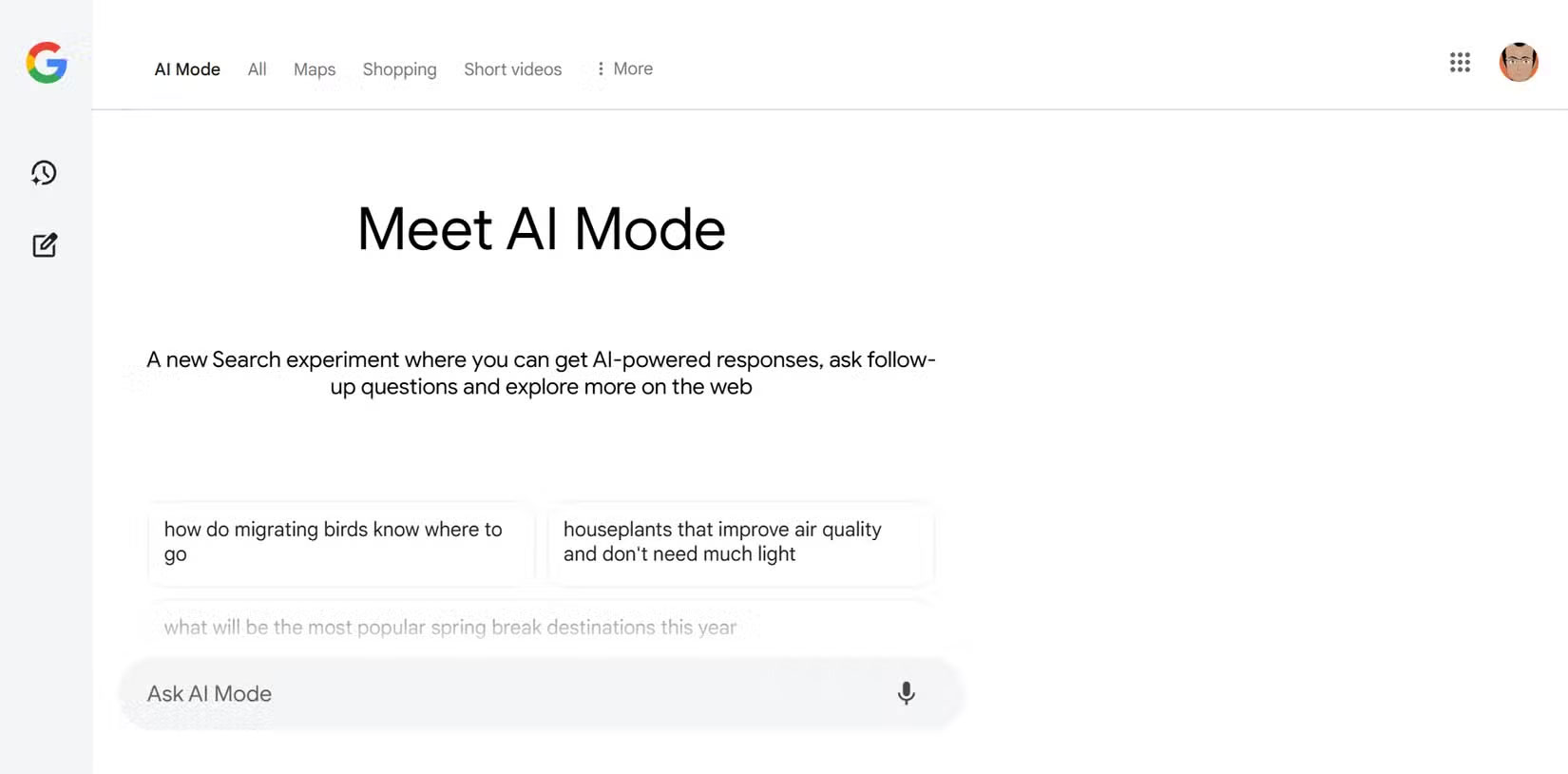
You can choose the Labs icon on the Google Search page and turn on AI Mode .
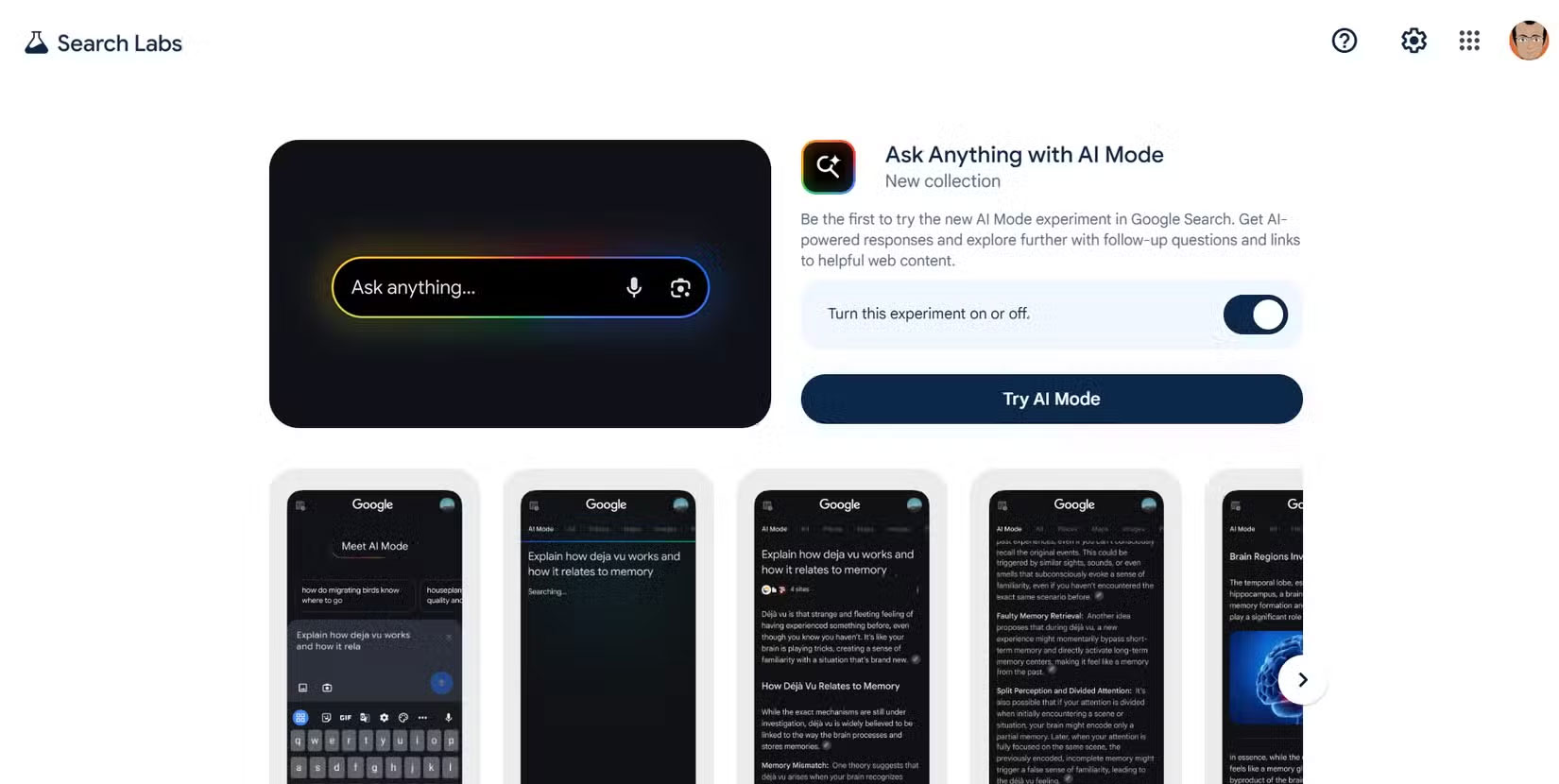
With AI Mode, you're no longer limited to short, simple queries. Instead, you can ask questions using text, voice, or images and get chatbot answers. Plus, your searches can be deeper and more contextual, with follow-up questions allowing you to explore broader topics using linked web-sourced information. AI Mode's history lets you easily continue previous conversations.
One of the biggest changes in Google's AI Mode is how results are displayed. The list of links is pushed to the right in a separate panel, and the main answer to your prompt or search query takes up the entire page. Like all things generative AI, creating a great prompt can make the difference between a precise answer and a vague one. naturally, you can use it for one-sentence search queries, but what good is that?
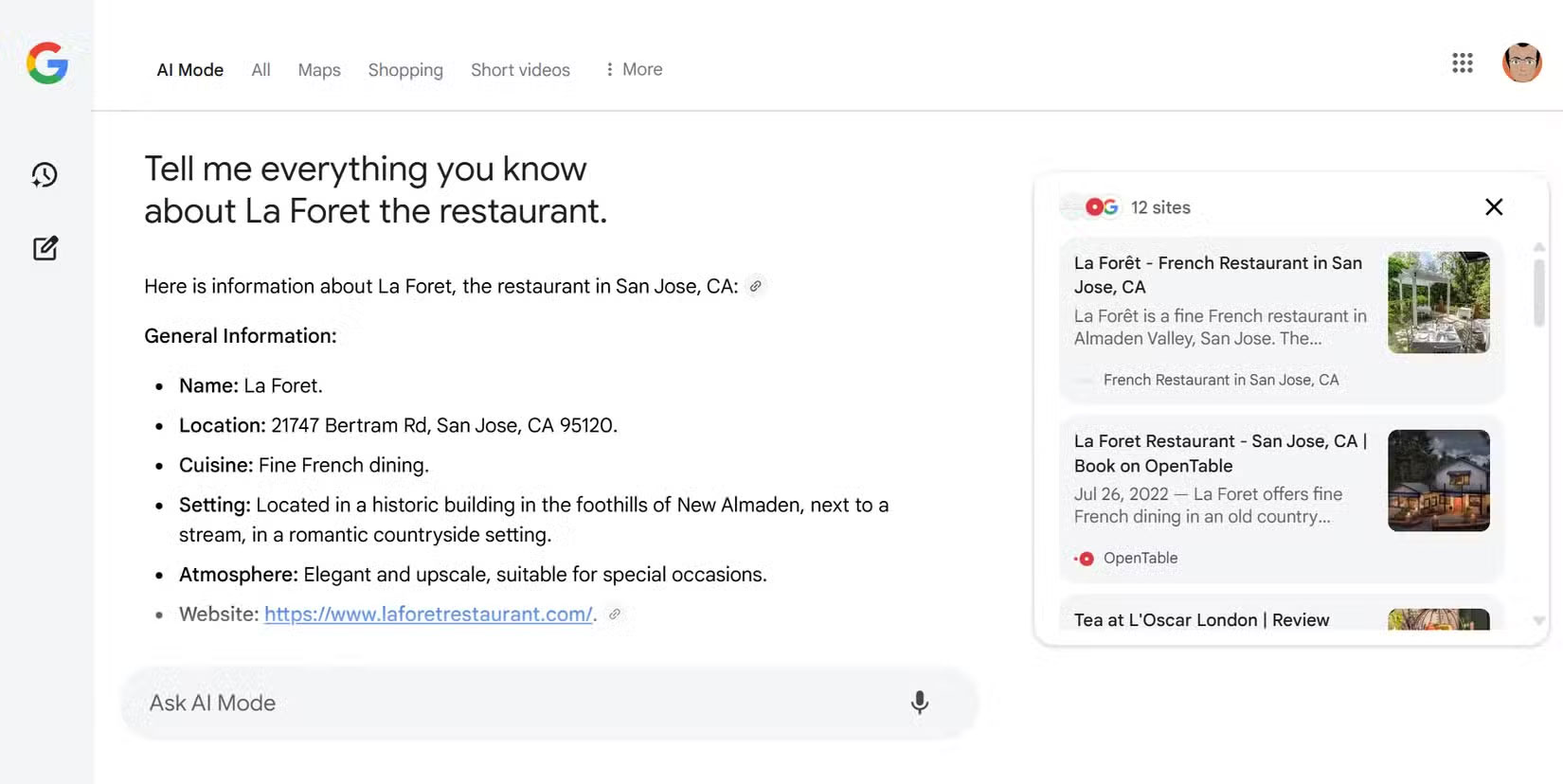
AI Mode aggregates real-time information, such as ticket prices, product details, real-time pricing (with the latest promotions), etc., and presents it as a unified answer. Google says most of the data comes from its Shopping Graph, which has more than 45 billion product listings from local businesses.
Google has also added a history of past queries to the sidebar, allowing you to review previous searches and pick up where you left off. This is especially useful for ongoing projects like planning a trip or researching a big purchase. You do not have to start from scratch each time; your previous questions and answers are still there, ready for your next follow-up.
Since Gemini has the ability to save information and reference past conversations, AI Mode has the same functionality. Still, you must enable Gemini Apps Activity.
Tip : If you're not in the US and want to experience AI Mode before it rolls out globally, use a VPN and connect to a US server.
How Is AI Mode Different from Perplexity, ChatGPT, Gemini and AI Overviews?
Among the many AI tools, how does Google's AI Mode stand out?
- Perplexity and ChatGPT : Both of these AI chatbots can provide conversational responses, and the LLM behind them can handle a wide range of topics. Perplexity focuses on real-time web search and providing quick, well-sourced answers. ChatGPT is great at creating creative content and conducting long conversations, but can dive into topics in real time. Still, neither tool is directly integrated into the world's largest search engine, and they do not have the same access to real-time data or Google's shopping and local business databases.
- Gemini : Google's Gemini is a powerful AI model that powers all of its AI tools, including AI Mode. it is designed for a variety of tasks, from content creation to coding. it is also part of Google's suite of premium tools. AI Mode uses Gemini under the hood, but the experience is specifically designed for simultaneous information search and discovery, not just conversation or text generation. Gemini is one of the least-noticed AI chatbots, but making it a default part of Google Search could improve its standing.
- AI Overviews : If you've seen the AI-generated summaries at the top of Google Search, you've had a taste of what AI can do. Still, AI Overviews only appear when Google deems them relevant and are superficial, often brief and general. that is what's supposed to happen — there have been plenty of cases of AI Overviews being deceptive. AI Mode is much more interactive and detailed. It gives you AI-generated answers all the time, lets you ask follow-up questions, and presents information in a more visual and integrated way.
AI Mode looks to combine the best features of many of the AI chatbots we know and love, bringing them into regular internet search.
What Does AI Mode Mean for the Future of Google Search?
Google's AI Mode is a sign of where internet search is headed. The days of typing in keywords and clicking endless links are fading away. Instead, you can ask questions in natural language, get answers that summarize everything you need, and even interact with those answers to dig deeper or change directions.
This means users will spend less time searching and more time getting things done. Planning a trip, buying a new laptop, or fixing something at home will become easier and more intuitive. You can upload images, ask questions, and get personalized, up-to-date results. We may be looking at the early stages of AI agents that can perform tasks for users right from the search page.
The change is more complicated for publishers and websites. Google says it hasn't seen a big drop in traffic to external sites so far, but it is undeniable that traffic has dropped significantly for most websites. Much of that is because of AI tools and the rise of social search. AI Mode can help bring information to the surface that might otherwise be buried, especially for complex or in-depth queries.
Google is still developing AI Mode, adding new features and expanding access. it is important to remember that everything is still "experimental" and to avoid taking its answers as definitive. According to Google's blog The Keyword, they're listening to user feedback and promise to continue improving the experience. As AI Mode moves from Labs to the main search experience, expect to see more ways to interact with information—whether you're shopping, planning, or just curious.
FAQ
What is Google AI Mode? How Does It Work?
Google AI Mode? How Does It Work refers to the concept, feature, product, or process explained in this guide. The main sections cover how it works and where it is useful.
Why is Google AI Mode? How Does It Work important?
Its value depends on the problem you are trying to solve. Understanding the benefits and limitations makes it easier to decide whether it fits your needs.
Is Google AI Mode? How Does It Work suitable for beginners?
Yes, beginners can start with the basic explanation and examples in this guide, then move to more advanced settings or techniques as their confidence grows.
Related Articles
 Use the New AI Mode to Find All Information in Photos: How-To Guide4 minutes read
 How to Enable AI Mode in Google Search3 minutes read
 Google Is Improving Overviews with AI Mode7 minutes read
 Google Maps Adds Incognito Mode to the Incognito Mode3 minutes read
 How to Turn on Dark Mode on Google Keep and Google Calendar3 minutes read
 What Is Twitter's New Safety Mode? How Does Safety Mode4 minutes read
Reader Comments 0
Sign in with email or Google to join the discussion.