Table of Contents
This updated guide examines Experience Windows 10 May 2019, New Light Interface, Allow to and organizes the essential facts, background, and practical takeaways in clear American English.
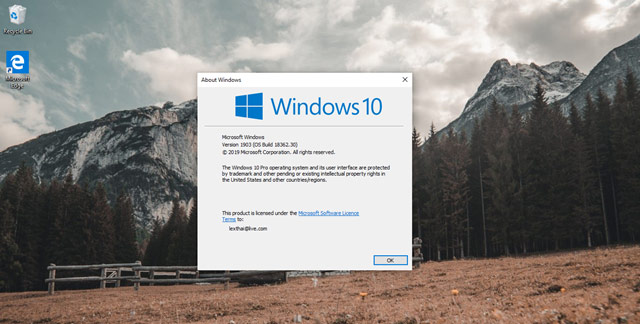
Here are the first experiences with Windows 10 May 2019, please consult.
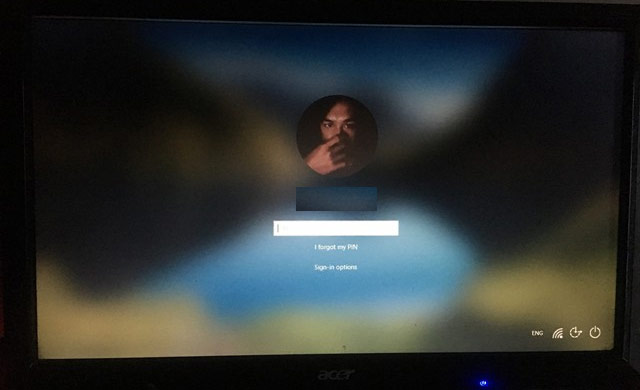
The first change users see is the blur effect on the login interface.
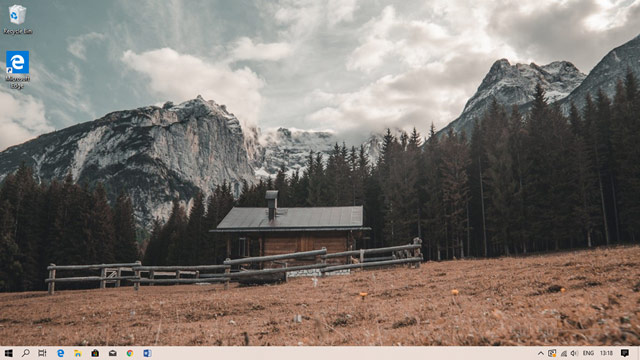
Light interface effect in taskbar. The Microsoft Edge browser is still the old version.

Thanks to Light's new interface, the Start Menu background color is somewhat more pleasant than the previous version.
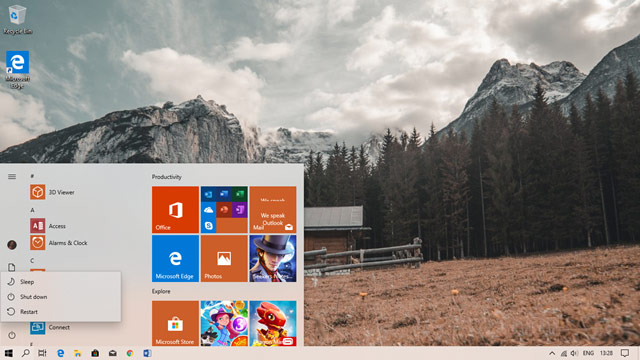
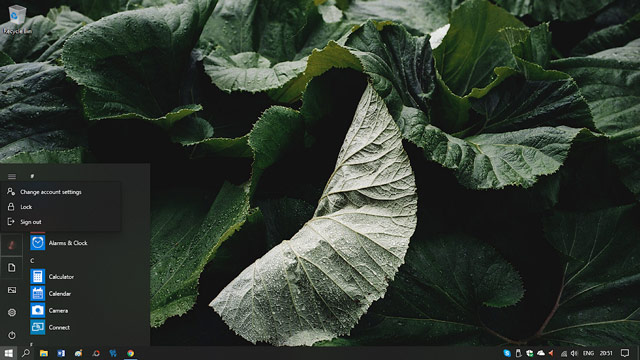
Inserted icons about user accounts and source manipulation commands such as Sleep, Restart or Shut down for user to use.
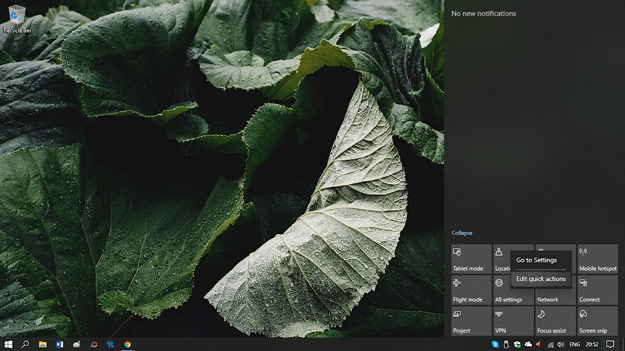
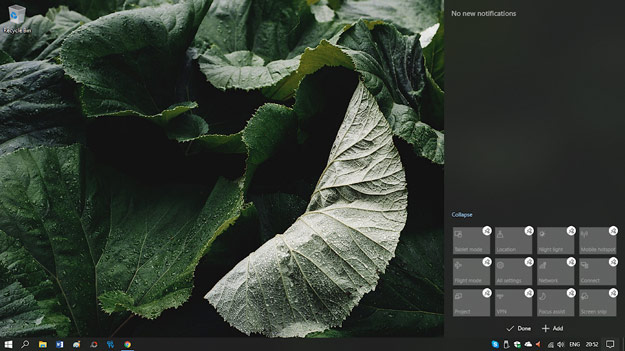
Action Center is slightly revised, when you right-click on the task option, users can add Edit quick actions option to delete or add more custom task options quickly. In addition, Action Center is also redesigned with a color scheme of the system color.
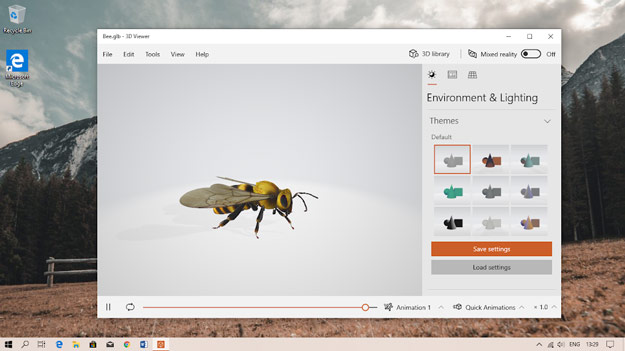
Most of the default applications on Windows 10 are added and customized to the interface.
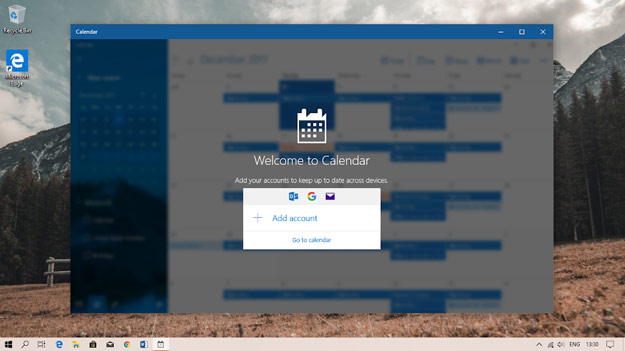
Applications that have the function of syncing with user accounts also apply blur effects.
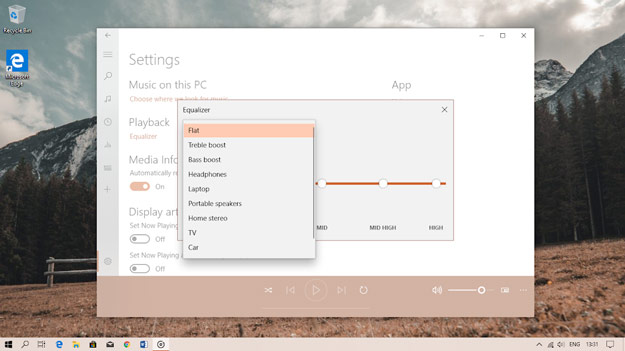
Groove Music in the update Windows 10 May 2019 has added the ability to adjust sound effects at a fairly simple level.
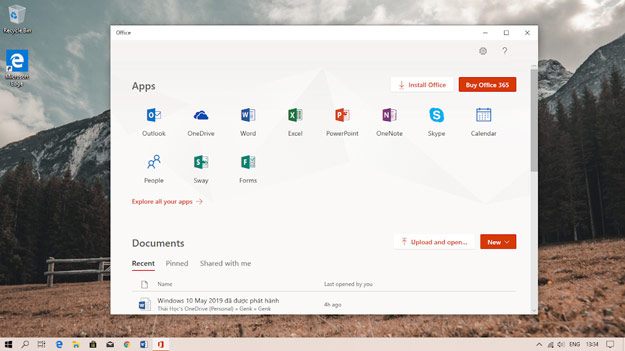
Office in Windows 10 May 2019 linked directly to the internet-based Office application. Users can manage the list of Office files previously manipulated easily.
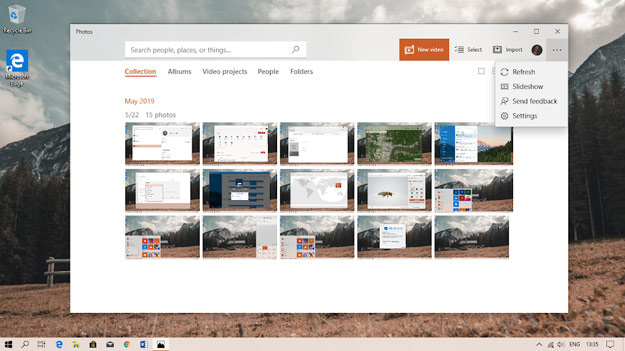
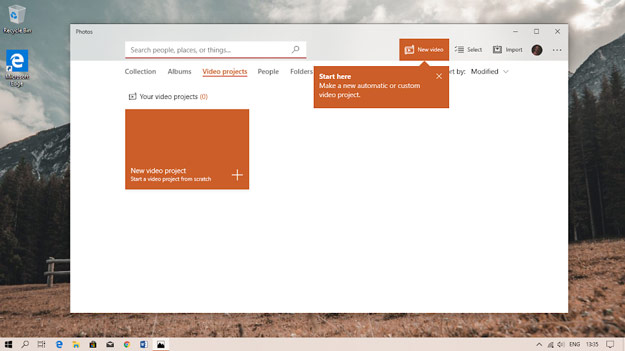
Photos in Windows 10 May 2019 upgraded quite a lot in all aspects and is considered a combination of photo and video editor.
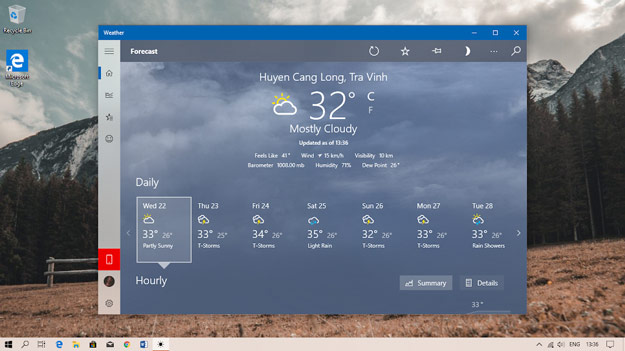
Weather application on Windows 10 May 2019 is quite similar on iOS.
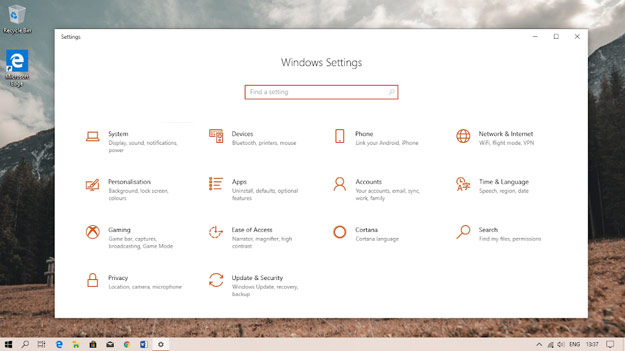
It seems that the display status adds synchronization with OneDrive, Windows Updates status, status of Your Phone feature connected to smartphone and Microsoft Rewards bonus program on Settings interface is only activated in some countries..
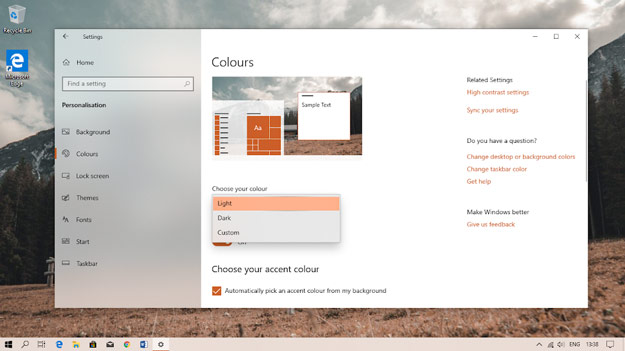
The default Light interface gives Windows 10 a brighter, more modern look. The default system application is also updated with Light interface.
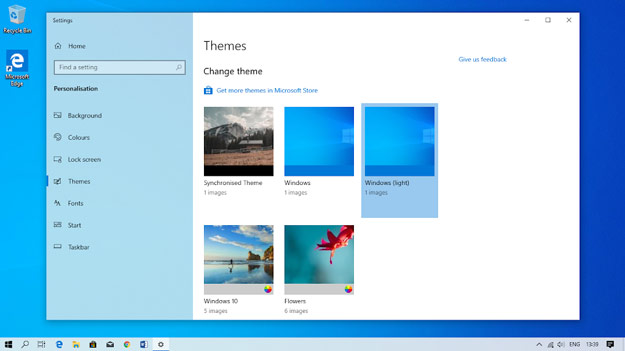
New Windows wallpaper.
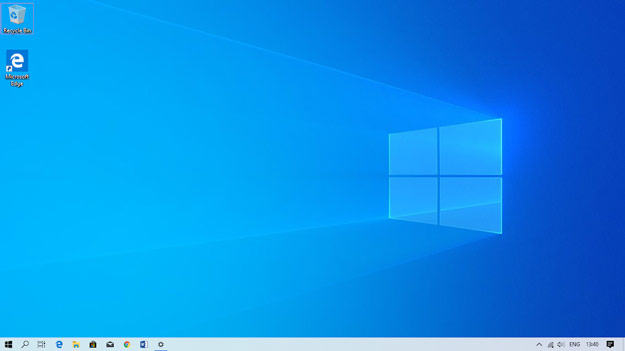
When the Light interface is activated.
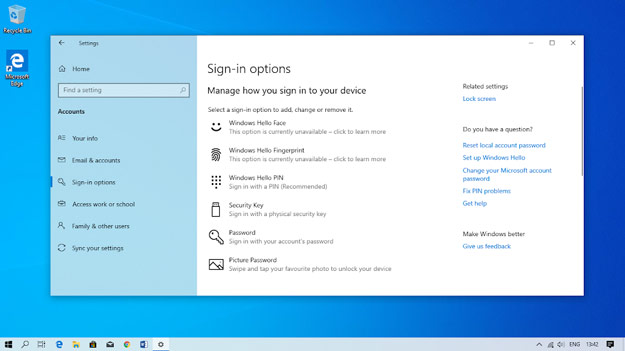
Windows 10 May 2019 added a list of login security options quite rich for users to choose to use.
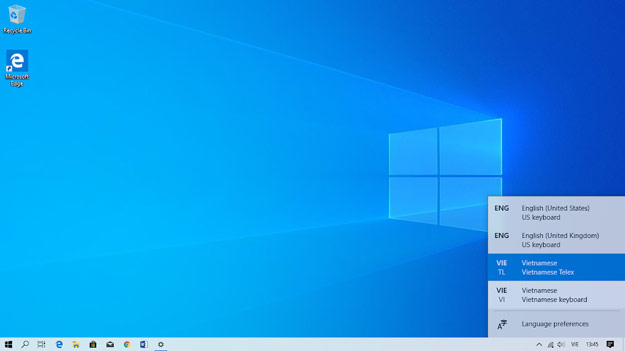
Windows 10 officially supports keyboard styles for Vietnamese users that support Telex typing.
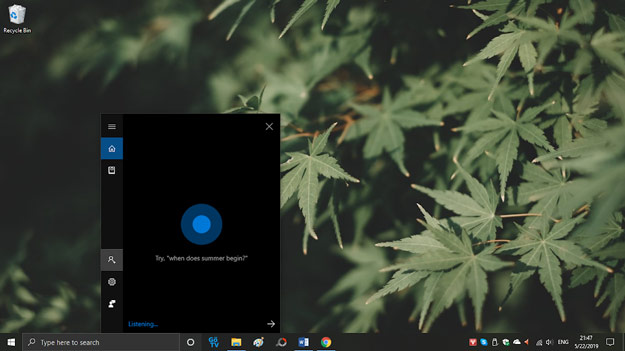
In Windows 10 May 2019, Cortana and the search engine are separately worked out and redesigned completely, while the feature remains the same.
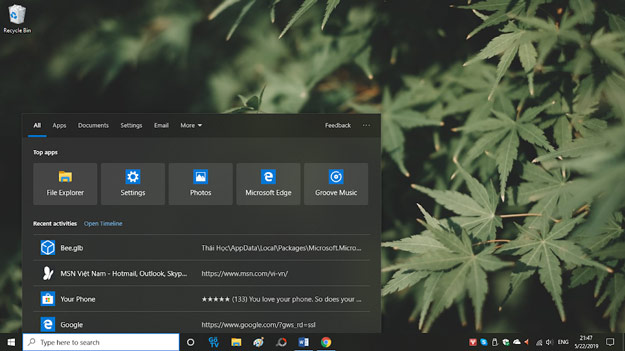
The new look of the search engine makes it easier for users to use. Frequently used applications have priority displayed on the top, displaying more information for files. Users can type the search keyword right in the Start Menu, it will automatically switch to the search engine's interface.
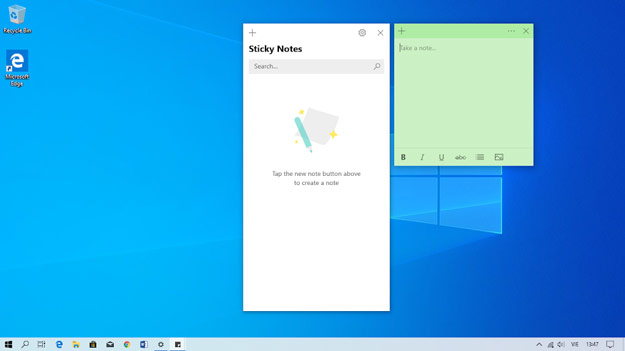
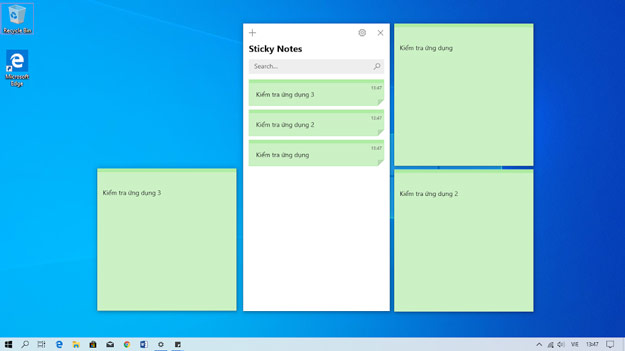
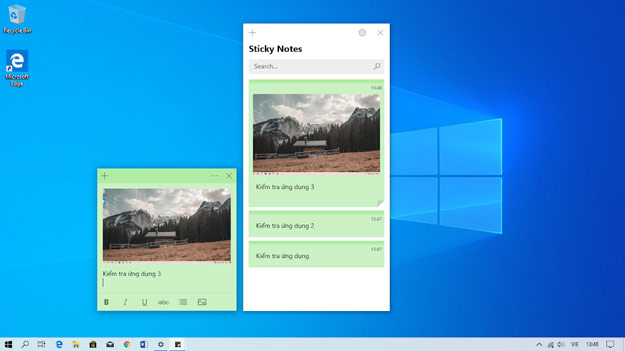
Sticky Notes application in Windows 10 May 2019 is redesigned and adds a lot of functions that allow users to manage the list of individual notes in a main interface or insert images or text format right in the delivery. drafting area.
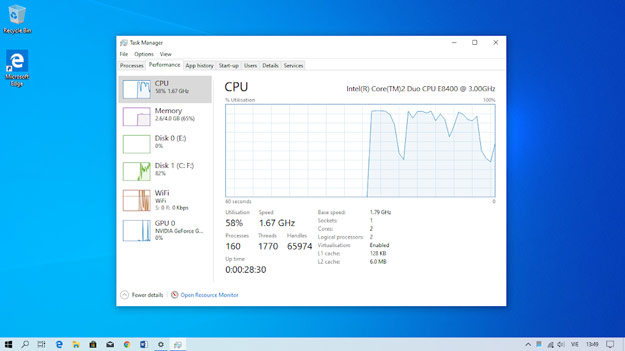
Task Manager interface is also changed.
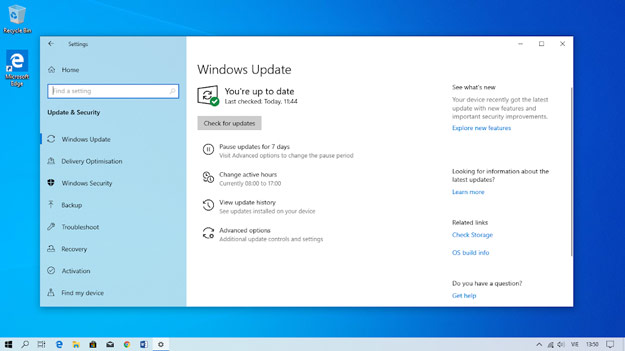
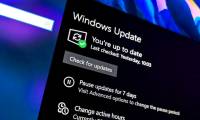
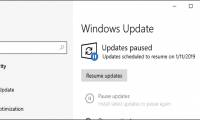
Windows Update has the option to pause the update. Users will not be bothered by Windows 10 with notifications about downloading and installing new updates if available during the update halt. Users can make 5 consecutive pauses, each time as many as 7 days.
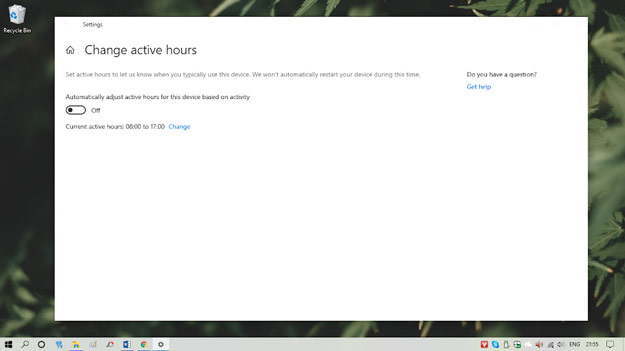
The Active Hours feature allows users to choose the working time so that Windows will not download and install updates during that time period, to avoid annoying you.
FAQ
What is Experience Windows 10 May 2019, New Light Interface, Allow to about?
It provides a structured overview of Windows 10 May 2019, explains the main context, and highlights practical takeaways for readers.
Why does this topic matter?
Understanding the main concepts helps readers evaluate the issue, avoid common mistakes, and make better-informed decisions.
How should readers use this information?
Use the guidance as a practical starting point, confirm details that may have changed, and follow current product, safety, or security recommendations.
Related Articles
 Pause Windows Updates: Complete Guide6 minutes read
 Tips to Increase the Number of Days to Pause Updates in: Key Takeaways3 minutes read
 How to Pause Updates on Windows 113 minutes read
 How to Pause Updates on Windows 10 Home3 minutes read
 How to Enable / Disable the Pause Updates Feature for Windows Update in3 minutes read
 How to Fix the Night Light Mode of Windows 104 minutes read
Reader Comments 0
Sign in with email or Google to join the discussion.